Understanding dash cam bitrate is essential for capturing clear footage. Bitrate determines how much data is processed each second, directly impacting video quality. Higher bitrates enhance clarity, especially in fast or low-light situations. You’ll find two types: Constant Bitrate (CBR) keeps a steady data rate, while Variable Bitrate (VBR) adjusts based on scene complexity. Choosing the right settings can optimize your dash cam’s performance and storage. Discover more about ideal settings and what to look for in a dash cam.
Key Takeaways
- Bitrate is the amount of data processed per second in video files, affecting video quality and storage space used.
- Higher bitrates (e.g., 20-25 Mbps) improve clarity, detail retention, and low-light performance, essential for capturing important driving footage.
- Choose between Constant Bitrate (CBR) for uniform quality and Variable Bitrate (VBR) for efficient storage while maintaining detail in complex scenes.
- Different driving environments require tailored bitrates: urban areas benefit from higher settings while highways can use medium settings for balance.
- Advanced technologies like H.265 compress video files without quality loss, enhancing storage efficiency and playback smoothness for dash cam footage.

3-inch 1080p High-Definition Dash cam for Cars, 24 Hour Recording, 170° Large Wide-Angle,Super Night Vision, G-Sensor Parking Monitoring Loop Video Motion Detection
【1080p High-definition Recording】Heavy six-glass lens, help you conquer the night, no matter at night or on cloudy days,…
As an affiliate, we earn on qualifying purchases.
As an affiliate, we earn on qualifying purchases.
What Is Bitrate and Why Does It Matter for Dash Cams?
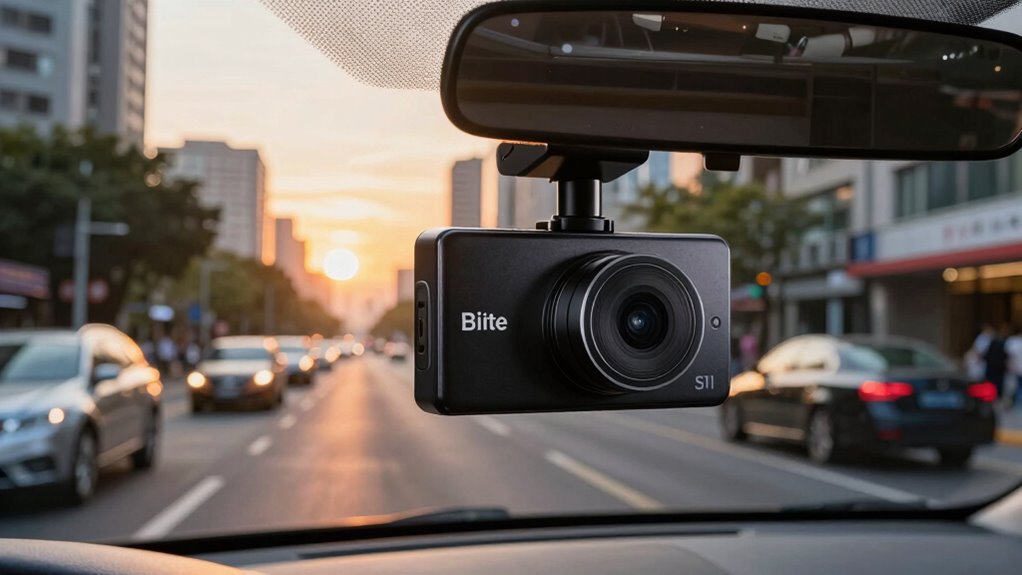
Bitrate plays an essential role in the quality of the video captured by your dash cam. It refers to the amount of data processed per second in the video file, greatly impacting the overall clarity and detail. When you think about bitrate measurement, higher numbers generally indicate better quality, as they capture more information. For instance, a 30 Mbps setting will produce clearer footage than a 10 Mbps one.
When making a bitrate comparison, consider how your dash cam’s settings affect the recording. A higher bitrate might use more storage space but guarantees important details, like license plates and road signs, are visible. Understanding these differences can help you choose the best settings for your specific driving needs.

4K Ultra HD Channel Dash Camera with 3.16inch Display,TripleChannel WiFi Dash Cam,Built-in WiFi, 24H Parking MonitorG-Sensor, ClearIR Night Vision, App Control
Dash Camera
As an affiliate, we earn on qualifying purchases.
As an affiliate, we earn on qualifying purchases.
How Bitrate Affects Video Quality and Clarity

When it comes to dash cams, bitrate plays a vital role in the video quality you experience. A higher bitrate often means better detail retention, allowing you to capture important moments clearly. Finding the ideal bitrate level guarantees you get the best balance between clarity and file size.
Optimal Bitrate Levels
Understanding ideal bitrate levels is essential for achieving the best video quality and clarity in your dash cam footage. When you optimize bitrate, you strike a balance between video quality and file size. Higher bitrates typically yield clearer images, but they also consume more storage space. By analyzing bitrate comparisons among various settings, you can determine the sweet spot that suits your needs. For instance, a bitrate of 10-15 Mbps often provides excellent quality for most situations without overwhelming your storage capacity. Experimenting with different settings will help you find the best bitrate for your dash cam, ensuring clear, reliable recordings that capture every important detail on the road.
Impact on Detail Retention
Choosing the right bitrate considerably influences how much detail your dash cam captures. Higher bitrates enhance detail preservation, resulting in clearer, more informative footage. Here’s how bitrate impacts your video quality and clarity:
- Sharpness in Motion: At higher bitrates, fast-moving objects remain sharp, allowing you to identify license plates or faces.
- Low-Light Performance: Increased bitrate helps maintain clarity in dim conditions, reducing noise and enhancing visibility.
- Color Accuracy: A higher bitrate guarantees vibrant, true-to-life colors, making your recordings more realistic.

REDTIGER 4K Dash Cam Front Rear, STARVIS 2 Sensor, Free Card Included, 5.8GHz WiFi-20MB/s Fast Download, Dash Camera for Cars with GPS, WDR Night Vision, 170°Wide Angle, 24H Parking Mode(F7NP)
[4K+1080P Front & Rear Recording] REDTIGER F7NP dash cam captures every detail with stunning 4K front and 1080P…
As an affiliate, we earn on qualifying purchases.
As an affiliate, we earn on qualifying purchases.
Constant vs. Variable Bitrate: What’s the Difference?
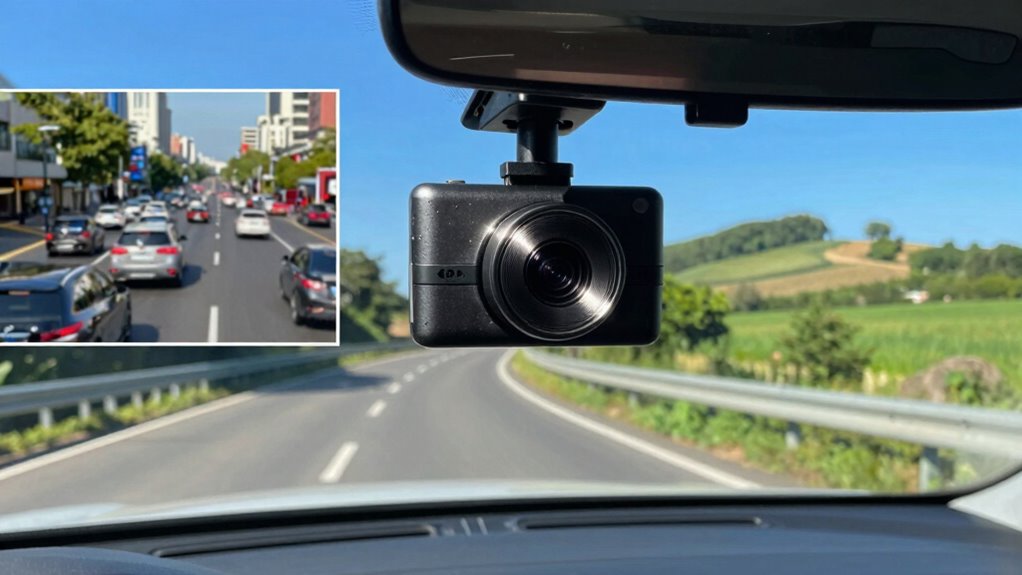
While you might think all bitrates are created equal, there’s a significant difference between constant bitrate (CBR) and variable bitrate (VBR) that can impact your dash cam footage. CBR maintains a consistent data rate, ensuring steady quality throughout your recording. This can be beneficial for straightforward scenarios where you want uniformity. On the other hand, VBR adjusts the bitrate based on the complexity of the scene. When there’s a lot of movement or detail, it increases the bitrate to capture it effectively, while lowering it for simpler scenes to save space. Choosing between CBR and VBR depends on your needs—whether you prioritize consistent quality or efficient storage without sacrificing detail.
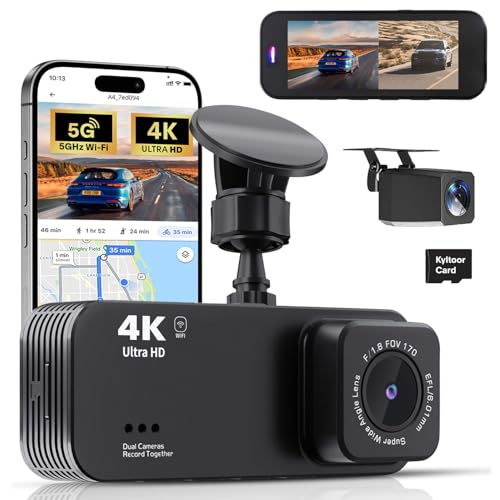
Dash Cam Front and Rear, 4K+1080P Dual Dash Camera for Cars with 5G WiFi, Built-in High-Capacity Storage, Night Vision, G-Sensor, 24H Parking Mode
【Wide-Angle View & 4K + 1080P Dual Recording】The Lensuge A4 dual dash cam is equinped with a 4K…
As an affiliate, we earn on qualifying purchases.
As an affiliate, we earn on qualifying purchases.
Optimal Bitrate Settings for Different Dash Cam Scenarios

When you’re setting up your dash cam, selecting the right bitrate can greatly enhance your footage quality based on your driving environment. Different bitrate strategies can optimize your recording for various scenarios:
- Urban Areas: Use a higher bitrate (around 20 Mbps) to capture details like license plates and traffic signs in busy streets.
- Highways: A medium bitrate (around 15 Mbps) works well here, balancing quality and storage as you record at higher speeds.
- Night Driving: Opt for a higher bitrate (25 Mbps) to improve low-light performance, ensuring clarity in darker conditions.
The Relationship Between Bitrate and Storage Space
Understanding the relationship between bitrate and storage space is vital for effective dash cam use. When you record at a higher bitrate, you capture more detail, but it also consumes more storage. For instance, a bitrate comparison shows that a setting of 20 Mbps will fill your memory card much faster than 10 Mbps. This means that if you want to maximize recording time, you’ll need to find the right balance. Storage enhancement is key; using a lower bitrate can prolong recording duration, but may sacrifice video quality. It’s important to assess your needs—if you’re often in high-traffic areas, a higher bitrate might be worth it. Always keep your storage capacity in mind when adjusting settings for best performance.
Adjusting Bitrate Settings on Your Dash Cam
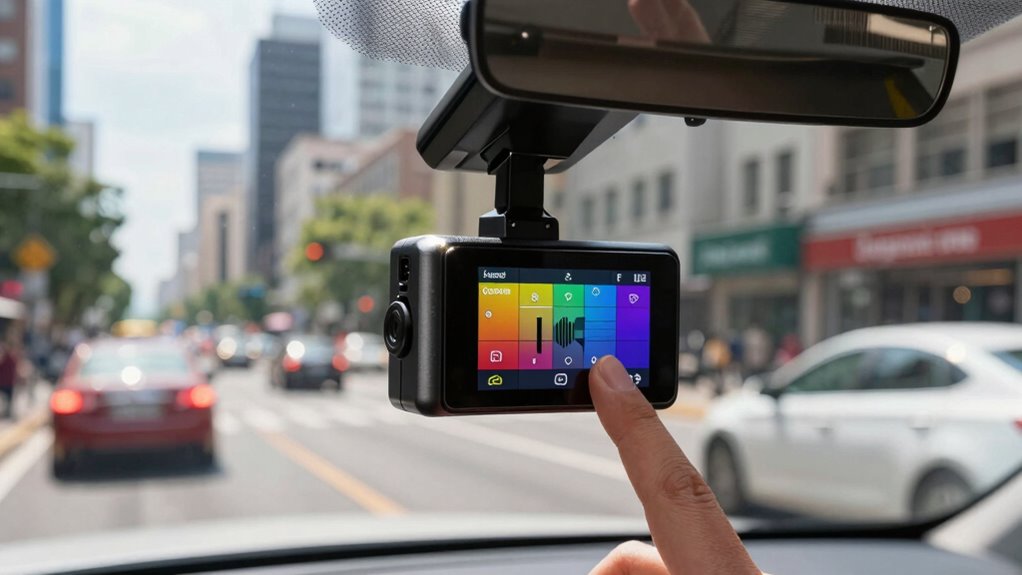
Adjusting the bitrate settings on your dash cam can greatly impact your recording quality and storage efficiency. By fine-tuning your bitrate adjustment, you can find the perfect balance between video clarity and file size. Here are three key factors to regard when setting preferences:
- Purpose of Recording: If you’re capturing scenic drives, a higher bitrate enhances detail. For everyday commutes, a lower bitrate saves space.
- Storage Capacity: Reflect on how much footage you want to retain. Higher bitrates consume more storage, so adjust accordingly.
- Playback Devices: Confirm compatibility with your playback devices. Some may struggle with high-bitrate files.
Debunking Common Myths About Dash Cam Bitrate

While many dash cam users believe higher bitrates always guarantee better video quality, this isn’t necessarily true. One common misunderstanding is that a higher bitrate means more detail; however, it’s crucial to take into account other factors like resolution and lens quality. Bitrate misconceptions often lead people to overlook the importance of these elements. Additionally, too high a bitrate can result in larger file sizes, making storage management a hassle. It’s important to strike a balance that suits your needs instead of assuming that more is always better. Understanding these myths can help you make informed decisions about your dash cam, ensuring you capture the best footage without falling for common pitfalls related to bitrate.
Tips for Choosing the Right Dash Cam Based on Bitrate
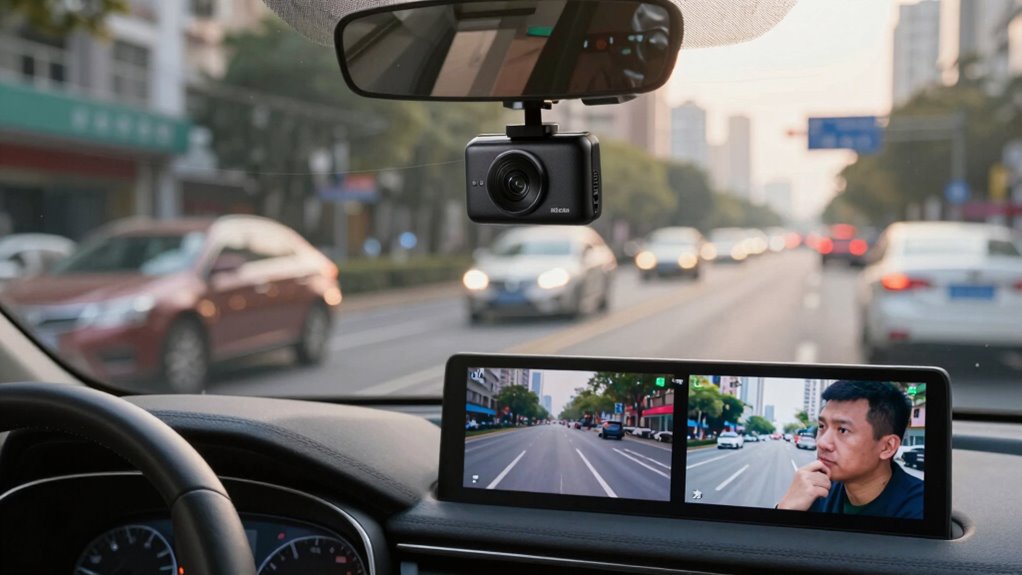
When selecting the right dash cam, bitrate plays a significant role in determining the quality of your footage. A high bitrate means clearer and more detailed videos, which is essential for capturing important details. Here are some tips to help you make the right choice:
- Consider Video Formats: Different video formats can affect bitrate. Look for options that support high-definition formats like 1080p or 4K for better clarity.
- Check Bitrate Comparison: Research and compare the bitrate specifications of various models. Higher bitrates usually yield better quality.
- Evaluate Your Needs: Think about how you’ll use the dash cam. If you need detailed footage for legal documentation, opt for a model with higher bitrate capabilities.
When to Consider Upgrading Your Dash Cam for Better Bitrate Performance?

If you’re looking for sharper video quality or better low-light performance, it might be time to upgrade your dash cam. Newer models often feature advanced compression technology that enhances clarity without taking up too much storage. Consider these factors to guarantee you’re capturing every detail on the road.
Improved Video Quality
Upgrading your dash cam for better bitrate performance can greatly enhance video quality, especially when you want clear evidence in case of an incident. High bitrate improves your video resolution and color accuracy, making the footage more reliable. Here are three key reasons to take into account an upgrade:
- Clarity in Detail: Higher bitrate captures finer details, allowing you to see license plates and road signs clearly.
- Vibrant Colors: Enhanced color accuracy means that the footage reflects true-to-life colors, making it easier to identify vehicles and surroundings.
- Smooth Playback: A better bitrate guarantees your videos play smoothly, which is critical during fast-paced incidents.
- Proper maintenance routines and regular updates can also help maximize your dash cam’s performance. Additionally, understanding bitrate fundamentals ensures you select the right device for your recording needs.
Investing in a higher bitrate dash cam can give you peace of mind and valuable evidence when you need it most.
Enhanced Low-Light Performance
While improved video quality is essential during the day, low-light performance is just as important for capturing incidents at night or in poorly lit conditions. If you often drive after dark, consider upgrading your dash cam for better bitrate performance that emphasizes low light optimization. Higher bitrates improve night vision, allowing your camera to record clearer images in challenging lighting. With advanced sensors and enhanced algorithms, newer models can considerably reduce noise and improve detail in dark environments. If you’ve experienced blurry or grainy footage during nighttime drives, investing in a dash cam designed for low-light conditions could make a vital difference. Ultimately, ensuring your dash cam performs well in low light can enhance your safety and provide peace of mind on the road.
Advanced Compression Technology
As you evaluate your dash cam’s capabilities, consider how advanced compression technology can greatly improve bitrate performance. Upgrading your dash cam may be worth it if you want to experience clearer footage and more efficient storage. Here are three key factors to keep in mind:
- Compression Algorithms: Look for models utilizing modern algorithms like H.265, which considerably reduce file sizes without sacrificing quality.
- Video Encoding: Enhanced video encoding can guarantee smoother playback and more detail in critical moments, especially during accidents.
- Adaptive Bitrate Control: This feature adjusts the bitrate dynamically, providing ideal quality based on the scene complexity.
Investing in a dash cam with these technologies can make a noticeable difference in your driving footage.
Frequently Asked Questions
Can Bitrate Settings Affect My Dash Cam’s Battery Life?
Yes, bitrate settings can affect your dash cam’s battery life. Higher bitrates typically mean better video quality, but they also consume more power, which can reduce battery efficiency. If you want to maximize your dash cam’s longevity, consider using a lower bitrate when high resolution isn’t necessary. This way, you can capture essential footage while preserving battery life, ensuring your dash cam remains operational for longer periods during your travels.
Does Higher Bitrate Mean More Processing Power Is Needed?
When it comes to bitrate, you can bet your bottom dollar that higher settings demand more processing power. A higher bitrate impact means your dash cam’s processor works harder to handle the increased data, which can lead to overheating or slower performance if it’s not up to the task. So, if you want smoother video quality, be mindful of the processing requirements and guarantee your dash cam can keep up with the demands.
Are There Specific Brands Known for Better Bitrate Performance?
Yes, some brands are known for better bitrate performance. When you’re looking at brand comparisons, consider models from companies like BlackVue, Thinkware, and Garmin. Performance reviews often highlight their ability to maintain high-quality video at various bitrates. These brands typically use advanced encoding technologies, which can enhance video clarity without overloading your system. So, if bitrate is a priority for you, it’s worth checking out these options in detail.
How Does Bitrate Influence Night Vision Capabilities?
Bitrate directly influences your dash cam’s night vision capabilities and overall video quality. Higher bitrates allow for more data to be recorded, which means clearer images in low-light situations. If your dash cam has a low bitrate, you might notice grainy or pixelated footage at night. To guarantee peak performance, look for a dash cam that balances bitrate with resolution, giving you the best possible clarity during nighttime driving conditions.
Can I Change Bitrate Settings Remotely or via an App?
Yes, you can change bitrate settings remotely using your dash cam’s app. Most modern dash cams come with an app that allows you to adjust settings like bitrate from your smartphone. Just open the app, navigate to the settings menu, and find the bitrate option. It’s a simple process that gives you the flexibility to optimize your footage quality without needing to access the camera directly. Enjoy the convenience of remote control!
Conclusion
In a world where every moment counts, understanding dash cam bitrate can truly make a difference in your driving experience. By grasping how bitrate impacts video quality and clarity, you can make informed decisions that protect you and your loved ones on the road. So, whether you’re capturing a scenic drive or an essential moment, don’t underestimate the power of a good bitrate. After all, you never know when a simple drive could turn into a cherished memory.