
To improve your webcam setup, position your camera at eye level for natural framing, including your head and shoulders. Use natural light facing a window or soft artificial lights to avoid shadows and glare. Keep your background tidy and professional to maintain focus on you. Regularly adjust and review your setup to guarantee the lighting and framing look polished. Mastering these basics will boost your confidence and make your video interactions more engaging—continue to discover even more tips.

Get the little things that make your day delivered free with Prime
- Fast, free delivery on millions of items
- Prime Video, Amazon Music and more included
- Member-only deals all year
Key Takeaways
- Position the webcam at eye level, framing from head to shoulders for a natural, professional appearance.
- Use soft, even lighting facing the subject, avoiding harsh shadows and backlighting.
- Keep the background tidy and distraction-free, or use virtual backgrounds for a polished look.
- Regularly review and adjust camera angles and lighting for optimal video quality.
- Ensure proper framing by minimizing background clutter and focusing on the face for engagement.
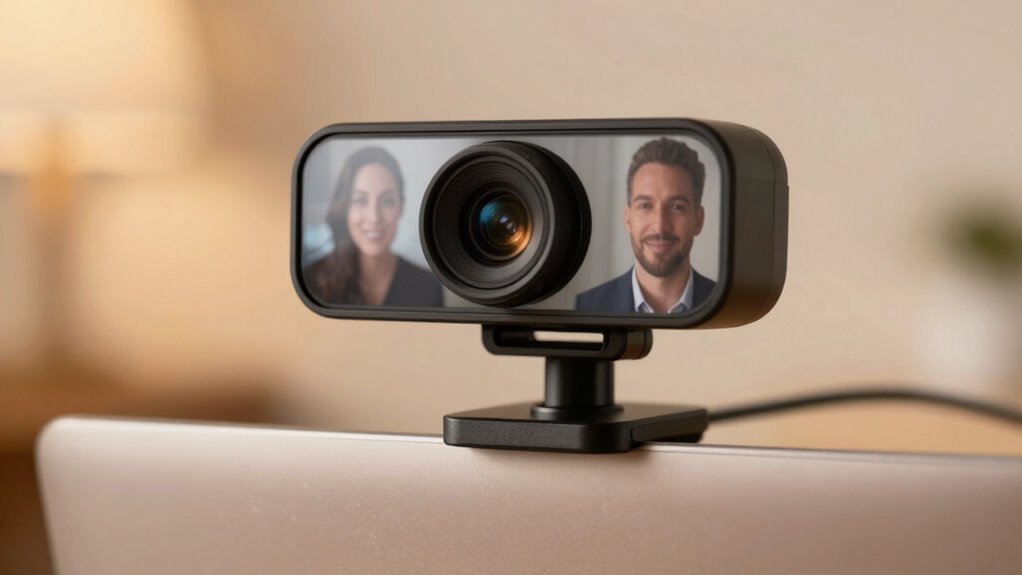
When setting up an external webcam, getting the framing and lighting right can make a huge difference in how you look on camera. The way you position your camera impacts how you appear to others, so paying attention to your camera angle is essential. Ideally, the camera should be at eye level to create a natural, engaging perspective. If it’s too high, you might seem distant or unapproachable; too low, and you risk an unflattering view of your chin or nostrils. Adjust the camera so it captures your head and shoulders, giving viewers a clear focus on your face without unnecessary background distractions. This framing helps you appear confident and well-presented, which is especially important for professional calls or presentations. Proper camera angle can significantly influence how your message is received and perceived. Lighting plays an equally important role. Proper lighting can eliminate shadows, reduce glare, and highlight your best features. Natural light is often the easiest and most flattering option—position yourself facing a window during the day, ensuring the light illuminates your face evenly. If natural light isn’t available, invest in soft artificial lights, like ring lights or softboxes, to create a balanced, diffused glow. Avoid harsh, direct lighting or placing bright lights behind you, as this can wash out your face or create silhouette effects. Instead, aim for lighting that enhances your features and provides a clear, vibrant image. Background enhancement is another key factor that complements framing and lighting. Your background should be tidy and free of clutter, but beyond that, you can use it to add some personality or professionalism. Consider using a subtle backdrop or virtual background if your environment is distracting. Good background enhancement ensures that viewers focus on you rather than messy shelves or distracting objects. When combined with a solid camera angle and appropriate lighting, your background becomes a polished part of your overall presentation, boosting your credibility and making your video look more intentional and professional. Small adjustments, such as lighting balance and camera positioning, make a big difference in overall image quality. Regularly review your video feed to identify what works best, and don’t hesitate to experiment. The visual appeal of your setup can greatly influence the viewer’s perception of your professionalism and confidence. Paying close attention to lighting techniques can also help you achieve a more consistent and professional appearance across different environments. Consistently practicing these fundamentals will help you develop a professional image and make every video interaction more effective. The goal is to create a visually appealing, well-lit scene that frames you properly, minimizes distractions, and presents you confidently. When you master these basics—camera angle, background enhancement, and lighting—you’ll guarantee your video calls are professional, engaging, and visually striking.
Products Worth Considering

Ring Floodlight Cam 4K Pro (2nd Gen), Wired Outdoor Security Camera, Black

Ring Floodlight Cam Wired Plus, 1080p HD Outdoor Security Camera with Motion-Activated Floodlights, Black

Philips Hue White and Color Ambiance Smart Light Starter Kit, 2 A19 Bulbs with Hub
As an affiliate, we earn on qualifying purchases.
Frequently Asked Questions
How Do I Choose the Best External Webcam for My Needs?
To choose the best external webcam for your needs, focus on webcam resolution and audio quality. Higher resolutions, like 1080p or 4K, give you clearer images, ideal for professional or streaming purposes. Also, prioritize webcams with good microphone quality for clear sound. Consider your budget and check reviews to find models that balance resolution and audio. This way, you’ll get a webcam that delivers sharp visuals and crisp audio for any situation.
What Are Common Mistakes to Avoid in Webcam Framing?
Think of your webcam shot like a flower in full bloom—centered and clear. Avoid common mistakes like choosing a bad camera angle that makes you look unprofessional or capturing background clutter that distracts viewers. Keep your camera at eye level and frame yourself with some space above your head. Regularly tidy your background to keep the focus on you, not the mess behind you. This guarantees your video looks polished and engaging.
How Does Ambient Noise Affect Video Quality?
Ambient noise can substantially impact your video quality by causing audio distractions and reducing overall clarity. When there’s background noise, your microphone might struggle with audio synchronization, making your voice sound out of sync with your video. To improve this, you should focus on background noise reduction techniques, like using a directional microphone or noise-canceling software, ensuring your viewers stay engaged without audio disruptions, and your video appears professional.
Can Lighting Improve Webcam Performance in Low-Light Conditions?
Yes, lighting can greatly improve your webcam performance in low-light conditions. Using effective lighting techniques, like softboxes or ring lights, helps illuminate your face evenly. This reduces shadows and boosts image clarity. Additionally, understanding your camera sensor’s sensitivity allows you to optimize settings for better results. Proper lighting guarantees your webcam captures clearer, more vibrant images, making you look more professional and engaging during your video calls.
What Accessories Can Enhance My Webcam Setup?
Think of accessories as your webcam’s secret weapons. You can add a ring light for better brightness, a lens filter to soften or sharpen your image, and a background blur to hide distractions. A good quality tripod keeps your camera steady, while a privacy cover protects your lens when not in use. These tools help you present a polished, professional look, making your webcam setup truly stand out.
Conclusion
Mastering framing and lighting with your external webcam transforms your video quality from amateur to jaw-droppingly professional. When you position yourself correctly and light wisely, you’ll stand out like a superstar in any virtual crowd. Remember, the right setup can turn your ordinary webcam into a powerful broadcasting tool—your secret weapon in making a stunning impression. So, get creative, experiment, and watch your video presence skyrocket to legendary status!