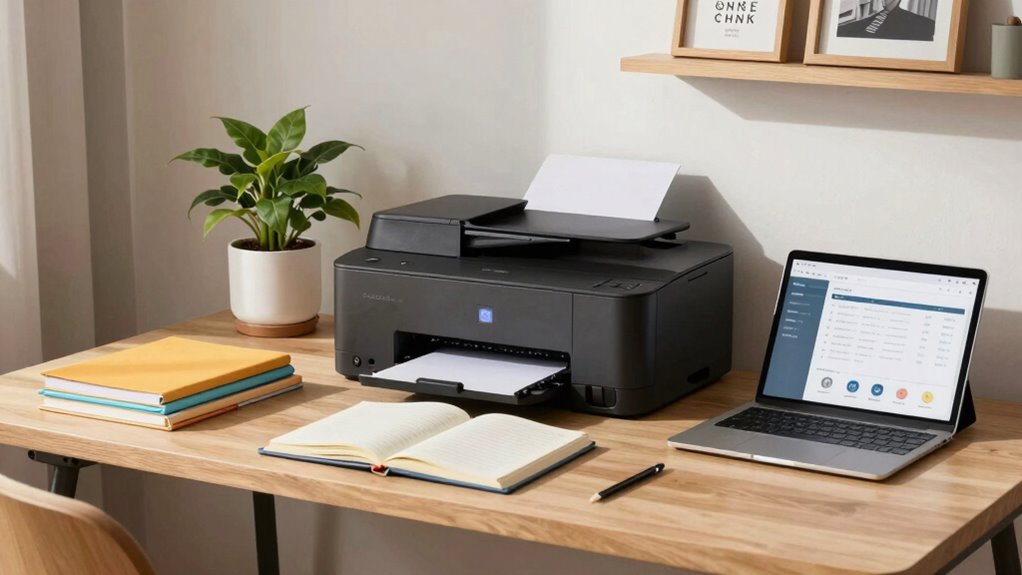

To choose a home office printer, start by identifying what you’ll primarily print—documents, photos, or creative projects. Next, consider whether an inkjet or laser printer suits your needs best based on volume and quality. Assess your printing frequency and check for features like scanning or copying. Don’t forget to factor in connectivity options and set a budget considering ongoing costs. By prioritizing these aspects, you’ll find the perfect match for your home office setup. Explore more tips to refine your selection further.

Get the little things that make your day delivered free with Prime
- Fast, free delivery on millions of items
- Prime Video, Amazon Music and more included
- Member-only deals all year
Key Takeaways
- Assess your printing needs by identifying document types and volume, such as text-heavy or photo projects, to guide your choice.
- Compare printer types, focusing on inkjet for photos and laser for high-volume text printing, based on your specific requirements.
- Evaluate your budget by considering both initial costs and long-term maintenance expenses, including ink or toner replacement and energy efficiency.
- Research reviews and user experiences to understand reliability, performance, and maintenance needs of different printer models and brands.
- Ensure the printer has essential features like wireless connectivity, multifunction capabilities, and print speed that align with your home office setup.
As an affiliate, we earn on qualifying purchases.
What Do You Need to Print: Documents, Photos, or Creative Projects?
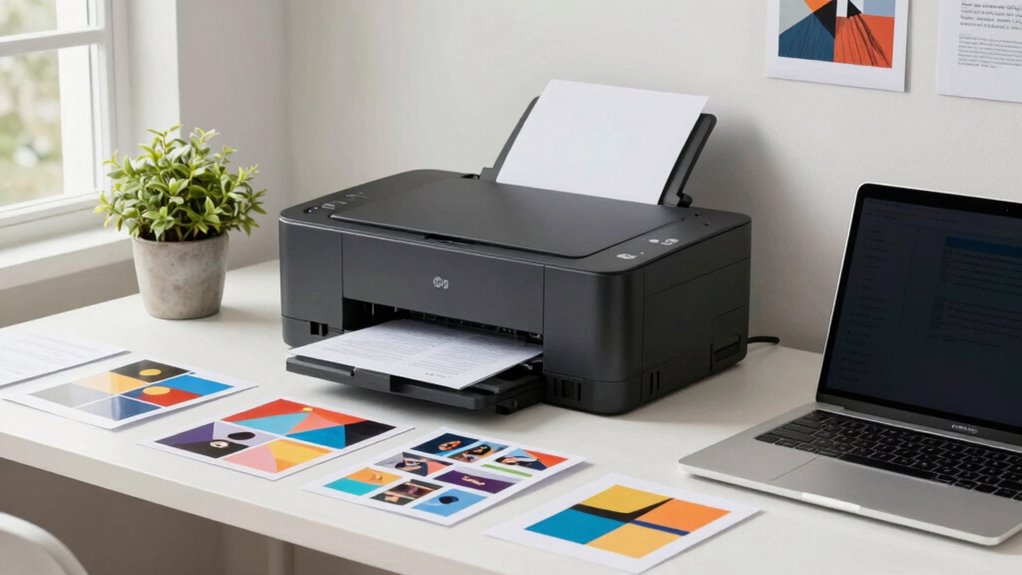
When you think about your printing needs, what types of projects come to mind? You might consider various document types, from reports and resumes to presentations. If you frequently print text-heavy documents, you’ll want a printer that handles those efficiently. On the other hand, if you’re passionate about photography, you’ll prioritize photo quality. High-resolution images require a printer that can produce vibrant colors and sharp details. Additionally, you might have creative projects in mind, like greeting cards or brochures, which demand versatility in paper types and sizes. Understanding your specific needs will guide you in selecting the right printer, ensuring you get the best results for your documents, photos, and creative endeavors. Considering home‑friendly features can also make your printing experience more convenient and efficient. For example, some printers offer wireless connectivity, making it easier to print from multiple devices without cluttering your space.
As an affiliate, we earn on qualifying purchases.
Understanding Printer Types: Inkjet vs. Laser for Home Offices
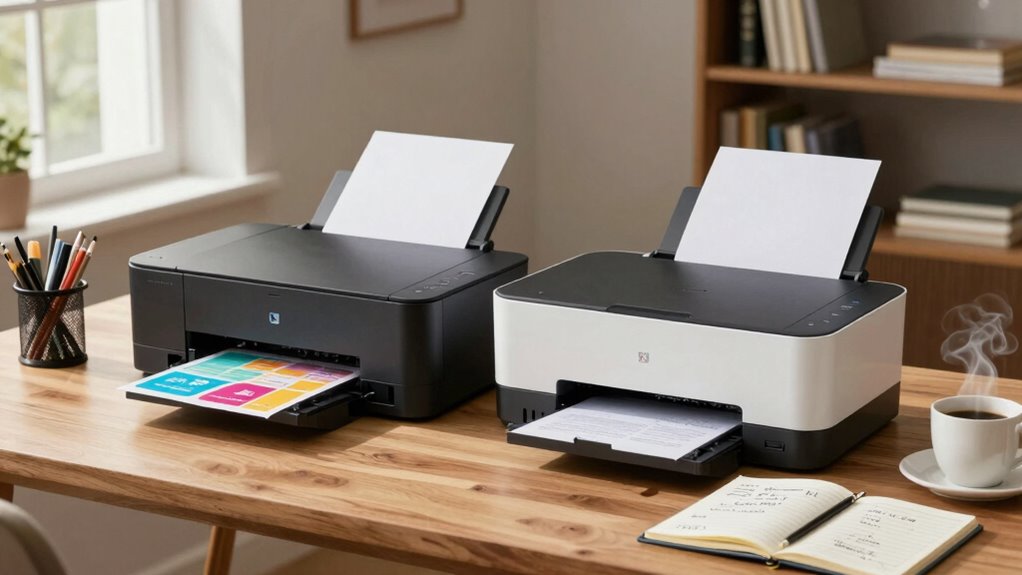
Selecting the right printer type for your home office can greatly impact your productivity and print quality. You’ll typically choose between inkjet and laser printers, each with distinct benefits.
| Printer Type | Advantages | Best For |
|---|---|---|
| Inkjet | Affordable upfront | Photos, color documents |
| Laser | High-speed printing | Large volume printing |
| Better text quality | Text-heavy documents | |
| Low cost per page | Office tasks | |
| Compact size | Limited space |
Inkjet advantages include vibrant color reproduction, making them ideal for creative projects. On the other hand, laser efficiency shines in high-volume tasks, delivering fast prints with crisp text. Consider your needs carefully to choose the best fit for your home office.
laser printer for high volume printing
As an affiliate, we earn on qualifying purchases.
As an affiliate, we earn on qualifying purchases.
How to Assess Your Printing Volume Needs?
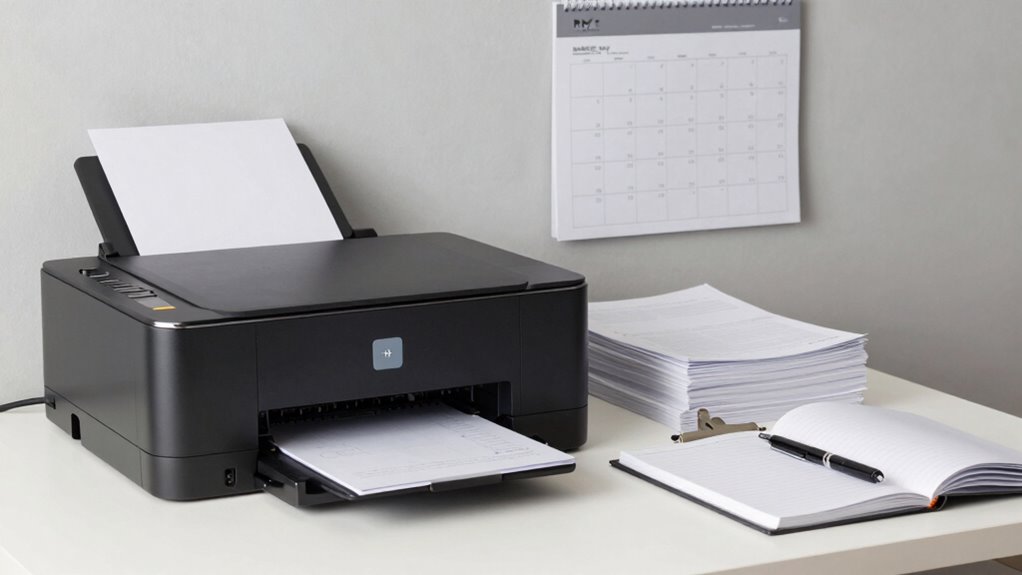
How often do you find yourself printing documents, and what types do you usually need? Analyzing your printing volume needs starts with understanding your print frequency. Are you printing daily reports, occasional flyers, or just a few pages here and there? Take note of your usage patterns over a month or two. This’ll help you determine whether you need a high-capacity printer for frequent tasks or a more economical option for light use. Consider the types of documents you print most often, as this can influence your choice. For example, heavy graphics may require a different printer than simple text documents. By evaluating these factors, you’ll make a more informed decision for your home office printer.
multifunction printer with scanning and copying
As an affiliate, we earn on qualifying purchases.
As an affiliate, we earn on qualifying purchases.
Key Printer Features: Scanning, Copying, and Faxing
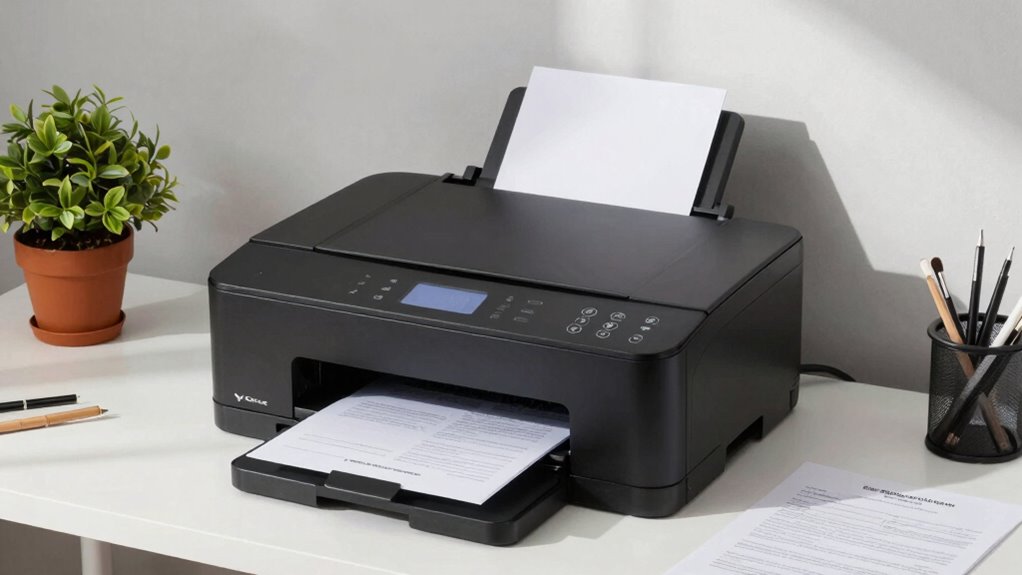
A multifunction printer can be a game-changer for your home office, offering essential features like scanning, copying, and faxing. When considering your options, pay close attention to the scanning capabilities. A printer with a high-resolution scanner can help you digitize important documents efficiently. Look for models that support automatic document feeding, which saves time on larger tasks. Additionally, understanding maintenance routines can extend the lifespan of your device and ensure consistent performance. Regular cleaning and using manufacturer-recommended supplies are crucial for maintaining scanning quality over time. Proper printer placement, including adequate ventilation and easy access for supplies, can also help maintain optimal operation. Ensuring proper device connectivity is vital for seamless integration with your home network and devices. For added convenience, consider printers with wireless options, which facilitate easier setup and use around your home. Next, evaluate the copying quality; it’s vital for producing clear, professional documents. A printer that excels in copying will guarantee your reproductions are true to the original, with vibrant colors and sharp text. Finally, if you still use faxing, make sure the model includes this feature, making your home office fully equipped for all your document handling needs.
Choosing the Right Connectivity Options for Your Printer
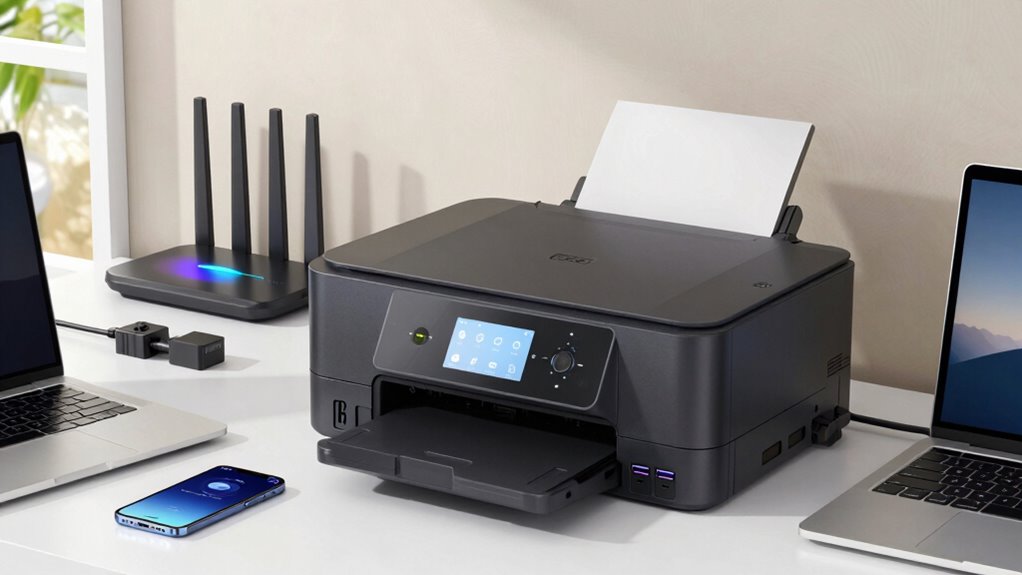
What’s the best way to connect your printer to your home office network? Choosing the right connectivity options can make a world of difference. Look for printers with wireless capabilities, as they allow for easy placement and eliminate messy cables. Here are some connectivity options to explore:
Choosing the right connectivity options for your printer can enhance your home office experience and reduce cable clutter.
- Wi-Fi: Connects your printer to your home network for seamless access.
- USB: A direct connection to your computer, perfect for fast printing.
- Bluetooth: Great for quick connections with mobile devices for mobile printing.
- Ethernet: Ideal for stable, wired connections in larger setups.
Setting a Budget: What’s the Average Cost of Home Office Printers?
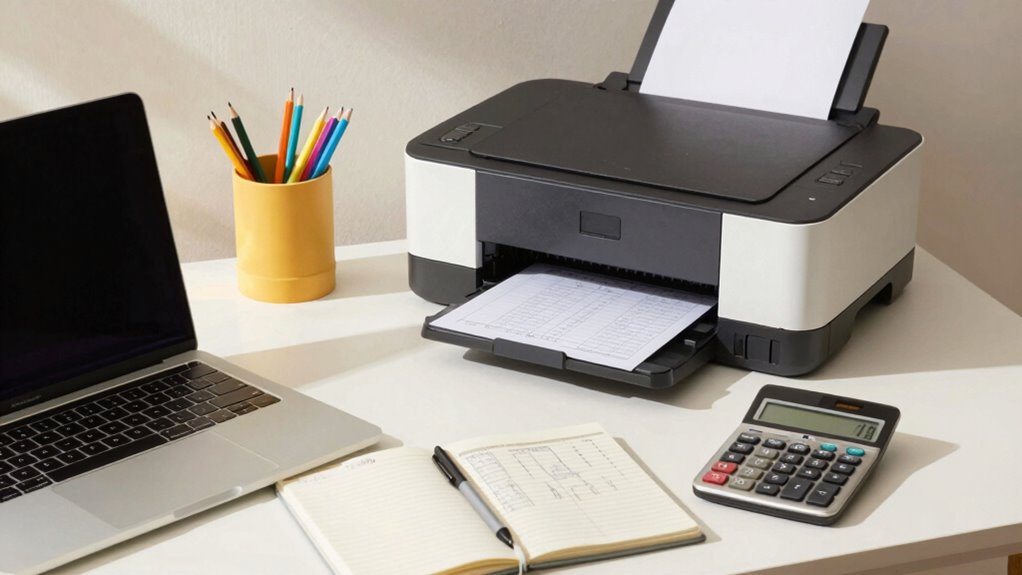
When setting a budget for your home office printer, you’ll want to evaluate the average price range, which can vary widely. Certain features, like wireless connectivity or color printing, can also impact the overall cost. Don’t forget to factor in long-term maintenance expenses to get a complete picture of your investment.
Average Price Range
Setting a budget for your home office printer is essential, especially since prices can range widely. You’ll want to evaluate your specific needs and how much you’re willing to spend. Here’s a general breakdown of average printer prices to guide your budget evaluations:
- Low-end printers: $50 – $150 (basic tasks)
- Mid-range printers: $150 – $400 (better quality, additional features)
- High-end printers: $400 – $1,000+ (professional-grade, multifunctional)
- Ink and toner costs: Varies widely (factor in ongoing expenses)
Features That Affect Cost
As you explore options for a home office printer, it’s essential to understand how various features can impact costs. Print speed is a significant factor; higher-speed printers typically come with a higher price tag, but they can save you time, especially if you print frequently. Additionally, consider cost efficiency. Printers that use high-yield cartridges may have a higher upfront cost but can lead to lower long-term expenses due to fewer cartridge replacements. Wireless connectivity and multifunction capabilities can also drive up the price, but they offer added convenience. By weighing these features against your budget, you can find a printer that meets your needs without overspending.
Long-Term Maintenance Expenses
While you might focus on the initial purchase price of a home office printer, it’s essential to factor in long-term maintenance expenses as well. Understanding these costs can help you make a better cost analysis for your budget. Consider the following maintenance tips to keep expenses manageable:
- Ink or toner costs: Regularly check prices and buy in bulk when possible.
- Paper quality: Invest in good paper to avoid jams and damage.
- Regular servicing: Schedule routine maintenance to increase longevity.
- Energy consumption: Choose energy-efficient models to save on electricity bills.
- Durability and reliability of the printer can significantly impact ongoing repair costs and overall lifespan. Additionally, selecting a printer with easy access to replaceable parts can reduce maintenance time and costs.
Researching Reviews: Which Home Office Printers Are Best?
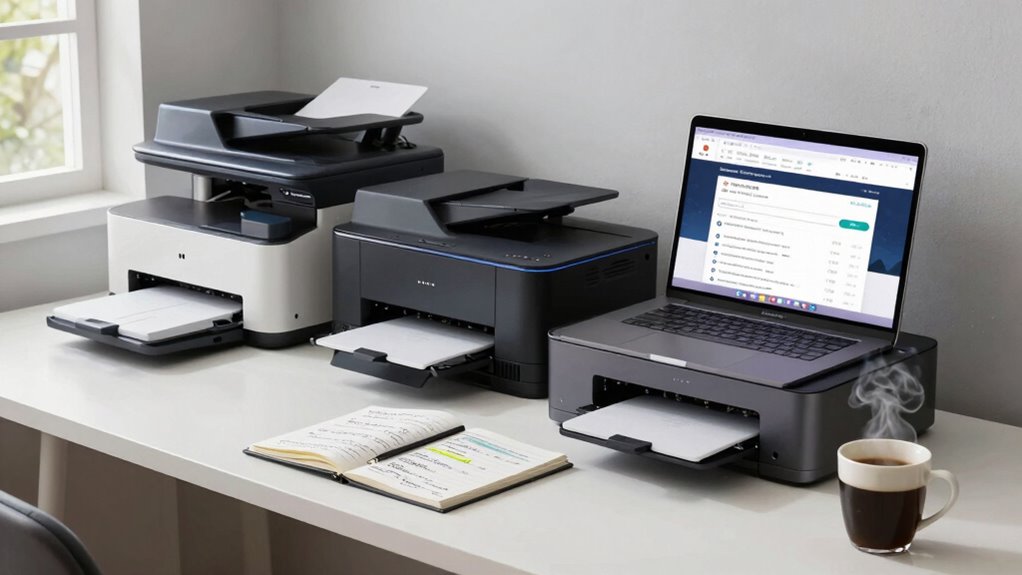
When you’re on the hunt for the best home office printer, diving into reviews can save you time and money. Start by looking for printer brand comparisons to see how different models stack up against each other. Websites and forums often feature user experience insights that shed light on real-life performance, reliability, and ease of use. Pay attention to both positive and negative feedback, as it’ll help you gauge which features matter most for your needs. Don’t forget to check for updated reviews, as technology evolves quickly. By carefully analyzing these reviews, you’ll be able to make an informed decision and select a printer that fits your home office perfectly without breaking the bank.
Frequently Asked Questions
What Is the Best Printer Brand for Reliability?
When it comes to reliability, brands like HP, Brother, and Epson consistently excel. You’ll find that HP often tops reliability ratings, thanks to its durable design and dependable performance. Brother also earns high marks, particularly for its laser printers, while Epson is known for its innovative ink tank systems. Checking online reviews and reliability ratings can help you make an informed choice, ensuring you pick a printer that meets your needs without frequent issues.
How Often Should I Replace My Printer Ink or Toner?
You should replace your printer ink or toner when you notice reduced print quality or when your printer alerts you about low levels. Generally, ink lifespan varies depending on usage, but you might need to swap ink cartridges every few months. Toner types last longer, often up to a year, depending on your printing habits. Keep an eye on your printouts—if they start looking funky, it’s time for a change!
Can I Print Wirelessly From My Smartphone?
Yes, you can print wirelessly from your smartphone! Most modern printers offer wireless printing capabilities and smartphone compatibility. Simply connect your printer to your Wi-Fi network, then download the printer’s app or use a built-in feature like AirPrint or Google Cloud Print. Once set up, you can easily send documents or photos from your phone to your printer without needing any cables. Enjoy the convenience of printing on-the-go!
What Maintenance Does a Home Office Printer Require?
Did you know that nearly 20% of printer issues stem from inadequate maintenance? To keep your home office printer running smoothly, you should regularly clean it. Dust and debris can cause paper jams, so wipe down the exterior and interior components. Check and replace ink or toner cartridges when needed. Additionally, run a print head cleaning cycle periodically to prevent clogs. Staying on top of these tasks can enhance your printer’s lifespan and performance.
Are There Eco-Friendly Printer Options Available?
Yes, there are eco-friendly printer options available. You’ll find models that use sustainable materials and are designed for energy efficiency. These printers often have features like automatic duplexing, which saves paper, and low-energy consumption settings. When shopping, look for certifications like ENERGY STAR to guarantee you’re choosing a printer that minimizes its environmental impact. By selecting an eco-friendly printer, you’re contributing to a greener planet while still meeting your printing needs.
Conclusion
Choosing the right home office printer doesn’t have to feel like searching for a needle in a haystack. By considering your printing needs, understanding printer types, and evaluating key features, you can find the perfect match. Remember to set a budget and read reviews to make an informed decision. With the right printer, your home office will run smoother than a well-oiled machine, helping you stay productive and creative in your work!
Halloween Picks
halloween
As an affiliate, we earn on qualifying purchases.