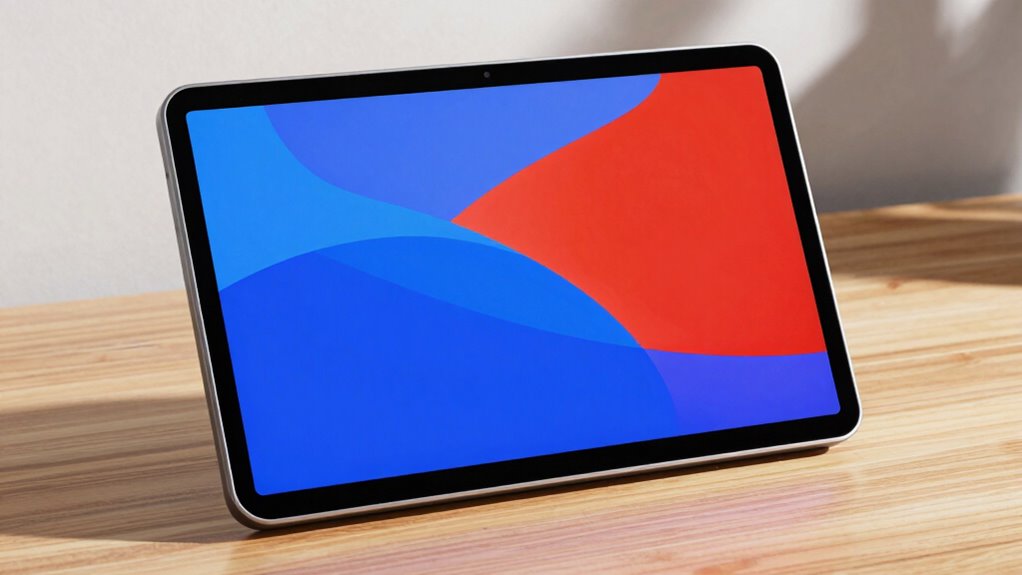

When choosing a portable monitor, consider its resolution to guarantee sharp, clear images, especially for detailed work or media viewing. Higher resolutions like Full HD or QHD offer crisper visuals, but may consume more power. Brightness affects visibility in different lighting conditions, making outdoor use easier. Balancing brightness and resolution suits your needs and battery life. To get the most out of your device and understand how to optimize it, keep exploring these key features.

Get the little things that make your day delivered free with Prime
- Fast, free delivery on millions of items
- Prime Video, Amazon Music and more included
- Member-only deals all year
Key Takeaways
- Resolution determines the clarity and detail of the portable monitor display, with options like Full HD (1080p) and QHD (1440p).
- Brightness affects outdoor visibility and usability in various lighting conditions; higher brightness improves outdoor viewing.
- Higher resolution and brightness often increase power consumption, impacting battery life.
- Color accuracy and fidelity are essential for creative tasks, influenced by display technology and calibration.
- Screen technology (IPS, OLED) impacts brightness, color performance, and calibration options for optimal display quality.
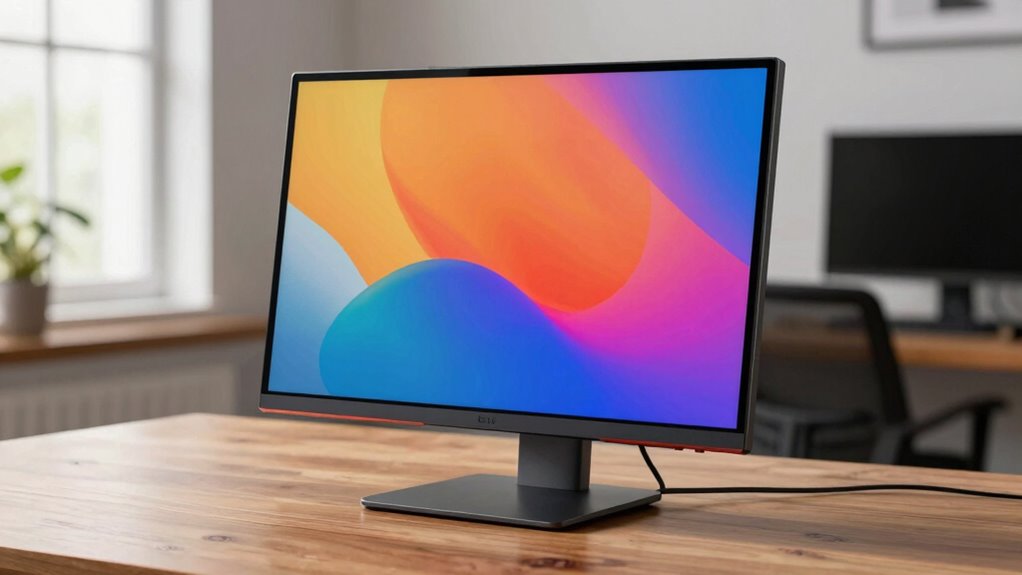
When choosing a portable monitor, understanding resolution and brightness is vital to getting the most out of your device. These features directly impact how clear, vibrant, and usable the screen will be for your specific needs. Resolution determines the number of pixels on the display, affecting image sharpness and detail. Higher resolutions, like 1920×1080 (Full HD) or 2560×1440 (QHD), provide crisper visuals, which are essential if you handle design work, video editing, or enjoy watching high-definition content. Lower resolutions might save on power and be sufficient for basic tasks, but they can make images look pixelated or blurry, especially on larger screens. Brightness, on the other hand, influences how well you can see the display in different lighting conditions. A brighter screen improves visibility outdoors or in brightly lit environments, whereas lower brightness settings can help conserve power and reduce eye strain indoors.
Color accuracy is another vital aspect linked to resolution and brightness. When your monitor offers high resolution and precise color reproduction, your images and videos appear more true-to-life. This is especially important if you’re working with creative content, as inaccurate colors can compromise your work. Monitors with excellent color accuracy often come with higher resolutions and better display technologies, ensuring that colors are vivid without oversaturation or dullness. To maximize color fidelity, look for monitors that support wide color gamuts like sRGB or Adobe RGB, which can display a broader spectrum of colors. These features often require a balance with power consumption, as higher resolution screens with advanced color capabilities typically consume more energy. Additionally, understanding the power consumption of your monitor can help you choose a device that balances performance with battery longevity during portable use. Furthermore, selecting displays with energy-efficient technology can significantly extend your device’s battery life without sacrificing quality. Moreover, considering screen technology can also impact brightness and color accuracy, as different display types like IPS or OLED offer varying benefits. Being aware of power management options can also help optimize your device for longer portable use. In addition, paying attention to calibration options can ensure that your monitor maintains accurate colors over time, which is crucial for creative work.
Products Worth Considering

Bose SoundLink Plus Portable Bluetooth Speaker, Wireless Outdoor Speaker, Up to 20 Hours Battery Life, Waterproof and Dustproof, Black

Philips Hue Secure Starter Kit with Contact Sensors, Motion Sensor, Bridge, and Color Smart Bulbs

Philips Hue White and Color Ambiance Smart Light Starter Kit, 2 A19 Bulbs with Hub
As an affiliate, we earn on qualifying purchases.
Frequently Asked Questions
How Does Resolution Affect Gaming Performance on Portable Monitors?
Higher resolution on your portable monitor improves gaming clarity and sharpness, especially on larger displays, making details more vivid. It also enhances color accuracy, so visuals look more realistic and immersive. However, keep in mind that increased resolution demands more from your device’s GPU, which can affect performance. Balancing display size with resolution guarantees smooth gameplay without sacrificing image quality or causing lag.
Are Higher Brightness Levels Necessary for Outdoor Use?
Absolutely, higher brightness levels are essential for outdoor use—because squinting at a dim screen in the blazing sun is a true test of patience. Outdoor visibility demands a bright display, so you can actually see your content. Brightness adjustment lets you dial it up to cut through glare, ensuring you’re not just staring at a reflective mirror. Without it, your portable monitor becomes more of a portable mirror than a screen.
Can Resolution and Brightness Settings Be Adjusted Independently?
Yes, you can adjust resolution and brightness settings independently on your portable monitor. When you change the resolution, it affects the image clarity and size, especially considering screen size and color calibration. Brightness adjustments, on the other hand, control how light or dim the display appears, which is essential for different lighting environments. This independence allows you to optimize your viewing experience for both color accuracy and visibility in various conditions.
What Is the Ideal Resolution for Professional Photo Editing?
For professional photo editing, the ideal resolution combines high pixel density with color accuracy, ensuring your work looks crisp and true to life. A 4K resolution on a screen size of around 27 inches offers an immersive experience, revealing every detail. Imagine the possibilities when your monitor’s resolution enhances color precision, making your edits seamless. Don’t settle—choose a display that elevates your craft and keeps your creative edge sharp.
How Do Resolution and Brightness Impact Battery Life?
Resolution and brightness directly impact your portable monitor’s battery life by affecting power consumption and display efficiency. Higher resolutions demand more power, draining your battery faster, while increased brightness also uses more energy. To extend battery life, you should lower the resolution or brightness when possible, balancing display quality with efficiency. Adjusting these settings helps optimize power consumption, ensuring your monitor lasts longer during your work or entertainment sessions.
Conclusion
Understanding resolution and brightness helps you choose the right portable monitor for your needs. Remember, a higher resolution offers sharper images, while increased brightness improves visibility outdoors. Did you know that over 60% of portable monitor users prioritize brightness for outdoor use? By balancing these features, you guarantee a better viewing experience anywhere. So, consider your typical environment and usage to pick a monitor that keeps your productivity high and visuals clear, no matter where you go.