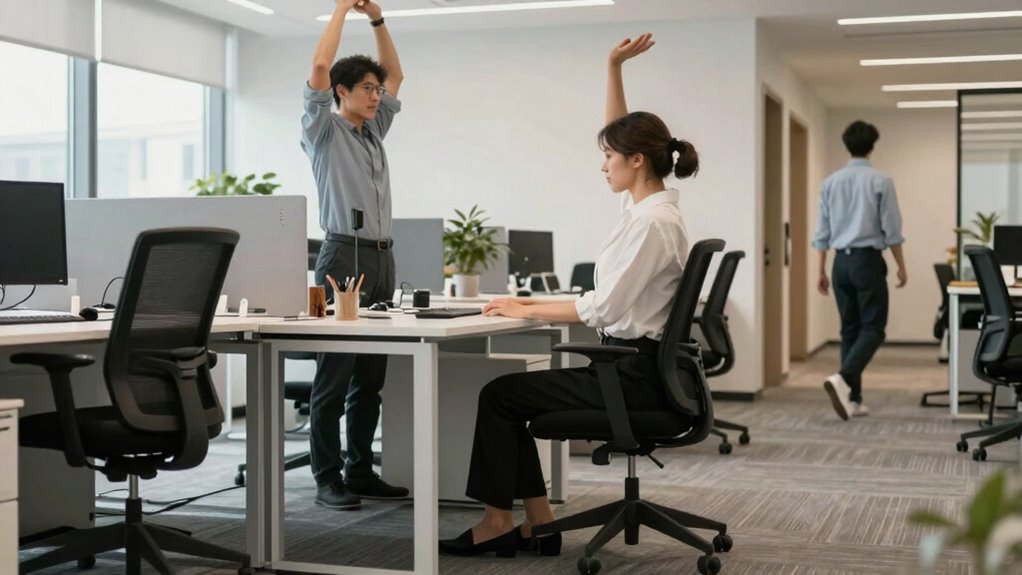

To sit, stand, and move effectively during your workday, guarantee you use ergonomic accessories like adjustable chairs and monitor stands to maintain proper posture. Sit with feet flat and back straight, and adjust your chair so your knees are level with your hips. Take breaks every 30 to 45 minutes—stand, stretch, or walk to improve circulation and reduce stiffness. Keep your workspace ergonomically designed, and stay active throughout the day for better comfort and health. Learn more about optimizing your routine for lasting well-being.

Get the little things that make your day delivered free with Prime
- Fast, free delivery on millions of items
- Prime Video, Amazon Music and more included
- Member-only deals all year
Key Takeaways
- Sit with feet flat, knees at a 90-degree angle, and monitor at eye level to maintain proper posture.
- Use ergonomic chairs and adjustable stands to support natural spinal alignment while sitting.
- Stand or stretch every 30 to 45 minutes, incorporating gentle movements like shoulder rolls or torso twists.
- Alternate between sitting and standing using sit-stand desks for easier posture transitions.
- Take regular breaks to move, stretch, and promote circulation, reducing muscle tension and discomfort.
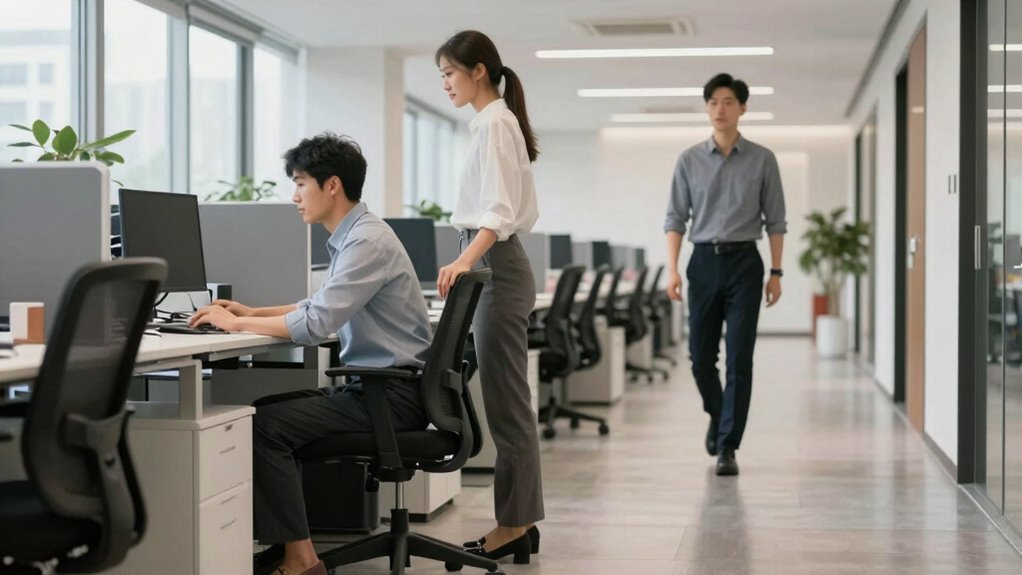
Sitting at your desk for long periods can lead to discomfort and health issues, but simple adjustments can make a big difference. One of the most effective ways to improve your comfort and prevent strain is by using ergonomic accessories. These tools, such as adjustable chairs, keyboard supports, and monitor stands, are designed to promote proper alignment and reduce stress on your body. When you invest in ergonomic accessories, you’re actively supporting your posture correction efforts, which can help prevent common problems like neck pain, backaches, and repetitive strain injuries.
To start, focus on your seating arrangement. Choose an ergonomic chair that offers good lumbar support and allows you to sit with your feet flat on the floor. Adjust the height so your knees are approximately level with your hips. This position encourages natural spinal alignment and reduces pressure on your lower back. Keep your back straight and shoulders relaxed, and make sure your monitor is positioned at eye level to avoid craning your neck downward or upward. Using a monitor stand or adjustable arm can help achieve this, reinforcing posture correction and keeping your head in a neutral position. Incorporating ergonomic accessories into your workspace can further support your efforts to maintain proper posture and reduce discomfort.
While sitting is important, it’s equally vital to incorporate movement throughout your workday. Sitting for hours on end can lead to stiffness and decreased circulation. Set a timer to remind yourself to stand or stretch every 30 to 45 minutes. When you do stand, focus on gentle movements that engage different muscle groups—such as calf raises, shoulder rolls, or torso twists. These movements stimulate blood flow, reduce muscle tension, and help maintain your flexibility. Additionally, movement breaks are essential in preventing musculoskeletal issues associated with prolonged static postures. Incorporating regular movement into your routine can significantly contribute to overall health and productivity. Using ergonomic accessories, such as sit-stand desks, can facilitate easier transitions between sitting and standing, promoting better posture correction and overall comfort. Including reminders and timers can also help ensure you stay consistent with your movement habits.
ergonomic adjustable office chair
As an affiliate, we earn on qualifying purchases.
As an affiliate, we earn on qualifying purchases.
Frequently Asked Questions
How Often Should I Take Breaks During My Workday?
You should take a break every 30 to 60 minutes during your workday. Use this time for stretching routines to loosen up your muscles and improve circulation. Remember to stay hydrated by following hydration tips, like drinking water regularly. Short breaks help prevent discomfort and boost productivity. Incorporate movement into your routine, such as walking around, to keep your energy levels high and your body healthy throughout the day.
What Are the Best Ergonomic Accessories for My Workspace?
Imagine your workspace transforming into a well-oiled machine. An ergonomic keyboard becomes your trusted steering wheel, guiding comfort with every keystroke. An adjustable monitor acts as a flexible windshield, allowing you to find the perfect viewing angle. These accessories work together to support your posture, reduce strain, and keep you comfortable all day long. Investing in them turns your workspace into a haven of productivity and ease.
How Can I Prevent Wrist Strain While Typing?
To prevent wrist strain while typing, you should incorporate wrist stretching exercises regularly to ease tension. Using an ergonomic keyboard helps keep your wrists in a natural position, reducing strain and discomfort. Make sure your wrists are slightly elevated and not resting on hard surfaces. Taking frequent breaks and adjusting your hand position can also markedly minimize the risk of strain, keeping your wrists healthy during long work sessions.
Are There Specific Exercises to Reduce Back Pain at Work?
You can reduce back pain at work by doing simple stretch routines like spinal twists, hamstring stretches, and shoulder rolls regularly. Focus on posture awareness, ensuring your back is straight and supported. Take short breaks to move and stretch every hour, and incorporate gentle exercises like pelvic tilts or seated cat-cow stretches. These habits help alleviate tension, improve flexibility, and promote better spinal health throughout your workday.
How Should I Adjust My Chair for Optimal Comfort?
Adjust your chair height so your feet are flat on the floor and your knees are at a 90-degree angle. Use lumbar support to maintain the natural curve of your lower back, preventing strain. Make sure your back is well-supported and your shoulders are relaxed. Position your monitor at eye level, and keep your elbows close to your sides. These adjustments promote comfort and help reduce back pain during your workday.
As an affiliate, we earn on qualifying purchases.
Conclusion
Remember to sit upright, stand tall, and move frequently. Adjust your posture, take short breaks, and stretch regularly. Keep your body aligned, stay active, and listen to your comfort cues. By sitting well, standing correctly, and moving often, you’ll boost your energy, reduce discomfort, and improve your focus. Make these habits a part of your daily routine to stay healthy, stay productive, and stay confident throughout your workday.
As an affiliate, we earn on qualifying purchases.
As an affiliate, we earn on qualifying purchases.
Halloween Picks
halloween
As an affiliate, we earn on qualifying purchases.