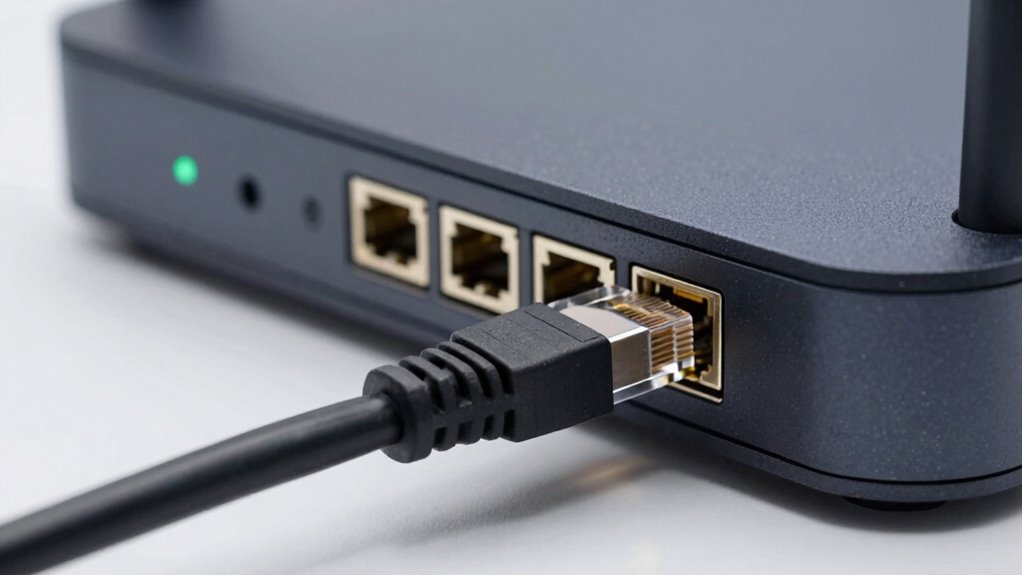

When speed, stability, and security matter most, Ethernet cables are the better choice. They provide faster, more consistent connections with less interference, making them ideal for gaming, streaming, or professional work. Wireless Wi-Fi offers convenience and mobility but can suffer from signal disruptions and slower speeds in crowded or obstructed environments. If you want reliability and high performance, a wired connection usually wins—stick around to find out more.
Key Takeaways
- Ethernet provides more stable, faster, and consistent data transmission, ideal for high-bandwidth and latency-sensitive activities.
- Wired connections offer greater security by requiring physical access, reducing hacking risks compared to Wi-Fi.
- Ethernet is preferred in environments with high interference or physical obstacles that can disrupt Wi-Fi signals.
- When maximum reliability, security, and performance are priorities, a cable connection generally wins over Wi-Fi.
- Ethernet is better suited for stationary devices or tasks demanding uninterrupted, high-speed internet access.

UGREEN Cat 8 Ethernet Cable 6FT, High Speed Braided 40Gbps 2000Mhz Network Cord Cat8 RJ45 Shielded Indoor Heavy Duty LAN Cables Compatible for Gaming PC PS5 Xbox Modem Router 6FT
40 Gbps 2000 Mhz High Speed: The Cat 8 Ethernet cable support max.40 Gbps data transfer and 2000…
As an affiliate, we earn on qualifying purchases.
As an affiliate, we earn on qualifying purchases.
Ethernet vs Wi-Fi: Which Connection Is Right for You?
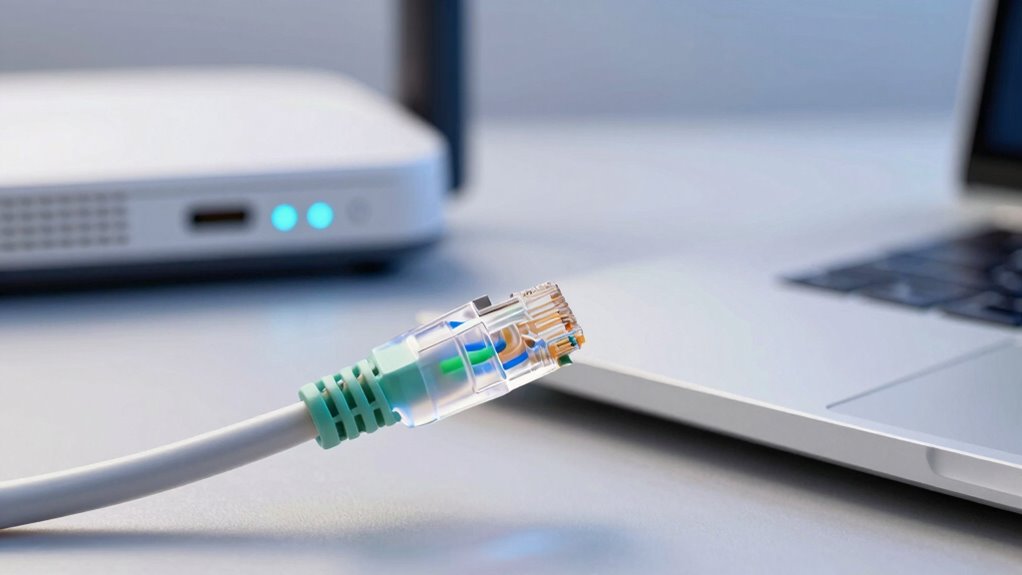
Choosing between Ethernet and Wi-Fi depends on your priorities for speed, reliability, and convenience. If network security is a top concern, Ethernet offers a more secure connection since it’s less vulnerable to hacking than wireless networks. It also tends to be more energy-efficient because wired connections don’t require constant transmission power like Wi-Fi signals do. Ethernet minimizes interference and provides consistent performance, making it ideal for activities needing stable, high-speed connections. Wi-Fi offers greater convenience and mobility, letting you connect devices without cluttering your space with cables. However, it can be less secure and less energy-efficient, especially with multiple devices connected simultaneously. Additionally, smart locks and office gear often benefit from wired connections for enhanced security and reliability. Ultimately, your choice hinges on whether you prioritize security and efficiency or flexibility and ease of use.

TP-Link AC1200 WiFi Extender, 2023 Engadget Best Budget Pick, 1.2Gbps Signal Booster for Home, Dual Band 5GHz/2.4GHz, Covers Up to 1500 Sq.ft and 30 Devices,Support Onemesh, One Ethernet Port (RE315)
𝐒𝐭𝐫𝐨𝐧𝐠𝐞𝐫 𝐖𝐢-𝐅𝐢 𝐢𝐧 𝐄𝐯𝐞𝐫𝐲 𝐂𝐨𝐫𝐧𝐞𝐫 – Enjoy extended coverage with strong performance powered by Adaptive Path Selection and…
As an affiliate, we earn on qualifying purchases.
As an affiliate, we earn on qualifying purchases.
What Are the Key Differences Between Ethernet and Wi-Fi?
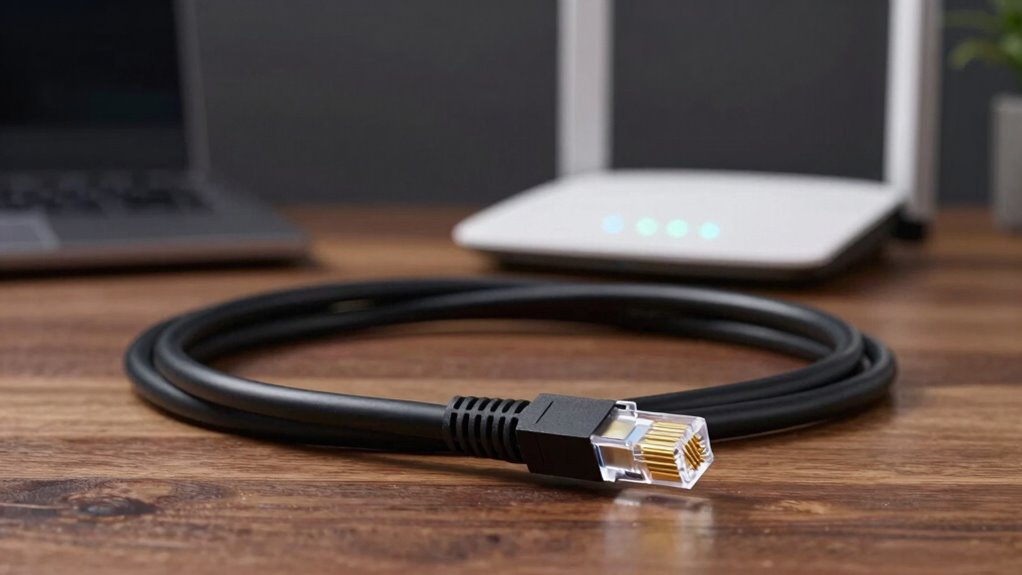
You’ll notice that Ethernet offers more stable and faster connections, making it ideal for activities that need reliability. Wi-Fi, however, provides greater mobility and convenience, letting you move around freely without unplugging. When choosing between them, consider setup complexity and costs, as Ethernet usually requires more effort and investment upfront. Additionally, understanding tax law updates can help optimize your overall technology investments for both performance and financial efficiency.
Connection Stability and Speed
When it comes to connection stability and speed, Ethernet generally outperforms Wi-Fi by providing a more consistent and faster link. Wired connections minimize interference from other devices and environmental factors, leading to fewer drops and latency issues. This consistency benefits tasks like streaming, gaming, or large file transfers. Additionally, Ethernet often offers higher maximum speeds, making it ideal for high-bandwidth needs. From a network security perspective, Ethernet is less vulnerable to hacking since physical access is required to connect. However, it typically consumes less energy per connection compared to Wi-Fi, which constantly broadcasts signals and consumes more power. Overall, Ethernet provides a more reliable, secure, and energy-efficient option when connection stability and speed are priorities. Implementing proper network setup and ensuring quality cabling can further enhance performance and reliability.
Mobility and Convenience
Have you ever wondered how Ethernet and Wi-Fi differ regarding mobility and convenience? Wi-Fi offers unmatched mobility flexibility, letting you move freely around your space without losing connection. It’s convenient for devices like smartphones, tablets, and laptops, enabling seamless wireless security and easy setup. Ethernet, on the other hand, requires physical cables, limiting your movement but providing a stable connection. In addition, the refresh rates of Ethernet connections tend to be more consistent, which can be beneficial for activities requiring stable bandwidth. Wireless security varies between the two, with Wi-Fi needing encryption to protect data. Wi-Fi allows for quick device switching and flexible workspace arrangements. Ethernet offers consistent performance, but at the cost of mobility. Wi-Fi’s convenience makes it ideal for dynamic environments, while Ethernet suits stationary setups. Understanding these differences helps you choose the right connection based on your need for mobility and convenience.
Setup and Cost
Setting up a wired Ethernet connection typically involves installing network cabling and configuring your router or switch, which can be straightforward but may require technical know-how or professional assistance. The initial installation costs for Ethernet tend to be higher due to the need for cables, connectors, and possibly labor if you’re running cables through walls or ceilings. In contrast, Wi-Fi setup is simpler and usually involves just configuring your wireless router, with minimal upfront costs. However, over time, Ethernet can be more cost-effective if you need reliable, high-speed connections without ongoing expenses. While Ethernet installation may be more expensive initially, it provides a stable, low-latency network that can save you money on troubleshooting and upgrades down the line. Understanding network infrastructure can help you make more informed decisions about your setup and future scalability.
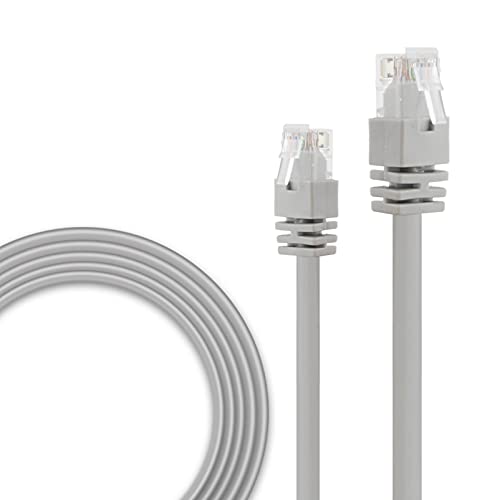
REOLINK RJ45 Cat-5 Network Ethernet Patch Internet Cable – 60 Feet PoE IP Cameras, PoE Security Camera System
Transmit Power And Signal Via Only One Cable: Save your time and energy from the bothersome installation of…
As an affiliate, we earn on qualifying purchases.
As an affiliate, we earn on qualifying purchases.
Why Ethernet Offers Faster Speeds and Better Stability
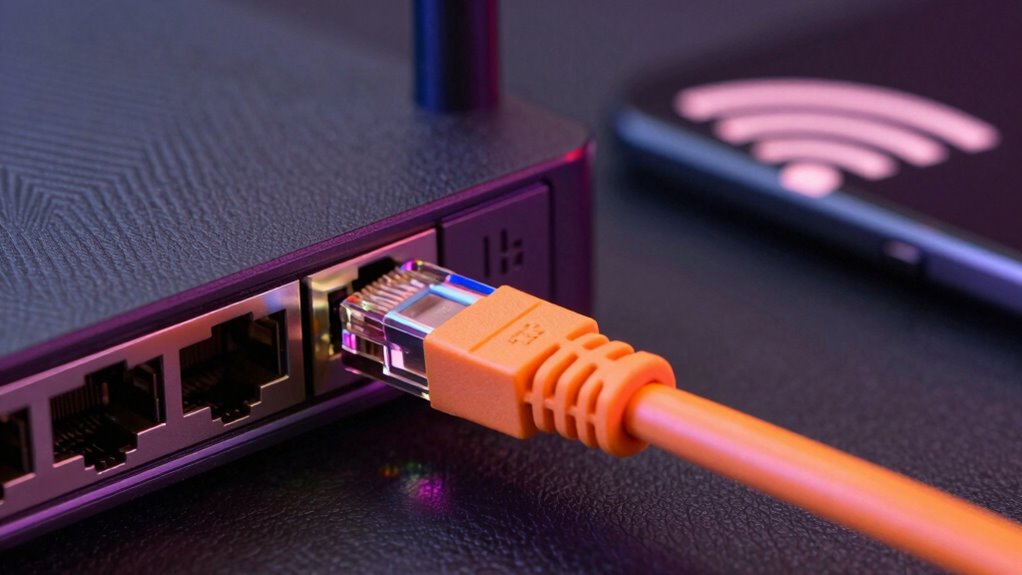
Ethernet provides more consistent data transmission, ensuring your connection remains reliable even during heavy use. It also faces less interference from other wireless signals, which helps maintain stable speeds. Additionally, Ethernet typically offers lower latency, giving you faster response times for gaming or streaming. Essential oils for optimal health can also support overall well-being, complementing the stability provided by wired connections.
Consistent Data Transmission
Because wired connections are less susceptible to interference, they can sustain a more stable and consistent data flow. Unlike Wi-Fi, Ethernet reduces issues caused by signal interference and network congestion, ensuring your data transfers smoothly. This stability is critical for activities like streaming, gaming, or large file uploads, where interruptions can be frustrating. Ethernet’s dedicated connection minimizes latency and packet loss, resulting in faster, more reliable performance. You won’t experience sudden drops or fluctuations that often occur with wireless networks. Proper ventilation also helps maintain optimal performance and longevity of network equipment, reducing overheating risks.
Reduced Interference Risks
Since wireless signals are vulnerable to interference from other devices and physical obstacles, Ethernet provides a more reliable connection. Electromagnetic interference from nearby electronics, such as microwaves or cordless phones, can cause signal disruption, leading to slower speeds and unstable connections. Unlike Wi-Fi, Ethernet uses shielded cables that block out much of this interference, ensuring a cleaner, more consistent signal. This reduces the chances of data packets being lost or delayed due to external noise. Additionally, cable shielding helps prevent electromagnetic interference, further enhancing connection stability. With Ethernet, you don’t have to worry about competing signals from other wireless networks or household devices. The wired connection maintains its integrity regardless of electromagnetic interference, offering a stable environment for high-speed data transfer and reducing the risk of disruptions that can affect your internet experience.
Lower Latency Levels
While shielding cables reduces interference, the speed at which data travels also impacts your overall internet experience. Ethernet connections typically offer lower latency levels, meaning data reaches its destination faster. This results in reduced delays during online gaming, video calls, and real-time applications. Ethernet’s direct connection minimizes the effects of network congestion and packet loss, ensuring smoother performance even during peak usage. Unlike Wi-Fi, which can suffer from interference and signal degradation, Ethernet provides consistent, stable speeds. This stability helps maintain low latency, especially important for activities demanding quick data transfer. To maximize your experience, consider Ethernet, especially if you need reliable, fast, and stable internet for gaming, streaming, or professional work.

Cable Matters 10Gbps Snagless Cat 6 Ethernet Cable – 25ft, Cat 6 Cable, Cat6 Cord, Ethernet Cord, Black
High-Performance Connectivity: This Cat 6 ethernet cable is designed for superior performance, with a 24 AWG copper wire…
As an affiliate, we earn on qualifying purchases.
As an affiliate, we earn on qualifying purchases.
When Should You Use Wired Ethernet Instead of Wi-Fi?
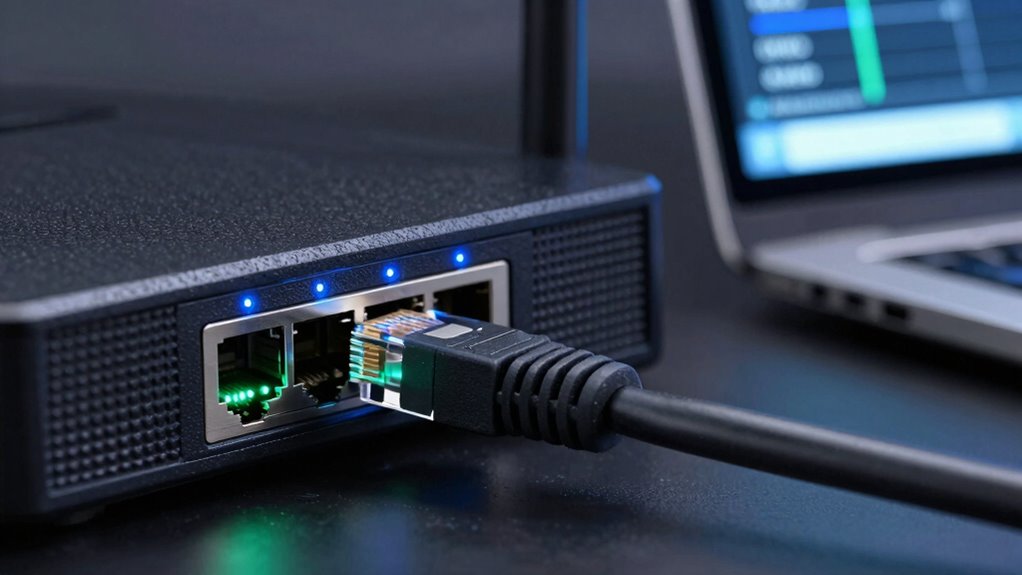
Opting for wired Ethernet instead of Wi-Fi makes sense when you need a reliable, high-speed connection for tasks like gaming, video editing, or large data transfers. Ethernet offers enhanced network security, reducing risks associated with wireless vulnerabilities. It also ensures better device compatibility, especially with older hardware or specialized equipment that may struggle with Wi-Fi connections. Consider the following factors:
| When to Use Ethernet | Why It Matters |
|---|---|
| High-bandwidth tasks | Faster, more stable data flow |
| Sensitive data | Improved security against hacks |
| Multiple devices | Consistent performance |
Using Ethernet can also help reduce latency and improve overall network stability, which is especially important for real-time applications. Choosing Ethernet minimizes latency issues and provides a more secure environment, making it the preferred choice for critical or demanding applications.
Wi-Fi Limitations That Make Ethernet the Smarter Choice
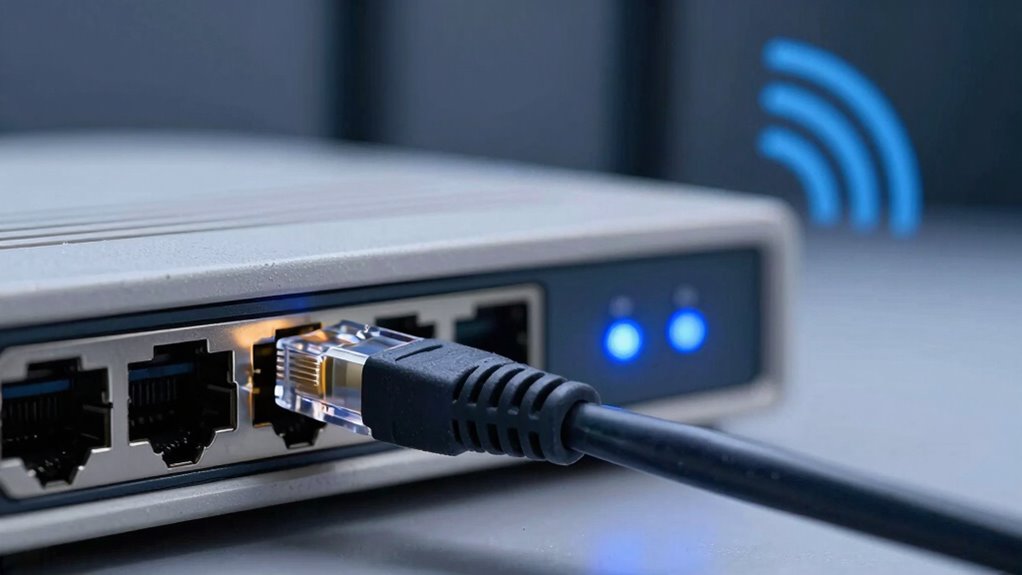
Despite Ethernet’s advantages for stability and speed, many users still rely on Wi-Fi for convenience. However, Wi-Fi has limitations that make Ethernet the smarter choice. Network security is a concern, as Wi-Fi can be more vulnerable to unauthorized access without proper encryption. Device compatibility also poses issues; older devices may struggle with Wi-Fi standards, leading to inconsistent performance. Additionally, Wi-Fi signals can be disrupted by walls, interference, or crowded networks, reducing speed and reliability. These factors can hinder your experience, especially when streaming, gaming, or conducting sensitive work. For those who value Network security, Ethernet remains the better option for those prioritizing a stable, secure, and compatible connection.
How to Decide Between Ethernet and Wi-Fi for Your Needs
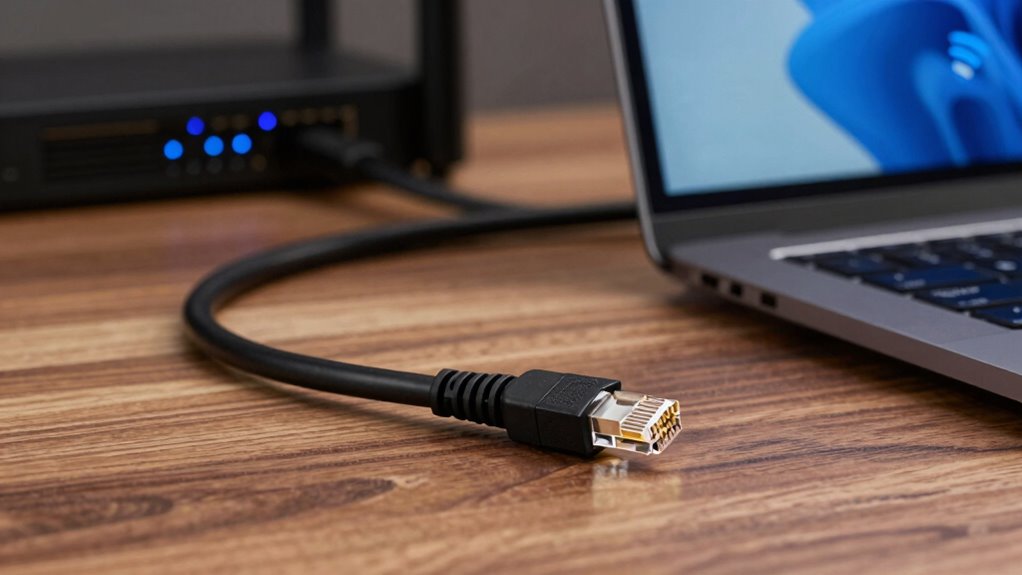
Choosing between Ethernet and Wi-Fi depends on your specific needs and priorities. If security concerns are high, Ethernet offers a more secure connection since it’s less vulnerable to hacking compared to Wi-Fi. It also eliminates compatibility issues with older devices that may not support the latest wireless standards. Consider whether you need portability; Wi-Fi provides flexibility and mobility, making it ideal for devices you move around frequently. On the other hand, if you prioritize stability and speed, Ethernet usually outperforms Wi-Fi. Think about your environment—if your space has thick walls or interference, wired connections tend to be more reliable. Ultimately, balance your security, compatibility, and convenience needs to decide which option suits your setup best.
Frequently Asked Questions
Can Ethernet Connections Support Higher Bandwidth Than Wi-Fi?
Yes, Ethernet connections can support higher bandwidth than Wi-Fi. When you use Ethernet, you benefit from better hardware stability, which reduces connection issues, and lower latency performance, making your online activities more responsive. This stability and speed make Ethernet ideal for tasks requiring high data transfer, like streaming or gaming. Wi-Fi might be convenient, but Ethernet’s consistent and faster connection guarantees you get the most reliable bandwidth.
How Does Interference Affect Wi-Fi Signal Quality?
Interference from sources like microwave ovens or cordless phones can considerably impact your Wi-Fi signal quality. For example, in a busy office, radio interference causes frequent signal degradation, resulting in slower internet speeds or dropped connections. This happens because radio interference disrupts the Wi-Fi’s radio waves, weakening the signal and reducing overall stability. To improve performance, keep your Wi-Fi router away from common interference sources and choose less congested channels.
Is Ethernet More Secure Than Wi-Fi?
Yes, Ethernet is more secure than Wi-Fi because it reduces the risk of unauthorized access and eavesdropping. You’ll notice less network latency with Ethernet, which improves performance for sensitive tasks. Plus, Ethernet offers better device compatibility across various hardware setups. Since wired connections are physically secured, it’s harder for intruders to tap into your network, giving you peace of mind about your data security.
What Are the Costs Associated With Setting up Ethernet?
Setting up Ethernet is like laying a solid foundation for your network. You’ll face costs including the price of Ethernet cables, switches, and possibly professional installation fees. The cost comparison shows higher initial expenses than Wi-Fi, but the stability and security can save you money long-term. Installation expenses can vary based on your space and needs, but investing upfront often results in a more reliable, faster connection.
How Does Mobility Differ Between Ethernet and Wi-Fi?
You’ll find Wi-Fi offers greater mobility convenience compared to Ethernet, allowing you to move freely without losing connection. Ethernet provides a stable, low-latency connection but limits your mobility to a fixed location. Wireless latency can sometimes be higher, especially with interference, but it’s ideal for on-the-go use. If you prioritize mobility and convenience, Wi-Fi is your best choice despite occasional wireless latency issues.
Conclusion
Ultimately, choosing between Ethernet and Wi-Fi is like selecting the right brushstroke for your masterpiece. Ethernet provides the steady, unwavering line of a master painter’s hand, delivering speed and stability. Wi-Fi, on the other hand, is the fluid, sweeping stroke of a free spirit—convenient but sometimes unpredictable. Decide based on your needs, and you’ll craft a digital experience as seamless as a well-composed symphony, where every note hits just right.