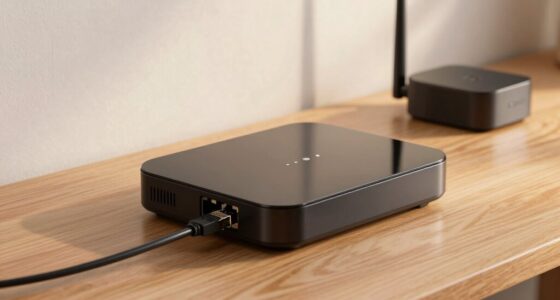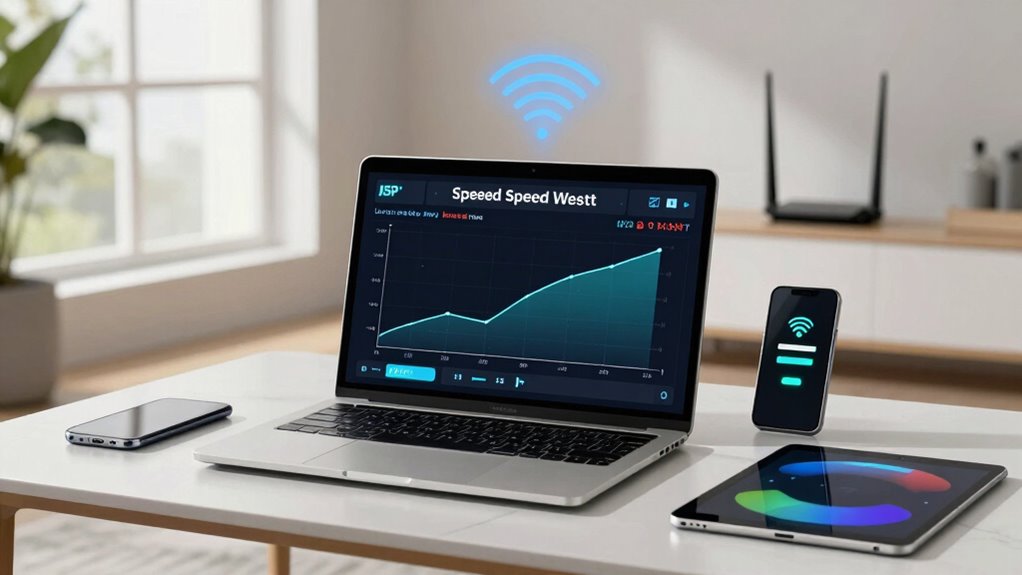
Your internet often feels slower than what your ISP advertises because actual Wi-Fi speeds are affected by many factors. Network congestion, especially during peak hours, splits bandwidth among devices, reducing performance. Outdated routers, interference from electronics, and neighboring networks also play a role. These issues can cause noticeable slowdowns even if your plan promises high speeds. To understand why your Wi-Fi isn’t matching your ISP’s speed, keep exploring the common causes and how to fix them.

Get the little things that make your day delivered free with Prime
- Fast, free delivery on millions of items
- Prime Video, Amazon Music and more included
- Member-only deals all year
Key Takeaways
- ISP speeds are theoretical maximums; actual Wi-Fi speeds often fall short due to various factors.
- Network congestion during peak hours significantly reduces real Wi-Fi performance.
- Outdated hardware and interference from electronics can limit Wi-Fi speeds below ISP promises.
- Restarting routers and scheduling heavy activity during off-peak times can improve speeds temporarily.
- Monitoring network performance helps identify hardware issues and optimize Wi-Fi for better performance.
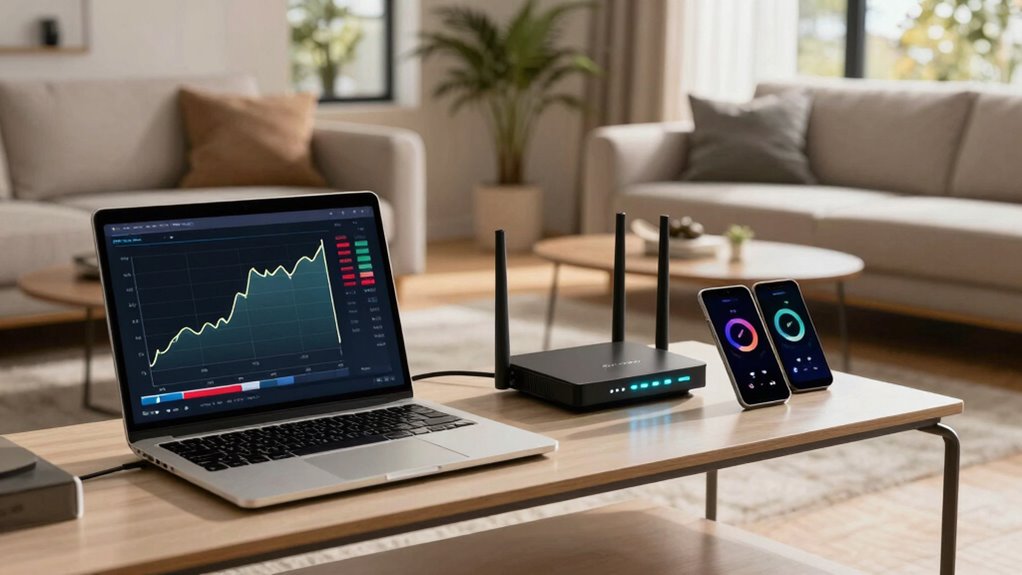
When it comes to internet performance, understanding the difference between your ISP speeds and Wi-Fi speeds is essential. Your Internet Service Provider (ISP) gives you a maximum speed that your connection can theoretically reach, but that number doesn’t always reflect what you’ll experience in real life. Several factors come into play that can cause your actual Wi-Fi speeds to fall short, and two of the most common are network congestion and hardware limitations. Recognizing how these influence your connection helps you troubleshoot issues and optimize your setup more effectively.
Network congestion occurs when too many devices or users are sharing the same network, especially during peak hours. When everyone in your neighborhood or household is streaming, gaming, or downloading simultaneously, the available bandwidth gets divided among all devices. Even if your ISP promises high speeds, congestion can bottleneck your connection, making it slower than expected. You might notice this during evening hours or when multiple people are online at the same time. To combat congestion, you can try scheduling heavy downloads or streaming during off-peak times or upgrading to a plan with higher bandwidth. Sometimes, simply restarting your router can temporarily clear out congestion within your local network, improving speeds. Additionally, understanding your actual network capacity can help set realistic expectations for your Wi-Fi performance. Being aware of hardware limitations, such as outdated routers or interference from other electronic devices, can also significantly impact your Wi-Fi speed. Regularly checking your network’s performance metrics can help you identify when issues are due to hardware or congestion. It’s also helpful to understand how signal interference from neighboring networks or electronics can further reduce your Wi-Fi speeds.
As an affiliate, we earn on qualifying purchases.
Frequently Asked Questions
How Do Router Types Affect Wi-Fi Speed?
Your router type greatly influences Wi-Fi speed because newer models often support advanced standards like Wi-Fi 6, offering faster, more reliable connections. Proper router placement guarantees ideal coverage, reducing dead zones. Additionally, regularly updating firmware keeps your router running efficiently and can boost speeds. Choosing the right router and maintaining it properly allows you to maximize your internet performance, guaranteeing smoother streaming, gaming, and browsing experiences.
Can Multiple Devices Slow Down My Wi-Fi?
Yes, multiple devices can slow down your Wi-Fi. Device congestion occurs when many gadgets compete for bandwidth, making your connection sluggish. Your router’s bandwidth allocation gets divided among devices, reducing each one’s speed. When too many devices connect simultaneously, your Wi-Fi struggles to keep up, leading to buffering videos, slow downloads, and poor overall performance. Managing device usage or upgrading your router can help improve speeds.
Do Wi-Fi Extenders Improve Internet Speed?
Wi-Fi extenders can improve your internet experience by boosting signal strength in weak spots, but they don’t necessarily increase your internet speed. They help with Wi-Fi security by extending coverage and reducing dead zones, which can prevent unauthorized access. Keep in mind, bandwidth management is essential—using extenders wisely guarantees all devices get fair speeds, preventing network congestion and maintaining ideal performance across your connected devices.
What’s the Impact of Signal Interference on Wi-Fi?
Signal interference greatly impacts your Wi-Fi by causing wireless interference and signal disruption. When other devices like microwaves, cordless phones, or neighboring Wi-Fi networks operate on the same frequency, they create wireless interference that weakens your signal. This results in slower speeds, dropped connections, or buffering during streaming. To minimize this, keep your router away from interference sources and switch to less crowded channels for a more stable and faster Wi-Fi experience.
How Can I Measure Actual Wi-Fi Speeds Accurately?
To measure your actual Wi-Fi speeds accurately, use a reliable speed test tool like Ookla or Fast.com during different times of the day. Make certain your device is close to the router to avoid bandwidth limitations caused by distance. Check for network congestion, which can slow speeds, and guarantee no other devices are heavily using bandwidth. Repeat tests to get a consistent reading and compare it to your ISP’s advertised speeds.
As an affiliate, we earn on qualifying purchases.
Conclusion
So, next time you’re frustrated with slow Wi-Fi, remember that your ISP speed is just part of the story. Your actual experience depends on your Wi-Fi setup, interference, and device capabilities. Why settle for the headline speed when your connection can be so much more? It’s worth optimizing your network for the best performance. After all, isn’t it time your Wi-Fi lived up to those flashy ISP numbers?
As an affiliate, we earn on qualifying purchases.
As an affiliate, we earn on qualifying purchases.
Fall Picks
fall essentials
As an affiliate, we earn on qualifying purchases.