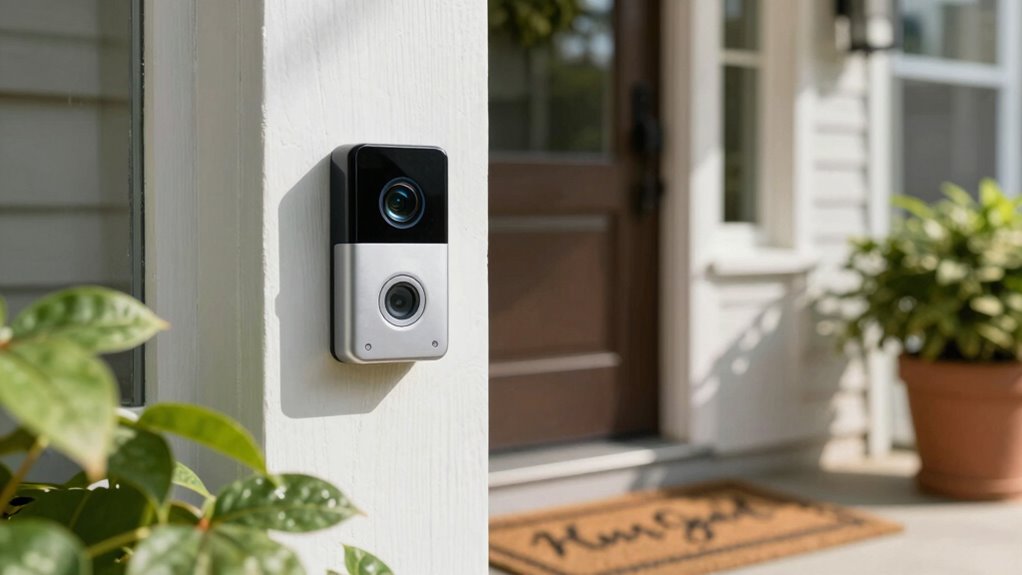

To get better detections with your video doorbell, place it 4 to 5 feet off the ground and tilt the camera slightly downward. This height captures visitors’ faces while minimizing obstructions from plants or furniture. Position the camera towards the common approach path to enhance motion detection. Don’t forget to regularly test and adjust settings for peak performance. There’s plenty more to explore about maximizing your doorbell’s effectiveness.
Key Takeaways
- Install the video doorbell at a height of 4 to 5 feet for optimal facial recognition and a balanced view of visitors.
- Position the camera to face the pathway where visitors approach to enhance motion detection accuracy.
- Tilt the camera slightly downward to minimize sky view and improve the capture of faces while avoiding glare from direct sunlight.
- Regularly check for and remove any obstructions around the doorbell to maintain an unobstructed field of view.
- Conduct regular performance reviews, adjusting settings like resolution and motion sensitivity to optimize detection and minimize false alerts.

Ring Spare Parts Kit for Video Doorbell (2nd Generation)
Replace any lost or misplaced parts for your Ring Video Doorbell (2nd Generation).
As an affiliate, we earn on qualifying purchases.
As an affiliate, we earn on qualifying purchases.
Common Challenges With Video Doorbells
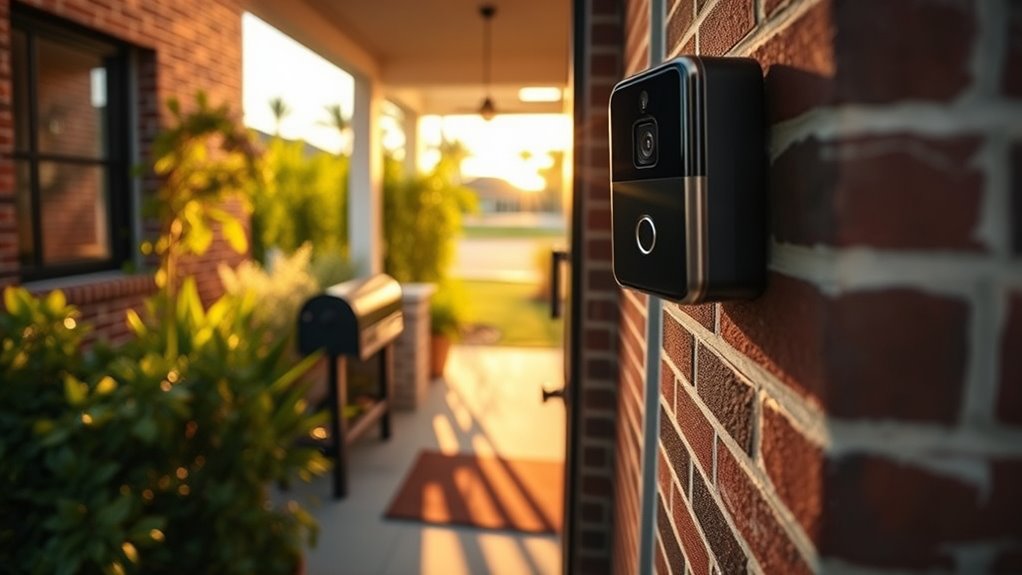
While video doorbells offer enhanced security and convenience, they come with their own set of challenges. You might encounter installation issues that can complicate the process. Ensuring the doorbell is mounted correctly and securely can require extra tools or adjustments. Additionally, if your home’s Wi-Fi signal is weak, you may face connectivity problems that affect video quality and real-time notifications. A doorbell that constantly disconnects or lags can be frustrating, especially when you’re relying on it for safety. Before installation, it’s essential to evaluate your Wi-Fi strength and consider using a Wi-Fi extender if necessary. Smart home connectivity issues can also impact the overall performance of your device. Overcoming these challenges will help you maximize the benefits of your video doorbell.

TP-Link AC1200 WiFi Extender, 2023 Engadget Best Budget Pick, 1.2Gbps Signal Booster for Home, Dual Band 5GHz/2.4GHz, Covers Up to 1500 Sq.ft and 30 Devices,Support Onemesh, One Ethernet Port (RE315)
𝐒𝐭𝐫𝐨𝐧𝐠𝐞𝐫 𝐖𝐢-𝐅𝐢 𝐢𝐧 𝐄𝐯𝐞𝐫𝐲 𝐂𝐨𝐫𝐧𝐞𝐫 – Enjoy extended coverage with strong performance powered by Adaptive Path Selection and…
As an affiliate, we earn on qualifying purchases.
As an affiliate, we earn on qualifying purchases.
Understand the Ideal Height for Your Video Doorbell Placement
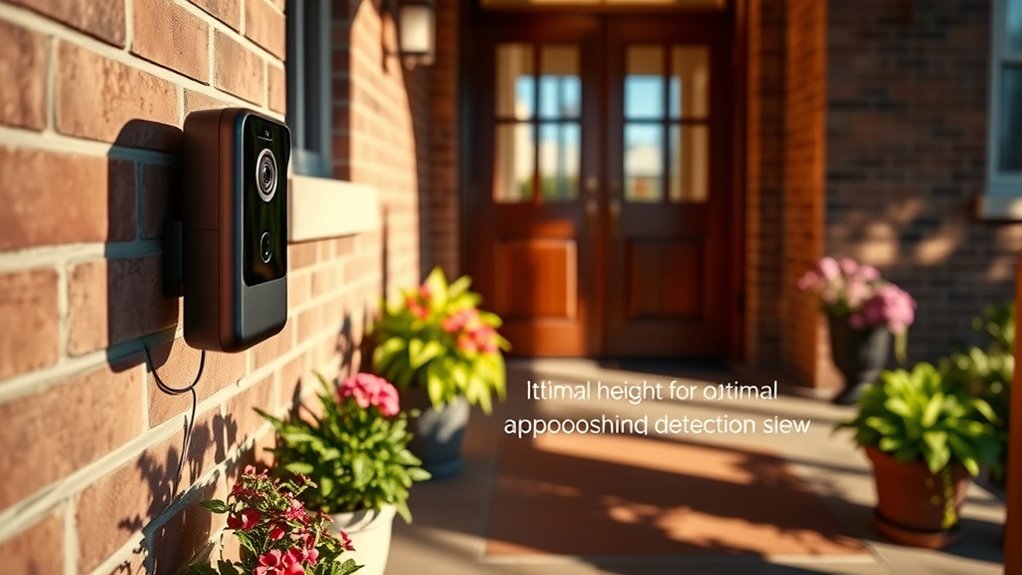
When it comes to placing your video doorbell, height matters. You’ll want to position it around 4 to 5 feet off the ground to capture the best view of visitors. Also, make sure there aren’t any obstructions or awkward angles that could block the camera’s line of sight.
Standard Height Recommendations
Choosing the right height for your video doorbell is essential for ideal performance, and a standard recommendation is about 4 to 5 feet from the ground. This height guarantees a clear view of visitors and minimizes false detections. During your video doorbell installation, consider the following factors:
| Height (feet) | Best For | Considerations |
|---|---|---|
| 4 | Shorter individuals | May miss taller visitors |
| 4.5 | Average height | Balanced view |
| 5 | Taller individuals | best for most scenarios |
| 5.5 | Very tall persons | May capture unnecessary angles |
| 6 | Above average | Potentially limited view |
Avoid Obstructions and Angles
To guarantee your video doorbell captures clear images and video, it’s important to avoid obstructions and select a favorable angle for placement. Common obstruction types include plants, furniture, or large decorations that can block the camera’s view. Make sure your doorbell has an unobstructed line of sight to the entryway. Proper placement also considers camera positioning to maximize detection area. Consider the height of your doorbell, ideally between 4 to 5 feet above the ground, which helps minimize interference. Angle adjustments can also enhance visibility; tilt the camera slightly downward to capture faces more clearly. Regularly check your video feed to confirm nothing has changed in the environment that might obstruct the view, and adjust as necessary for best performance. Additionally, environmental factors like weather and lighting can affect detection quality, so position your doorbell to mitigate these issues.

RIOVO Adjustable 30 to 55 Degree Doorbell Angle Mount Compatible with Ring/Blink Video Doorbell/Battery Doorbell, Replacement Angle Adjustment Adapter Mounting Bracket Wedge Kit
Compatible Model: This angle mount compatible with RlNG Battery Doorbell (2024 Release) / Video Doorbell 2 / Video…
As an affiliate, we earn on qualifying purchases.
As an affiliate, we earn on qualifying purchases.
Choose the Right Angle for Optimal View
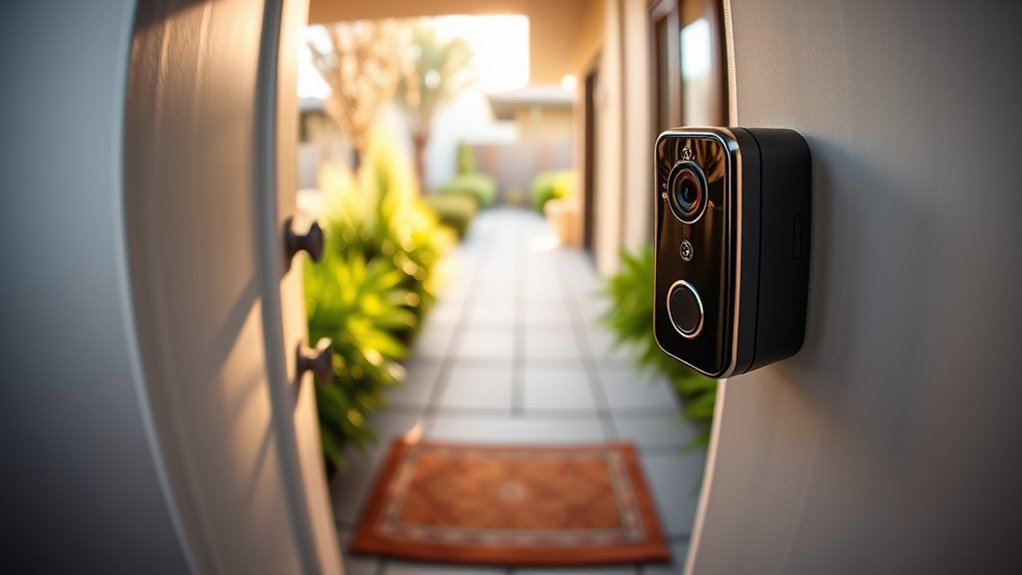
How can you guarantee your video doorbell captures the best view? Start by making precise angle adjustments. Position your doorbell at eye level, ideally between 4 to 6 feet from the ground. This height allows the camera to effectively capture faces and movements, providing better recognition. Tilt the camera slightly downward to cover the area directly in front of your door while minimizing the view of the sky. Test the angle by triggering the doorbell and reviewing the footage to confirm view optimization. If necessary, fine-tune the angle until you achieve the perfect balance. Remember, a well-angled camera can greatly enhance the quality of detections and guarantee you don’t miss any important activity at your doorstep. Proper camera placement can also help prevent blind spots and improve overall security, especially considering factors like dust accumulation which can affect detection clarity.

Triplett 8150 CamView IP Pro 5 CCTV Security Camera Tester with 5" Touchscreen – 4K / 1080P IP, Analog, TVI, CVI, AHD
Compact and lightweight 8MP tester (1080p) with HDMI, BNC, and RJ45 ports; PoE (24W), DC power output (12V/3A),…
As an affiliate, we earn on qualifying purchases.
As an affiliate, we earn on qualifying purchases.
Avoid Common Obstructions Around Your Doorway
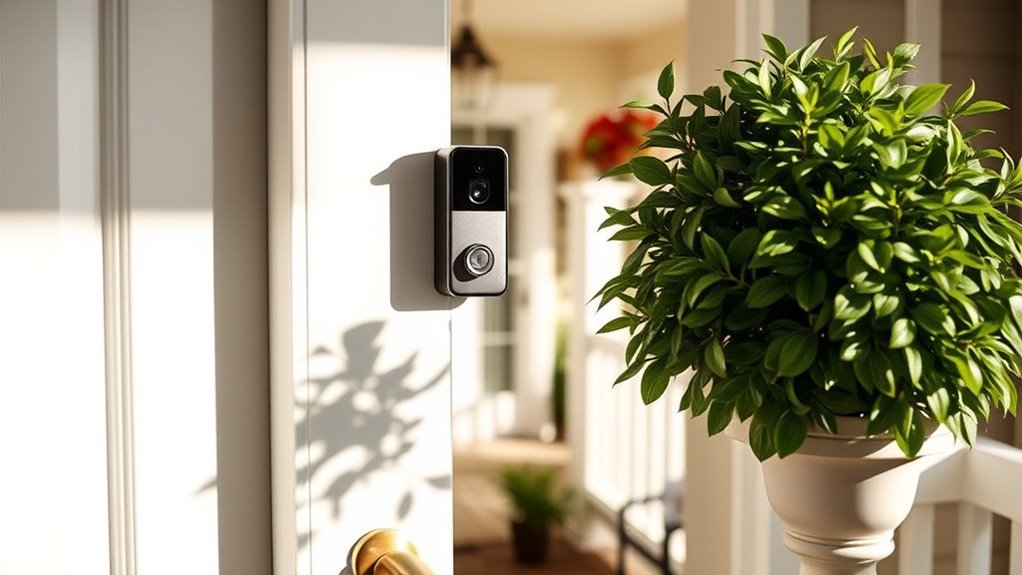
While you may have the perfect angle for your video doorbell, obstructions can still hinder its performance. To guarantee ideal functionality, it’s essential to identify common obstruction types around your doorway. Things like plants, furniture, or decorative items can block the view and limit detection. Make sure there’s adequate doorway clearance, allowing your doorbell to capture everything happening in front of it. Additionally, consider any seasonal changes, like foliage that could grow and create new obstructions. Regularly check the area to verify nothing is interfering with the camera’s line of sight. By keeping the space around your doorbell clear, you’ll enhance its ability to detect motion and provide you with better surveillance.
How Angle Affects Motion Detection?

When installing your video doorbell, the angle you choose can greatly influence its motion detection capabilities. You’ll want to take into account the ideal camera angle and height to guarantee the device captures movement effectively. A well-positioned camera provides a broader field of view, helping you spot any activity right at your doorstep.
Optimal Camera Angle
Have you ever wondered why the angle of your video doorbell camera matters so much? Proper camera positioning can greatly enhance detection accuracy, making sure you catch every movement near your door. Here are some tips for optimizing your camera angle:
- Face the camera towards the path: Aim it at where visitors typically approach.
- Avoid glare: Position it away from direct sunlight to prevent image distortion.
- Set a slight downward angle: This helps capture faces while minimizing background distractions.
- Consider the field of view: Make certain it covers a wide area for better tracking.
- Test different angles: Experiment to find the best position for your specific environment.
Height Considerations
Choosing the right height for your video doorbell is essential, as it directly impacts motion detection effectiveness. You’ll want to install your doorbell at a height that maximizes sensor sensitivity. Generally, mounting it between 4 to 6 feet off the ground works best, allowing it to capture motion from visitors accurately. If you go too high, the camera may miss lower movements, while too low could lead to false alerts from passing cars or pets. Don’t hesitate to make height adjustments if needed, as a small shift can make a significant difference in the quality of detections. Remember, achieving the right angle and height is key to ensuring your video doorbell performs at its best.
Field Of View
The field of view (FOV) of your video doorbell plays a crucial role in its ability to detect motion effectively. A wider FOV enhances field coverage, guaranteeing more areas are monitored, while a narrow FOV may miss important movements. Here are some tips to optimize your doorbell’s angle:
- Position your doorbell at eye level for better detection range.
- Tilt the camera slightly downward to capture more foot traffic.
- Avoid placing it directly facing the street to minimize false alerts.
- Test different angles to find the sweet spot for coverage.
- Regularly check the camera’s view to verify no obstructions block its line of sight.
- Understanding field of view (FOV) can help you make informed adjustments for optimal motion detection.
- Keep in mind that privacy considerations are important when adjusting your camera’s angle to ensure you’re not infringing on neighbors’ privacy.
- Additionally, understanding your security system’s capabilities can assist in setting up the most effective detection zones.
- Adjusting the camera’s angle and tilt can further improve detection accuracy and reduce blind spots.
Finding the Right Distance From the Door
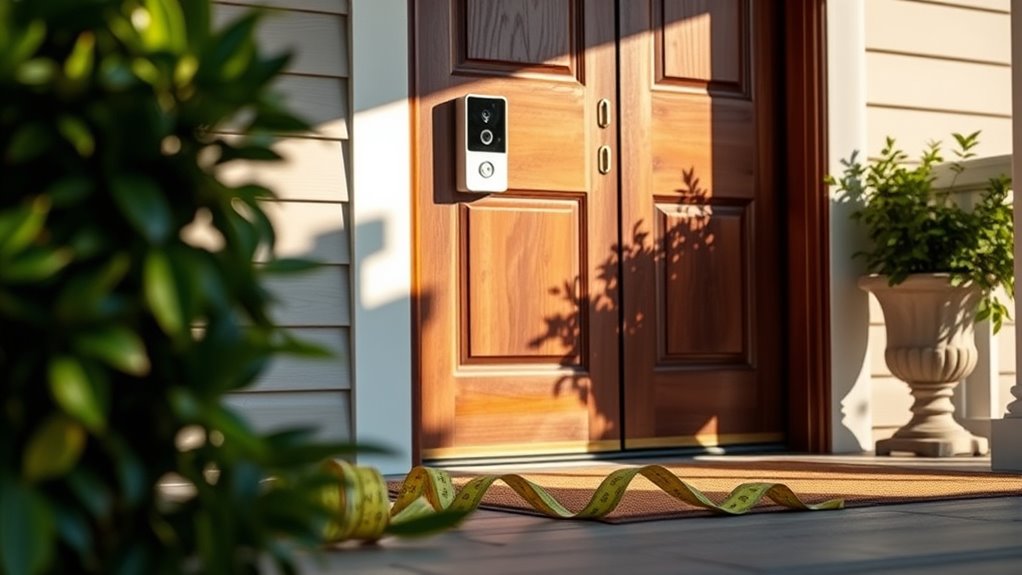
Finding the right distance from your door for a video doorbell is vital for peak performance. You’ll want to make certain your door placement allows for accurate distance measurement, typically between 4 to 6 feet away. This range captures clear images of both visitors and packages without missing details. If your doorbell is too close, it might struggle to get a full view of visitors. Conversely, if it’s too far, you could lose critical identification features. To get this right, use a tape measure to determine the best distance, keeping in mind the camera’s field of view and the height of the doorbell. Proper positioning will enhance detection capabilities and overall effectiveness, making sure you never miss a visitor again.
Using Mounting Accessories for Optimal Placement
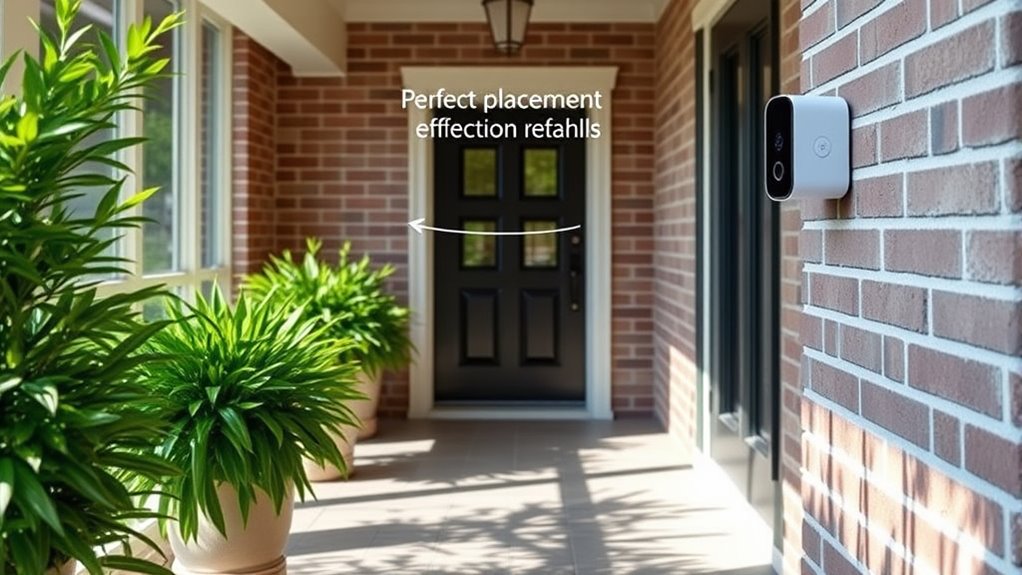
While you can achieve decent video doorbell placement without accessories, using mounting tools can greatly enhance your setup. Proper placement can improve detection, guaranteeing you catch every visitor. Here are some key accessories to contemplate for ideal positioning:
- Mounting brackets: These can help tilt your doorbell for better angles.
- Wedge mounts: Perfect for adjusting the vertical or horizontal view.
- Extension cables: Allow for flexibility in placement without compromising power.
- Installation tools: Essential for a secure and easy setup.
- Weatherproof covers: Protect your doorbell from the elements.
Utilizing these accessories will help you maximize your video doorbell’s effectiveness and guarantee you don’t miss important activity at your door.
How to Test and Adjust Your Video Doorbell Settings for Optimal Performance

How well does your video doorbell capture activity at your front door? To guarantee peak performance, you’ll need to test and adjust both the video quality and notification settings. Start by checking the clarity of the video feed. Adjust the resolution if the image is grainy. Next, tweak the notification settings to reduce false alarms while assuring you don’t miss important alerts.
| Setting | Recommended Adjustment |
|---|---|
| Video Quality | High resolution |
| Motion Sensitivity | Medium |
| Night Vision | Enabled |
| Notification Type | Push notifications |
| Alert Frequency | Immediate |
Review Your Doorbell’s Performance Regularly
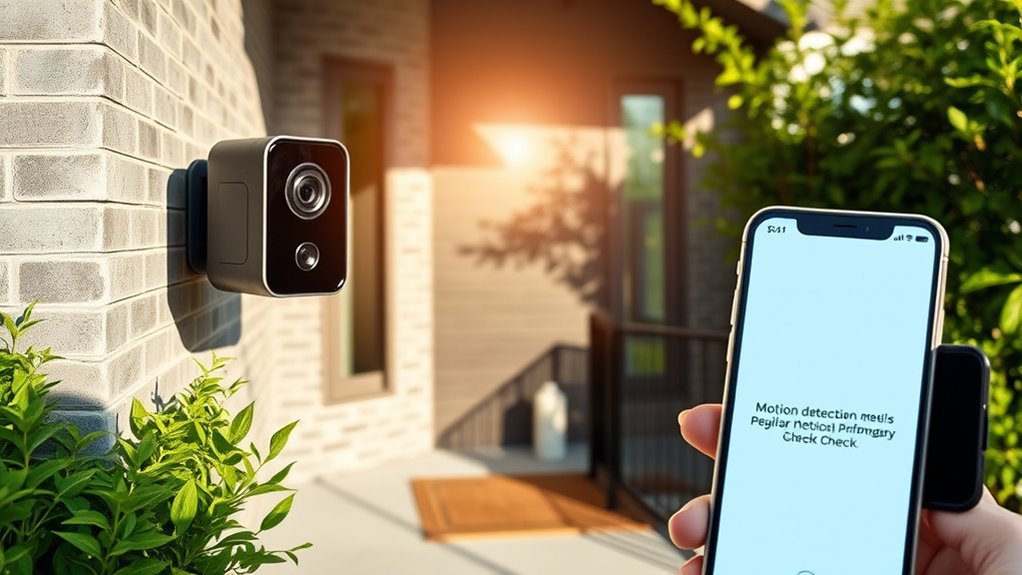
Regularly reviewing your video doorbell’s performance guarantees it continues to meet your security needs effectively. By conducting a performance analysis, you can identify any potential issues and make sure you receive timely alerts. Here are some tips for maintaining peak performance:
Regular performance reviews of your video doorbell ensure it meets security needs and provides timely alerts.
- Check the video quality and adjust the resolution if necessary.
- Review detection zones to minimize false alerts.
- Update the doorbell’s firmware to benefit from the latest features.
- Test the motion sensitivity settings to suit your environment.
- Examine recorded footage to understand any gaps in coverage.
Implementing these regular updates will enhance your doorbell’s functionality, keeping your home secure. Remember, consistent monitoring is key to making sure peace of mind with your video doorbell.
Frequently Asked Questions
Can I Install a Video Doorbell Without Professional Help?
Yes, you can install a video doorbell without professional help! With a bit of DIY installation knowledge, you can easily set it up yourself. Most video doorbell features are user-friendly, and manufacturers provide clear instructions. Just make sure you have the necessary tools and a stable Wi-Fi connection. Once you’ve mounted it and connected it to your app, you’ll enjoy the convenience of monitoring your front door from anywhere!
What Is the Best Time of Day to Test My Video Doorbell?
The best time to test your video doorbell is during both daytime and nighttime. Daytime testing lets you check how well it detects movement in natural light, while nighttime testing helps you see how effective the night vision feature is. Try to test at different times to guarantee peak performance in varying conditions. This way, you can confirm that your doorbell captures clear images and alerts you properly, no matter the time of day.
How Do Weather Conditions Affect Video Doorbell Performance?
You’d think video doorbells enjoy a good shower, right? Well, rain impacts their performance by creating blurry images and triggering false alerts. On the flip side, extreme temperatures can freeze or overheat them, leading to sluggish responses. So, when it’s pouring or sweltering outside, you might find your doorbell’s not exactly on its game. Keep an eye on the weather to guarantee your gadget stays sharp and reliable!
Are Video Doorbells Compatible With All Home Security Systems?
Not all video doorbells are compatible with every home security system. You might face compatibility issues if your doorbell doesn’t integrate smoothly with your existing setup. Before purchasing, check the specifications to guarantee it supports your specific security system. Some brands offer seamless integration, while others may require additional components or apps. It’s essential to research and confirm compatibility to avoid any hassles during installation and usage.
Can I Mount My Video Doorbell on a Wall Instead of a Doorframe?
Absolutely, you can mount your video doorbell on a wall instead of a doorframe. Think of it as choosing the perfect canvas for your masterpiece—your doorbell needs the right spot for ideal performance. Many models offer various mounting options, guaranteeing wall compatibility. Just make sure it’s at the right height and angle to capture faces clearly. With the right setup, you’ll enjoy enhanced monitoring, just like a vigilant guardian at your home’s entryway.
Conclusion
By following these video doorbell placement tips, you’re setting yourself up for success in monitoring your home. But remember, even the best setup can falter if you don’t keep an eye on its performance. Regularly reviewing your doorbell’s effectiveness guarantees you won’t miss vital moments. So, as you step back and admire your work, ask yourself: what might you discover if you dig deeper? The answer could change everything about your home security.