
If your account gets hacked, act fast! Change your password immediately and secure other accounts with the same password. Review recent activity for suspicious transactions, and enable two-factor authentication for extra protection. Let your friends know about possible phishing scams. Report the hacked account to the platform and run a malware scan on your device. Update your security questions, and maintain strong security practices to prevent future hacks. There’s more you can do to safeguard your accounts.
Key Takeaways
- Change your password immediately to regain control and secure your account from further unauthorized access.
- Enable two-factor authentication (2FA) for added protection against future breaches.
- Review recent account activity for any unfamiliar transactions or unauthorized changes.
- Report the hacked account to the relevant platform and follow their recovery procedures.
- Utilize strong passwords and consider a password manager to enhance overall account security.
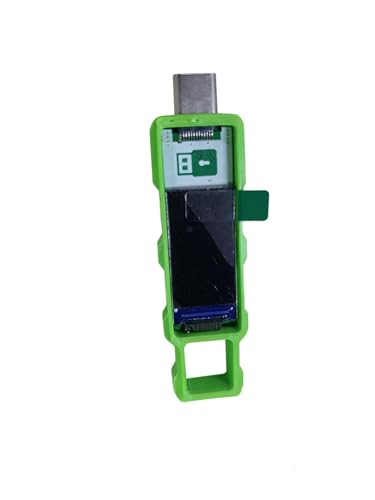
Password Keeper Offline Password Manager for Secure Storage (Green)
100% Offline & Secure Storage: This dedicated electronic device stores all your usernames, passwords, and notes locally. Your…
As an affiliate, we earn on qualifying purchases.
As an affiliate, we earn on qualifying purchases.
Recognize the Signs Your Account Has Been Hacked

How can you tell if your account’s been compromised? Look for clear signs of hacking. If you notice unusual activity, like unfamiliar login locations or unexpected password changes, that’s a red flag. You might also see unfamiliar transactions or messages you didn’t send. Check for any changes in your account settings—if they’ve been altered without your knowledge, it’s time to investigate. Additionally, if you start receiving notifications about logins or actions you didn’t initiate, your account may be at risk. Monitor your email for alerts about security changes or suspicious behavior. Stay vigilant; recognizing these signs early can help you take action before further damage occurs. Always trust your instincts—if something feels off, it probably is.

Thetis Pro FIDO2 Security Key, Two Factor Authentication NFC Security Key FIDO 2.0, Dual USB A Ports & Type C for Multi layered Protection (HOTP) in Windows/MacOS/Linux, Gmail, Facebook,Dropbox,Github
Check FIDO2 compatibility before purchase – Known limitations: ID Austria is not supported (requires FIDO2 Level 2). Windows…
As an affiliate, we earn on qualifying purchases.
As an affiliate, we earn on qualifying purchases.
Change Your Password Immediately and Secure Your Other Accounts
Change your password immediately to regain control of your account and prevent further unauthorized access. Use a strong, unique password that combines letters, numbers, and symbols to enhance your password strength. If you’re using the same password across multiple accounts, it’s time to change those too. This can help with account recovery if another account gets compromised.
- Think of a password as a fortress, protecting your personal information.
- Visualize a jumbled mix of characters as your secret code, keeping intruders at bay.
- Picture a digital lock that only you can open, ensuring your peace of mind.

McAfee Total Protection 5-Device | AntiVirus Software 2026 for Windows PC & Mac, AI Scam Detection, VPN, Password Manager, Identity Monitoring | 1-Year Subscription with Auto-Renewal | Download
DEVICE SECURITY – Award-winning McAfee antivirus, real-time threat protection, protects your data, phones, laptops, and tablets
As an affiliate, we earn on qualifying purchases.
As an affiliate, we earn on qualifying purchases.
Review Account Activity for Suspicious Transactions

After regaining access to your account, it is vital to review your account activity for any suspicious transactions. Start by checking recent transactions for anything unfamiliar. Look for unauthorized purchases or withdrawals that you didn’t make. If you receive transaction alerts that raise a red flag, investigate them immediately.
Utilize your bank’s account monitoring tools to track your spending and set up alerts for future transactions. This proactive approach helps you catch issues before they escalate. If you find any discrepancies, report them to your financial institution right away. They can assist in reversing unauthorized transactions and securing your funds. Staying vigilant about your account activity is imperative to prevent further issues and protect your financial information.

Strong password generator
Set up a complex password
As an affiliate, we earn on qualifying purchases.
As an affiliate, we earn on qualifying purchases.
Enable Two-Factor Authentication for Better Account Security

To enhance your account security, enabling two-factor authentication (2FA) is an essential step you shouldn’t overlook. By adding this extra layer of protection, you can greatly reduce the risk of unauthorized access. Here are some two-factor benefits you’ll enjoy:
- Increased security: Even if someone gets your password, they’ll need a second factor to access your account.
- Multiple authentication methods: You can choose from SMS codes, authentication apps, or even biometric scans.
- Peace of mind: Knowing your accounts are safer allows you to use them without constant worry.
Don’t wait until it’s too late! Implementing 2FA is a straightforward yet powerful way to enhance your security and safeguard your personal information.
Let Your Friends Know About Possible Phishing Scams

It’s essential to keep your friends informed about potential phishing scams. By identifying common phishing characteristics, you can help them stay alert and avoid falling victim. Share strategies for recognizing these threats, so everyone can protect their accounts together.
Identify Phishing Characteristics
Phishing scams are increasingly sophisticated, making it crucial for you and your friends to recognize their telltale signs. These scams often disguise themselves as legitimate communications, aiming to steal your personal information. Here are a few key characteristics to watch for:
- Phishing emails often contain generic greetings, like “Dear Customer,” instead of your name.
- They frequently request urgent action, such as resetting your password, pushing you to click a link.
- Fake websites typically mimic real ones but may have misspellings in the URL or design flaws.
Share Alert Strategies
When you spot a potential phishing scam, sharing your findings with friends can help protect them from falling victim. By sending alert notifications and security reminders, you create a safer online environment for everyone. Let your friends know what to look for and how to handle suspicious messages. Staying informed about cybersecurity best practices ensures that everyone can recognize and respond effectively to threats.
Report the Hacked Account to the Relevant Platform

Once you’ve confirmed that your account’s been hacked, it’s essential to report it to the relevant platform. Start by identifying your account ownership and follow their specific reporting procedures. After submitting your report, keep an eye on any updates or responses from the platform.
Identify Account Ownership
How can you swiftly regain control of your hacked account? First, you need to identify and prove your account ownership to the relevant platform. Start by gathering any necessary documentation for account verification. This can include:
- Previous emails linked to your account
- Transaction history showing your activity
- Identification documents like a driver’s license or passport
Once you have your ownership proof ready, report the hacked account to the platform. They’ll likely ask for the gathered evidence to confirm you’re the rightful owner. This step is vital for reclaiming your account quickly. Remember, the sooner you act, the better the chance you’ll restore your access and secure your personal information.
Follow Reporting Procedures
After gathering your proof of ownership, it’s essential to follow the specific reporting procedures of the platform where your account was hacked. Start by locating the support or help section on the site, as each platform has its own reporting process. Fill out the necessary forms, providing accurate details about the incident and including your incident documentation. Be clear about what happened, when it occurred, and any suspicious activity you noticed. Submitting your report promptly increases the chances of recovering your account. Stay vigilant and keep an eye on your email for updates from the platform. You’ve taken the first step toward regaining control, so don’t hesitate to follow through with the reporting procedures.
Monitor for Updates
Monitoring for updates is essential in the wake of a hacked account. You need to stay vigilant and regularly check for any notifications from the platform. Reporting the incident helps in getting your account back, but it doesn’t stop there. Here’s what you should focus on:
- Account alerts: These can inform you about unauthorized access attempts.
- Update notifications: Keep an eye out for changes in security measures or features that could protect you better.
- Communication from the platform: Stay tuned for any messages regarding the status of your account recovery.
Run a Malware Scan on Your Device
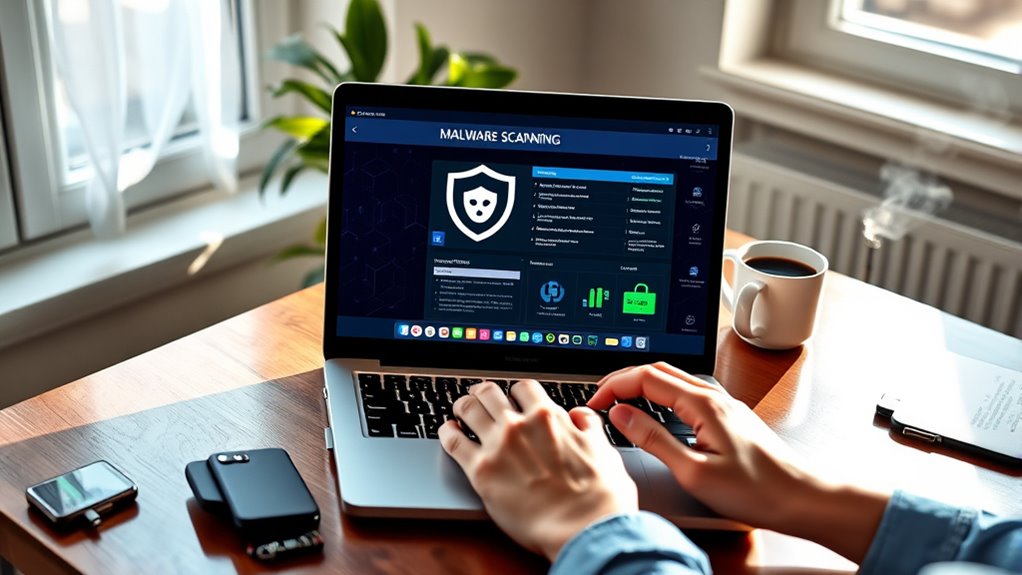
Although you might feel overwhelmed after discovering that your account has been hacked, running a malware scan on your device is an essential step to assure your personal information remains safe. Start by using reliable security software that offers malware detection capabilities. This software will help identify and remove any malicious programs that may have infiltrated your system. Make sure to update the software before running the scan to enhance device security. Once the scan is complete, follow the recommended actions to eliminate any threats. Regularly scanning your device not only protects your accounts but also assures your overall digital safety. Taking this proactive approach can save you from future headaches and keep your sensitive information secure.
Update Your Security Questions and Recovery Options
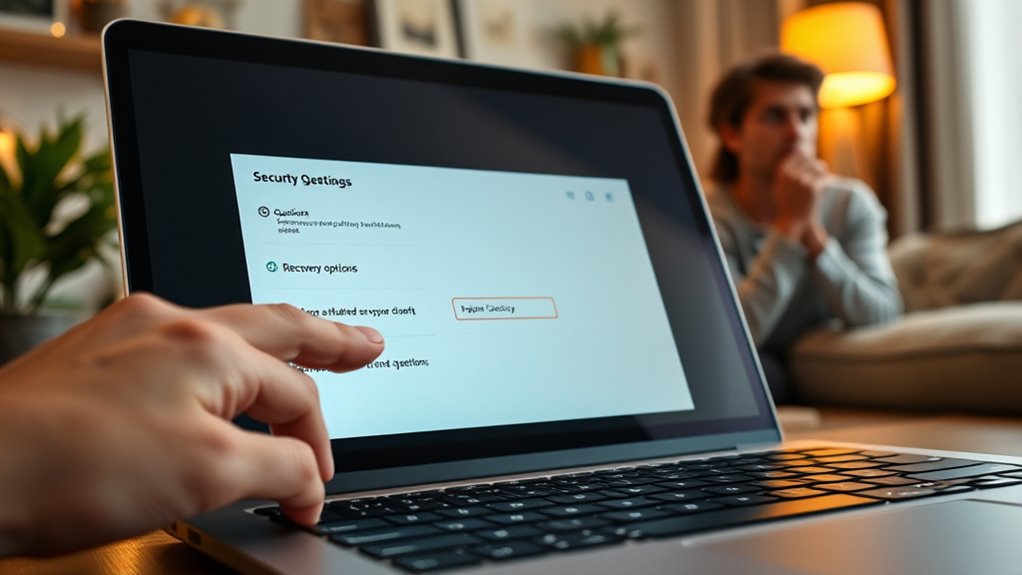
To regain control and enhance the security of your hacked account, updating your security questions and recovery options is essential. Choose questions that only you can answer, making it harder for hackers to guess. Consider these security question examples:
Updating your security questions and recovery options is vital for regaining control of your hacked account. Choose unique answers to enhance protection.
- What was the name of your first pet?
- In what city did you grow up?
- What’s your favorite book?
Additionally, review your recovery option strategies to confirm they’re robust. Update your email and phone number linked to the account, and consider enabling two-factor authentication for extra protection. Properly managing your smart home privacy settings can also prevent unauthorized access. By taking these steps, you’ll greatly reduce the risk of falling victim to future hacks and regain your peace of mind. Stay vigilant and proactive to keep your account secure!
Essential Security Practices to Prevent Future Hacks

While regaining access to your account is essential, implementing important security practices can prevent future hacks and protect your personal information. Start by using strong passwords and consider a password manager to keep track of them. Set up account alerts to notify you of any suspicious activity. Regular updates for your devices and software are significant, as they often include security patches. Always use security software to fend off threats and guarantee you’re using secure connections, especially on public Wi-Fi. Review your privacy settings across all platforms to limit data exposure. Additionally, data encryption adds an extra layer of security, making it harder for hackers to access your information. Incorporating AI-powered security tools can further enhance your defenses against cyber threats. Staying informed about cybersecurity tactics and adopting proactive measures can greatly enhance your online safety! Additionally, understanding financial risks associated with online accounts can help you recognize potential threats early. Being aware of cyberattack methods enables you to better defend against sophisticated hacking techniques.
Frequently Asked Questions
Can My Account Be Hacked Even With Two-Factor Authentication Enabled?
Yes, your account can still be hacked even with two-factor authentication enabled. While it adds an extra layer of security, there are two-factor vulnerabilities that hackers can exploit. For instance, they might use phishing techniques to gain access to your authentication codes. If you’re not careful, this could lead to an account takeover. Always stay vigilant and aware of potential threats, even when you think your security is strong.
How Can I Tell if My Device Is Compromised?
You can tell if your device is compromised by looking for malware symptoms. Pay attention to unusual activity, like slow performance, unexpected pop-ups, or apps you didn’t install. If your device frequently crashes or drains battery quickly, that’s another red flag. Also, check for unauthorized access to your accounts or strange browser behavior. Regularly update your antivirus software and run scans to help catch any potential threats before they cause more damage.
What Should I Do if I Can’T Access My Account to Recover It?
If you can’t access your account, it feels like being locked outside your own home, hearing the faint echoes of your digital life inside. First, check for account recovery options provided by the service. Often, you can reset your password through linked email or phone. If they ask security questions, answer them carefully. Don’t forget to look for backup codes you might’ve saved. Once inside, change your password and tighten your security settings!
Should I Change My Passwords on Other Sites as Well?
Yes, you should change your passwords on other sites too. It’s an essential part of good password management and enhances your online security. Use unique passwords for each account to minimize risks. Implementing security tips, like enabling two-factor authentication, can help protect your accounts further. Remember, if one account gets compromised, others may be at risk. Stay proactive in managing your passwords to keep your online presence secure.
How Can I Prevent Future Hacking Attempts on My Accounts?
To prevent future hacking attempts on your accounts, use strong passwords that combine letters, numbers, and symbols. Change them regularly and avoid using the same password across different sites. Implement two-factor authentication for an extra layer of security. Additionally, install reliable security software to detect and block potential threats. Regularly update your software and stay informed about the latest security practices to keep your accounts safe from hackers.
Conclusion
So you’ve survived the hacking apocalypse—congratulations! Just remember, securing your accounts isn’t a one-time event; it’s more like a never-ending game of digital whack-a-mole. While you’re at it, maybe consider putting your cat’s name as your security question (because who’d guess that?). Stay vigilant, update often, and treat your passwords like your toothbrush: change them regularly and don’t share them with anyone. After all, in the wild world of the internet, it’s better to be safe than sorry!