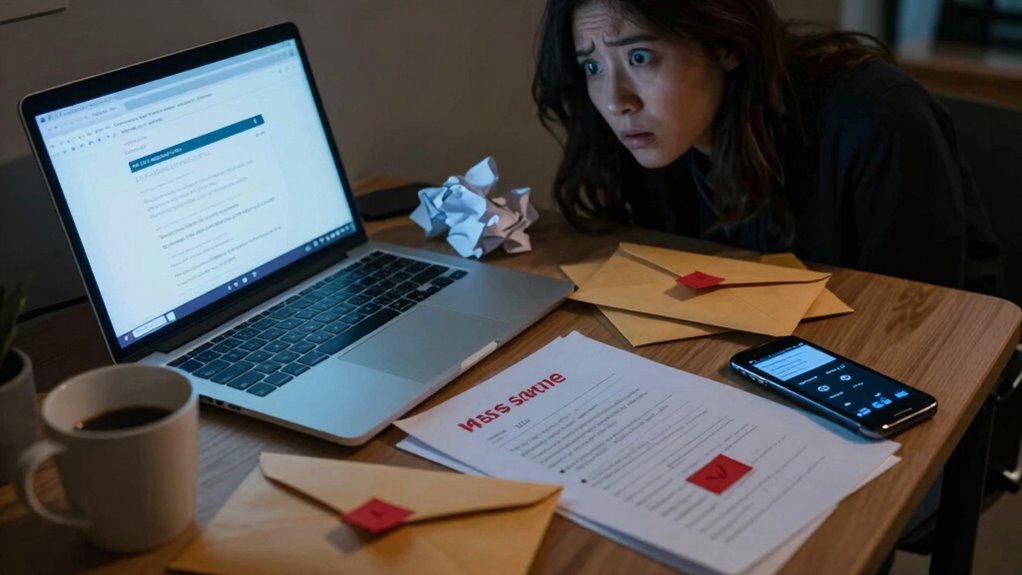

Phishing emails often slip past your defenses, especially when you’re unaware of the red flags. Look out for spoofed addresses that might seem legitimate at first glance. Generic greetings like “Dear Customer” are usually a warning sign too. Urgent language can pressure you into acting quickly, bypassing usual caution. Always verify requests for sensitive information by contacting the requester directly. There’s more to uncover to stay protected from these threats.
Key Takeaways
- Unexpected emails from unknown senders often indicate potential phishing attempts, especially if they request sensitive information.
- Check the full email address for discrepancies; spoofed addresses may look legitimate at first glance.
- Be wary of urgent language; phrases like “Act now!” can pressure you into hasty decisions.
- Generic greetings, such as “Dear Customer,” are common in phishing emails, signaling a lack of personalization.
- Always verify requests for sensitive information by contacting the requester directly using known contact details.

Email Verifier – Email Verification Tool
Email Verification
As an affiliate, we earn on qualifying purchases.
As an affiliate, we earn on qualifying purchases.
Defining Phishing: Understanding the Threat
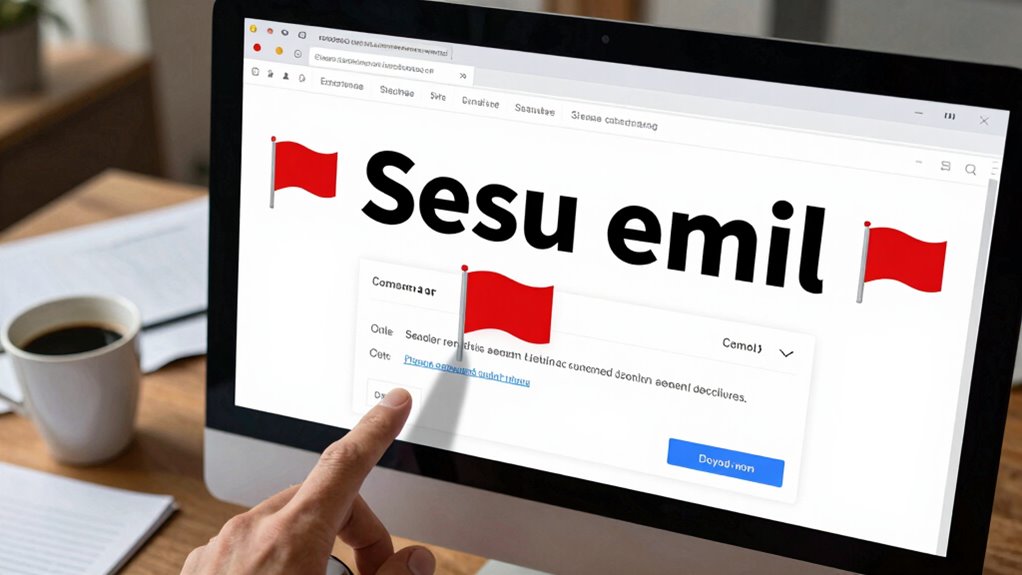
When you receive an unexpected email that asks for personal information, it’s essential to recognize it as a potential phishing attempt. Phishing techniques are designed to manipulate you into divulging sensitive data like passwords or credit card numbers. One common method is email spoofing, where attackers forge the sender’s address to appear legitimate. This can trick even the most cautious users, making it vital for you to stay alert. Always verify the authenticity of unfamiliar emails before interacting. Look for signs of urgency or threats, as these are red flags that someone might be trying to exploit your trust. Staying informed about these tactics can help protect your personal information and keep your online presence secure.

McAfee Total Protection with Scam Detector | Avoid Phishing Emails, Texts, Video and QR Code Scams with Scam Protection Software App for iPhone & Android | 1-Year Subscription with Auto-Renewal
ALL-IN-ONE SCAM PROTECTION – Stop sophisticated phishing attacks before they reach you; our scam detection helps you avoid…
As an affiliate, we earn on qualifying purchases.
As an affiliate, we earn on qualifying purchases.
Recognizing Phishing Sender Addresses
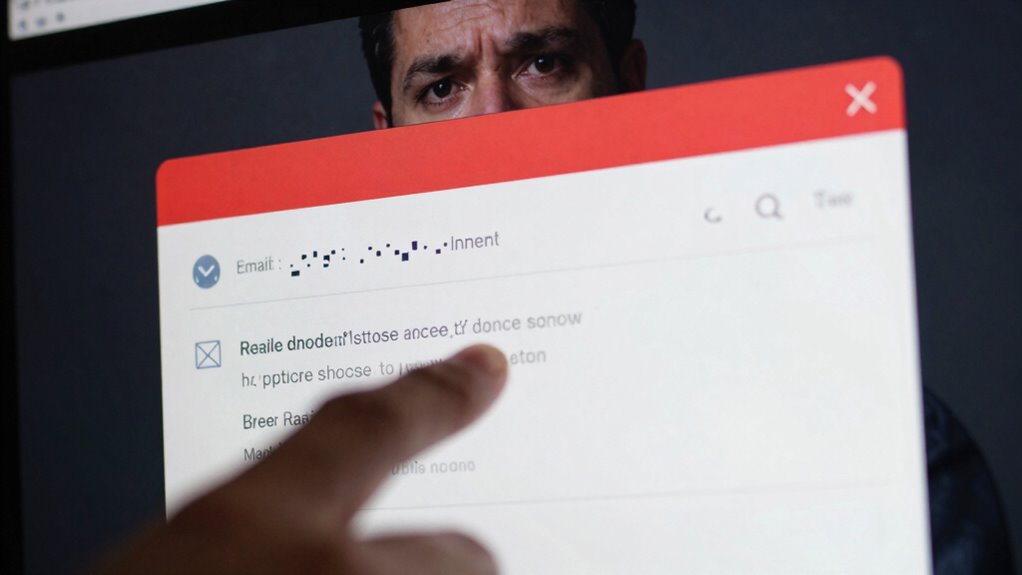
Understanding how to recognize phishing sender addresses is key to protecting yourself from scams. One effective method is identifying spoofed addresses, where the sender’s name may look legitimate, but the actual email address reveals a different story. Always check the full email address instead of just the display name.
Next, analyze sender domains closely. Phishers often use domains that mimic real companies but include slight alterations, like extra letters or different domain endings. If you see an email from “support@paypa1.com” instead of “support@paypal.com,” it’s a clear red flag. By staying vigilant and scrutinizing sender addresses, you can greatly reduce the risk of falling victim to phishing attempts.

AkaGear Keyless Entry Door Lock with Fingerprint – Door Locks with 2 Keys, Electronic Keypad Deadbolt, Smart Door Locks, Smart Locks for Front Door, Auto-Lock & One Touch Locking – Matte Black
🔐 Multiple Ways to Unlock – No More Key Worries: Open your door with fingerprint, password, or backup…
As an affiliate, we earn on qualifying purchases.
As an affiliate, we earn on qualifying purchases.
How Urgent Language Manipulates Your Response?
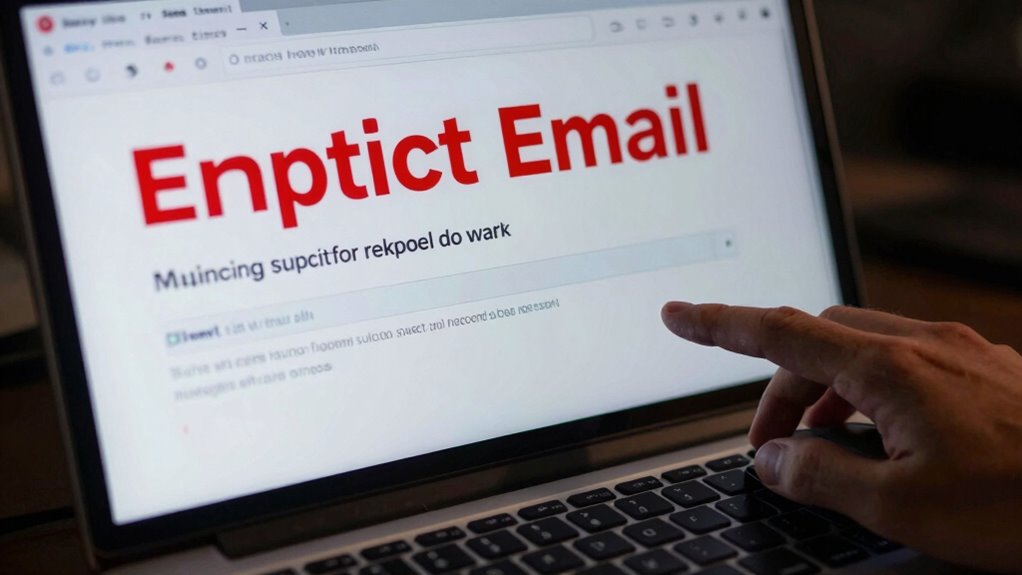
Phishing emails often employ urgent language to create a false sense of immediacy, making you feel compelled to act quickly. This tactic relies on emotional manipulation, pushing you toward hasty decisions that could lead to serious consequences. Recognizing how these urgent requests are framed can help protect you.
- They often use phrases like “Act now!” or “Immediate action required!”
- They create fear of missing out or negative repercussions if you don’t respond quickly.
- They pressure you into bypassing your usual caution and security measures.
anti-phishing browser extension
As an affiliate, we earn on qualifying purchases.
As an affiliate, we earn on qualifying purchases.
Generic Greetings to Watch For

If you receive an email that starts with a generic greeting like “Dear Customer” or “Hello User,” it’s a red flag that you might be dealing with a phishing attempt. Scammers often use these impersonal salutations to avoid personalizing their messages, which can leave you feeling uneasy. A genuine company will typically address you by your name, showing a level of trust and familiarity. When you spot these generic greetings, pay attention to the overall tone of the message. If it feels suspicious or overly urgent, it’s best to proceed with caution. Always question the legitimacy of such emails, as they often aim to trick you into revealing sensitive information. Trust your instincts and stay vigilant.
How to Verify Requests for Sensitive Information
How can you be certain a request for sensitive information is legitimate? It’s essential to validate these requests before you take any action. Here are some effective verification methods to keep in mind:
- Contact the requester directly: Use a known phone number or email address to confirm their identity.
- Check for secure connections: Verify the request comes from a secure website (look for HTTPS in the URL).
- Look for red flags: Be cautious of urgent language or threats, as these are common tactics in phishing attempts.
Frequently Asked Questions
What Should I Do if I Receive a Phishing Email?
If you receive a phishing email, don’t panic. First, recognize the scam by checking for unusual sender addresses or poor grammar. Don’t click any links or download attachments. Instead, report phishing to your email provider or use their reporting tools. You can also notify the company the email claims to be from. By taking these steps, you’re helping to protect yourself and others from potential threats. Stay vigilant!
Can Phishing Emails Be Sent via Text Messages?
Yes, phishing emails can definitely be sent via text messages, much like a wolf in sheep’s clothing. These SMS phishing scams, or text scams, trick you into revealing personal information. You might receive a message that looks legitimate, asking you to click a link or provide sensitive details. Always verify the sender before responding and never click on suspicious links. Stay vigilant, and protect your information like it’s a treasure.
Are There Software Tools to Detect Phishing Attempts?
Yes, there are several software tools to detect phishing attempts. You can use phishing detection tools that scan your emails for suspicious links and attachments. Many of these tools also offer email verification features, helping you identify whether an email is legitimate or not. By incorporating these technologies into your routine, you’ll considerably reduce the risk of falling victim to phishing scams and enhance your overall online security.
How Do Phishing Attacks Evolve Over Time?
Phishing attacks evolve by adopting new tactics and exploiting current events. For instance, during a major pandemic, hackers might send fake health alerts to entice you into clicking malicious links. As awareness grows, they refine their strategies, using personalized messages and social engineering to seem more legitimate. You might notice they combine urgency with familiar branding, making it harder to detect their schemes. Staying informed helps you spot these evolving threats before they reach you.
Can My Antivirus Software Prevent Phishing Attacks?
Your antivirus software can help, but it won’t completely prevent phishing attacks. It often focuses on malware and virus detection, leaving email security as a weaker area. While it may catch some suspicious links or attachments, many phishing emails can bypass it. You should stay vigilant, recognize the signs of phishing, and use additional email security measures, like spam filters and multi-factor authentication, to better protect yourself against these threats.
Conclusion
You’ve learned to spot the red flags of phishing emails, but staying vigilant is key. Remember the case of John, who clicked a link in an urgent email, thinking it was from his bank. It turned out to be a phishing scam that compromised his personal information. By being aware of sender addresses, language, and verification methods, you can protect yourself. Don’t let urgency cloud your judgment; always take a moment to investigate before acting.




![A Better Way To Tie Your Gym Shorts. (Or Any Drawstring) [Video]](https://exactarticle.com/wp-content/uploads/2026/07/a-better-way-to-tie-your-gym-shorts-or-any-drawstring-video-featured-260x140.jpg)