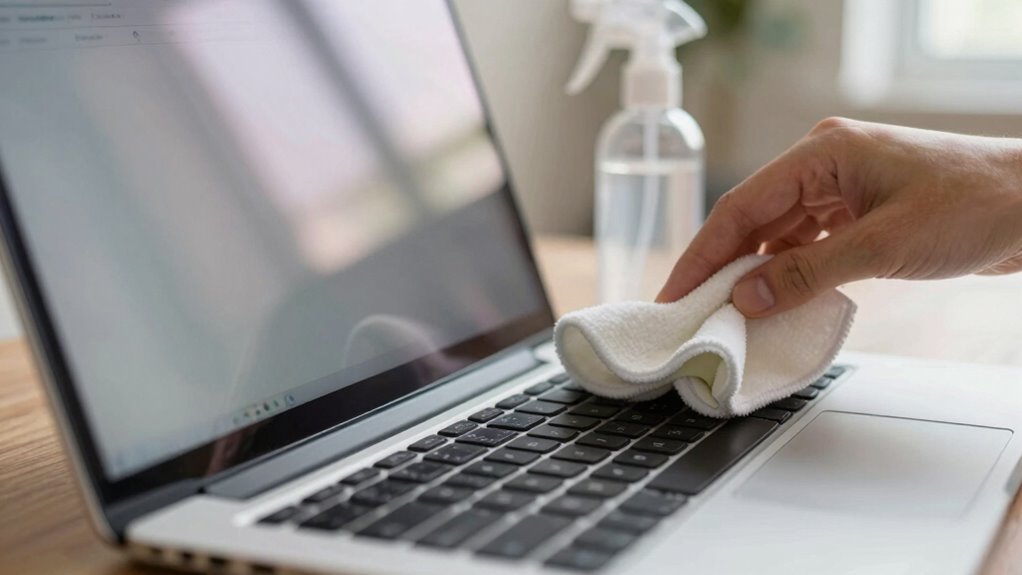

To clean your laptop screen without damage, power down your device and unplug it. Use a microfiber cloth dampened with distilled water or a gentle cleaning solution. Wipe the screen gently in circular motions, avoiding excessive pressure. Make certain to clean edges and corners where dust tends to accumulate. Finish by using a dry part of the cloth to eliminate streaks. Following these steps guarantees clarity and functionality, and there’s more to discover about proper care techniques.
Key Takeaways
- Power down and unplug your laptop before cleaning to prevent damage and ensure safety.
- Use a microfiber cloth dampened with distilled water or a gentle cleaning solution to avoid scratches.
- Wipe the screen in circular motions with light pressure, focusing on edges and corners for accumulated dust.
- Avoid ammonia-based cleaners, paper towels, and harsh chemicals that can harm the screen’s protective layers.
- Regularly clean your screen to maintain clarity and prevent buildup, ideally establishing a weekly routine.

MagicFiber Microfiber Cleaning Cloth, Glasses Cleaner, Eyeglass Wipes, 6pk
- High-Quality Microfiber Material: Removes dust, oil, smudges without scratches
- Versatile Screen and Glass Cleaner: Suitable for glasses, screens, TVs, and lenses
- Individual Packaging for Freshness: Each cloth in a polybag to ensure cleanliness
As an affiliate, we earn on qualifying purchases.
As an affiliate, we earn on qualifying purchases.
Why Regular Screen Cleaning Is Important

While you might not think about it often, regularly cleaning your laptop screen is essential for maintaining both its functionality and your health. Dust, fingerprints, and smudges can accumulate quickly, compromising screen clarity and making it harder to see what you’re working on. When your screen’s dirty, you strain your eyes, leading to discomfort and fatigue.
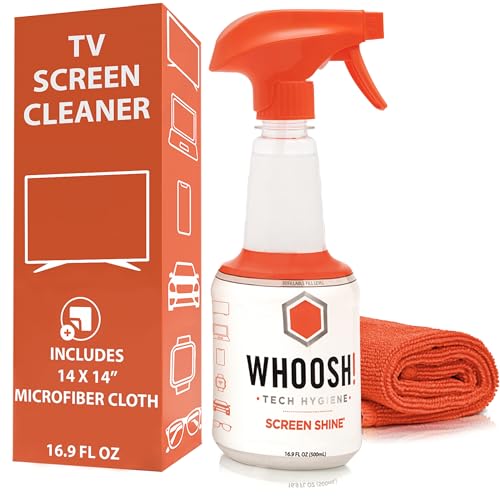
WHOOSH! Screen Shine Pro – Refillable TV Screen Cleaner & Cloth, 16.9 fl oz
- Refillable Screen Cleaner: Powerful, eco-friendly cleaning solution
- Streak-Free Results: Leaves screens crystal clear and haze-free
- Safe for All Screens: Suitable for OLED, LCD, and coated displays
As an affiliate, we earn on qualifying purchases.
As an affiliate, we earn on qualifying purchases.
Safe Materials for Cleaning Your Laptop Screen
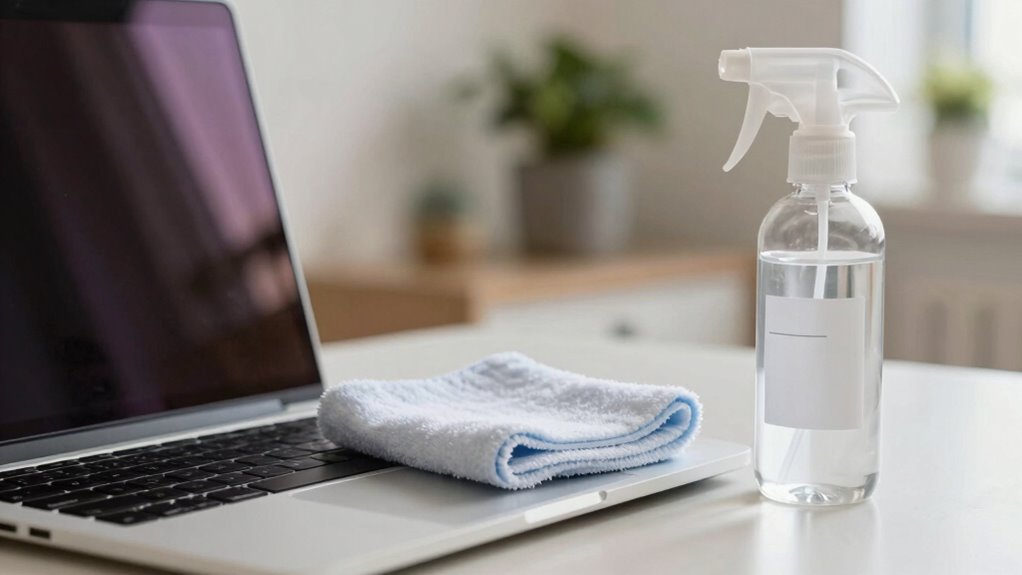
When it comes to cleaning your laptop screen, using the right materials is key. A microfiber cloth can gently remove smudges without scratching, while distilled water and isopropyl alcohol offer effective cleaning solutions. Let’s explore how these options can help keep your screen clear and safe.
Microfiber Cloth Benefits
Using a microfiber cloth is one of the best choices you can make for cleaning your laptop screen. These cloths offer numerous microfiber cloth advantages, like being gentle on delicate surfaces, ensuring you won’t scratch your screen. They effectively trap dust and smudges without the need for harsh chemicals, making them a safe option for regular use. Plus, microfiber cloths are reusable and easy to care for; just toss them in the wash to keep them clean and ready for your next cleaning session. By choosing a microfiber cloth, you’re not only protecting your screen but also promoting a sustainable cleaning solution. Incorporating technique & form education into your cleaning routine can help prevent damage and maintain your device’s longevity. So, invest in quality microfiber cloths for your cleaning routine and enjoy a clearer, cleaner screen!
Distilled Water Use
Distilled water is an essential component for safely cleaning your laptop screen. Its purity means it’s free from minerals and chemicals that can leave streaks or damage your display. One of the key distilled water benefits is that it evaporates quickly, reducing the risk of moisture damage. When you mix distilled water with a microfiber cloth, you can effectively remove fingerprints and dust without scratching the surface.
If you’re considering distilled water alternatives, options like vinegar or tap water may seem tempting, but they can contain impurities that harm your screen. Stick with distilled water for the best results. It’s a simple, safe choice that guarantees your laptop screen stays clear and in great condition for years to come.
Isopropyl Alcohol Options
Isopropyl alcohol, commonly found in concentrations of 70% to 99%, is a popular choice for cleaning laptop screens. When selecting isopropyl alcohol types, it’s crucial to pick the right concentration for effective cleaning without damage. A 70% solution is often recommended because it strikes a balance between cleaning power and safety. If you have a higher concentration, consider an isopropyl alcohol dilution to reduce the strength. Mixing it with distilled water can create a safer solution that’s still effective. Always test any cleaning solution on a small area first to verify it won’t harm your screen. With the right isopropyl alcohol options, you’ll keep your laptop screen clear and streak-free without risking damage.

iO CLEAN Screen Cleaner Spray (16oz – 473ml) – Best Large Cleaning Kit
- Versatile Screen Compatibility: Works on all electronic screens and devices
- Gentle, Advanced Formula: Removes dust, fingerprints, and grime safely
- Protective, Streak-Free Shine: Leaves screens smudge-free and like new
As an affiliate, we earn on qualifying purchases.
As an affiliate, we earn on qualifying purchases.
Step-By-Step Guide to Cleaning Your Laptop Screen
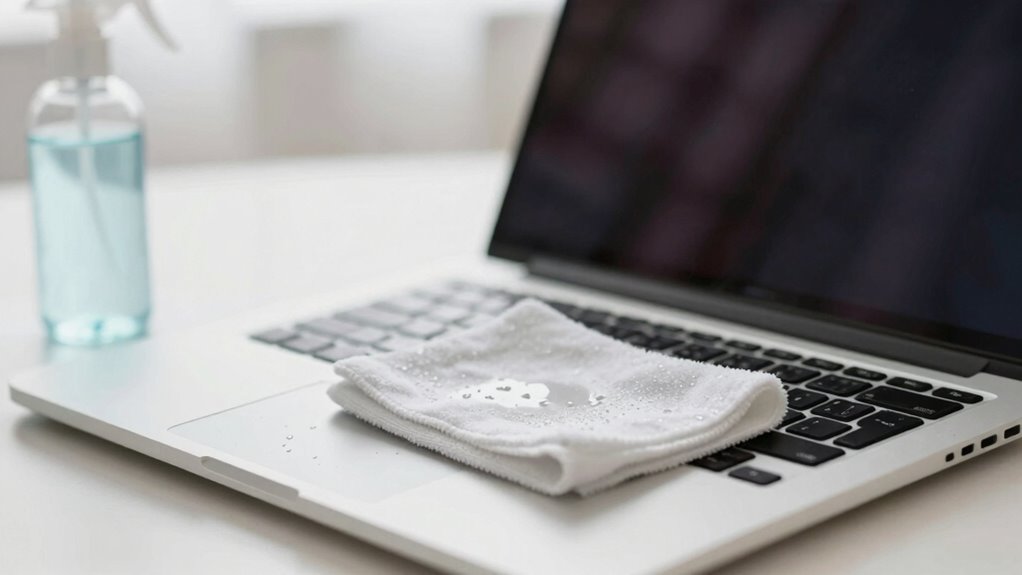
Although keeping your laptop screen clean might seem like a simple task, following a step-by-step guide guarantees you do it safely and effectively. First, power down your laptop and unplug it to avoid electrical issues. Grab a microfiber cloth—it’s ideal for screen cleaning techniques. Dampen one corner of the cloth with water or a safe cleaning solution; never apply liquid directly to the screen. Gently wipe the screen in a circular motion, avoiding excessive pressure. Make sure to clean edges and corners, where dust accumulates. Once you’re done, use the dry part of the cloth to remove any streaks. Regularly cleaning your screen is one of the best laptop maintenance tips to prolong its life and enhance your viewing experience.
iO CLEAN Screen Cleaner Spray (16oz – 473ml) – Best Large Cleaning Kit
- Versatile Screen Compatibility: Works on all electronic screens and devices
- Gentle, Advanced Formula: Removes dust, fingerprints, and grime safely
- Protective, Streak-Free Shine: Leaves screens smudge-free and like new
As an affiliate, we earn on qualifying purchases.
As an affiliate, we earn on qualifying purchases.
How to Properly Prepare Your Laptop for Cleaning
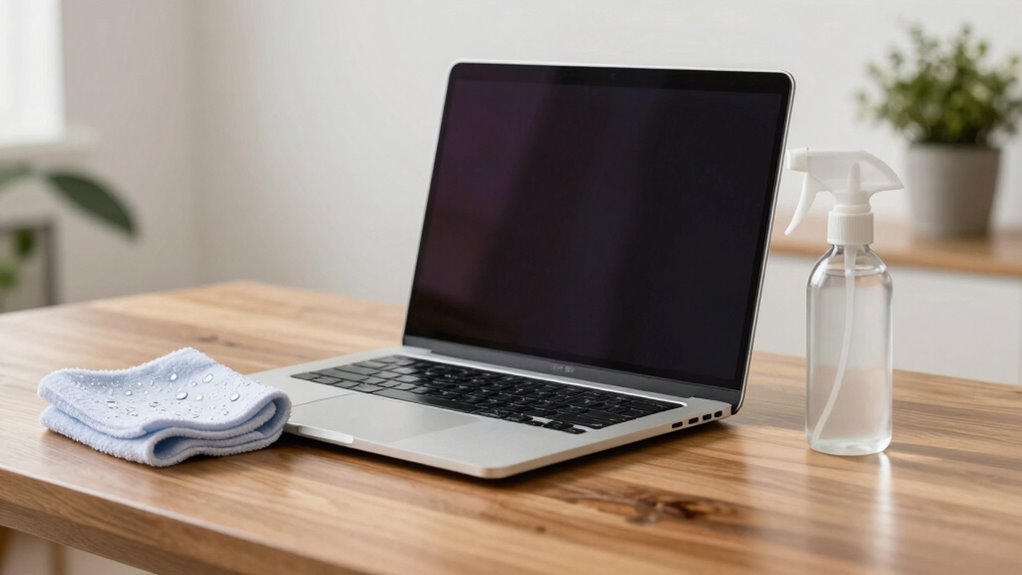
Before you start cleaning your laptop, it’s essential to prepare it properly to avoid any accidental damage. Taking a few simple steps guarantees your cleaning process is effective and safe for different screen types. Here’s what you should do:
Proper preparation is key to safely cleaning your laptop and ensuring effective results for various screen types.
- Turn off your laptop to prevent any electrical issues.
- Unplug the power cord to eliminate any risk of shock.
- Remove any peripherals like USB drives or external devices to keep them safe.
- Check the cleaning frequency; if you haven’t cleaned your screen in a while, it’s best to remove dust and grime thoroughly.
How to Keep Your Laptop Screen Clean
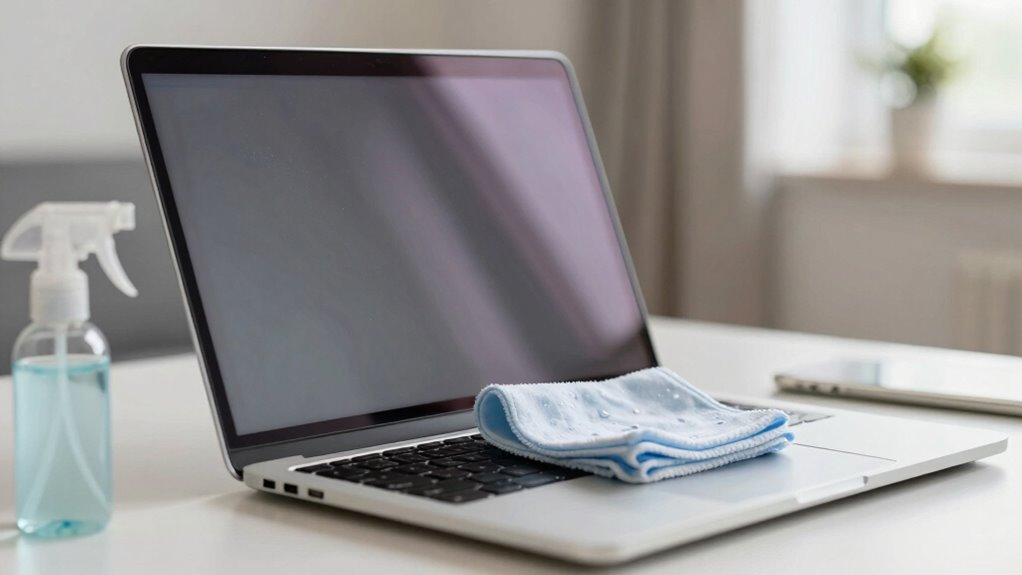
To keep your laptop screen clean, establish a regular cleaning schedule that works for you. Always use a microfiber cloth to gently wipe away dust and fingerprints, ensuring you don’t scratch the surface. Avoid harsh chemicals, as they can damage your screen and reduce its clarity. Additionally, filter maintenance is essential to prevent dust buildup that could compromise your device’s performance.
Regular Cleaning Schedule
Keeping your laptop screen clean is essential for maintaining clarity and preventing damage, so establishing a regular cleaning schedule can make a significant difference. By following a maintenance routine, you can enhance your laptop experience and extend its lifespan. Here are some tips to help you set your cleaning frequency:
- Daily: Wipe the screen with a soft cloth to remove fingerprints.
- Weekly: Use a gentle cleaner to tackle smudges and dirt.
- Monthly: Do a thorough clean, including the keyboard and casing.
- Seasonally: Inspect for any buildup that may require deeper cleaning.
Use Microfiber Cloth
Using a microfiber cloth is one of the best ways to keep your laptop screen clean and free from scratches. These cloths come in various types, including those specifically designed for electronics, ensuring you won’t damage the screen while cleaning. When choosing a microfiber cloth, look for one that’s soft and lint-free for ideal results.
To maintain your microfiber cloth, wash it regularly according to the manufacturer’s instructions. Avoid using fabric softeners, as they can reduce the cloth’s effectiveness. After washing, let it air dry to preserve its quality. By using the right microfiber cloth and keeping it clean, you can effortlessly keep your laptop screen looking pristine without causing any harm.
Avoid Harsh Chemicals
Many people underestimate the importance of avoiding harsh chemicals when cleaning their laptop screens. Using these substances can damage your display and void warranties. Instead, opt for chemical alternatives that are safer and effective. Here are some safe solvents you can use:
- Distilled water: Gentle and effective for most smudges.
- White vinegar: A natural cleaner that cuts through grime.
- Isopropyl alcohol (70% or less): Good for disinfecting without damage.
- Commercial screen cleaners: Make sure they’re labeled as safe for electronics.
Additionally, microplastics in dust can settle on screens and impact indoor air quality, so regular gentle cleaning helps maintain a healthier environment.
When to Get Professional Help for Screen Damage?
When should you consider calling in the experts for screen damage? If your laptop screen has cracks, discoloration, or persistent flickering, it’s time to seek professional help. These issues often require specialized tools and expertise for screen repair that you might not have at home. Additionally, if you notice severe scratches or dead pixels, a professional assessment can determine if a repair is feasible or if a full replacement is necessary. Don’t risk further damage by trying to fix it yourself. Trusting a technician guarantees that your laptop is handled correctly and safely, preserving its functionality. Remember, addressing screen damage sooner rather than later can save you from more costly repairs down the line.
Which Cleaning Solutions Should You Avoid?

After dealing with screen damage, it’s important to guarantee your laptop screen remains in good condition. Avoid using the following cleaning solutions to protect your screen:
- Ammonia-based cleaners: These can strip away screen protectants and damage the screen’s coating.
- Paper towels: They can scratch your screen, leading to irreversible damage.
- Window cleaners: These often contain harsh chemicals that aren’t safe for laptop screens.
- Rubbing alcohol: This can degrade the screen’s protective layer and cause discoloration.
Stick to a gentle solution, such as a mix of distilled water and vinegar, or use products specifically designed for electronics. Your screen deserves the best care to keep it functioning at its best!
Frequently Asked Questions
Can I Use Paper Towels to Clean My Laptop Screen?
You shouldn’t use paper towels to clean your laptop screen. They can scratch delicate screen materials and leave lint behind. Instead, opt for a microfiber cloth specifically designed for electronics. Use gentle cleaning techniques, like lightly dampening the cloth with water or a safe screen cleaner. This way, you’ll effectively remove smudges without risking damage to your screen. Always remember to power down your laptop before you start cleaning!
Is It Safe to Clean a Laptop Screen While It’s On?
Cleaning your laptop screen while it’s on isn’t recommended. Studies show that over 70% of users risk damaging their screens by doing so. For screen safety, it’s best to turn off your laptop and unplug it before cleaning. Using the right cleaning techniques, like a microfiber cloth and gentle solutions, guarantees you avoid harming the display. Always prioritize safety to keep your laptop in top shape and extend its lifespan.
How Often Should I Clean My Laptop Screen?
You should clean your laptop screen about once a week to maintain its clarity and prevent buildup. If you use your laptop frequently or in dusty environments, consider increasing the screen cleaning frequency. Regular cleaning not only enhances your viewing experience but also contributes to overall laptop maintenance. Remember, using the right materials and techniques is essential to avoid damage while keeping your screen looking its best.
What Should I Do if My Screen Has Persistent Stains?
If you’ve got persistent stains on your screen, like the coffee spill you accidentally wiped with a paper towel, you’ll need to use some effective stain removal techniques. Start by dampening a microfiber cloth with a mixture of distilled water and white vinegar. Gently rub the stained area in circular motions. Avoid using harsh chemicals, as they can damage your screen. Repeat if necessary, and your screen should look as good as new!
Can I Use Alcohol Wipes for My Laptop Screen?
You shouldn’t use alcohol wipes on your laptop screen, as they can damage the screen’s coating. While alcohol wipes are effective for disinfecting surfaces, they’re not the best choice for electronics. Instead, consider gentler screen cleaning alternatives like microfiber cloths and distilled water or specialized screen cleaners. These methods’ll help you maintain your screen’s clarity without risking damage. Always check your manufacturer’s guidelines for the safest cleaning practices, too!
Conclusion
You might not realize it, but a clean laptop screen can transform your daily experience. Imagine this: you’re working on an important project, and a smudge distracts you just as inspiration strikes. By taking a few moments to clean your screen regularly, you’re not just enhancing visibility; you’re creating a clearer space for your ideas to flow. So, grab that microfiber cloth, and remember—your laptop deserves care, just like the creativity it helps release!