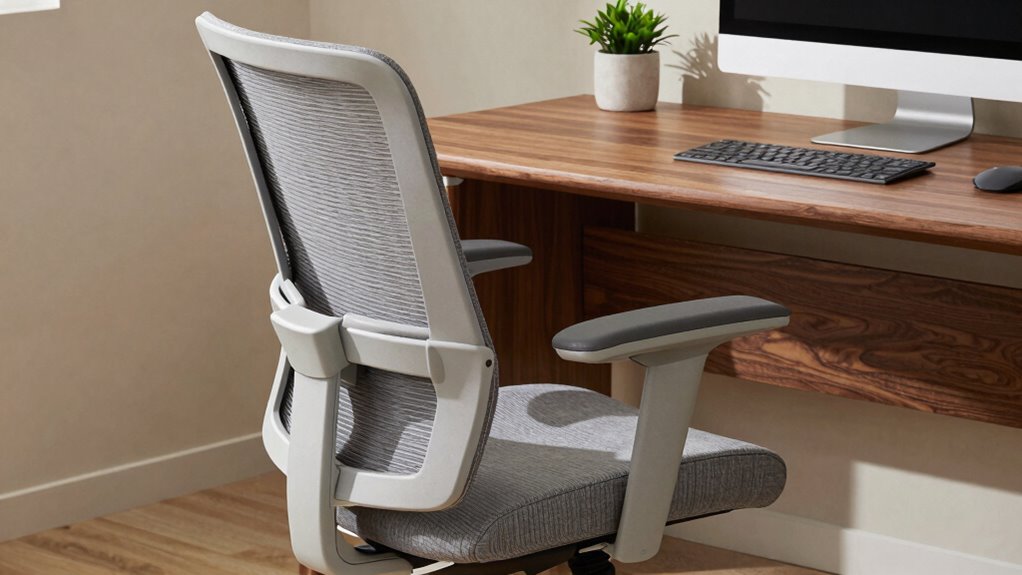

To get the most out of your ergonomic chair, focus on adjusting the seat height so your feet are flat and knees at a 90-degree angle, keeping hips aligned with your knees. Support your lower back with lumbar support to maintain natural spinal curves, and set the armrests so your shoulders stay relaxed with elbows close to your body. Regularly fine-tune these settings to stay comfortable and prevent strain—more tips are just a step away.

Get the little things that make your day delivered free — and shop member deals
- Fast, free delivery on millions of items
- Access to Prime Big Deal Days deals on October 6–7
- Prime Video, Amazon Music and more included
Key Takeaways
- Proper lumbar support placement to maintain the natural inward curve of the lower back.
- Adjusting seat height so feet are flat and knees are at a 90-degree angle.
- Ensuring armrests support relaxed shoulders and elbows close to the body.
- Sitting fully back in the chair to support the entire back and maintain neutral spine posture.
- Regularly reviewing and fine-tuning ergonomic settings for personalized comfort and support.
Are you making the most of your ergonomic chair? If not, you might be missing out on its full potential to promote better health and comfort throughout your workday. One of the most critical adjustments you can make is ensuring proper posture improvement. When your chair is correctly set up, you reduce strain on your spine, neck, and shoulders. Sit back fully into the seat, with your feet flat on the floor and knees at approximately a 90-degree angle. Keep your hips aligned with your knees to promote natural spinal curves. Avoid slouching or leaning forward, as this can lead to discomfort and long-term posture issues. Adjusting your chair to support a neutral spine position is essential to prevent fatigue and musculoskeletal problems. Remember, ergonomic chair adjustments are most effective when tailored to your unique body and work habits.
Another key adjustment that directly impacts your comfort and posture is lumbar support. Proper lumbar support maintains the natural inward curve of your lower back, which is vital to prevent slouching and lower back pain. If your chair has adjustable lumbar support, position it so it fills the hollow of your back, just above your belt line. This provides the necessary support to keep your spine aligned and reduces pressure on your lumbar discs. If your chair lacks built-in lumbar support, consider adding a cushion or lumbar roll for added stability. Remember, lumbar support isn’t a one-size-fits-all — adjust it until it feels comfortable and maintains the natural curve without causing discomfort or excessive pressure. Additionally, understanding body ergonomics can help you optimize your setup further for long-term comfort. Maintaining awareness of proper posture habits throughout your workday can also significantly enhance your ergonomic benefits.
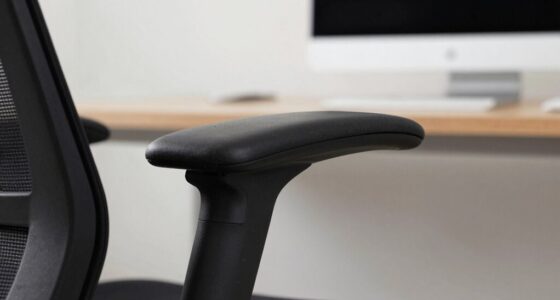
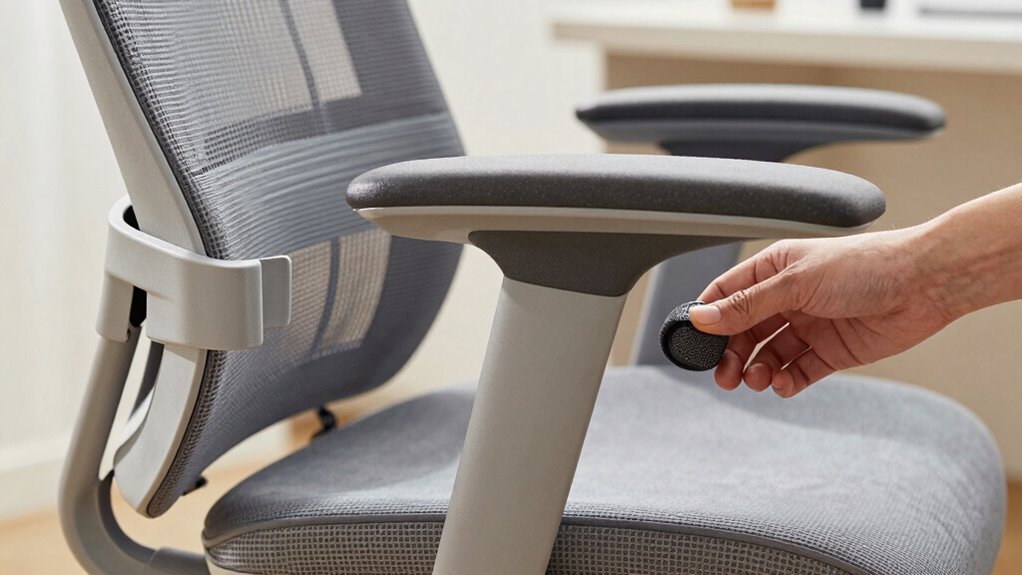
In addition to these primary adjustments, pay attention to your armrests. Properly positioned armrests should allow your shoulders to relax, with elbows close to your body and wrists in a neutral position. Too high, and they’ll cause shoulder tension; too low, and your arms won’t get the support they need. Adjust them so your forearms rest comfortably while typing or using a mouse, without elevating your shoulders. Ensuring your work environment supports ergonomic setup can also contribute to better posture and overall comfort during long hours. Regularly checking your setup and making small adjustments can help prevent repetitive strain injuries over time.
ergonomic office chair lumbar support
As an affiliate, we earn on qualifying purchases.
As an affiliate, we earn on qualifying purchases.
Frequently Asked Questions
How Often Should I Readjust My Ergonomic Chair During the Day?
You should readjust your ergonomic chair as often as needed to maintain proper posture alignment and cushion support, typically every 30 to 60 minutes. If you notice discomfort, slouching, or pressure points, take a moment to tweak your chair’s height, lumbar support, or armrests. Regular adjustments help prevent strain and keep you comfortable throughout the day, ensuring your posture stays aligned and your cushion support remains effective.
Can Improper Adjustments Cause Long-Term Health Issues?
Improper adjustments can definitely cause long-term health issues. Poor posture correction and lack of lumbar support lead to chronic back pain, neck strain, and even spinal problems. If your chair doesn’t support your lower back properly or encourages slouching, you risk developing musculoskeletal issues over time. Regularly modifying your chair guarantees proper posture, maintains lumbar support, and helps prevent these long-term health concerns.
Are There Specific Adjustments for Different Body Types?
Imagine a person with longer legs adjusting their seat height for ideal posture customization. Yes, specific adjustments matter for different body types. You should customize your chair to support seat comfort, ensuring your knees are at a 90-degree angle and your back is well-supported. By tailoring the chair to your unique body features, you reduce strain, prevent discomfort, and promote better long-term health.
How Do I Know if My Chair Is Properly Adjusted?
You’ll know your chair is properly adjusted when your lumbar support fits snugly into your lower back’s curve, providing comfort and preventing strain. Your armrests should be positioned so your shoulders relax, and your elbows are at a 90-degree angle. Adjust the height and depth to support your arms comfortably without raising your shoulders. When these elements feel natural and supportive, your chair is correctly set up for your body.
Do Ergonomic Chair Adjustments Improve Productivity?
Adjusting your ergonomic chair can boost productivity by improving posture correction and comfort enhancement. For example, a study found employees with properly adjusted chairs experienced less fatigue and increased focus. When your chair supports proper alignment, you stay comfortable longer, reducing distractions. This promotes better concentration, efficiency, and overall work performance. So, yes—ergonomic adjustments directly contribute to higher productivity by making your workspace more supportive and comfortable.
adjustable ergonomic office chair
As an affiliate, we earn on qualifying purchases.
As an affiliate, we earn on qualifying purchases.
Conclusion
And now, you’re just a few adjustments away from transforming your workspace. Imagine sitting comfortably, your posture perfect, all thanks to those small tweaks you’ve made. But here’s the real question: which adjustment will make the biggest difference? Will it be the seat height, lumbar support, or armrests? The power is in your hands—your perfect ergonomic setup is waiting. Are you ready to discover what truly matters most? The answer’s just a tweak away.
ergonomic chair armrest cushions
As an affiliate, we earn on qualifying purchases.
As an affiliate, we earn on qualifying purchases.
ergonomic chair seat height adjustment
As an affiliate, we earn on qualifying purchases.
As an affiliate, we earn on qualifying purchases.
Halloween Picks
halloween
As an affiliate, we earn on qualifying purchases.