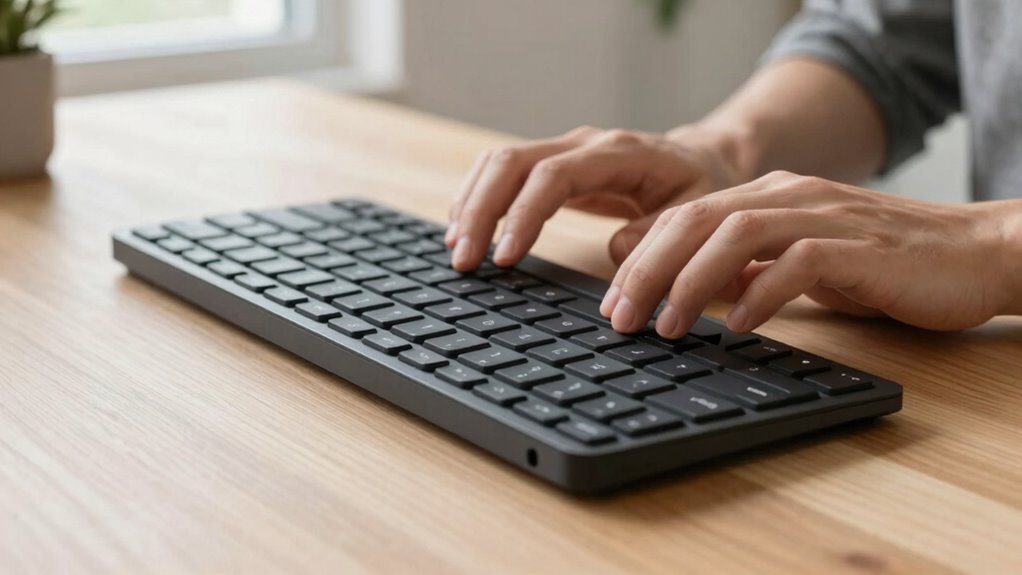

Split keyboards are ideal if you spend long hours typing and want to reduce strain on your hands, wrists, and shoulders. They help maintain a natural, relaxed posture by promoting neutral wrist alignment and minimizing awkward reaching. If you’re prone to repetitive stress injuries or experience discomfort during extended use, these keyboards can improve your comfort and prevent injury. Continue exploring to discover how you can customize your setup for maximum benefit.

Get the little things that make your day delivered free with Prime
- Fast, free delivery on millions of items
- Prime Video, Amazon Music and more included
- Member-only deals all year
Key Takeaways
- They help users prone to repetitive stress injuries like carpal tunnel syndrome by promoting neutral wrist and hand positioning.
- They benefit individuals with long working hours by reducing muscle strain and fatigue during extended typing sessions.
- They assist users with shoulder or upper back discomfort by aligning keyboard halves directly beneath shoulders.
- They accommodate personalized ergonomic adjustments, improving comfort for a diverse range of users.
- They are ideal for those seeking to improve overall posture and reduce tension during prolonged computer use.
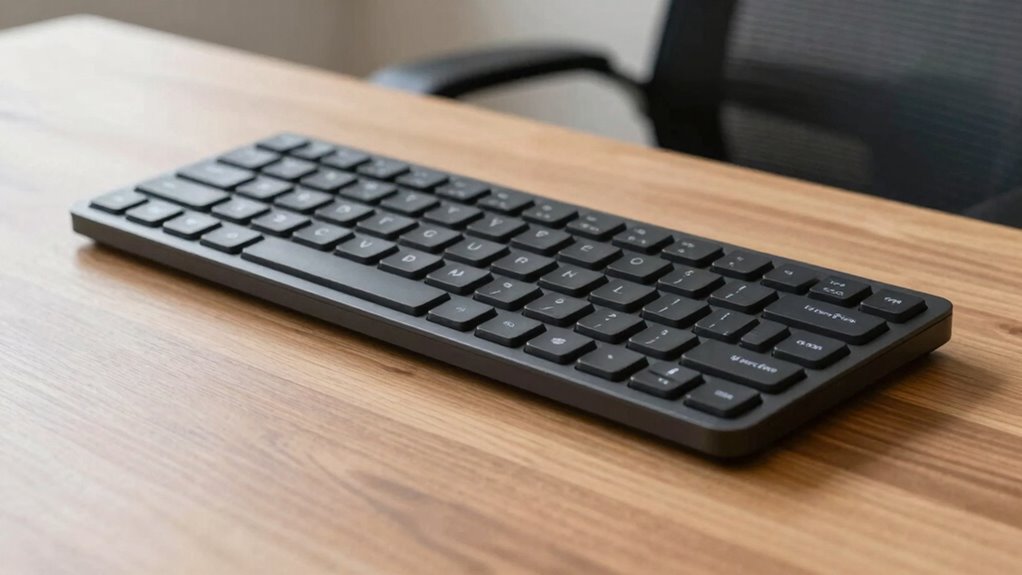
Split keyboards have gained popularity among those seeking a more ergonomic typing experience, but they aren’t just a trendy gadget—they actually benefit specific users. If you spend long hours at your desk, you might notice discomfort or fatigue in your hands, wrists, or shoulders. That’s where a split keyboard can make a real difference. By design, split keyboards divide the keys into two sections, allowing you to position each half independently. This setup encourages a more natural hand and wrist position, which can considerably improve your overall typing posture. When your hands are aligned more comfortably, you reduce strain on your tendons and muscles, helping to prevent repetitive stress injuries like carpal tunnel syndrome.
Split keyboards promote natural hand positioning, reducing strain and preventing repetitive stress injuries during long typing sessions.
One of the primary ergonomic benefits of a split keyboard is that it enables you to keep your wrists straight and relaxed. Traditional keyboards often force your hands into a pronated position—where your palms face downward—which can cause tension over time. With a split keyboard, you can angle each half to match your shoulder width and natural arm position, promoting a neutral wrist posture. This alignment minimizes unnecessary wrist bending and reduces pressure on your carpal tunnel, contributing to less pain and discomfort during prolonged typing sessions. Additionally, because you can position each half to suit your body, you’re more likely to maintain a healthy typing posture throughout the day. Using a split keyboard can also help you optimize your ergonomic setup, which is essential for long-term health. Incorporating adjustable features, such as tenting or tilting, further enhances comfort and supports healthy muscle and joint alignment. Properly positioning your keyboard in relation to your body mechanics can significantly improve overall comfort and prevent strain. In fact, some models even allow for personalized adjustments, making them a versatile choice for various users with different needs.
Another advantage lies in the way split keyboards encourage better shoulder alignment. When you’re forced to reach across a conventional keyboard, your shoulders tend to hunch forward or elevate, leading to poor posture and fatigue. With a split design, you can sit back in your chair and position each half directly beneath your shoulders, keeping your upper arms relaxed and close to your body. This setup not only reduces shoulder tension but also improves overall comfort, making long working hours more manageable.
Products Worth Considering

Bose SoundLink Plus Portable Bluetooth Speaker, Wireless Outdoor Speaker, Up to 20 Hours Battery Life, Waterproof and Dustproof, Black
Dreame G10 Pro Wet and Dry Vacuum Mop

TCL 65-Inch T7 Series 4K QLED Smart Google TV, 144Hz (65T7)
As an affiliate, we earn on qualifying purchases.
Frequently Asked Questions
Are Split Keyboards Suitable for Gamers?
Split keyboards can be suitable for gamers, especially if you prioritize ergonomic benefits and wish to reduce strain during long gaming sessions. They allow you to customize your hand position, improving comfort and minimizing fatigue. While their aesthetic appeal varies, many models have a sleek, modern look that appeals to gamers. However, you might need some adjustment time, and not all games are optimized for split keyboard layouts.
How Do Split Keyboards Affect Typing Speed?
Split keyboards can initially feel like trying to learn a new dance, but with practice, your typing speed improves. They offer ergonomic benefits that reduce strain, allowing you to type more comfortably and accurately. Although there might be a brief adjustment period, many users find that their typing accuracy increases over time. Ultimately, a split keyboard can enhance your overall typing experience by promoting better posture and reducing fatigue.
Can Split Keyboards Reduce Wrist Strain Long-Term?
Yes, split keyboards can reduce wrist strain long-term by promoting ergonomic benefits and improving your posture. When you use a split keyboard, you naturally position your hands and wrists more comfortably, decreasing tension and repetitive strain injuries. Over time, this ergonomic design helps prevent issues like carpal tunnel syndrome and enhances overall comfort during long typing sessions, making it a smart choice for maintaining better wrist health.
Are Split Keyboards Compatible With All Computers?
Yes, split keyboards are broadly compatible with most computers, but beware—compatibility concerns can sometimes feel like finding your way through a maze. Their ergonomic design usually works seamlessly with Windows, Mac, and Linux, yet some models might require specific drivers or adapters. So, before you plunge in, double-check the specifications. Your setup will thank you when you experience the comfort of a perfectly aligned, ergonomic keyboard that plays nicely with your device.
What Is the Cost Difference Compared to Traditional Keyboards?
Split keyboards typically cost more than traditional ones, often ranging from $80 to over $200, depending on features. You’ll find that their ergonomic benefits and customization options justify the higher price, especially if you spend long hours typing. Investing in a split keyboard can reduce strain and improve comfort, making it a worthwhile upgrade. The increased cost reflects the advanced ergonomic design and personalized settings they offer.
Conclusion
So, next time you consider a split keyboard, remember it’s not just a trend but a coincidence of comfort and efficiency. You might stumble upon relief just when you least expect it, like finding a lost key or catching a rare bird. Whether you’re typing for hours or just browsing, these keyboards could be the answer you weren’t actively searching for—yet, in the end, they might just help you work better, naturally.