
To reduce smart home risks, start by securing your IoT devices. Change default passwords, use strong, unique ones for each device, and enable network encryption. Regularly update your firmware to patch vulnerabilities. Implement a guest network to keep visitors off your main network, enhancing privacy. Monitor device activity for unusual patterns and set up alerts for any suspicious actions. When you follow these steps, you’ll protect your home better and discover more tips to enhance your security.
Key Takeaways
- Change default passwords and create unique, complex passwords for each IoT device to enhance security.
- Regularly update device firmware to protect against vulnerabilities and ensure devices have the latest security patches.
- Enable strong network encryption, such as WPA2 or WPA3, to safeguard your home Wi-Fi network from unauthorized access.
- Monitor device activity logs frequently for unusual behavior and set up alerts for suspicious activity.
- Utilize network segmentation to isolate smart devices from main traffic and create a guest network for visitors.

TP-Link BE6500 Dual-Band WiFi 7 Router (BE400) – Dual 2.5Gbps Ports, USB 3.0, Covers up to 2,400 sq. ft., 90 Devices, Quad-Core CPU, HomeShield, Private IoT, Free Expert Support
𝐅𝐮𝐭𝐮𝐫𝐞-𝐑𝐞𝐚𝐝𝐲 𝐖𝐢-𝐅𝐢 𝟕 – Designed with the latest Wi-Fi 7 technology, featuring Multi-Link Operation (MLO), Multi-RUs, and 4K-QAM….
As an affiliate, we earn on qualifying purchases.
As an affiliate, we earn on qualifying purchases.
Why Securing Your IoT Devices Is Essential

As more devices connect to the internet, securing your IoT devices becomes vital to protect your personal data and privacy. IoT vulnerabilities can expose you to significant risks if left unaddressed. Start with device authentication to guarantee only authorized users can access your devices. Regularly assess the threat landscape to stay informed about emerging risks. Prioritize data privacy by implementing secure communication protocols and managing firmware updates diligently. User education is important; understanding the potential risks helps you make informed decisions. Conducting regular risk assessments can identify weaknesses in your setup, allowing you to strengthen your defenses. Additionally, understanding how devices work and the science behind their features can help you make better security choices. Familiarizing yourself with smart home technology capabilities can also help you recognize potential vulnerabilities and take proactive measures. Educating yourself about IoT security best practices empowers you to implement effective safeguards and reduce the likelihood of breaches. By taking these steps, you can safeguard your IoT devices against potential threats and enhance your overall security posture.

PDDAXLQUE DX-LR30 Development Kit Semtech SX1262+STM32 LORA SPI Interface Module 410-475MHz 433MHz with 2PCS SMA Antenna 22 dBm 8KM for Arduino LoRaWAN Meshtastic DIY CE FCC (DX-LR30-433-SET-T1)
【8KM transmission distance】DX-LR30 transmission distance is up to 8KM. Support 850~930Mhz frequency band communication, 22dBm power, support programming,…
As an affiliate, we earn on qualifying purchases.
As an affiliate, we earn on qualifying purchases.
Securing Your Home Network for Smart Devices
To secure your home network for smart devices, start by changing default passwords and enabling network encryption. Regularly updating device firmware is also essential to protect against vulnerabilities. These simple steps can greatly enhance your network’s security and keep your devices safe. Additionally, utilizing smart home safety features can provide an extra layer of protection against potential threats, especially when combined with network segmentation strategies to isolate your smart devices from other network traffic. Implementing security zone practices can further reduce the risk of cyber intrusions and unauthorized access. Incorporating device monitoring tools can help detect unusual activity early and respond promptly to potential security issues. Employing power protection measures can also guard your devices against power surges and outages, ensuring reliable operation and enhancing overall security.
Change Default Passwords
While many smart devices come with default passwords for convenience, failing to change them can leave your home network vulnerable to cyber threats. To enhance your password management, take a few moments to customize these passwords for each device. Here’s a quick reference table to help you remember key practices:
| Tip | Description |
|---|---|
| Change Default Passwords | Always replace factory-set passwords immediately. |
| Use Unique Passwords | Create a unique password for each device. |
| Password Length | Aim for at least 12 characters. |
| Regular Updates | Change your passwords periodically. |
Additionally, understanding the importance of password strength can significantly improve your overall security. Implementing strong, complex passwords reduces the risk of unauthorized access to your smart home, especially when combined with other security best practices.
Enable Network Encryption
Securing your home network is essential for protecting your smart devices, especially since many of them transmit sensitive data. One effective way to enhance your network’s security is by enabling network encryption. The network encryption benefits include safeguarding your data from unauthorized access and ensuring your devices communicate securely.
An encryption protocols overview reveals various methods, like WPA2 and WPA3, which provide robust protection for your Wi-Fi network. By opting for these protocols, you create a secure environment where your smart devices can operate without the fear of interception. Implementing strong encryption standards is a crucial step in preventing unauthorized access and maintaining your privacy. Remember, enabling network encryption is a simple yet important step in fortifying your smart home against potential threats. Don’t compromise on your security—act now to protect your privacy!
Update Device Firmware
Keeping your smart devices up-to-date is essential for maintaining a secure home network. Firmware updates often include critical security patches that protect your devices from vulnerabilities. By regularly checking for these updates, you can guarantee your devices are equipped with the latest defenses. Most manufacturers provide notifications or automatic updates, but it’s wise to verify that your settings allow for this. Regularly reviewing your device security settings can help ensure updates are installed promptly and effectively. Additionally, be mindful of device compatibility when updating firmware. Sometimes, newer updates may not work well with older devices, leading to performance issues. Always read the release notes before proceeding with an update. Being aware of side-channel attack vulnerabilities can help you implement additional safeguards against subtle data breaches. By staying proactive about firmware updates, you greatly reduce the risk of cyber threats and keep your smart home running smoothly and securely.

Boda's Home Network Security Guide for Everyday Users: Protecting Your Digital Life with Practical, Understandable Steps (Digital Empowerment Series)
As an affiliate, we earn on qualifying purchases.
As an affiliate, we earn on qualifying purchases.
Strong Passwords and Two-Factor Authentication for IoT Security
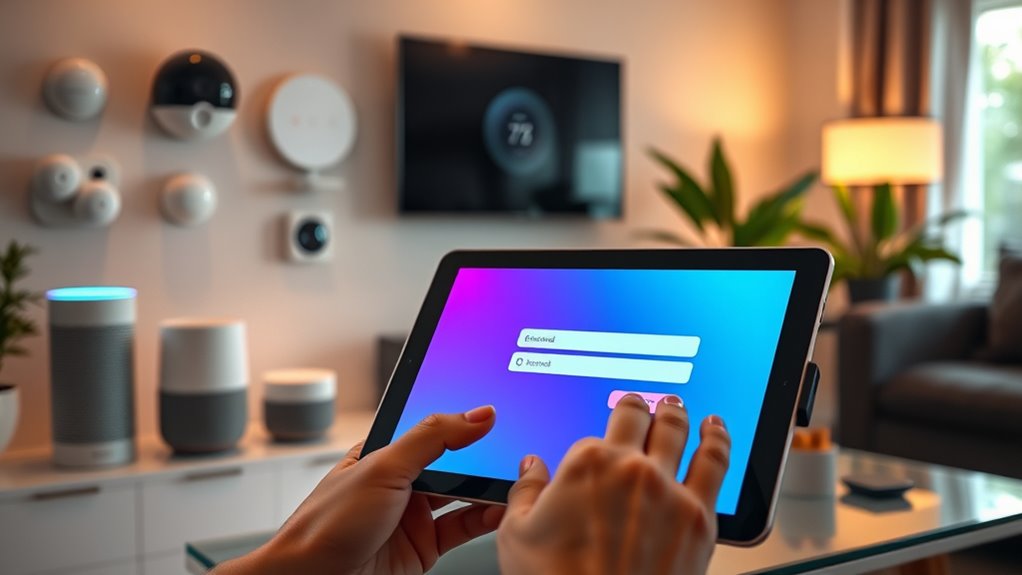
As the number of Internet of Things (IoT) devices in your home or workplace grows, it is crucial to prioritize strong passwords and two-factor authentication (2FA) to safeguard your network. Start by ensuring password complexity; use a mix of upper and lower case letters, numbers, and special characters. Avoid common phrases or easily guessable information like birthdays. Each device should have a unique password to prevent a single breach from affecting multiple gadgets. Implementing 2FA adds an extra layer of security, requiring not just your password but also a second form of verification, like a text message or an authentication app. By using robust password practices and diverse authentication methods, you greatly reduce the risk of unauthorized access to your IoT devices. Understanding crypto market trends can help you stay informed about potential vulnerabilities in connected environments and strengthen your overall digital security.

Development Board Iot Security Tool with 64 Scripts Fix System Vulnerabilities for Users
[Robust Offensive Capabilities] Capable of executing multiple attacks including password cracking and malware propagation for enhanced security testing.
As an affiliate, we earn on qualifying purchases.
As an affiliate, we earn on qualifying purchases.
How to Configure Your Smart Gadgets’ Privacy Settings

After establishing strong passwords and enabling two-factor authentication, your next step is to configure the privacy settings on your smart gadgets. Adjusting these settings can greatly enhance your device’s security and protect your personal information. Here are three important steps to keep in mind:
- Review Privacy Features: Check each device’s privacy features to verify they’re activated, such as data encryption and anonymized data sharing.
- Manage Device Permissions: Limit device permissions to only what’s necessary. For instance, if a camera doesn’t need access to your contacts, deny that permission.
- Regularly Update Settings: Stay informed about software updates and privacy policy changes, adjusting your settings as needed to maintain the best security.
Taking these steps can help safeguard your smart home environment.
How to Detect Unusual Activity on Your Smart Devices?

To keep your smart devices secure, you should regularly monitor their activity logs for any strange behavior. Setting up alerts and notifications can also help you catch unusual activity quickly. By staying vigilant, you can protect your home network from potential threats. Additionally, understanding caregiving decisions can help you maintain a balanced approach to managing your devices and household responsibilities.
Monitor Device Activity Logs
Monitoring device activity logs is essential for spotting unusual behavior in your smart devices. By regularly checking these logs, you can identify any irregularities in activity patterns that might indicate a security issue. Here are three effective strategies to help you monitor your devices:
- Use monitoring tools: Install software specifically designed to track device usage and alert you to suspicious activity.
- Review logs frequently: Set aside time weekly to examine your device logs, looking for any unexpected access or changes.
- Establish baselines: Understand normal activity patterns for your devices so you can quickly spot anomalies when they occur.
Set Up Alerts And Notifications
How can you stay one step ahead of potential threats to your smart devices? One effective way is by setting up alerts and notifications. Start by exploring your devices’ alert customization options. Tailor these alerts to notify you of unusual activity, such as unfamiliar logins or unexpected device usage. Configuring alerts properly can make a significant difference in early threat detection. Make sure to adjust your notification settings so you receive real-time updates on any suspicious actions. This way, you can quickly respond to potential breaches before they escalate. Regularly review these settings, as new devices and software updates might change default configurations. Staying aware of security best practices ensures you’re consistently improving your defenses. Additionally, understanding the importance of device firmware updates can help patch vulnerabilities that might otherwise be exploited. Being proactive and practicing good cyber hygiene can further bolster your smart home security and protect your privacy. Integrating automated monitoring tools can also enhance your ability to detect anomalies without constant manual oversight.
Regularly Update Your Device Firmware and Software
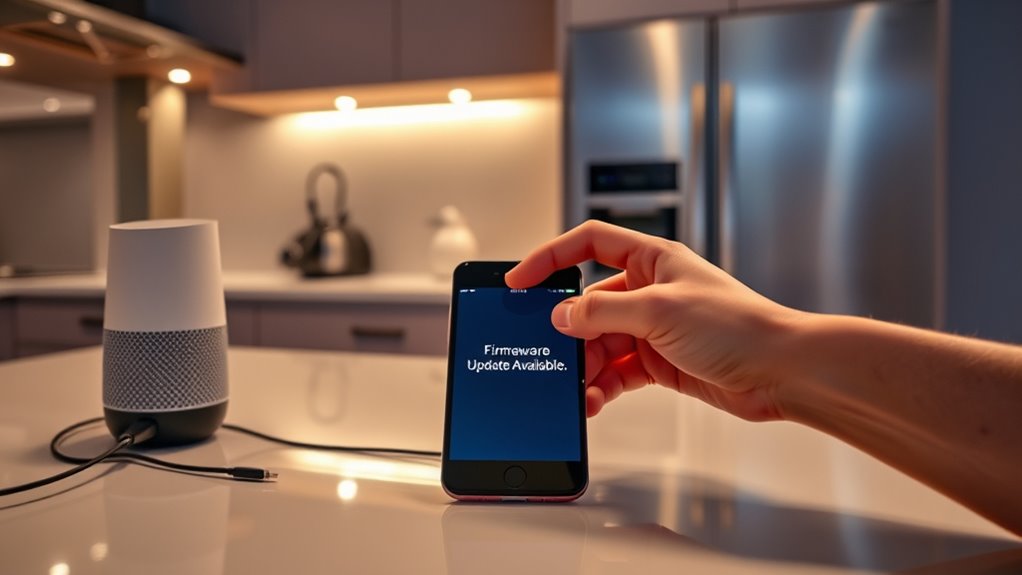
Although many IoT devices come with built-in security features, keeping your device firmware and software up to date is essential for protecting against emerging threats. Regular updates help address firmware vulnerabilities that hackers exploit. Here’s how you can guarantee your devices stay secure:
- Enable Automatic Updates: Whenever possible, turn on automatic updates for your devices to guarantee you’re always using the latest versions.
- Check Compatibility: Before updating, verify that the new firmware is compatible with your device to avoid any disruptions in functionality.
- Stay Informed: Follow the manufacturer’s website or social media for announcements about critical updates or security patches.
- Understand Air Systems: Being aware of the security features in your air exchange or ERV systems can further enhance your smart home safety.
Additionally, understanding IoT security protocols can help you implement more comprehensive protection measures across your smart home network. Regularly reviewing firmware vulnerabilities can also help you stay ahead of potential threats and ensure your devices are as secure as possible.
Implementing a Guest Network for Smart Home Access

Creating a guest network for your smart home devices not only enhances security but also keeps your main network safe from potential threats. With a simple guest network setup, you can isolate your smart devices from other users, ensuring they remain secure even when guests connect. This smart device isolation limits access to your personal data and primary network, reducing the risk of hacks. To set up a guest network, log into your router settings and look for the guest network option; follow the prompts to create a separate network name and password. Share this information with visitors, allowing them to access the internet without compromising your home’s security. It’s a straightforward way to bolster your smart home’s defenses.
Frequently Asked Questions
What Are Common Vulnerabilities in Smart Home Devices?
Common vulnerabilities in smart home devices include default passwords that aren’t changed, outdated firmware that leaves devices exposed, and insecure protocols that don’t encrypt data properly. You might also encounter weak encryption, which makes it easier for attackers to intercept communications. Additionally, a lack of authentication can let unauthorized users access your devices, while unpatched vulnerabilities and poor network segmentation increase risks. Don’t forget about insecure storage, which can lead to data breaches.
How Can I Tell if My Device Has Been Hacked?
If you suspect your device has been hacked, look for signs like suspicious activity—think of it as the digital equivalent of a ghost haunting your home. Check for unknown connections in your network settings; if you see devices you don’t recognize, that’s a red flag. Monitor for unusual behavior, like unexpected shutdowns or strange alerts. Trust your instincts; if something feels off, take action to secure your device immediately.
Can Iot Devices Be Secured Without Professional Help?
Yes, you can secure IoT devices without professional help. By implementing DIY security measures, you can greatly reduce risks. Start by regularly updating your device firmware and changing default passwords to strong, unique ones. User education is essential, so familiarize yourself with security best practices like disabling unnecessary features and using secure networks. With a bit of effort and awareness, you can effectively protect your smart home from potential threats.
What Are the Risks of Public Wi-Fi for Iot Devices?
Using public Wi-Fi for your IoT devices might seem convenient, but it’s a risky coincidence. Public Wi-Fi threats expose your devices to various hacking techniques. Cybercriminals can intercept data, leading to unauthorized access to your connected devices. They can easily exploit weak security protocols and perform man-in-the-middle attacks. So, if you’re relying on public networks, remember that your IoT devices could become prime targets for hackers looking to breach your privacy.
How Do I Choose Secure Iot Devices Before Purchasing?
To choose secure IoT devices before purchasing, start by researching secure brands known for their commitment to security. Look for devices with strong encryption and regular firmware updates. Check device reviews to see what other users say about security features and any vulnerabilities. Pay attention to how the manufacturer responds to security issues—proactive companies are a good sign. Finally, confirm the device comes with a robust privacy policy and data protection measures.
Conclusion
In today’s world, securing your IoT devices is more essential than ever. Did you know that nearly 70% of smart home devices have at least one security vulnerability? That’s a staggering number! By taking the steps outlined in this article, like using strong passwords and keeping your firmware updated, you can greatly reduce the risks. Don’t let convenience compromise your safety—be proactive and protect your smart home today.