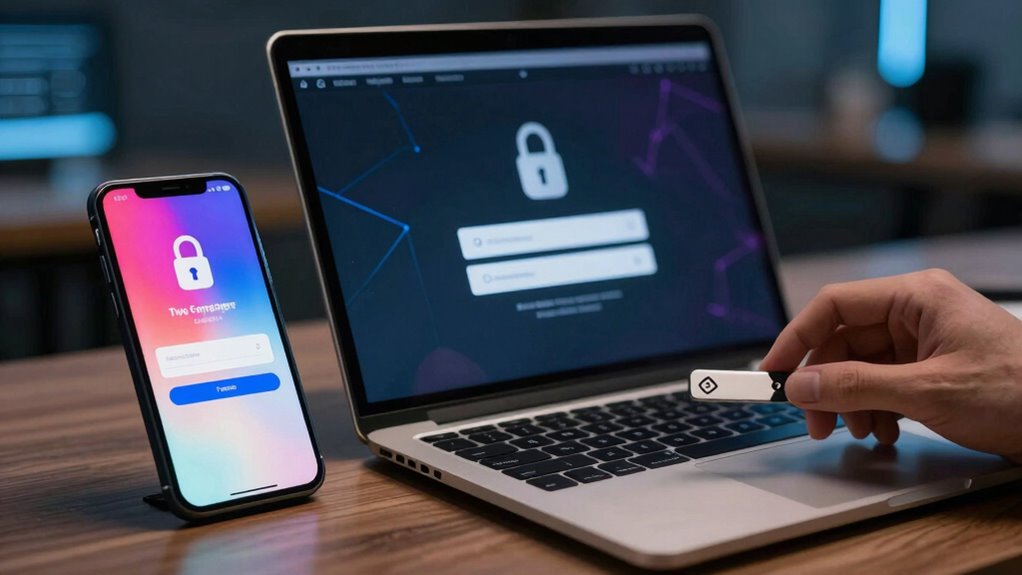

Two-Factor Authentication (2FA) adds an extra layer of security to your online accounts. It requires both a password and a second verification method, like a text message code or an authenticator app. This makes it harder for hackers to access your accounts, even if they know your password. Choosing the right method and properly setting it up is key. Stick around to learn more about effortlessly securing your accounts with 2FA and troubleshooting tips.
Key Takeaways
- Two-Factor Authentication (2FA) enhances account security by requiring both a password and a second verification method.
- Choose from various 2FA methods, including SMS codes, authenticator apps, hardware tokens, or biometric verification.
- Setting up 2FA involves enabling it in account settings and linking your chosen authentication method while saving backup codes.
- Regularly update passwords and review security settings to maintain strong account protection and access control.
- Educate yourself about phishing risks and utilize authenticator apps for improved security over traditional SMS verification.
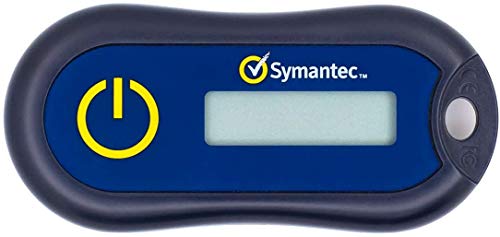
Symantec VIP Hardware Authenticator – OTP One Time Password Display Token – Two Factor Authentication – Time Based TOTP – Key Chain Size
Standard OATH compliant TOTP token (time based)
As an affiliate, we earn on qualifying purchases.
As an affiliate, we earn on qualifying purchases.
What Is Two-Factor Authentication (2FA)?
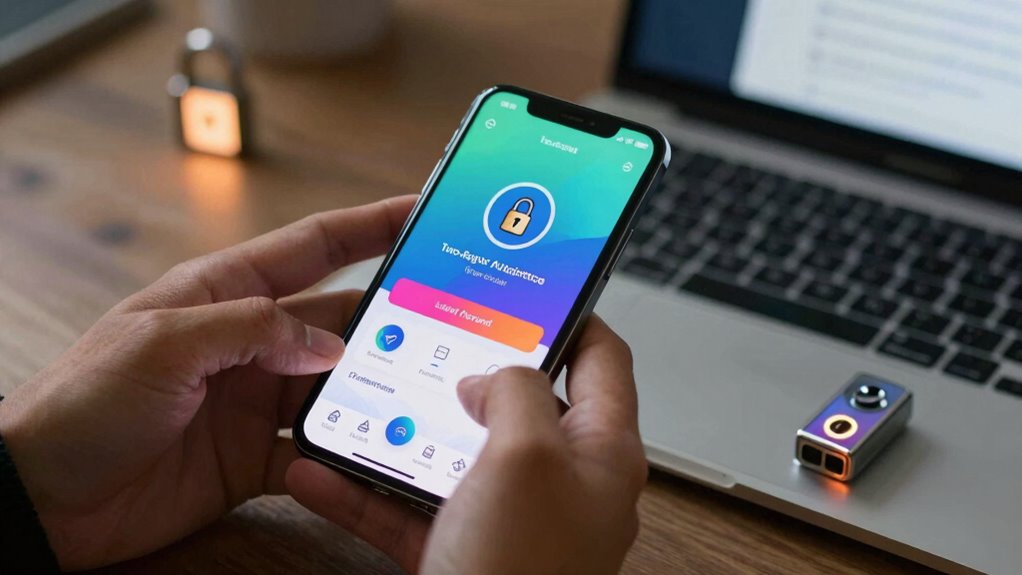
Two-Factor Authentication (2FA) is a security measure that adds an extra layer of protection to your online accounts. By requiring not just a password but also a second form of verification, like a code sent to your phone, you greatly enhance your account’s security. This method makes it much harder for unauthorized users to gain access, even if they know your password. The security benefits of 2FA can’t be overstated; it acts as a strong deterrent against hacking attempts. While some might worry that adding this step could complicate the user experience, many find it straightforward and worth the extra effort. Overall, 2FA effectively balances robust security with ease of use, giving you peace of mind while browsing online.

Thetis Pro-A FIDO2 Security Key Passkey Device with USB A & NFC, TOTP/HOTP Authenticator APP, FIDO 2.0 Two Factor Authentication 2FA MFA, Works with Windows/macOS/Linux/Gmail/Facebook/Dropbox/GitHub
FIDO2/Passkey Authentication – Secure, passwordless login with supported platforms. Check if your intended service supports hardware keys before…
As an affiliate, we earn on qualifying purchases.
As an affiliate, we earn on qualifying purchases.
How Does 2FA Really Work?
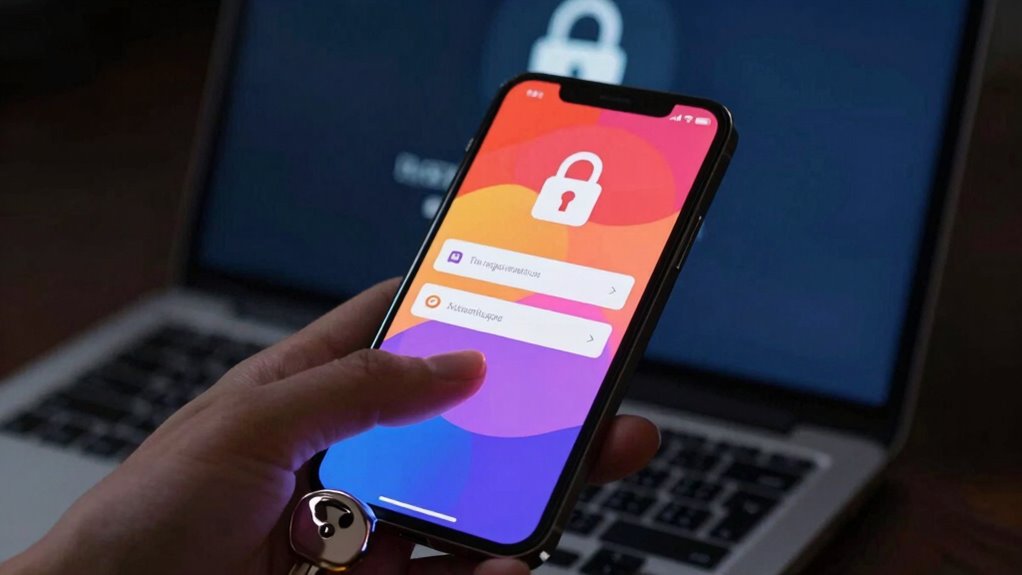
To understand how 2FA works, you need to grasp the different authentication factors involved. It combines something you know, like a password, with something you have, such as a token or a mobile app. This layered approach enhances your security during the verification process.
Authentication Factors Explained
Authentication factors play an essential role in securing your online accounts. They come in three main authentication types: something you know, something you have, and something you are. By combining these factors, you create multiple security layers that make it harder for unauthorized users to access your information. For instance, when you enter your password (something you know) and then receive a text message with a code (something you have), you’re using two different factors. This method greatly enhances your account’s security. Each authentication type addresses potential vulnerabilities, ensuring that even if one layer is compromised, the others still protect your account. Embracing these factors is a smart move in today’s digital landscape.
How Tokens Work
Tokens serve as the backbone of two-factor authentication, adding an extra layer of security to your online accounts. You’ll encounter various token types, including hardware tokens and software tokens, each offering unique benefits.
Here’s what you should know about tokens:
- Token Generation: They create time-sensitive codes for secure access.
- Token Security: Enhanced protection against unauthorized access.
- Authentication Tokens: Verify your identity during logins.
- Token Management: Keep track of issued tokens for efficient use.
- Token Lifespan: Codes typically expire quickly, ensuring timely validation.
Verification Process Overview
Once you’ve got your tokens in place, it’s time to understand how the verification process works. When you log in, you enter your username and password as usual. After that, you’ll be prompted for a second factor—this is where your tokens come in. Depending on the verification methods you’ve chosen, you might receive a code via SMS, email, or an authenticator app. Once you input that code, the system checks it against its records. If everything matches, you’re granted access. This two-step approach provides significant security enhancements, making it much harder for unauthorized users to gain entry. By using 2FA, you guarantee that even if your password is compromised, your account remains secure.

Yubico – YubiKey 5C NFC – Multi-Factor authentication (MFA) Security Key and passkey, Connect via USB-C or NFC, FIDO Certified – Protect Your Online Accounts
POWERFUL SECURITY KEY: The YubiKey 5C NFC is the most versatile physical passkey, protecting your digital life from…
As an affiliate, we earn on qualifying purchases.
As an affiliate, we earn on qualifying purchases.
The Importance of Two-Factor Authentication for Your Security
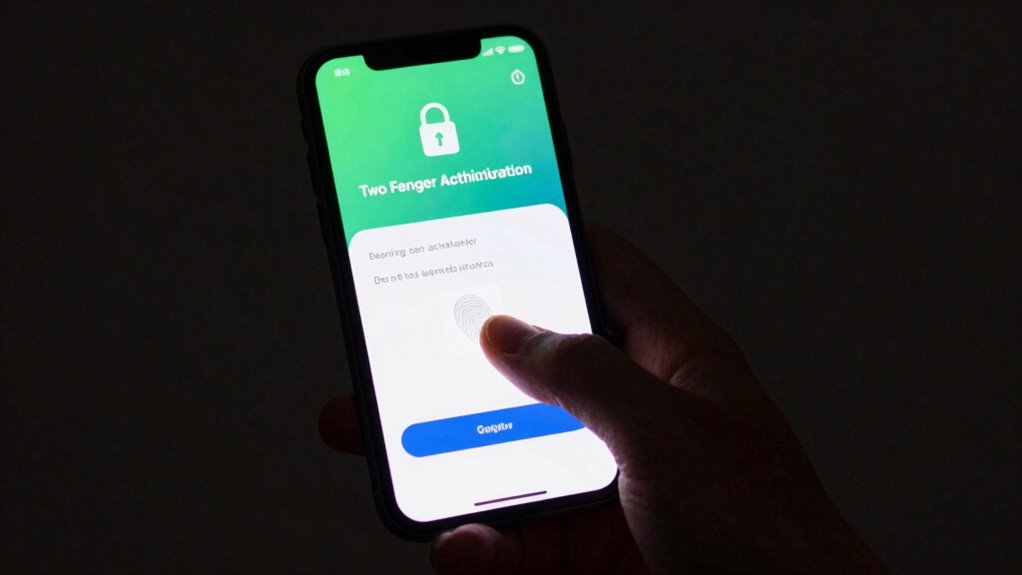
In an era where digital threats loom large, safeguarding your sensitive information is more essential than ever. Two-factor authentication (2FA) is a critical security measure that enhances your online safety and protects against identity theft and phishing attacks. By requiring an additional verification step, you markedly reduce the risk of cyber risks and guarantee account integrity.
Here are some reasons why you should prioritize 2FA:
- Strengthens access control
- Mitigates security threats
- Boosts user awareness
- Enhances data protection
- Reduces the likelihood of unauthorized access
Embracing two-factor authentication not only fortifies your defenses but also fosters a more secure online environment for everyone. Stay proactive and protect yourself against evolving threats!
Yubico – YubiKey 5C NFC – Multi-Factor authentication (MFA) Security Key and passkey, Connect via USB-C or NFC, FIDO Certified – Protect Your Online Accounts
POWERFUL SECURITY KEY: The YubiKey 5C NFC is the most versatile physical passkey, protecting your digital life from…
As an affiliate, we earn on qualifying purchases.
As an affiliate, we earn on qualifying purchases.
Which 2FA Method Should You Choose?
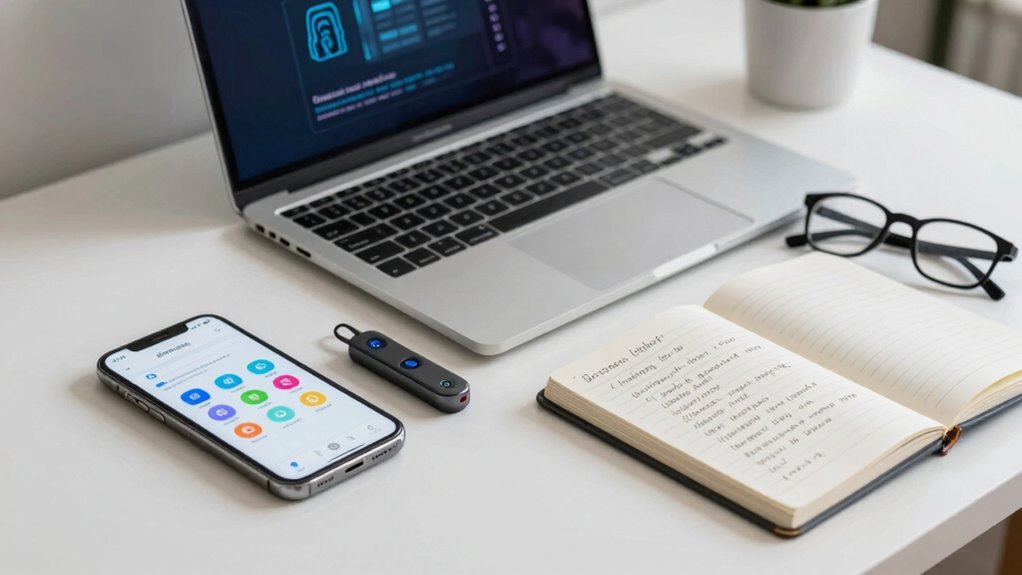
Now that you understand the importance of two-factor authentication for enhancing your security, it’s time to explore the various methods available for implementing it. You can choose SMS verification for convenient text-based codes or use authenticator apps for added security. Consider security tokens or hardware tokens if you prefer a physical device. Biometric verification, like fingerprints, offers a seamless experience. Don’t forget backup codes; they’re essential if you lose access to your primary method. Push notifications provide instant alerts for logins, while email verification serves as an additional layer. Each method has its pros and cons, so think about what aligns best with your lifestyle and security needs before making a choice.
Quick Guide: Setting Up Two-Factor Authentication
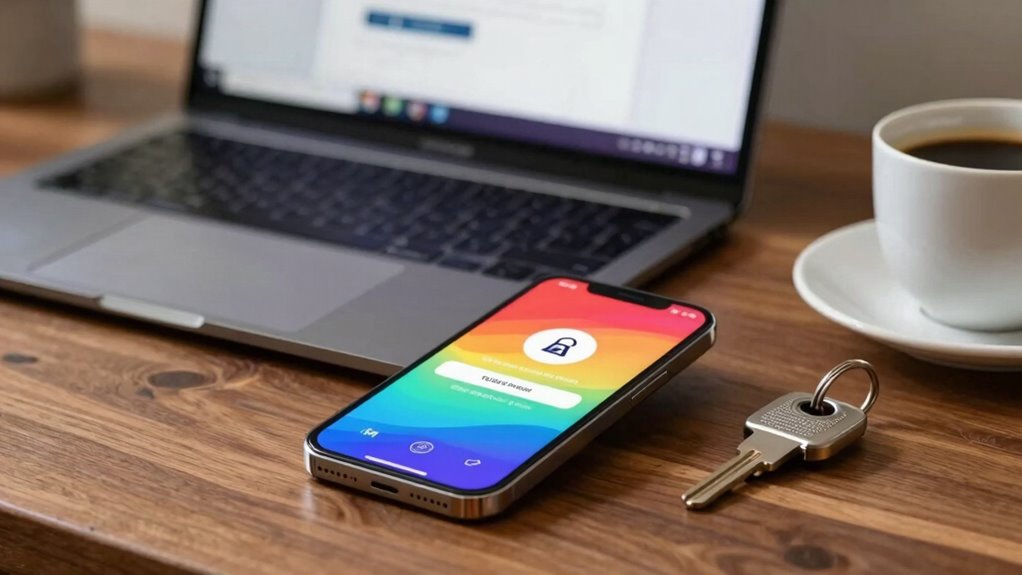
Setting up two-factor authentication is a straightforward process that enhances your security. First, you’ll need to choose the authentication method that works best for you. Then, you can enable the feature and manage your recovery options to guarantee you stay protected.
Choose Your Authentication Method
How do you choose the right authentication method for your two-factor authentication (2FA)? Start by evaluating the options available based on your needs and preferences. Here are some popular choices:
- Biometric options: Use fingerprints or facial recognition for quick access.
- SMS codes: Receive a one-time code via text message for added security.
- Authenticator apps: Generate time-sensitive codes on your smartphone for offline access.
- Hardware tokens: Utilize physical devices that generate codes, providing an extra layer of protection.
- Recovery keys: Keep a secure backup code in case you lose access to your primary method.
Consider factors like convenience, security, and how often you’ll need to authenticate to find the best fit for you.
Enable Two-Factor Authentication
Enabling two-factor authentication (2FA) is a straightforward process that greatly boosts your account security. Start by logging into your account and accessing the security settings. Look for the option to enable 2FA, and choose your preferred authentication method, like an app or SMS. Follow the prompts to link your method, and make sure you save any backup codes provided. Implementing best cybersecurity practices is essential to maintain your online safety. To enhance your user experience, use an authenticator app for quicker access and better security. Always remember best practices, such as regularly updating your passwords and reviewing your security settings. By implementing 2FA, you’re taking a significant step in protecting your personal information and ensuring that your accounts remain secure from unauthorized access.
Manage Recovery Options
While you’ve successfully enabled two-factor authentication, managing your recovery options is essential for maintaining access to your account. Without proper recovery methods, you could find yourself locked out. Here are some steps to think about:
- Generate recovery codes: Save these codes in a secure location. They’re your lifeline if you lose access to your primary method.
- Set up backup methods: Reflect on using an authentication app or SMS as alternatives.
- Update your contact information: Confirm your email and phone number are current.
- Store backup methods securely: Avoid keeping them in easily accessible places.
- Test your recovery options: Regularly check that you can access your account using these methods.
- Understand the importance of account security practices to protect your recovery options from unauthorized access.
Troubleshooting: Common Issues With 2FA
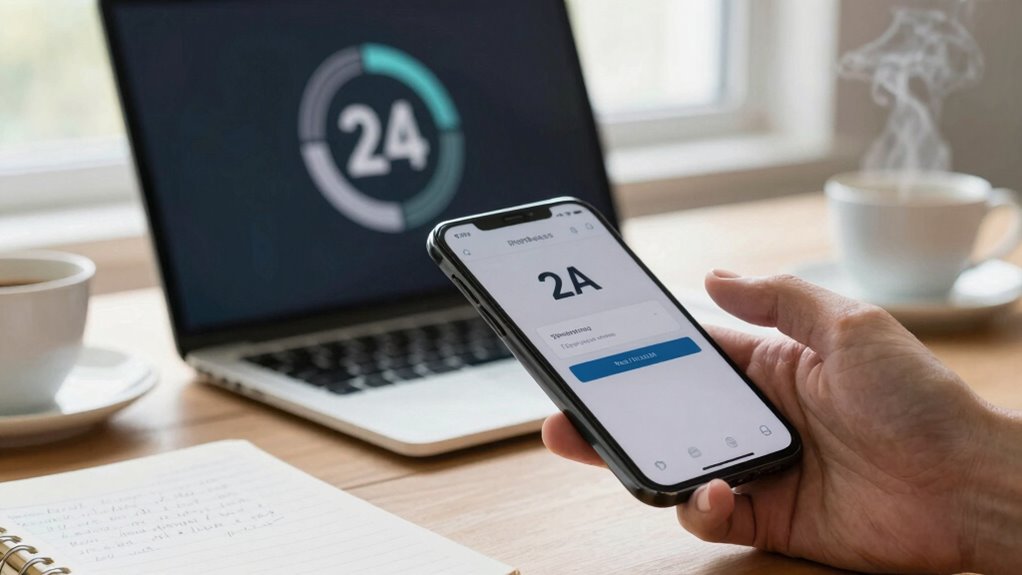
Two-Factor Authentication (2FA) can sometimes feel like a puzzle, especially when issues arise. You may encounter common errors like notification delays or timeout issues during the verification process. To troubleshoot effectively, check your app compatibility and confirm your device is properly set up for 2FA. If you face setup problems, refer to your provider’s guidelines and consider using recovery codes if you’re locked out. Remember, user experience can degrade due to these hiccups, but addressing security concerns promptly is essential. It’s also helpful to test your 2FA method regularly to minimize future issues. By following these troubleshooting tips, you can enhance your experience and confirm your accounts remain secure.
Effective Strategies for Two-Factor Authentication
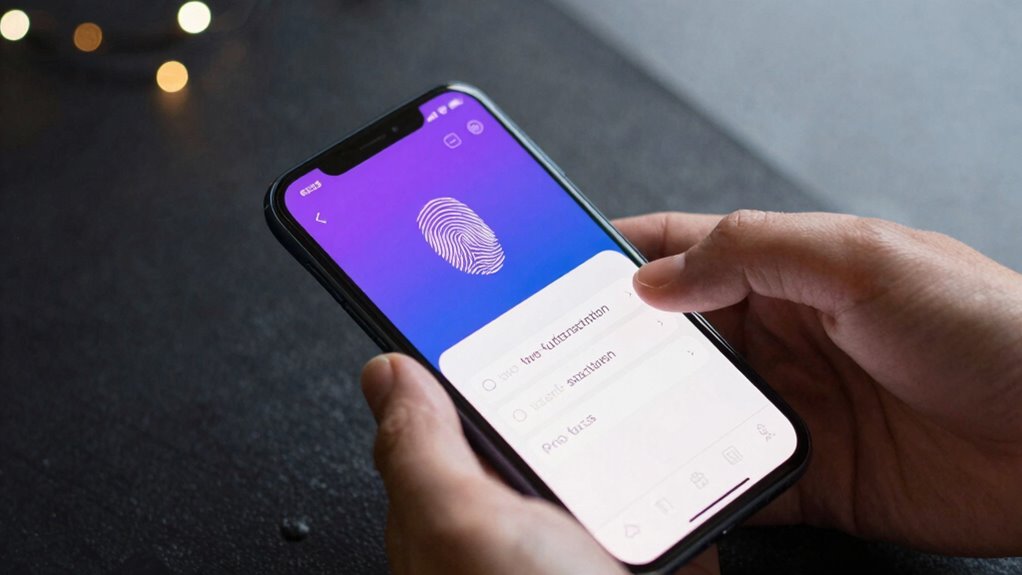
After addressing common troubleshooting issues with 2FA, it’s important to focus on effective strategies that enhance your security. Implementing security best practices and providing user education can greatly bolster your defenses against cyber threats. Here are some strategies to take into account:
- Use an authenticator app instead of SMS for better security.
- Regularly update your recovery options to guarantee access.
- Educate yourself and your team about phishing attempts.
- Enable 2FA on all accounts that support it, not just critical ones.
- Review account activity regularly to identify any suspicious behavior.
- Incorporate smart home privacy practices to protect your connected devices from unauthorized access.
Frequently Asked Questions
Is Two-Factor Authentication Mandatory for All Online Accounts?
No, two-factor authentication isn’t mandatory for all online accounts, but many platforms highly recommend it for enhanced account security. While some regulations may require it in specific industries, most users can choose whether to enable it. By using two-factor authentication, you greatly reduce the risk of unauthorized access, making your accounts safer. It’s a smart move to adopt, even if it’s not legally required for your particular situation.
Can I Use 2FA for My Social Media Accounts?
Yes, you can use 2FA for your social media accounts, and it’s a smart move! Studies show that enabling two-factor authentication can block up to 99.9% of automated attacks. By adding this extra layer of account security, you protect your personal information and prevent unauthorized access. Most major platforms, like Facebook and Twitter, offer 2FA options. So, take a moment to set it up and keep your social media safe!
What Happens if I Lose My 2FA Device?
If you lose your 2FA device, don’t panic. Most platforms provide backup options like recovery codes you should’ve saved during setup. Use these codes to regain access to your account. If you didn’t save them, look for account recovery options on the platform’s website. You might need to verify your identity through other means. It’s essential to keep your backup options handy to avoid being locked out in the future.
Does 2FA Guarantee My Account’s Security?
No, 2FA doesn’t guarantee your account’s security, but it greatly enhances it. While it adds an extra layer of protection beyond just a password, savvy attackers might still find ways to bypass it. You should combine 2FA with strong passwords and other security measures for the best protection. Regularly updating your authentication methods and staying aware of potential threats can also help keep your account secure in an ever-evolving digital landscape.
Are There Any Costs Associated With Using 2FA?
When it comes to 2FA, you often get what you pay for. Most platforms offer it for free, so 2FA costs can be minimal. However, if you opt for premium authentication apps or hardware tokens, there might be financial implications. Still, the investment is usually worth it for the added security. Remember, protecting your accounts is essential, and sometimes you need to spend a little to keep them safe.
Conclusion
In a world where your digital keys are constantly at risk, two-factor authentication acts as a sturdy lock on your virtual door. It’s not just an extra step; it’s your shield against intruders, ensuring that only you can enter your personal space. Embrace this simple yet powerful tool to protect what matters most. Remember, security isn’t just a safeguard; it’s a commitment to your peace of mind in an ever-evolving digital landscape.