If you’re choosing between Wi-Fi 6E and Wi-Fi 7 for your household, Wi-Fi 6E already offers faster speeds, less interference, and stronger security, making it ideal for current needs. Wi-Fi 7 promises even higher transfer rates, lower latency, and future-proof compatibility, but it’s still early in adoption. Your choice depends on your device compatibility, budget, and long-term plans. Keep exploring to understand how each standard can meet your household’s evolving connectivity needs.
Key Takeaways
- Wi-Fi 6E provides immediate benefits with additional 6 GHz band for less interference, ideal for crowded household networks.
- Wi-Fi 7 offers faster speeds, lower latency, and enhanced security, suitable for future-proofing home connectivity.
- Compatibility for Wi-Fi 6E requires new devices supporting 6 GHz, while Wi-Fi 7 ensures broader backward compatibility.
- Upgrading to Wi-Fi 7 may involve higher costs and device replacements but delivers superior performance long-term.
- Both standards focus on improved security and reduced interference, with Wi-Fi 7 aiming for more advanced features.
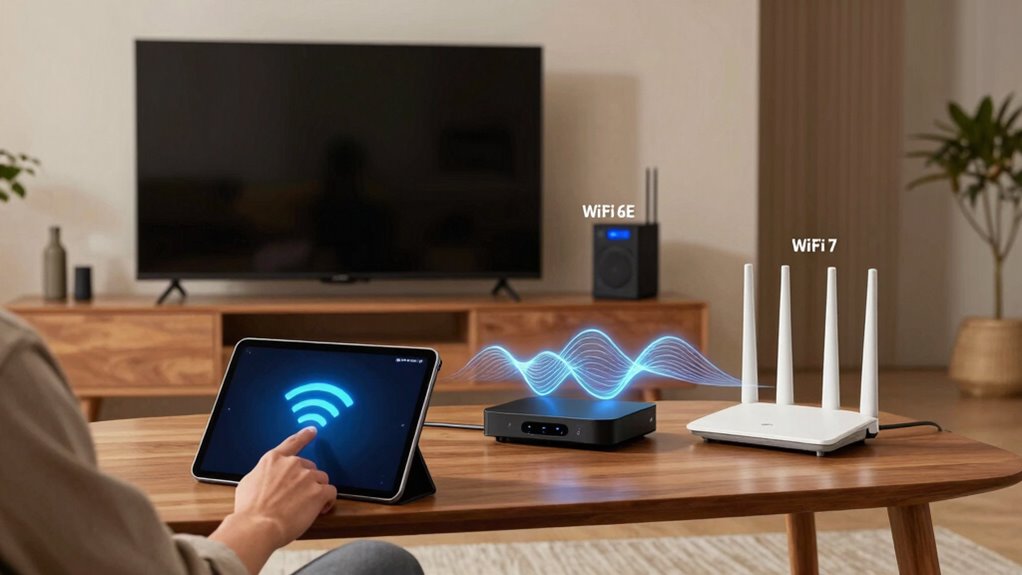
As households increasingly rely on high-speed internet for everything from streaming to smart home devices, choosing the right Wi-Fi technology becomes essential. Wi-Fi 6E and Wi-Fi 7 are the latest advancements, but understanding their differences can help you make an informed decision. Wi-Fi 6E extends Wi-Fi 6 by adding the 6 GHz band, which offers more channels and less interference. This means your devices can connect with less congestion, providing smoother streaming, faster downloads, and more reliable connections. When considering network security, both Wi-Fi 6E and Wi-Fi 7 include updated features to protect your data. They use stronger encryption protocols, making it harder for hackers to intercept your information. However, Wi-Fi 7 is expected to introduce even more advanced security measures, further safeguarding your household network. Additionally, Wi-Fi 6E’s extended bandwidth helps reduce interference, which is especially beneficial in crowded household environments. Device compatibility is another critical factor. Wi-Fi 6E requires compatible devices that support the 6 GHz band, so if your current gadgets are only Wi-Fi 5 or Wi-Fi 6, you might not see immediate benefits. Upgrading to Wi-Fi 6E means investing in new devices or adapters, which can be costly but worthwhile for future-proofing your network. Wi-Fi 7, on the other hand, promises broader compatibility with upcoming devices. It’s designed to work seamlessly with existing Wi-Fi standards while offering backward compatibility, so you won’t have to replace all your gadgets at once. Still, to maximize Wi-Fi 7’s advantages—like higher data rates and lower latency—you’ll want newer devices that are specifically designed for it. Speed is a significant advantage of Wi-Fi 7, which aims to deliver even faster data transfer rates than Wi-Fi 6E. If your household streams 4K or 8K content, plays online games, or uses multiple smart devices simultaneously, Wi-Fi 7 can provide a more responsive experience. But keep in mind, the real-world gains depend on your device compatibility and internet plan. While Wi-Fi 6E already offers a substantial upgrade over previous standards, Wi-Fi 7’s improvements are geared toward future needs and more demanding applications. Both standards prioritize network security, but Wi-Fi 7’s upcoming features are expected to include enhanced encryption methods. Ultimately, your choice hinges on your household’s specific needs and budget. Wi-Fi 6E offers immediate benefits if you upgrade your devices and want to avoid interference on crowded networks. Wi-Fi 7 promises even greater speeds, lower latency, and better security in the near future, but it’s still in the early stages of adoption. Either way, ensuring your devices are compatible and your network security is up to date will keep your household connected and protected, no matter which standard you choose.

TP-Link AXE5400 Tri-Band WiFi 6E Router (Archer AXE75), 2025 PCMag Editors' Choice, Gigabit Internet for Gaming & Streaming, New 6GHz Band, 160MHz, OneMesh, Quad-Core CPU, VPN & WPA3 Security
Tri-Band WiFi 6E Router – Up to 5400 Mbps WiFi for faster browsing, streaming, gaming and downloading, all…
As an affiliate, we earn on qualifying purchases.
As an affiliate, we earn on qualifying purchases.
Frequently Asked Questions
How Does Wi-Fi 6E Impact Energy Consumption in Households?
Wi-Fi 6E improves energy efficiency in households by using more advanced power management features, which reduce overall power consumption. When your devices connect to a Wi-Fi 6E network, they use less energy during idle or low-activity periods. This means your devices conserve power better, leading to lower energy bills and a smaller environmental impact. Overall, Wi-Fi 6E helps optimize power consumption while maintaining fast, reliable internet connectivity.
Are There Any Health Concerns With Wi-Fi 7 Radiation Levels?
There are no significant health concerns with Wi-Fi 7 radiation levels, as they comply with established radiation safety standards. The technology emits non-ionizing radiation, which isn’t proven to cause adverse health effects. Manufacturers design Wi-Fi 7 devices to guarantee safety, so you don’t need to worry about health effects from typical household exposure. If you’re concerned, limiting exposure and following safety guidelines is always a good idea.
Can Existing Devices Upgrade to Wi-Fi 7 Without New Hardware?
Upgrading your existing devices to Wi-Fi 7 is like trying to fit a square peg into a round hole—you can’t do it without the right tools. Currently, most devices won’t upgrade to Wi-Fi 7 without new hardware, but firmware updates may improve compatibility. Check your device’s compatibility first; if it’s not designed for Wi-Fi 7, you’ll need to invest in new equipment to enjoy its benefits.
What Are the Privacy Implications of Wi-Fi 7 Advancements?
Wi-Fi 7 advancements improve your privacy by strengthening network encryption, making it harder for hackers to access your data. You’ll benefit from enhanced security protocols, which protect your data privacy across devices. However, increased connectivity might expose more points for potential breaches if not properly secured. Staying updated with firmware and using strong passwords help guarantee your network encryption remains robust, safeguarding your personal information effectively.
How Do Wi-Fi 6E and Wi-Fi 7 Compare in Outdoor Coverage?
Ever wonder which Wi-Fi standard offers better outdoor coverage? Wi-Fi 7 outperforms Wi-Fi 6E with enhanced outdoor signal strength and advanced interference mitigation, making it ideal for larger yards or outdoor spaces. Its improved technology guarantees a more reliable connection, even in areas with many competing signals. If you’re aiming for seamless outdoor internet, Wi-Fi 7 is your best choice, providing stronger, clearer coverage than Wi-Fi 6E.

TP-Link Deco 7 BE25 Dual-Band BE5000 WiFi 7 Mesh Wi-Fi System | 4-Stream 5 Gbps, 240 Mhz | Covers up to 6,600 Sq.Ft | 2X 2.5G Ports Wired Backhaul | VPN,MLO, AI-Roaming, HomeShield, 3-Pack
𝐃𝐞𝐜𝐨 𝟕 𝐒𝐮𝐩𝐞𝐫𝐜𝐡𝐚𝐫𝐠𝐞𝐝 𝐰𝐢𝐭𝐡 𝟒-𝐒𝐭𝐫𝐞𝐚𝐦 𝐁𝐄𝟓𝟎𝟎𝟎 𝐃𝐮𝐚𝐥-𝐁𝐚𝐧𝐝 𝐖𝐢𝐅𝐢 𝟕: Delivers up to 4324 Mbps (5 GHz) and 688…
As an affiliate, we earn on qualifying purchases.
As an affiliate, we earn on qualifying purchases.
Conclusion
As you stand at the crossroads of connectivity, choosing between Wi-Fi 6E and Wi-Fi 7 is like deciding your future’s foundation. Wi-Fi 6E offers reliable speed, but Wi-Fi 7 promises a leap into a new era of seamless, immersive experiences. Think of it as stepping into the future, much like the pioneers who dared to dream beyond the horizon. Whichever you choose, remember, your home’s digital world is only as strong as its connection.

NETGEAR Nighthawk WiFi 6E USB 3.0 Adapter (A8000) – AXE3000 Tri-Band Wireless Gigabit Speed (Up to 3Gbps) – New 6GHz Band – Works with Any WiFi 6 or 6E Router Or Mesh System – for Windows PC
Access the exclusive WiFi 6E band for superior HD video conferencing, gaming, and streaming. Simply plug dongle into…
As an affiliate, we earn on qualifying purchases.
As an affiliate, we earn on qualifying purchases.

Amazon eero Pro 7 tri-band mesh Wi-Fi 7 router (newest model) – Supports internet plans up to 5 Gbps, Coverage up to 6,000 sq. ft., 3-pack
WIFI AT THE SPEED OF LIFE – eero Pro 7 brings next-generation speed and reliability to home and…
As an affiliate, we earn on qualifying purchases.
As an affiliate, we earn on qualifying purchases.