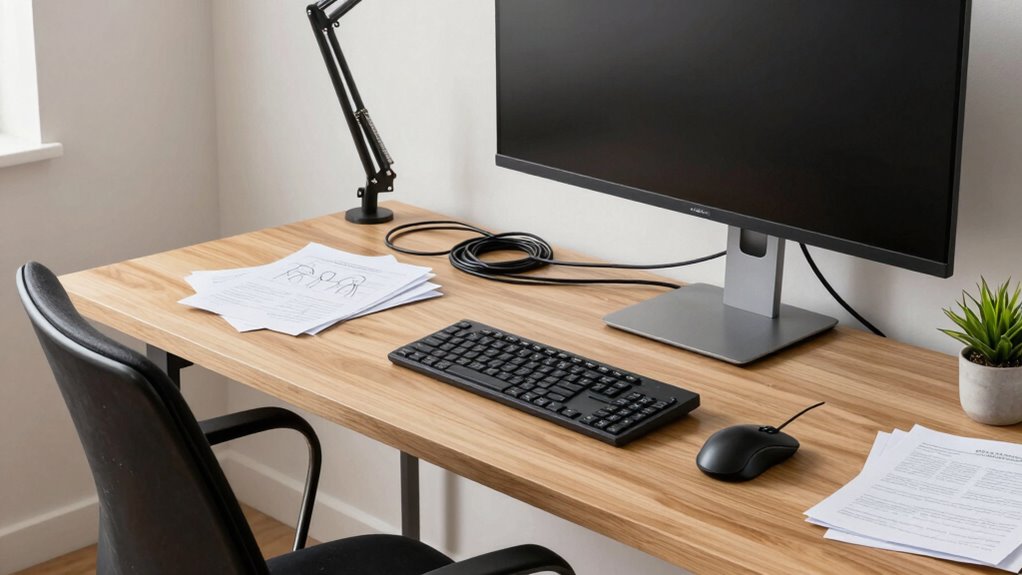

Even with ergonomic upgrades, you may still experience pain if your posture isn’t correct or if your equipment isn’t properly positioned. Slouching, improper keyboard placement, and looking at your screen from an awkward angle can all cause strain, regardless of your furniture. It’s crucial to maintain good habits and make certain your setup works together—like keeping your monitor at eye level and your feet flat. Keep paying attention to your posture, and you’ll find ways to stay comfortable for longer.

Get the little things that make your day delivered free — and shop member deals
- Fast, free delivery on millions of items
- Access to Prime Big Deal Days deals on October 6–7
- Prime Video, Amazon Music and more included
Key Takeaways
- Inadequate chair support or improper sitting posture can negate ergonomic benefits despite upgrades.
- Incorrect keyboard placement causes wrist and shoulder strain, undermining ergonomic improvements.
- Monitor height at eye level is crucial; misalignment leads to neck and eye discomfort.
- Overlooking the integration of workspace elements prevents comprehensive ergonomic benefits.
- Lack of ongoing awareness and adjustments can cause discomfort, even with initial ergonomic upgrades.
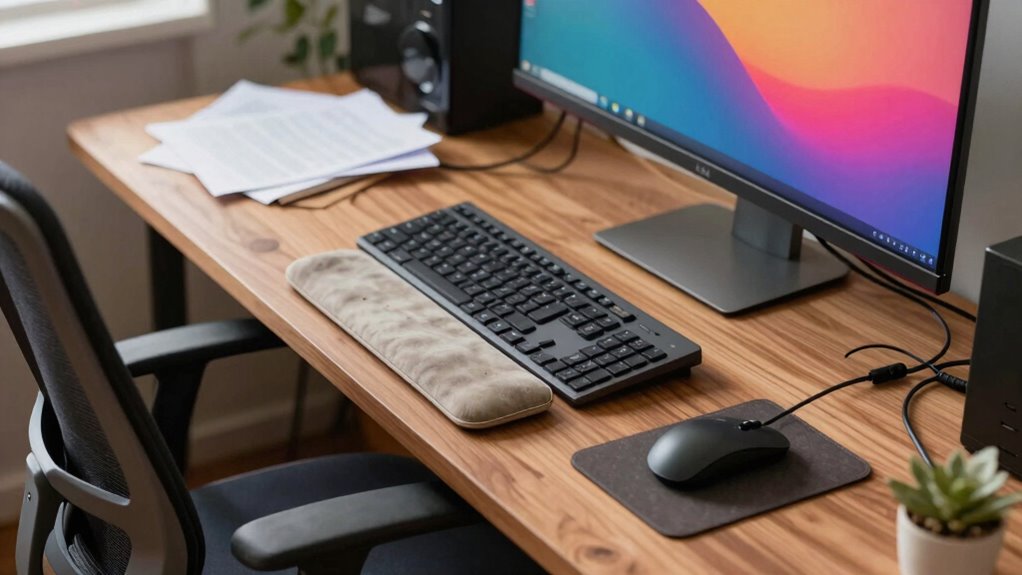
Despite upgrading to ergonomic furniture and accessories, you might still experience discomfort at your desk. Even with the best chairs and adjustable desks, poor chair posture can cause strain in your neck, shoulders, and back. If your chair doesn’t support your lower back properly or you find yourself slouching, it can negate the benefits of your ergonomic investments. You may think that just sitting in an ergonomic chair will solve all your problems, but if you’re not maintaining proper chair posture, you’ll still feel aches and fatigue. It’s essential to sit back fully in your chair, with your feet flat on the ground, knees at a 90-degree angle, and your lower back supported. Make sure your hips are positioned correctly, allowing your spine to maintain its natural curve. Adjust the chair height so that your hips are slightly higher than your knees, and avoid leaning forward or slouching, which puts unnecessary pressure on your spine.
Another common culprit that keeps causing discomfort is keyboard placement. Even with an ergonomic keyboard, if your keyboard isn’t positioned correctly, you’ll strain your wrists and shoulders. Your keyboard should be placed directly in front of you, at a height where your elbows are comfortably close to your sides and bent at roughly 90 degrees. If the keyboard is too high or too low, it forces you to reach or hunch over, leading to muscle tension. Additionally, your wrists should be kept in a neutral position, not bent up or down, to prevent repetitive strain injuries. Using a wrist rest can help maintain this neutral position, but only if your keyboard is positioned correctly relative to your body. Proper keyboard placement is essential to prevent unnecessary tension and strain.
Many people overlook the importance of keyboard placement because they focus solely on chair adjustments. However, these elements work together to create a comfortable, healthy workspace. If your keyboard is too far forward or too high, you’ll end up leaning or stretching, which can cause discomfort over time. Also, consider your monitor placement; your screen should be at eye level to avoid neck strain, which compounds issues caused by poor chair posture and keyboard placement. Remember, ergonomic upgrades aren’t just about buying new furniture—they require ongoing adjustments and awareness of your posture. Regularly evaluate your setup. Keep your monitor at eye level, sit back in your chair with proper support, and position your keyboard and mouse so your arms are relaxed. Only then will you truly minimize discomfort and enjoy the benefits of your ergonomic investments. Paying attention to ergonomic principles can help ensure your workspace remains comfortable and healthy over time. Maintaining proper posture awareness is also crucial to prevent lingering discomfort and ensure long-term ergonomic benefits.
ergonomic wrist rest for keyboard
As an affiliate, we earn on qualifying purchases.
As an affiliate, we earn on qualifying purchases.
Frequently Asked Questions
How Long Does It Take to See Pain Relief After Upgrades?
You might start noticing pain relief within a few days to a week after making ergonomic upgrades, but patience is key. Posture correction takes time, and your body needs to adjust gradually. Stay consistent with your new setup, and avoid reverting to old habits. Ergonomic patience is essential—over a few weeks, you should feel less discomfort as your muscles adapt and proper alignment becomes second nature.
Can Poor Posture Outside the Desk Cause Issues?
Yes, poor posture outside your desk can cause issues. Your posture habits during outdoor activities, like carrying bags or slouching while relaxing, impact your overall alignment. These habits strain muscles and joints just like sitting poorly. Even with an ergonomic desk setup, neglecting proper posture during daily outdoor activities can undo your efforts, leading to discomfort or pain. Stay mindful of your posture everywhere to maintain long-term relief.
Are Ergonomic Accessories Enough to Prevent All Discomfort?
Ergonomic accessories alone aren’t enough to prevent all discomfort because of ergonomic myths that suggest they’re a complete solution. While accessories can improve your posture, they have limitations and won’t fix underlying habits or outside factors affecting your comfort. You need a holistic approach, including proper movement, posture awareness, and regular breaks, alongside accessories, to truly minimize discomfort and prevent long-term issues.
How Often Should I Adjust My Desk Setup?
You should adjust your desk setup at least once every hour to maintain comfort. Even if your posture feels fine, frequent adjustments keep you aware of your posture, preventing strain. Overcoming the misconception that once set, your workspace is perfect, regular adjustments promote better posture awareness and reduce discomfort. Stay mindful, listen to your body, and tweak your setup regularly to guarantee long-term comfort and avoid pain.
Does Underlying Health Condition Affect Ergonomic Effectiveness?
Yes, underlying health conditions can impact how effective ergonomic adjustments are. Chronic conditions like arthritis or back issues may create ergonomic limitations, making certain setups less comfortable or supportive. You might still experience discomfort despite upgrades because your health needs require tailored solutions. It’s important to consult a healthcare professional for personalized recommendations, ensuring your workspace accommodates your specific health conditions and minimizes pain or strain.
adjustable monitor stand for eye level
As an affiliate, we earn on qualifying purchases.
As an affiliate, we earn on qualifying purchases.
Conclusion
Even with ergonomic upgrades, lingering discomfort can be frustrating. Remember, it’s not just about equipment—your posture, movement, and breaks matter just as much. You might think a fancy chair solves everything, but if you stay static or ignore your body’s signals, pain persists. Keep adjusting, listen to your body, and incorporate movement into your day. Small changes can make a big difference, so don’t get discouraged—comfort is a journey, not a one-time fix.
ergonomic office chair with lumbar support
As an affiliate, we earn on qualifying purchases.
As an affiliate, we earn on qualifying purchases.
keyboard tray for proper placement
As an affiliate, we earn on qualifying purchases.
As an affiliate, we earn on qualifying purchases.
Halloween Picks
halloween
As an affiliate, we earn on qualifying purchases.