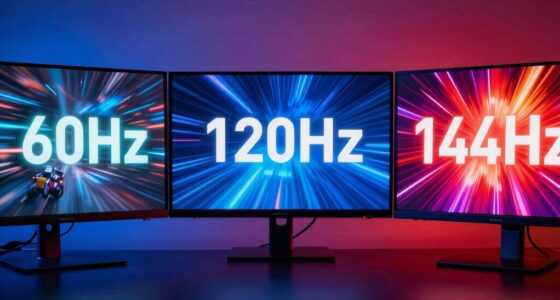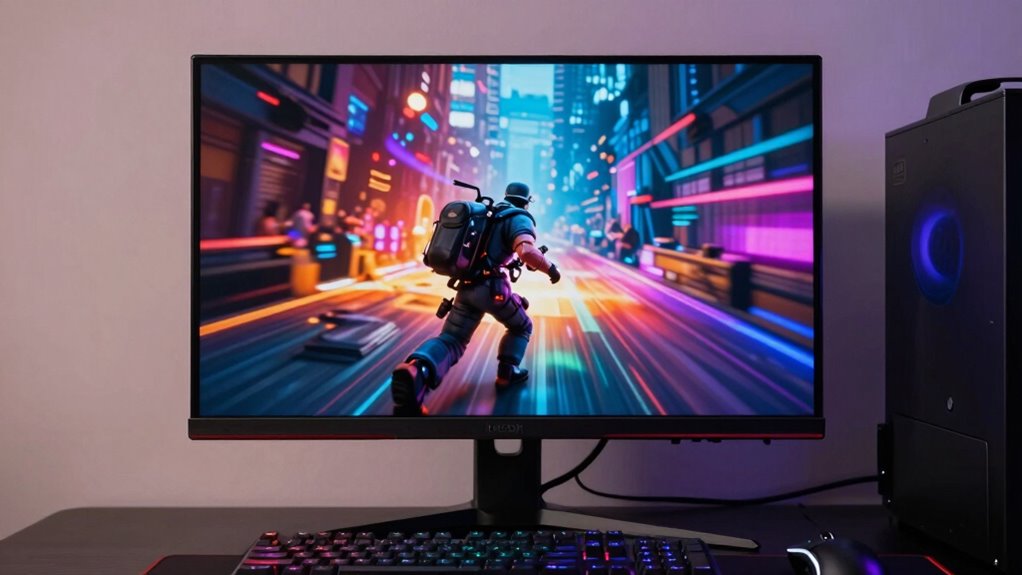

Understanding gaming monitor specs is key to enhancing your gaming experience. You need to take into account important aspects like resolution, refresh rates, response times, and panel types. Higher resolutions give sharper images while high refresh rates guarantee smoother visuals. Different panel types offer distinct advantages, from color accuracy to response times. By grasping these specs, you can choose the perfect monitor for your playstyle and budget. There’s much more to explore about optimizing your setup for the best performance.

Get the little things that make your day delivered free with Prime
- Fast, free delivery on millions of items
- Prime Video, Amazon Music and more included
- Member-only deals all year
Key Takeaways
- Gaming monitor specs include resolution, refresh rate, response time, panel type, and connectivity options, all impacting visual performance and experience.
- Higher resolution provides sharper images, while refresh rates above 60Hz deliver smoother gameplay, especially in fast-paced games.
- Panel types (IPS, TN, VA) affect color accuracy and viewing angles; choose based on your gaming needs for speed or visual quality.
- Input lag and response time are crucial for competitive gaming; aim for low values to enhance responsiveness and minimize motion blur.
- Budgeting for monitors varies; entry-level options are affordable, while high-end models offer advanced features for serious gamers seeking premium performance.
As an affiliate, we earn on qualifying purchases.
What Are Gaming Monitor Specs and Why Do They Matter?
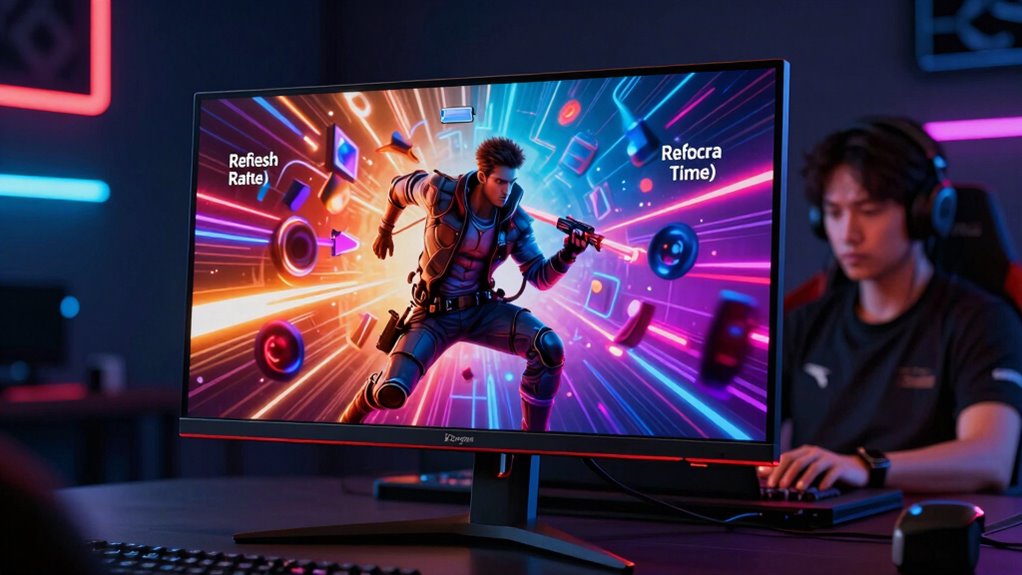
When you’re diving into the world of gaming, understanding gaming monitor specs is essential for optimizing your experience. Gaming monitor basics involve knowing key specifications like resolution, panel type, and color accuracy. These specs directly impact visual clarity, immersion, and overall gameplay. For instance, a higher resolution means sharper images, allowing you to see details that might be critical during a game. In addition, the panel type affects color reproduction and viewing angles, which can enhance your enjoyment. By grasping spec importance, you can make informed decisions when purchasing a monitor that suits your gaming style. Whether you’re into competitive gaming or exploring vast open worlds, having the right monitor specs can greatly elevate your overall experience.
4K gaming monitor with low response time
As an affiliate, we earn on qualifying purchases.
As an affiliate, we earn on qualifying purchases.
Refresh Rates and Response Times: Key Performance Metrics
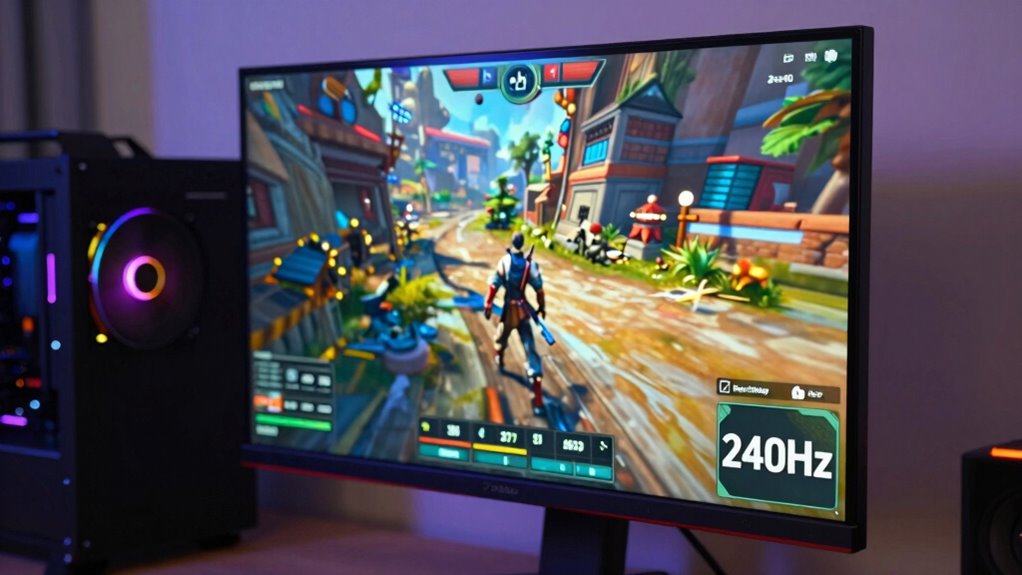
Understanding refresh rates and response times is essential for enhancing your gaming performance. A higher refresh rate means your monitor updates the image more frequently, leading to smoother gameplay. Conversely, a low response time minimizes motion blur, ensuring your movements appear crisp and clear.
Understanding refresh rates and response times is crucial for smoother gameplay and clearer movements in gaming.
Here are some key points to evaluate:
- Refresh Rate: Measured in Hertz (Hz), higher rates provide smoother visuals.
- Response Time: The time it takes for a pixel to change color, lower is better.
- Motion Blur: Affects clarity during fast movements; aim for low response times.
- Input Lag: Delay between your action and the display response; lower lag enhances responsiveness.
- Optimal Settings: Balance refresh rate and response time for the best experience.
As an affiliate, we earn on qualifying purchases.
Resolution Demystified: Finding the Right Fit for You?
How do you choose the right resolution for your gaming monitor? First, consider the resolution types available, like 1080p, 1440p, and 4K. Each offers a different clarity and detail level, impacting your gaming experience greatly. If you’re into fast-paced games, 1080p might suffice, allowing for higher refresh rates. However, for immersive worlds and stunning visuals, 1440p or 4K can elevate your gameplay.
Next, think about your hardware. Make sure your graphics card can handle the resolution you choose; otherwise, you’ll face performance issues. Finally, your monitor size matters—larger screens benefit from higher resolutions to maintain image quality. Finding the right fit balances personal preference and your gaming setup, guaranteeing you enjoy every pixel.
gaming monitor with HDMI and DisplayPort
As an affiliate, we earn on qualifying purchases.
As an affiliate, we earn on qualifying purchases.
Panel Types in Gaming Monitors: IPS, TN, and VA Explained
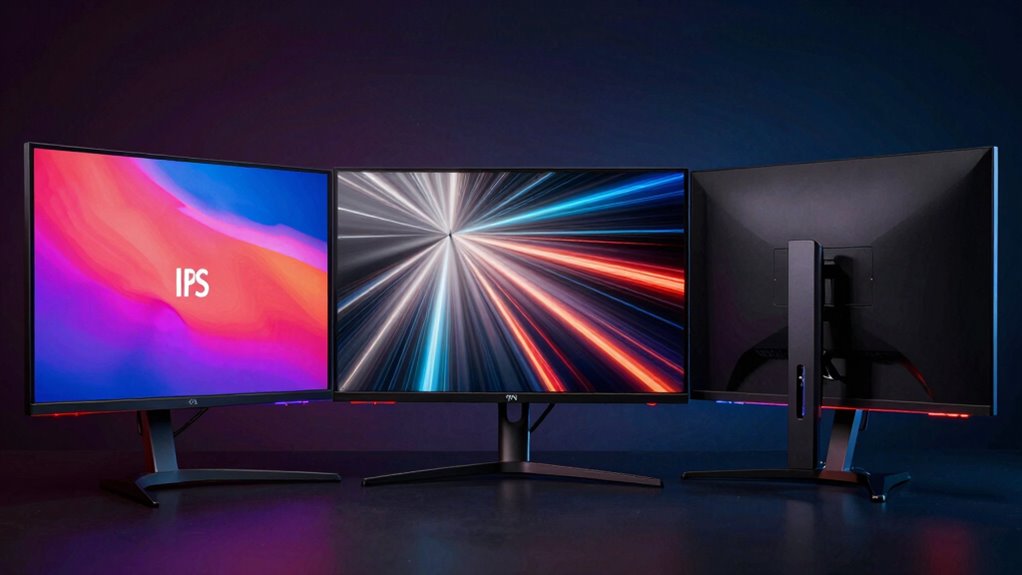
Choosing the right resolution sets the stage for your gaming experience, but the panel type of your monitor can greatly influence how that resolution looks. Here’s a quick breakdown of the three main panel types:
- IPS Advantages: Excellent color accuracy and wider viewing angles, making it ideal for immersive gameplay.
- TN Drawbacks: Fast response times but poor color reproduction and limited viewing angles, which can be a dealbreaker for some gamers.
- VA Benefits: High contrast ratios for deeper blacks and vibrant colors, striking a balance between IPS and TN.
- Panel Comparisons: Each panel type serves different gaming needs, so consider what fits your style.
- Considerations: Think about what’s most important to you—speed, color, or contrast—before making your choice.
- Additional Factors: Contrast ratio significantly impacts how vivid and detailed images appear on your screen.
Aspect Ratios: Choosing the Best for Your Gaming Genre?
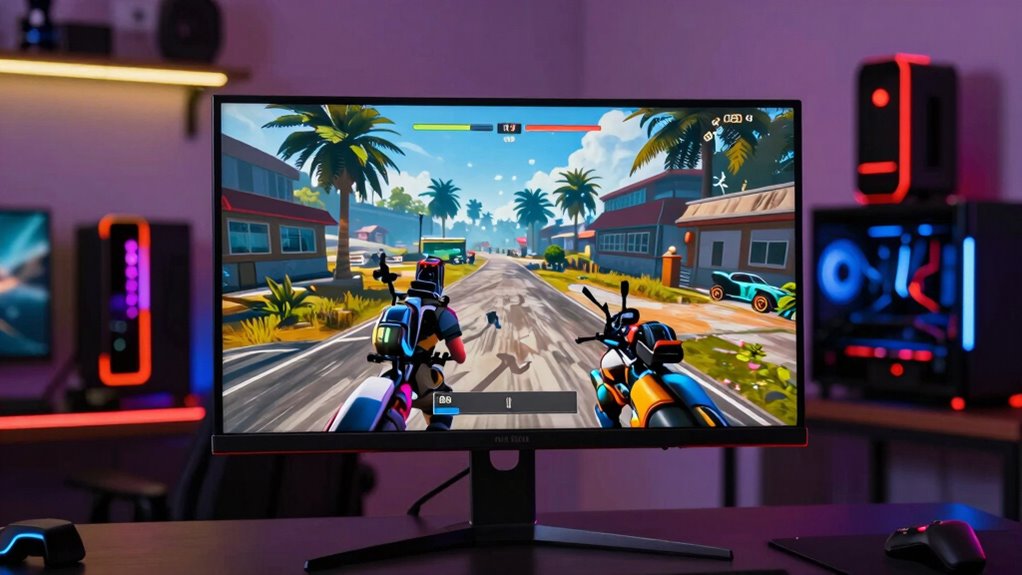
Aspect ratios play an essential role in shaping your gaming experience, as they determine how the visuals are displayed on your screen. Choosing the right aspect ratio can enhance your immersion and gameplay. For instance, a 16:9 aspect ratio is standard for most games, offering compatibility with a wide variety of genres, from first-person shooters to RPGs. On the other hand, ultra-wide ratios like 21:9 provide aspect ratio advantages for racing and simulation games, expanding your field of vision and pulling you deeper into the action. Consider your gaming genre compatibility when selecting a monitor; the right aspect ratio can greatly impact your performance and enjoyment, making every session more thrilling.
Why Color Accuracy and Gamut Matter for Gamers
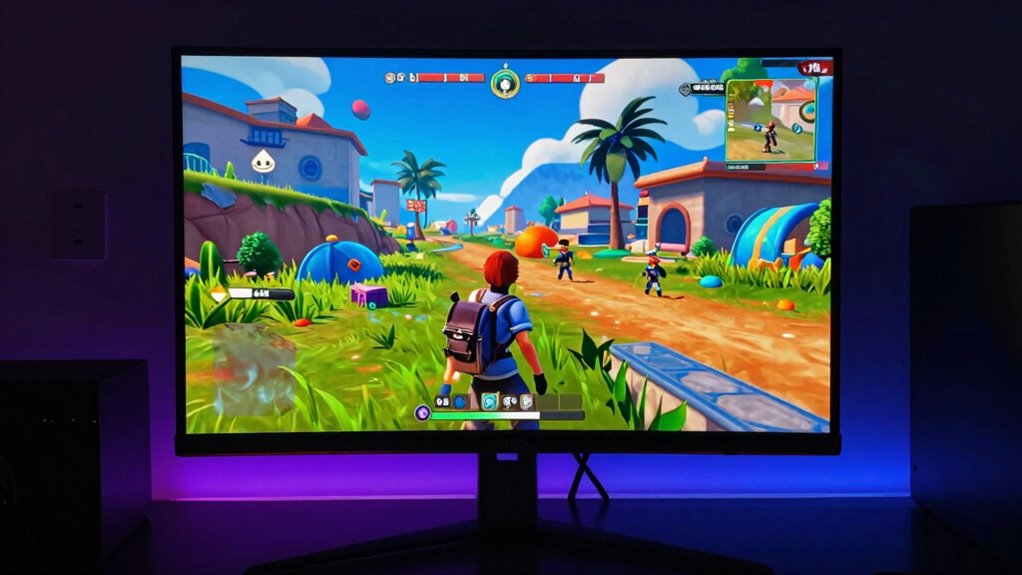
Color accuracy and gamut are essential for gamers who want to experience their games as intended by the developers. When your monitor reproduces colors faithfully, it enhances immersion and helps you notice details that might otherwise go unnoticed. Here’s why you should care about color reproduction and calibration:
Color accuracy and gamut enhance immersion, allowing gamers to experience their games as developers intended, revealing subtle details that elevate gameplay.
- Improved visual fidelity enhances gameplay
- Accurate colors allow for better decision-making in competitive games
- Richer visuals create a more engaging experience
- Proper color calibration guarantees consistency across different games
- A wide color gamut brings out vivid scenes, making worlds feel alive
- Understanding color calibration helps you optimize your display for the best possible visuals.
- Additionally, understanding color spaces enables you to choose monitors that deliver consistent and true-to-life colors across various content.
Investing in a monitor that boasts excellent color accuracy and a wide gamut can greatly elevate your gaming experience, making every moment more enthralling and true to the developers’ vision.
Enhancing Gameplay With Adaptive Sync Technologies: G-Sync vs. Freesync
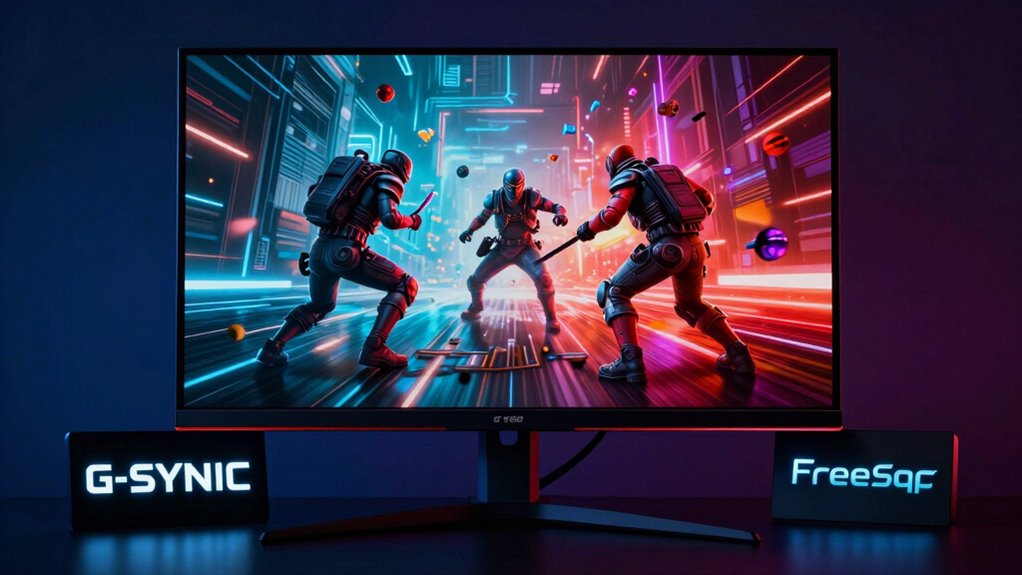
When it comes to smooth gameplay, adaptive sync technologies like G-Sync and FreeSync can make all the difference. These technologies work by synchronizing your monitor’s refresh rate with your graphics card’s frame rate, reducing screen tearing and stuttering. If you’re a gamer, this means a notably enhanced gaming performance, allowing you to focus on your game without distractions. G-Sync is exclusive to NVIDIA graphics cards, while FreeSync is designed for AMD cards, so your choice depends on your hardware. Both options provide a smoother visual experience, but it’s essential to check compatibility with your monitor. Ultimately, investing in a monitor with adaptive sync can elevate your gaming experience, ensuring you enjoy every moment without interruptions.
Essential Connectivity Options: Must-Have Monitor Ports
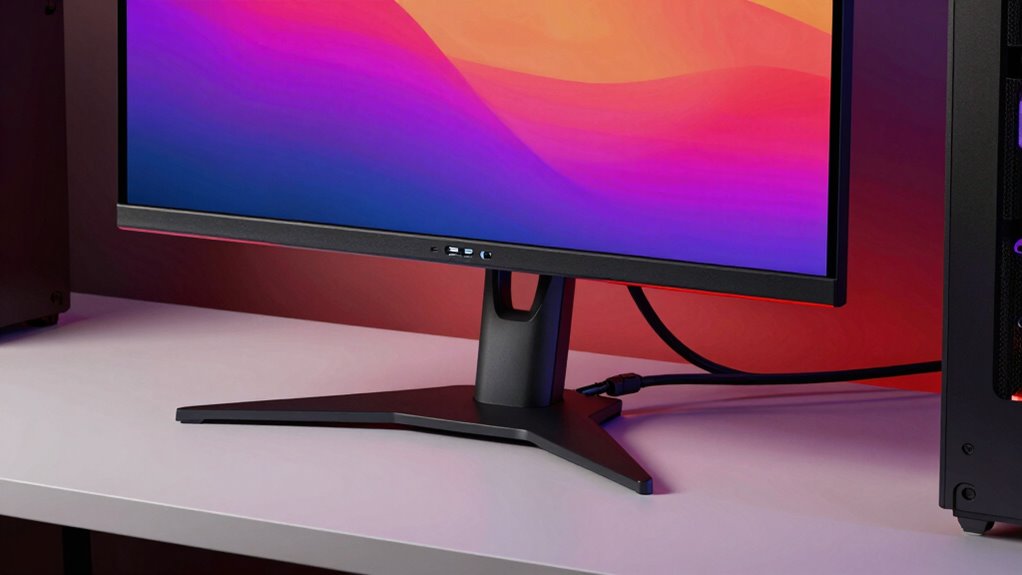
When choosing a gaming monitor, the right ports can make all the difference. You’ll want to understand HDMI standards for compatibility, explore DisplayPort’s advantages for higher refresh rates, and consider the versatility of USB-C for connecting multiple devices. Let’s break down these essential connectivity options to help you make an informed decision.
HDMI Standards Explained
Understanding HDMI standards is essential for maximizing your gaming monitor’s potential, as these ports serve as the primary link between your monitor and other devices. To guarantee you’re getting the best performance, it’s important to take into account an HDMI versions comparison and the different HDMI cable types available.
- HDMI 1.4: Supports 1080p and 4K at 30Hz.
- HDMI 2.0: Offers 4K at 60Hz and HDR support.
- HDMI 2.1: Enables 4K at 120Hz and 8K at 60Hz.
- High-Speed HDMI Cables: Required for higher resolutions and refresh rates.
- Ultra High-Speed HDMI Cables: Necessary for HDMI 2.1 features.
DisplayPort Advantages Overview
DisplayPort offers several advantages that make it a top choice for gamers seeking peak performance from their monitors. One of the key DisplayPort benefits is its ability to support high refresh rates, which results in smoother gameplay and a more immersive experience. With features like adaptive sync and multi-stream transport, DisplayPort guarantees that your gaming sessions are lag-free and visually stunning. Additionally, powerful bandwidth capabilities enable it to handle demanding high-resolution displays effectively.
USB-C Versatility Benefits
While many gamers focus on traditional ports like HDMI and DisplayPort, USB-C offers versatile connectivity that can enhance your gaming setup. By incorporating USB-C, you’re tapping into a range of usb c advantages that future-proof your technology. This single port can streamline your connections, making your desk less cluttered and improving your gaming experience.
Consider these benefits of USB-C:
- Fast Data Transfer: Enjoy quick file transfers and reduced lag.
- Power Delivery: Charge your devices while you game.
- Display Support: Connect multiple monitors easily.
- Universal Compatibility: Pair with various devices without adapters.
- Single Cable Solution: Reduce cable chaos with one versatile connection.
Integrating USB-C with smart home technology can also create a more seamless and efficient gaming environment, such as through smart lighting or automated routines that enhance your setup.
Selecting Your Ideal Gaming Monitor Based on Playstyle
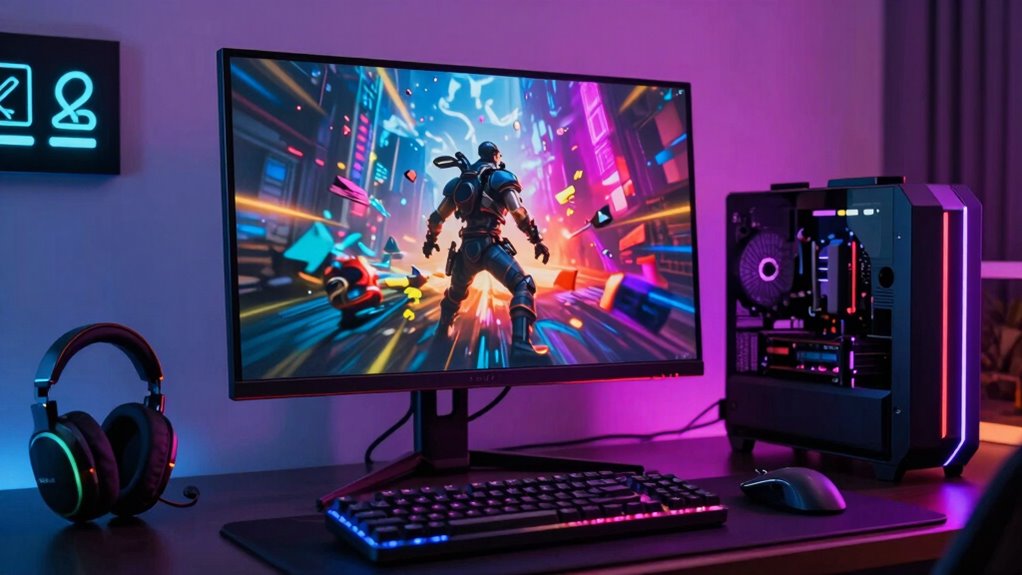
When choosing a gaming monitor, your playstyle plays a vital role. If you’re into fast-paced action games or competitive esports, you’ll need features that enhance responsiveness and refresh rates. On the other hand, if you prefer immersive single-player experiences, you might prioritize color accuracy and resolution.
Fast-Paced Action Gaming
For gamers who thrive on adrenaline-pumping action, selecting the right monitor can make all the difference in your performance. You’ll want a monitor that supports high frame rates and minimizes input lag for the smoothest experience. Here are key factors to take into account:
- Refresh Rate: Aim for 144Hz or higher for fluid visuals.
- Response Time: Look for 1ms to reduce ghosting.
- Adaptive Sync: Technologies like G-Sync or FreeSync help eliminate screen tearing.
- Resolution: A balance between 1080p and 1440p guarantees clarity without sacrificing speed.
- Panel Type: TN panels usually offer the best response times.
Competitive Esports Requirements
Fast-paced action gaming lays the groundwork for understanding what you need in a monitor, especially for competitive esports. In esports tournaments, every millisecond counts, so look for a monitor with a refresh rate of at least 144Hz and a response time under 5ms. These specs guarantee smooth gameplay and reduce motion blur, giving you a competitive edge in high-stakes situations. Additionally, consider a monitor with adaptive sync technology to minimize screen tearing during intense matches. A larger screen size can also enhance your field of vision, helping you spot opponents quickly in competitive settings. Finally, prioritize a full HD or higher resolution for clear graphics, allowing you to focus on strategy without distractions.
Immersive Single-Player Experiences
Although competitive gaming emphasizes speed and precision, single-player experiences thrive on immersion and storytelling, which can considerably influence your choice of monitor. To fully appreciate the rich narratives and stunning visuals in these games, focus on features that improve your experience:
- High Resolution: Aim for at least 1440p or 4K for stunning visual fidelity.
- Wide Color Gamut: Guarantee vibrant colors for a more immersive environment.
- Fast Refresh Rate: While not as critical, a 60Hz or higher refresh rate enhances fluidity.
- Low Input Lag: Minimizes delays, keeping you engaged in the story.
- Curved Screen: Adds depth, making you feel part of the game world.
Choosing the right monitor can elevate your storytelling immersion, making your gaming sessions unforgettable.
Budgeting for Your Perfect Gaming Monitor Setup
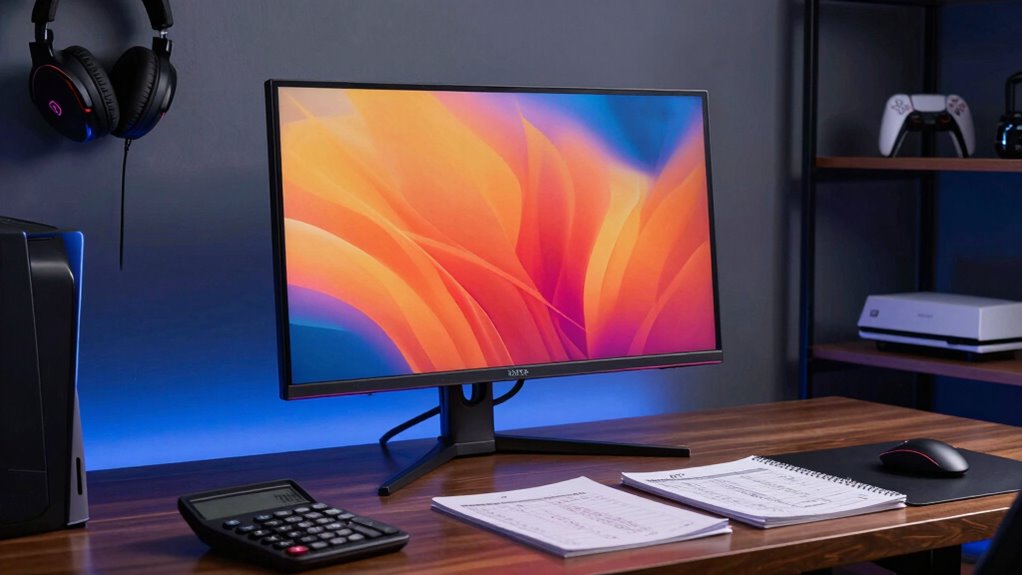
When you’re ready to invest in a gaming monitor setup, it’s essential to establish a budget that aligns with your needs and gaming style. Start by considering monitor pricing, features, and specifications that matter most to you. Here’s a quick guide to help you with your budget considerations:
| Monitor Type | Average Price |
|---|---|
| Entry-Level | $150 – $300 |
| Mid-Range | $300 – $600 |
| High-End | $600 – $1,200 |
| Ultra-Premium | $1,200+ |
Frequently Asked Questions
Can I Use a Gaming Monitor for Regular Computer Tasks?
Yes, you can definitely use a gaming monitor for regular computer tasks! In fact, gaming monitor versatility makes them great for productivity. Their high refresh rates and vibrant colors enhance everything from browsing the web to editing documents. Plus, features like low input lag guarantee smooth performance. You’ll appreciate the clarity and responsiveness, making daily tasks more enjoyable. So, if you want a dual-purpose display, a gaming monitor is a solid choice!
How Do I Clean My Gaming Monitor Safely?
To clean your gaming monitor safely, start with a microfiber cloth to avoid scratches. Dampen the cloth with water or a gentle screen cleaner—never apply liquid directly to the screen. Use gentle circular motions to wipe the display, focusing on smudges. For stubborn spots, repeat the process lightly. Always guarantee your monitor’s display protection is intact, avoiding harsh chemicals that can damage the screen. Regular cleaning keeps your monitor clear and enhances your gaming experience.
What Size Gaming Monitor Is Best for My Setup?
You’d think a giant gaming monitor would make everything better, right? Not necessarily! For the best experience, aim for a screen between 24 to 32 inches. This size balances screen resolution and monitor distance perfectly, allowing you to enjoy crisp visuals without straining your eyes. If you sit too close to a massive screen, you might miss out on details. So, pick wisely to guarantee your gaming setup’s both comfortable and visually stunning!
Are Curved Monitors Better for Gaming Than Flat Ones?
Curved monitors can offer advantages for gaming, like enhanced immersion and a wider field of view, making you feel more engaged in the action. However, flat monitors have their benefits too, such as easier multi-monitor setups and generally lower prices. Ultimately, it depends on your personal preference and gaming style. If you enjoy being enveloped in your games, a curved monitor might be worth it, but a flat one can still deliver a fantastic experience.
How Do I Adjust the Settings for Optimal Performance?
To adjust your monitor settings for peak performance, start by setting the refresh rate to the highest supported value in your display settings. This guarantees smoother gameplay. Next, tweak the response time; aim for the lowest option available to reduce ghosting and blurring. Don’t forget to enable any gaming modes your monitor offers, as they often enhance color and contrast. Test different settings until you find what feels best for your gaming experience.
Conclusion
Now that you’ve unraveled the mysteries of gaming monitor specs, the real question looms: which monitor will elevate your gaming experience? With the right refresh rates, resolution, and panel type, you’re on the verge of revealing your true potential. But remember, the perfect setup isn’t just about numbers—it’s about what feels right for you. As you make your choice, consider how each feature aligns with your playstyle. The ultimate gaming adventure is just a decision away. Are you ready?
NFL season / tailgating Picks
team gear
As an affiliate, we earn on qualifying purchases.