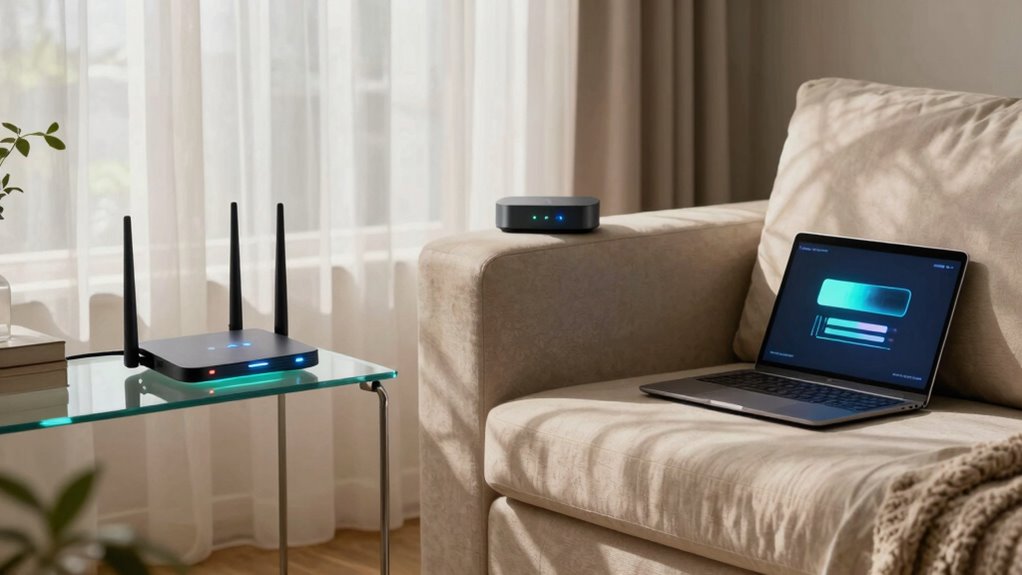

Failover Internet at home means your connection automatically switches to a backup network if your primary internet service drops, keeping you online without manual intervention. It relies on network redundancy and advanced technology to detect outages and instantly switch to options like mobile hotspots or satellite links. This setup guarantees you stay connected during disruptions, maintaining your work, streaming, and communication seamlessly. Keep exploring to discover how this smart system can protect your digital life even more.

Get the little things that make your day delivered free with Prime
- Fast, free delivery on millions of items
- Prime Video, Amazon Music and more included
- Member-only deals all year
Key Takeaways
- Failover Internet automatically switches your home connection to a backup source during outages.
- It ensures continuous online access without manual reconfiguration or delays.
- Uses multiple network pathways, like mobile hotspots or satellite links, for redundancy.
- Provides a seamless transition to maintain productivity, streaming, and communication.
- Enhances overall home network reliability by proactively managing connectivity issues.
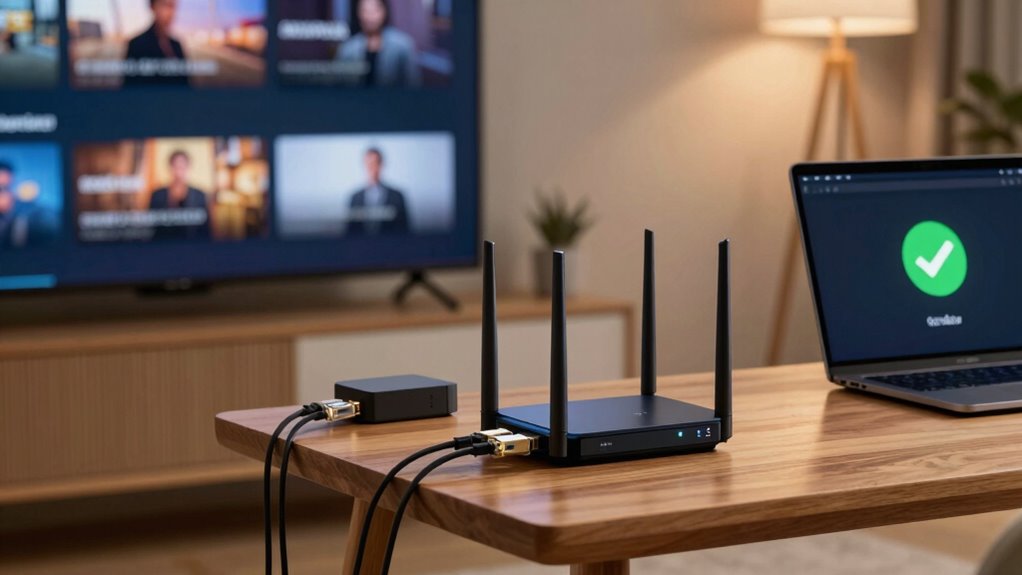
Are you tired of losing internet connection at the worst possible moments? If so, you’re not alone. Many households face frustrating interruptions that disrupt work, streaming, and communication. That’s where failover internet comes into play. Essentially, it’s a system designed to guarantee you stay connected even when your primary connection drops. At its core, failover internet relies on network redundancy—having multiple pathways to access the internet. When your main provider experiences an outage, this setup automatically switches to backup connectivity, so your online activities continue seamlessly. You don’t have to manually reconnect or wait for service to come back; the shift happens instantly.
Failover internet ensures seamless online connectivity during outages with automatic, instant switching to backup networks.
This setup offers peace of mind, especially for remote workers, students, or anyone relying heavily on a stable internet connection. It’s not just about having a backup; it’s about having a reliable fail-safe in place. When your primary connection fails, your device automatically detects the loss and switches over to the secondary connection. This backup connectivity might be via a different internet provider, a mobile hotspot, or even a satellite link, depending on what you choose. The key is that the switch is smooth, preventing interruptions that could cost you time or productivity. Implementing failover internet also involves understanding network redundancy, which is essential for ensuring continuous connectivity. Additionally, understanding how multiple internet pathways function can help you optimize your setup for better reliability. Recognizing the importance of automatic switching can further enhance your home network’s resilience.
Implementing failover internet isn’t overly complicated. Many service providers now offer integrated solutions that include both primary and backup connections, managed through a single device or platform. This enables you to set parameters for when the switch happens, guaranteeing it’s quick and transparent. It’s also helpful to understand failover technology, which ensures the automatic transition between connections happens smoothly without manual intervention. This technology often leverages network monitoring tools to detect outages swiftly and initiate the switch. With this technology, you avoid the hassle of manually reconfiguring your network or losing valuable time during outages. Instead, your home network becomes resilient and adaptive, automatically handling disruptions without your intervention.
In essence, failover internet is about creating a smarter, more dependable home network. It’s a proactive approach that prioritizes continuous connectivity, no matter what happens with your main service. Whether you’re streaming your favorite show, attending a work meeting, or just browsing the web, you’ll appreciate that your connection stays steady. By investing in network redundancy and backup connectivity, you’re safeguarding your digital life, reducing frustration, and ensuring that your online experience remains uninterrupted. It’s a simple upgrade that makes a significant difference, especially in today’s connected world.
Products Worth Considering

Levoit Vital 100S-P Air Purifier for Home and Pets

LEVOIT Air Purifier for Home, Pets, Bedroom, Smart WiFi

TCL 65-Inch T7 Series 4K QLED Smart Google TV, 144Hz (65T7)
As an affiliate, we earn on qualifying purchases.
Frequently Asked Questions
How Much Does Failover Internet Typically Cost?
Failover internet typically costs between $10 to $50 extra per month, depending on your provider and plan. When doing a cost comparison, you’ll find budget options are more affordable but might have limited data or speed. Premium plans offer faster, more reliable service, but at a higher price. Consider your home’s internet needs and budget to choose the right failover setup that balances cost and performance effectively.
Can I Set up Failover Internet Myself?
Yes, you can set up failover internet yourself, especially if you’re comfortable with basic networking. While it requires some technical know-how, DIY setups can improve your network redundancy and service reliability. You’ll need a secondary connection and a compatible router that supports automatic switching. Following step-by-step guides or tutorials can simplify the process, helping you guarantee continuous internet access without relying solely on a professional.
What Devices Are Compatible With Failover Internet?
You can use a variety of devices with failover internet, especially those supporting network integration features like routers with dual WAN ports or compatible network management systems. Check device compatibility to guarantee they handle automatic switching seamlessly. Most modern routers and network devices designed for business or advanced home setups support failover features, making integration straightforward. Just verify that your equipment explicitly states compatibility with failover or dual WAN configurations before setting everything up.
How Quickly Does Failover Internet Switch Over?
Failover internet switches over almost instantly, usually within seconds, thanks to network redundancy. This quick changeover guarantees your service reliability remains intact during outages, minimizing disruption. You won’t notice much downtime because the failover process is automated, seamlessly rerouting your connection through backup networks. This rapid shift keeps your internet stable, supporting work, streaming, or browsing without interruption, giving you peace of mind during unexpected outages.
Is Failover Internet Suitable for Gaming?
Failover internet isn’t ideal for gaming, especially if you crave low latency and smooth gameplay. While it guarantees streaming stability during outages, it might introduce slight delays or jitter, which can frustrate serious gamers. You’ll notice a difference in gaming latency compared to a primary connection, making fast-paced games less responsive. For competitive or immersive gaming, a dedicated, stable connection remains your best bet, despite failover’s backup benefits.
Conclusion
Having a failover internet at home means you’re never truly offline, even when your primary connection drops. With over 80% of Americans relying heavily on internet for work, streaming, and staying connected, losing your internet can feel like losing a part of your day. A failover setup guarantees you stay productive and entertained, no matter what. It’s a simple investment that keeps your digital life running smoothly and stress-free, no matter the outages.