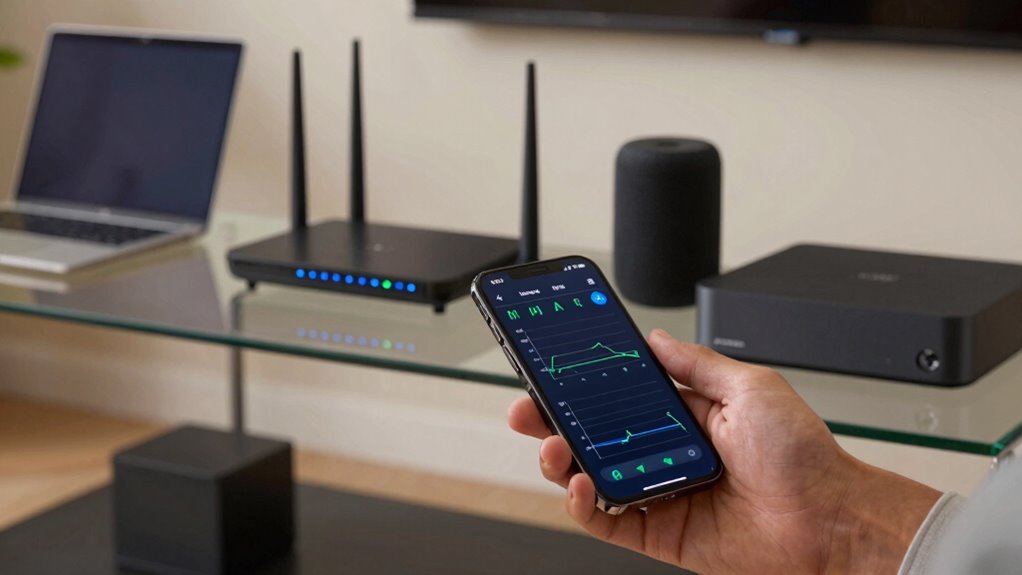

Your home network ping shows how quickly your internet responds, measuring the delay between your device and online servers. A low ping means your connection is fast and responsive, ideal for gaming, streaming, or video calls. High ping indicates delays and lag, often caused by interference, congestion, or outdated equipment. Understanding what your ping reveals helps you identify issues. Keep exploring to discover how you can optimize your network performance for a smoother experience.

Get the little things that make your day delivered free with Prime
- Fast, free delivery on millions of items
- Prime Video, Amazon Music and more included
- Member-only deals all year
Key Takeaways
- Ping measures the response time between your device and a server, indicating connection speed and responsiveness.
- A low ping suggests a fast, responsive network, while a high ping indicates potential delays or lag.
- It helps identify issues like network congestion, interference, or equipment problems affecting performance.
- Consistently high ping during activities like gaming or video calls can signal network instability.
- Monitoring ping over time allows for troubleshooting and optimizing your home network setup.
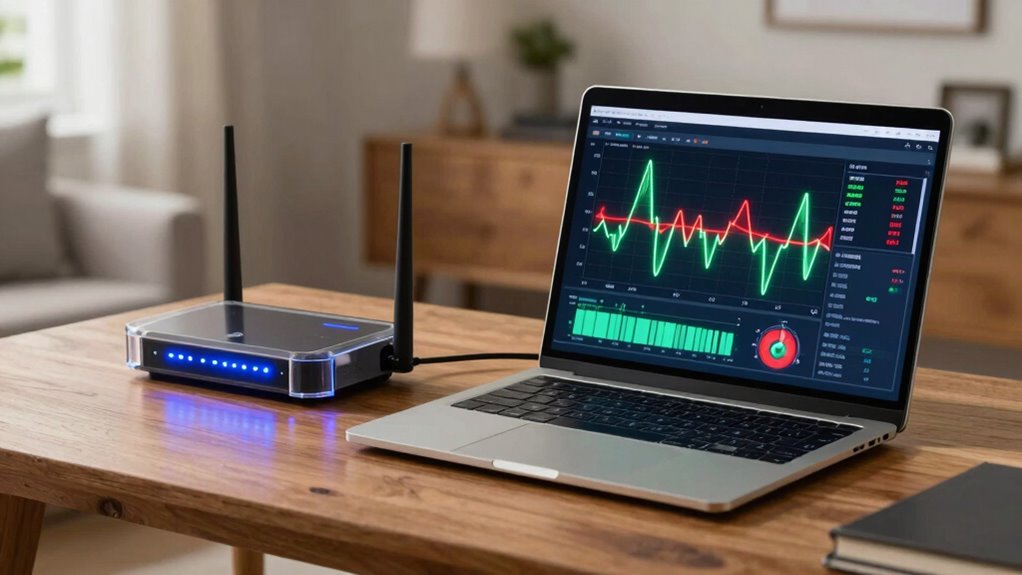
When you check your home network’s ping, you’re measuring how quickly your device communicates with a server or other device on your network. It’s a number that reflects the latency, or the delay, between your device sending a request and receiving a response. A low ping means your connection is fast and responsive, which is especially important for online gaming, video calls, or streaming. A high ping indicates delays, which can cause lag or buffering issues. Understanding what your ping tells you helps you diagnose potential problems and improve your network experience.
Ping measures your device’s response time, affecting online gaming, streaming, and video calls. Lower ping equals better performance.
Several factors influence your ping, and two common culprits are wireless interference and network congestion. Wireless interference occurs when other electronic devices or physical obstacles disrupt your Wi-Fi signal. Microwave ovens, cordless phones, Bluetooth devices, and even neighboring Wi-Fi networks can interfere with your signal, increasing latency. When interference is high, your device struggles to maintain a stable connection to the router, leading to higher ping times. Moving closer to your router, switching channels, or reducing interference sources can help improve your ping. Additionally, signal quality plays a critical role in maintaining low latency.
Network congestion is another major factor that can raise your ping. It happens when too many devices or applications are using your internet connection simultaneously. Streaming videos, downloading files, online gaming, and video conferencing all demand bandwidth. When multiple devices compete for the same network resources, your connection becomes crowded, and your device has to wait longer for data to be transmitted and received. This results in increased latency and sluggish performance. You might notice this during peak usage hours or when several family members are online at once. Managing your network traffic by limiting high-bandwidth activities or upgrading your internet plan can alleviate congestion and lower your ping.
Your ping also depends on the quality of your internet service provider (ISP) and your equipment. Slow or unreliable modems and routers can introduce delays, making your ping higher than it should be. Ensuring your hardware is up-to-date and properly configured can help reduce latency. Additionally, the physical distance between your device and your Wi-Fi router impacts ping — the farther away you are, the higher the latency tends to be. Regularly monitoring network performance can help identify persistent issues affecting your ping. Properly understanding network factors can empower you to make more informed adjustments to improve your connection quality. Recognizing the effect of physical distance on latency can lead to strategic placement of your devices for better performance. Being aware of network infrastructure can also assist in optimizing your setup for lower ping.
Products Worth Considering

Bose SoundLink Flex Bluetooth Speaker (2nd Gen), Portable Waterproof Speaker, Black

Shark Rocket Pet Plus Corded Stick Vacuum, Bordeaux, HV322

Philips Hue Secure Wired Video Doorbell, 2K, Black
As an affiliate, we earn on qualifying purchases.
Frequently Asked Questions
How Does Ping Differ From Other Network Tests?
Ping measures the time it takes for a small data packet to travel from your device to a server and back, focusing on latency and packet loss. Unlike other tests like traceroute or bandwidth tests, ping highlights latency variation and packet loss issues, helping you identify network delays or disruptions. It’s a quick, simple way to gauge your connection’s responsiveness, but it doesn’t reveal detailed routing or bandwidth capacity.
Can Ping Results Indicate Internet Speed Issues?
Ping results alone can’t definitively indicate internet speed issues, but they can hint at potential problems. If you notice high latency or packet loss, it might be related to bandwidth analysis or router configuration issues. Slow responses could mean your network is congested or your router needs adjustments. Use ping as a starting point, then perform more detailed tests to identify if bandwidth limitations or router settings are causing the slowdown.
What Is a Good Ping Time for Gaming?
A good ping time for gaming is under 30 milliseconds. You want low latency, quick response, and minimal lag to optimize your gaming performance. Aim for ping times between 10 and 30 milliseconds to guarantee smooth gameplay, reduce latency, and enhance your gaming experience. Focus on latency optimization by reducing network congestion and choosing wired connections whenever possible to keep your ping consistently low and your gaming seamless.
How Does Network Congestion Affect Ping?
Network congestion increases your ping times because bandwidth limitations cause delays in data transmission. When multiple devices use your network simultaneously, your router struggles to handle the traffic efficiently, leading to higher latency. Proper router placement can help reduce congestion by improving signal strength and coverage, ensuring your device maintains a steady connection. Avoid overcrowded channels and keep your router in a central location to minimize ping spikes caused by congestion.
Can Ping Help Troubleshoot Wi-Fi Connectivity Problems?
Yes, ping can help troubleshoot Wi-Fi connectivity problems by revealing if devices are talking to your network or hitting a wall. When your ping times spike or fail, it signals issues like network congestion, device compatibility hiccups, or even network security blocks. You’ll quickly spot if a device’s not communicating properly, allowing you to fix connection issues, improve security, and keep everything running smoothly—all with simple ping tests.
Conclusion
Understanding what your home network ping reveals helps you troubleshoot and improve your internet experience. For example, imagine streaming your favorite show, only to be interrupted by lag—your ping might be the culprit. By monitoring and reducing your ping, you can enjoy smoother gaming, clearer video calls, and fewer frustrations. Taking control of your network’s ping isn’t just technical; it’s about reclaiming your time and entertainment. Don’t let slow connections hold you back—get to know your ping today.