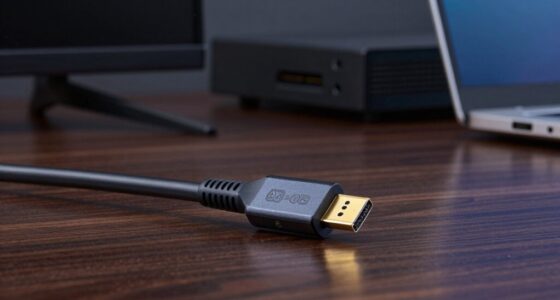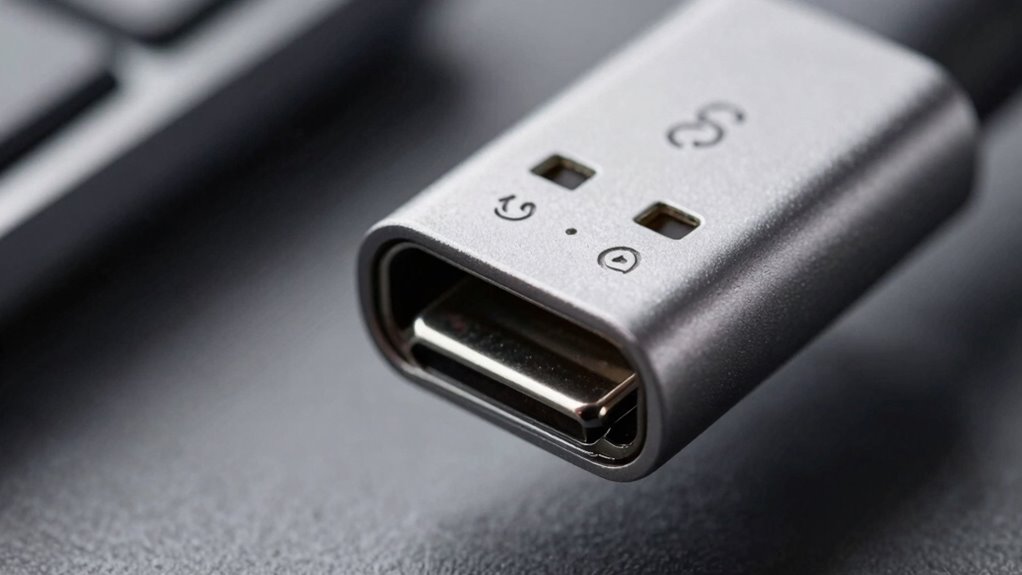

To understand USB-C labels easily, look for symbols like the USB logo, “SS” for SuperSpeed, and “PD” for Power Delivery. Check for standards like USB 3.1 or 3.2 to know if the cable supports fast data transfer, and verify power support for quick charging. Durability markers show if the cable is built for tough use. If you keep these tips in mind, you’ll be able to pick the right cable confidently—that’s just the beginning of what you can discover.

Get the little things that make your day delivered free with Prime
- Fast, free delivery on millions of items
- Prime Video, Amazon Music and more included
- Member-only deals all year
Key Takeaways
- Look for standard symbols like USB, SS, or PD to quickly identify supported features.
- Check the data transfer speed indicators, such as USB 3.1 or 3.2 labels.
- Confirm power delivery support to ensure fast charging capabilities.
- Notice durability markings like reinforced connectors or certifications for longevity.
- Interpret icons and text to understand compatibility and future-proofing options.
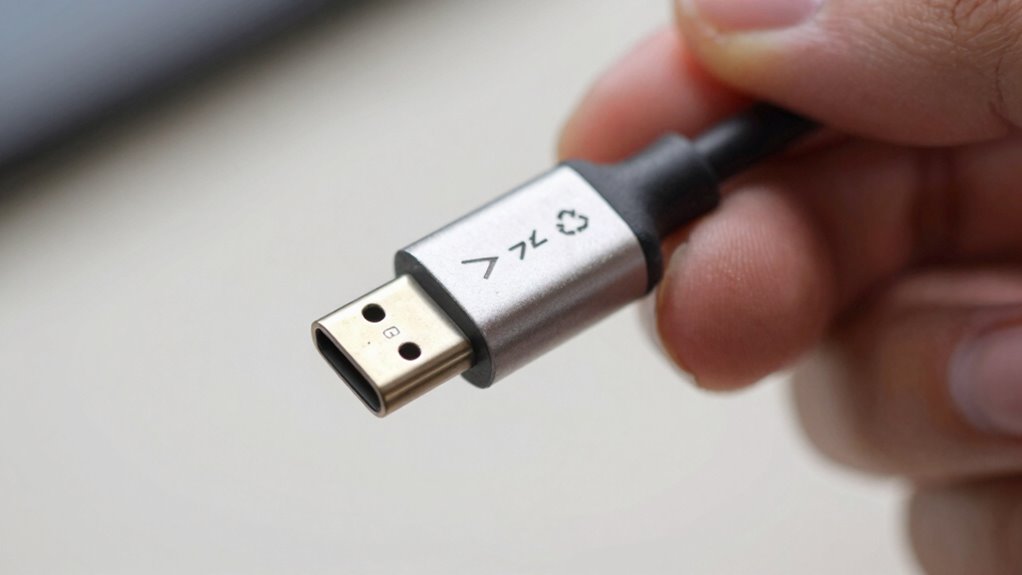
Understanding how to read USB-C labels can help you quickly identify the capabilities of your cables and devices. When you’re shopping for a new cable or trying to determine if your current one will meet your needs, paying attention to these labels saves you time and frustration. Labels often include symbols, text, and icons that indicate compatibility standards, power delivery, data transfer speeds, and other features. Recognizing these details means you won’t waste money on incompatible cables or purchase one that doesn’t support your device’s requirements.
One of the first things to look for is the compatibility standards, which are usually expressed through symbols like the USB logo, the “SS” for SuperSpeed, or “PD” for Power Delivery. These indicators tell you whether the cable supports the latest USB standards, such as USB 3.1 or USB 3.2, which offer faster data transfer rates. If you need a cable for high-speed data or quick charging, confirming these standards on the label ensures you’re getting a device that can handle your demands. It’s also important for future-proofing; newer standards tend to support more advanced features and higher power levels. Paying attention to compatibility standards can help you avoid unnecessary upgrades later. Additionally, understanding label symbols can further clarify the supported features at a glance.
Cable durability is another key aspect often noted on labels, especially if you’re planning to use the cable frequently or in demanding environments. Some labels might specify reinforced connectors, braided cable materials, or certifications like “MIL-STD” (military standard), which indicate enhanced robustness. Knowing this helps you choose a cable that won’t fail easily, saving you from the hassle and expense of replacements. Durable cables often have higher-quality build standards, which is reflected on the label through specific markings or descriptions. If you’re someone who uses your cable daily or in rough conditions, prioritizing robustness ensures your investment lasts longer. Checking for durability features can help you select a cable that withstands wear and tear over time. Recognizing these durability indicators can be particularly beneficial if you need a reliable, long-lasting cable.
USB-C cable with fast data transfer
As an affiliate, we earn on qualifying purchases.
As an affiliate, we earn on qualifying purchases.
Frequently Asked Questions
Do All USB-C Labels Follow the Same Standard?
Not all USB-C labels follow the same standard. You’ll notice differences in brand markings and color coding, which can indicate specific features like charging speed or data transfer capabilities. Some labels clearly mark whether the cable supports Thunderbolt or USB 3.1, while others don’t. To avoid confusion, always look for consistent symbols or color codes, and check the product specifications to guarantee your device gets the right performance.
Can USB-C Labels Indicate Compatibility With Specific Devices?
Did you know that over 90% of USB-C labels don’t specify device compatibility? Yes, brand markings and color codes often don’t indicate if a cable works with specific devices. Instead, they show power capacity or data transfer speeds. To guarantee compatibility, look for labels that mention standards like Thunderbolt or USB 3.2, rather than relying solely on brand markings or color codes. Always double-check specifications before plugging in.
Are There Any Hidden Symbols on USB-C Labels?
Yes, some USB-C labels have hidden symbols that indicate features like power delivery or data transfer rates. These symbols can be subtle or small, so label clarity varies. To avoid missing them, carefully examine the label for tiny icons or markings, especially near the port. Recognizing these hidden symbols helps you understand the cable’s capabilities without confusion, making your connection setup smoother and more reliable.
How Often Do USB-C Standards Get Updated?
USB-C standards get updated roughly every few years, like seasons changing, but compatibility myths and branding deception can make it feel like a confusing maze. Manufacturers often tout their products as “latest” or “fastest,” but those labels can hide outdated tech. Staying informed helps you cut through the noise, ensuring your devices actually meet the latest standards without falling for marketing tricks. Regular updates aim to keep tech ahead, but vigilance is key.
Can I Trust All USB-C Labels on Cheap Cables?
You can’t always trust cheap cables’ USB-C labels, as they often lack accurate info on data transfer speeds or power delivery. To guarantee safety and performance, check the cable’s brand reputation and read reviews. Look for labels that specify standards compliance, and prioritize cables known for good cable durability. Investing in reputable brands helps you avoid poor quality or unsafe cables that may damage your device or offer unreliable performance.
Power Delivery USB-C cable for fast charging
As an affiliate, we earn on qualifying purchases.
As an affiliate, we earn on qualifying purchases.
Conclusion
So, now you’re a USB-C label expert—congratulations! Next time you see those cryptic symbols, you’ll just wink and say, “Piece of cake.” Because who needs a degree in cryptography when you’ve got the secret code? Just remember, deciphering labels is almost as fun as trying to fold a fitted sheet. But hey, with your newfound skills, you’re officially the USB-C whisperer—ready to conquer the tech world, one label at a time.
As an affiliate, we earn on qualifying purchases.
USB-C cable with reinforced connectors
As an affiliate, we earn on qualifying purchases.
As an affiliate, we earn on qualifying purchases.
NFL season / tailgating Picks
team gear
As an affiliate, we earn on qualifying purchases.