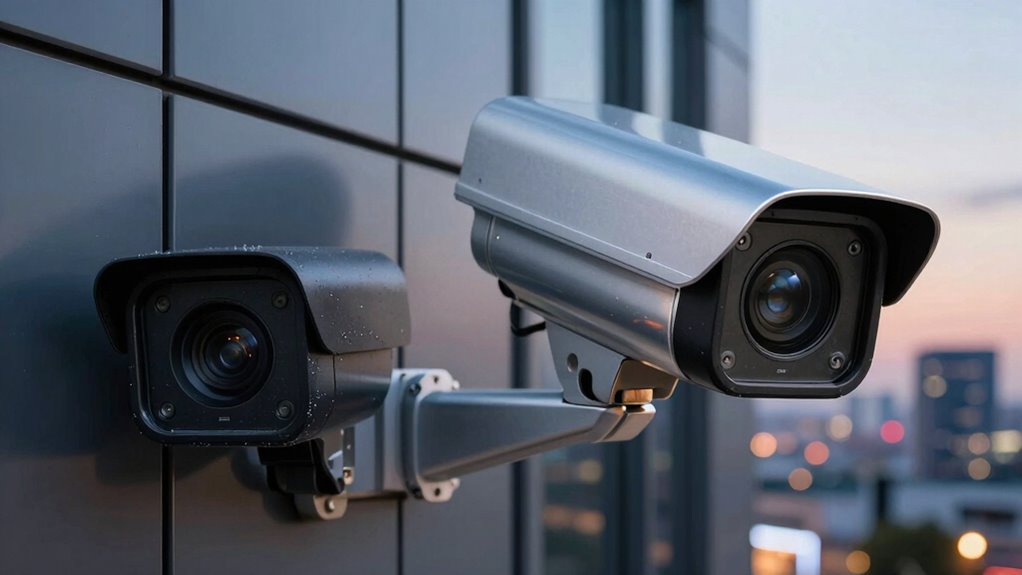

The hidden difference between local storage and cloud cameras lies in control and reliance. Local storage keeps your footage on-site, giving you more control and independence, especially during internet outages. Cloud cameras upload footage to remote servers, offering flexibility and easy access from anywhere but depend heavily on your internet connection. Understanding these subtleties can help you choose what suits your needs best—keep exploring to uncover more secrets about their differences.

Get the little things that make your day delivered free with Prime
- Fast, free delivery on millions of items
- Prime Video, Amazon Music and more included
- Member-only deals all year
Key Takeaways
- Local storage keeps footage on-site, offering more control, while cloud cameras upload data remotely for easier access and scalability.
- Cloud cameras require continuous internet, whereas local storage cameras operate independently of internet stability.
- Data security depends on encryption practices; cloud providers often use advanced standards, while local storage relies on user-implemented protections.
- Cloud cameras consume more power due to constant data transmission, unlike local storage cameras which are generally more energy-efficient.
- Managing local storage involves physical device upkeep, whereas cloud solutions provide automatic backups and simplified management.
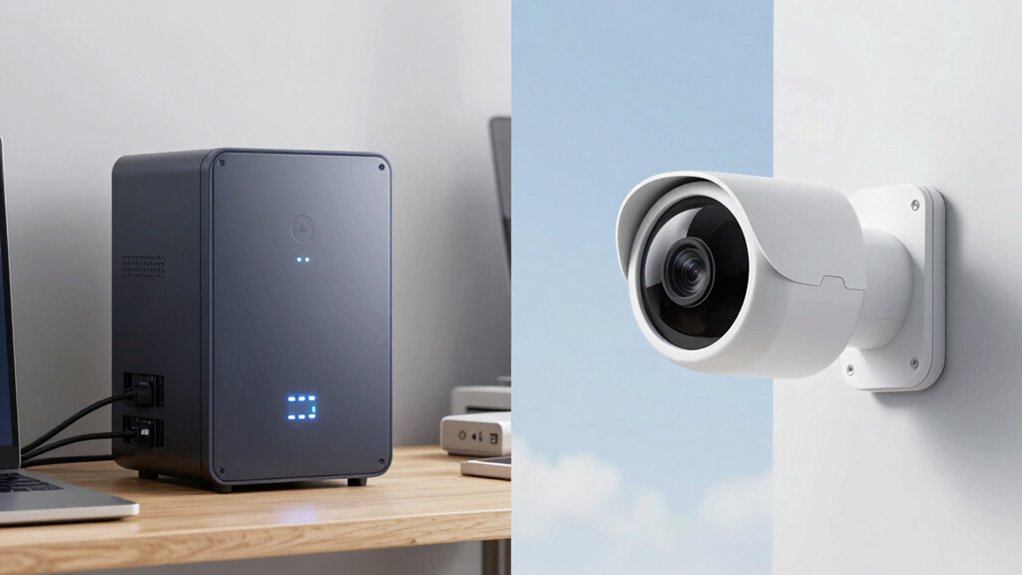
When choosing a security camera system, understanding the differences between local storage and cloud cameras is essential. One of the key distinctions lies in how each method handles data storage and security. Local storage cameras save footage directly to a physical device, like an SD card or a network-attached storage (NAS) system. This setup means your footage stays on-site, giving you more control over your data. Cloud cameras, on the other hand, upload footage to remote servers managed by a service provider. This approach offers convenience and accessibility from anywhere but requires a reliable internet connection.
Data encryption plays a vital role in protecting your footage, especially with cloud cameras. Since your videos are transmitted over the internet and stored on third-party servers, strong encryption is necessary to prevent unauthorized access. Reputable cloud providers typically implement advanced encryption standards, ensuring your footage remains private and secure. Conversely, local storage devices also utilize data encryption to safeguard footage stored on physical media. While this offers an extra layer of security, it relies heavily on how well the device itself is protected and whether you take measures like encrypting the storage or physically securing the device. Ensuring proper encryption practices is vital for maintaining data privacy. Additionally, implementing secure network configurations can further enhance your data protection.
Additionally, the security of data transmission is crucial, especially with cloud cameras, to prevent interception during upload or download. Power consumption is another important factor that influences your choice. Local storage cameras often operate with minimal power, especially if they’re wired to your existing electrical system. Wireless models might require batteries, but generally, they consume less power than cloud cameras, which need continuous internet connectivity and internal processing to upload footage. Cloud cameras often have higher power demands because they rely on constant data transmission, which can increase your energy costs over time. This is something to consider if you’re aiming for an energy-efficient setup or if your power supply is limited. Moreover, some users might prefer local storage due to its potential for better data privacy, especially in sensitive environments.
Additionally, local storage cameras tend to be more independent of internet stability. If your internet goes out, your footage remains accessible from the local device, whereas cloud cameras may experience interruptions or loss of footage during connectivity issues. This makes local storage a more reliable option if consistent internet access isn’t guaranteed. Furthermore, advances in smart home technology have made integrating local storage solutions easier and more seamless for homeowners seeking a secure setup. However, with cloud cameras, you benefit from automatic off-site backups and easier scalability. You don’t need to worry about replacing storage media or managing physical devices, making cloud systems more convenient for many users.
Ultimately, your choice hinges on your priorities: if you want maximum control, security, and minimal ongoing costs, local storage might be best. If ease of access, remote management, and scalability are more important, then cloud cameras could be the better option. Both have their own advantages regarding data encryption and power consumption, so consider your specific needs carefully before deciding.
Products Worth Considering
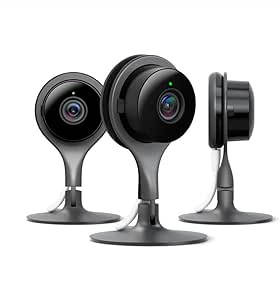
Google Nest Cam Indoor Security Camera, 3-Pack

Dyson Ball Animal 3 Corded Upright Vacuum

Bose TV Speaker Compact Soundbar with Bluetooth and HDMI-ARC, Black
As an affiliate, we earn on qualifying purchases.
Frequently Asked Questions
Can Local Storage Cameras Operate Without Internet Access?
Yes, local storage cameras can operate without internet access. They perform offline recording, capturing footage directly onto a local backup device like an SD card or a hard drive. This means your camera continues recording even if the internet drops, ensuring you’re always protected. You can retrieve footage from the local backup whenever needed, giving you peace of mind that your security system works independently of an internet connection.
How Secure Is Cloud Storage for Sensitive Footage?
Cloud storage for sensitive footage can be quite secure if it uses strong encryption protocols to protect your data during transfer and storage. However, your security also depends on the provider’s privacy policies and how well they safeguard your footage from unauthorized access. Always review these policies and choose providers with transparent security practices. While no system is completely invulnerable, a reputable cloud service minimizes risks and keeps your footage private.
What’s the Typical Lifespan of Local Storage Devices?
Typically, local storage devices last about 3 to 5 years, depending on usage and quality. You’ll want to contemplate data durability, as constant read/write cycles can degrade components over time. Storage capacity also impacts lifespan—larger drives may last longer if managed properly. Regular backups and upgrading your devices can extend their usefulness, ensuring your footage stays safe and accessible for as long as you need.
Do Cloud Cameras Require Ongoing Subscription Fees?
Like paying a toll on a busy highway, cloud cameras often require ongoing subscription fees for storage and features. These costs can add up over time, impacting your budget. While subscription costs fund data privacy and security measures, they also mean you’re committed long-term. If you prefer control without recurring payments, local storage might suit you better. Weigh the convenience of cloud versus the independence of local storage to find your ideal setup.
Which Option Offers Better Protection Against Data Loss?
Cloud cameras generally offer better protection against data loss because they utilize data redundancy, storing copies across multiple servers. This guarantees your footage remains safe even if one server fails. Additionally, cloud storage provides storage scalability, allowing you to expand your capacity easily without hardware limitations. Local storage can be vulnerable to physical damage or theft, making cloud options more reliable for safeguarding your data in the long run.
Conclusion
Choosing between local storage and cloud cameras is like picking between a sturdy bookshelf and a vast library—you get different benefits. Local storage offers quick access and privacy, while cloud cameras provide convenience and remote viewing. Think about what matters most to you: speed and control or flexibility and ease. By understanding these differences, you can select the right system for your needs, ensuring your security setup is as reliable as a trusted friend watching over your home.