
To make your smart home devices more reliable without buying anything, start by optimizing their placement—move them to quieter, less obstructed spots for better voice recognition and stronger Wi-Fi signals. Keep their firmware and software up to date, and regularly restart devices to clear glitches. Manage your network traffic by avoiding high-bandwidth activities during device use, and adjust settings suited to your environment. Want practical tips on fine-tuning your setup? Keep exploring to discover more ways to boost performance.

Get the little things that make your day delivered free with Prime
- Fast, free delivery on millions of items
- Prime Video, Amazon Music and more included
- Member-only deals all year
Key Takeaways
- Regularly update device firmware and software to fix bugs and improve stability.
- Optimize device placement and reduce environmental interference for better performance.
- Restart devices periodically to clear temporary glitches and maintain responsiveness.
- Manage network traffic by limiting high-bandwidth activities during critical device use.
- Prioritize critical devices and disable unnecessary features to enhance overall reliability.
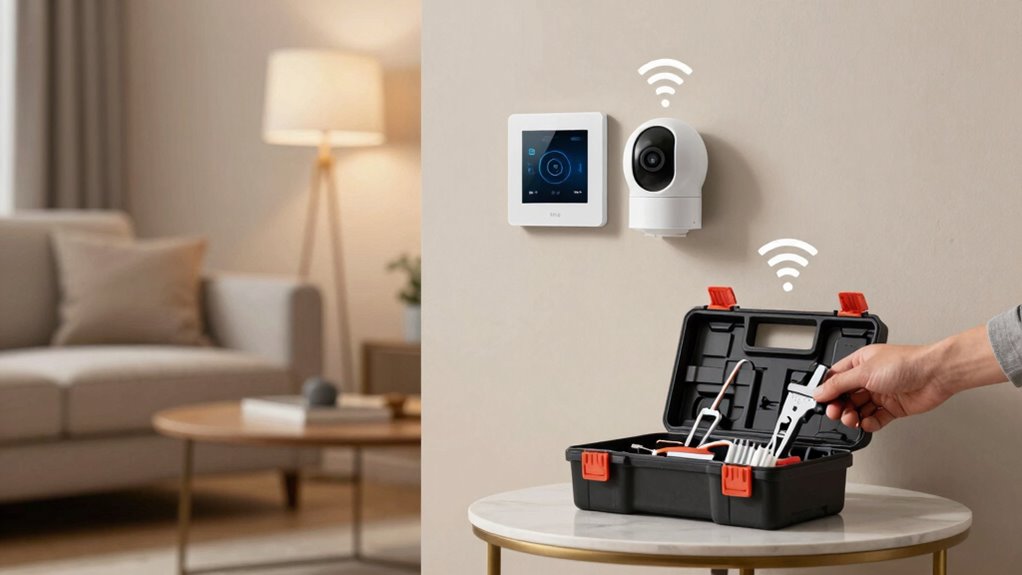
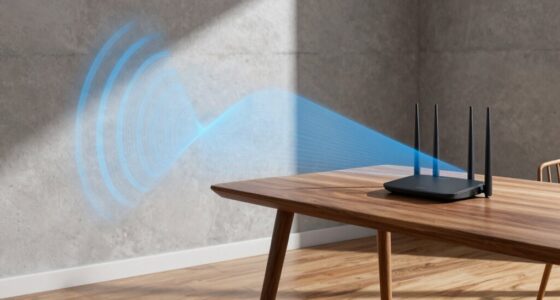
Smart home devices have become essential for modern living, but their reliability can sometimes fall short, causing frustration and inconvenience. When your voice control system doesn’t respond promptly or accurately, it can disrupt your daily routines. To improve this, start by making certain your device’s microphone isn’t obstructed or dirty, which can hinder voice recognition. Clear speech and simple commands also help the system understand you better. If your voice control feels inconsistent, updating the device’s firmware or software might resolve bugs and improve performance. Sometimes, the problem lies in your Wi-Fi connection—weak signals can cause delays or failures in command execution. Position your router closer to your smart devices or remove obstacles between them to strengthen the connection.
Ensure your microphone is clear, speak simply, and keep firmware updated for better smart device performance.
Another often-overlooked aspect is energy consumption. Many smart devices operate continuously or frequently wake up to listen for commands, which can strain your network and cause lag or disconnects. Reducing energy consumption can enhance reliability by decreasing network congestion. For instance, disable features that aren’t necessary, like constant listening modes, if your device offers such options. This not only conserves energy but also reduces the load on your device’s processor, leading to more stable operation. Additionally, scheduling updates and maintenance during off-peak hours ensures your devices aren’t overwhelmed when you need them most. Keeping an eye on network traffic can also help identify and resolve potential bottlenecks before they affect performance.
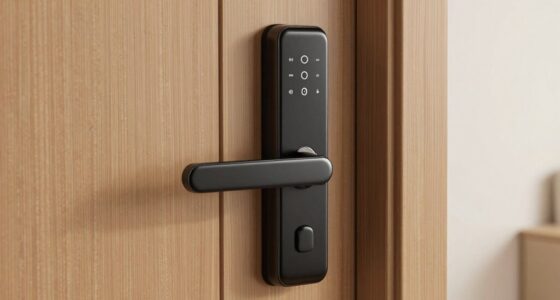
You can also improve device reliability without buying new gadgets by managing your network traffic smartly. Avoid streaming high-bandwidth content or downloading large files simultaneously when using your smart home system. This minimizes interference and keeps your devices responsive. Regularly restarting your router and smart devices can clear memory leaks or temporary glitches, making them run more smoothly. If multiple devices are connected, prioritize critical ones—like security cameras or smart locks—to prevent overloads that might cause instability. Implementing network management techniques can further optimize your setup and minimize disruptions.
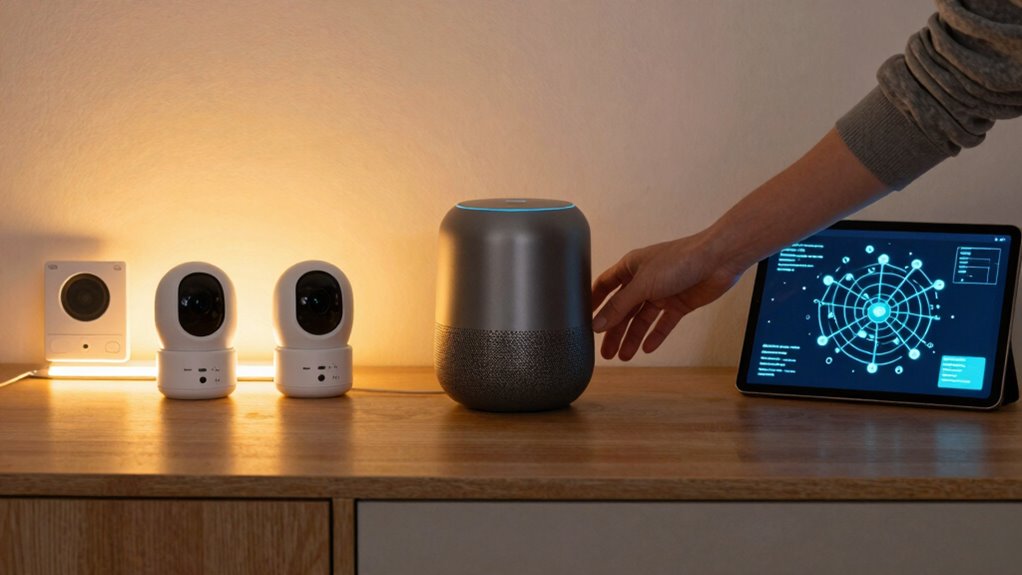
Finally, keep your device’s settings optimized for your environment. For example, if your smart speaker is in a noisy room, it might struggle with voice recognition. Moving it to a quieter location or adjusting its sensitivity can make a difference. Also, check your device’s compatibility with your existing network and other smart home components to prevent conflicts. Being aware of caffeine science and how it affects alertness can surprisingly help you troubleshoot connectivity issues more effectively. By taking these simple steps—focusing on voice control accuracy, managing energy consumption, optimizing network traffic, and fine-tuning device placement—you can considerably boost the reliability of your smart home devices without spending extra money. This way, your smart home becomes more efficient, responsive, and less frustrating to use.
smart home device firmware updater
As an affiliate, we earn on qualifying purchases.
As an affiliate, we earn on qualifying purchases.
Frequently Asked Questions
Can Software Updates Improve Device Reliability Instantly?
Software updates can improve device reliability, but they don’t always fix issues instantly. Sometimes, firmware glitches or user error cause problems that updates address over time. When you install updates promptly, you reduce bugs and enhance performance. However, some issues may need more troubleshooting or tweaking. So, while updates help, don’t expect instant fixes for every glitch—patience and proper setup are key to better reliability.
Do Smart Home Hubs Enhance Device Stability?
Think of a smart home hub as the orchestra conductor, bringing harmony to your devices. Yes, they enhance device stability by streamlining communication. By optimizing voice commands and ensuring device compatibility, hubs prevent misfires and dropped signals. They centralize control, reducing chaos and making your smart home more reliable. With a hub, your devices work together seamlessly, creating a symphony of smart convenience you can truly trust.
How Does Network Congestion Affect Device Performance?
Network congestion can considerably impact your smart home devices’ performance. Wi-Fi interference from other electronics or neighboring networks causes dropped signals and delays. To improve reliability, manage your bandwidth by prioritizing essential devices and reducing unnecessary connections. Regularly update your router firmware and switch to a less congested Wi-Fi channel. These steps help minimize interference, ensuring your smart devices respond quickly and work smoothly without needing extra purchases.
Are Third-Party Accessories Safe for My Smart Devices?
About 60% of smart home users worry about third-party accessory safety. Third-party accessories can be safe if you check device compatibility and buy from reputable brands. Always verify that the accessory supports your device’s model and standards. Avoid unverified products, as incompatible or poorly made accessories can cause malfunctions or security risks. Prioritize trusted manufacturers and read reviews to guarantee your smart devices stay reliable and secure.
What Are Common Signs of Failing Smart Home Devices?
You’ll notice signs of failing smart home devices when their performance becomes inconsistent, like delayed responses or frequent disconnects. Firmware issues or hardware degradation often cause these problems. For example, outdated device firmware can lead to compatibility issues, while hardware wear might result in physical malfunctions. Keep an eye out for these signs, and regularly update firmware or perform maintenance to extend your device’s lifespan and guarantee reliable operation.
Wi-Fi range extender for smart home
As an affiliate, we earn on qualifying purchases.
As an affiliate, we earn on qualifying purchases.
Conclusion
By taking these simple steps, you’re not just improving your smart home’s reliability—you’re creating a more seamless lifestyle. It’s funny how a few tweaks here and there can turn a flickering connection into smooth, effortless control. Sometimes, it’s the small adjustments—like updating firmware or repositioning devices—that make all the difference. As you sit back, enjoying your smarter, steadier home, you realize that reliability isn’t just about technology, but about how you’ve made it work better for you.
smart home device restart button
As an affiliate, we earn on qualifying purchases.
As an affiliate, we earn on qualifying purchases.
network traffic management tools for smart home
As an affiliate, we earn on qualifying purchases.
As an affiliate, we earn on qualifying purchases.
NFL season / tailgating Picks
team gear
As an affiliate, we earn on qualifying purchases.