
When choosing a NAS, consider its drive bays to guarantee it supports your current and future storage needs. RAID helps protect your data and improve performance, with options like RAID 1 for redundancy or RAID 5 for speed and fault tolerance. Expansion options, such as external drives or expansion units, let you grow your storage space easily. Planning ahead and understanding these features guarantees your setup stays flexible and secure—if you explore further, you’ll discover how to optimize your system effectively.

Get the little things that make your day delivered free with Prime
- Fast, free delivery on millions of items
- Prime Video, Amazon Music and more included
- Member-only deals all year
Key Takeaways
- The number of drive bays determines initial storage capacity and future expansion potential of a NAS device.
- RAID configurations balance data protection and performance, with options like RAID 1 and RAID 5 for different needs.
- Combining RAID with encryption enhances data security, but regular backups are still essential.
- Expansion options include external drives or expansion units, requiring compatibility checks for seamless growth.
- Planning for future growth involves selecting NAS with scalable drive bays and evaluating expansion hardware compatibility.
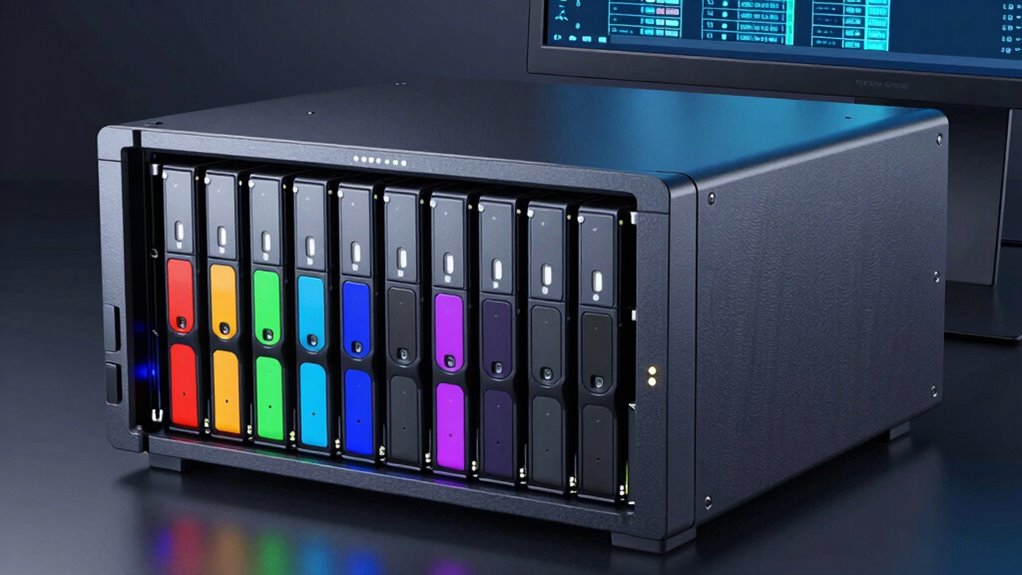
Understanding NAS drive bays, RAID configurations, and expansion options is essential if you’re looking to optimize your network storage. The drive bays in your NAS determine how many drives you can hold at once, directly impacting your capacity and flexibility. For example, a NAS with four bays allows you to start with a smaller setup and expand later, while larger units with eight or more bays support substantial storage needs right out of the box. When choosing drive bays, consider how often you’ll need to upgrade or add storage—this way, you can pick a device that offers room to grow without needing a complete overhaul. Additionally, the physical layout and accessibility of drive bays can influence maintenance and future upgrades, making it an important factor in your decision. Being aware of drive bay scalability options can help you plan for future expansion more effectively.
Choose NAS with appropriate drive bays for scalable, flexible storage tailored to your growth needs.
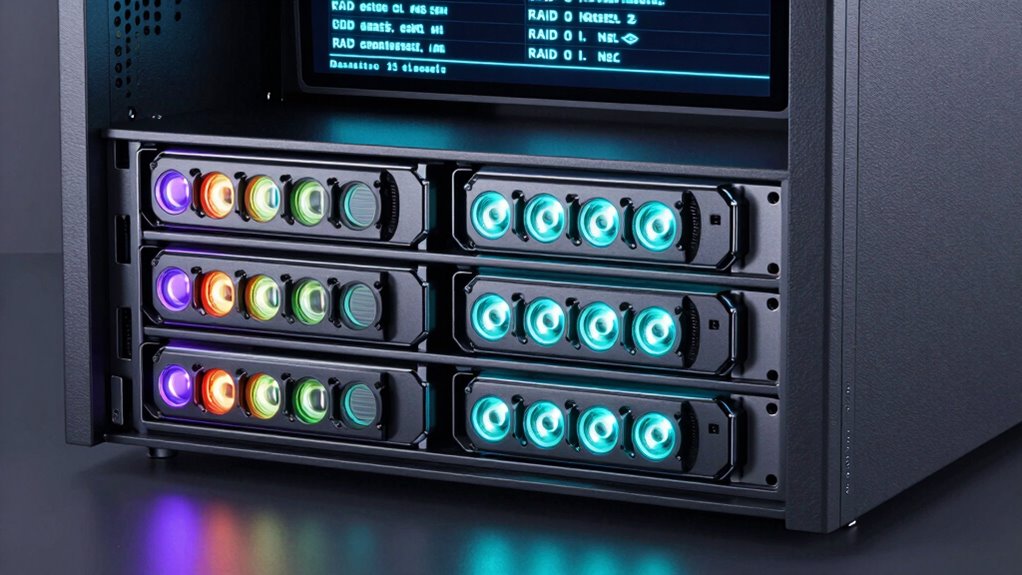
RAID (Redundant Array of Independent Disks) configurations are critical for balancing data protection and performance. By configuring drives in RAID, you can safeguard your data against drive failures while optimizing read/write speeds. Common setups like RAID 1 mirror your data across two drives, providing a simple redundancy solution, whereas RAID 5 spreads data and parity information across three or more drives for a good mix of speed, capacity, and fault tolerance. Your choice of RAID depends on your priorities—whether you need maximum data security, faster access, or a combination of both. Keep in mind, RAID isn’t a substitute for regular backups, especially cloud backup, which offers off-site protection and disaster recovery options. Implementing data encryption alongside RAID can further secure sensitive information, ensuring that even if someone gains unauthorized access to your drives, your data remains protected. Additionally, understanding RAID levels can help you tailor your storage setup more precisely to your needs.
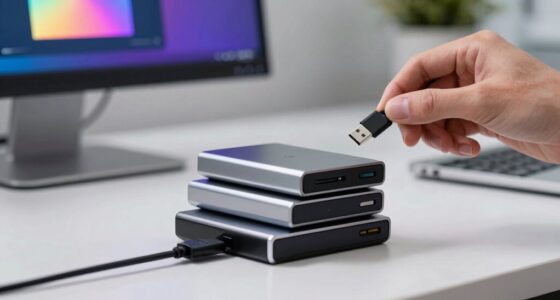
Expansion options add another layer of flexibility. Many NAS devices support expansion units or external drives, allowing you to increase storage capacity as your needs grow. This is especially useful if you’re running a business or storing large media files. When expanding, verify your NAS supports the type and number of drives you plan to add, and check if you need additional hardware or software configurations. Keep performance in mind—adding drives can sometimes impact speed if the NAS isn’t designed for high-traffic environments. Also, consider how expansion options integrate with your existing setup, ensuring seamless data management and backup strategies. Exploring drive bay compatibility and scalability options can help you plan for future growth more effectively. Moreover, researching compatible expansion solutions ensures you don’t encounter unforeseen compatibility issues down the line.
Products Worth Considering

Samsung 42-Inch S90H OLED 4K Smart TV Bundle

Levoit Core 600S-P Smart Air Purifier for Large Rooms

Dyson Ball Animal Total Clean Upright Vacuum
As an affiliate, we earn on qualifying purchases.
Frequently Asked Questions
How Do I Choose the Right NAS Drive Bay Size for My Needs?
You should choose a NAS drive bay size based on your drive capacity needs and physical dimensions. If you plan to store large files or have extensive data, opt for a larger bay size to accommodate more drives and maximize capacity. Consider your space limitations too; a smaller NAS might fit better in tight spots, while a bigger one offers more room for growth. Balance your storage needs with physical space for the best fit.
What Are the Best Practices for Data Security With NAS and RAID?
Think of your data as precious cargo; you want it securely wrapped and always within reach. To safeguard it, enable encryption standards on your NAS and regularly update firmware. Use cloud backup as a safety net, ensuring your data’s safety even if hardware fails. Keep strong passwords and restrict access to trusted users. These best practices keep your digital treasures protected, giving you peace of mind in a connected world.
Can I Upgrade My NAS Without Losing Existing Data?
Yes, you can upgrade your NAS without losing existing data by carefully planning the process. Before upgrading, back up your data and check if your NAS supports cloud integration for additional safety. During the upgrade, manage power settings to prevent interruptions, and guarantee compatibility with new hardware. Following these steps helps you expand storage or improve performance while keeping your data secure and accessible.
How Does Network Speed Affect NAS Performance?
Think of your network as a busy highway; the faster it flows, the quicker your data reaches its destination. When network speed slows down due to high latency or poor bandwidth optimization, your NAS performance stalls, like traffic jammed on the road. To keep data moving smoothly, make certain your network has low latency and ample bandwidth, allowing your NAS to operate efficiently, delivering files swiftly and without frustrating delays.
Are There Compatibility Issues With Different RAID Levels?
Yes, compatibility issues can arise with different RAID levels, especially if your hardware isn’t fully compatible or if firmware updates are needed. You might face problems mixing drives or setting up certain RAID configurations if your NAS device doesn’t support them. Always check hardware compatibility and verify your firmware is up to date to avoid issues and guarantee smooth operation across various RAID levels.
Conclusion
Understanding NAS drive bays, RAID configurations, and expansion options reveals a world of seamless data management. With a little insight, you’re gracefully maneuvering the complexities of storage, turning what once seemed intimidating into a smooth journey. Embrace the possibilities, and let your storage solutions evolve effortlessly, like a gentle tide shaping the shoreline. After all, the right setup isn’t just about capacity—it’s about creating a foundation where your data can flourish quietly and securely.