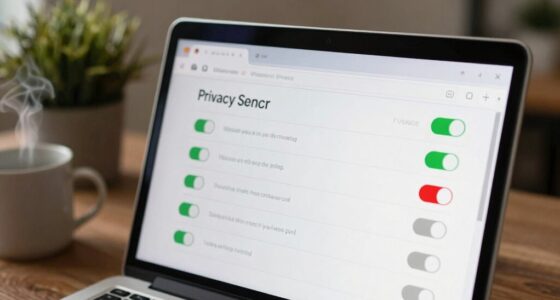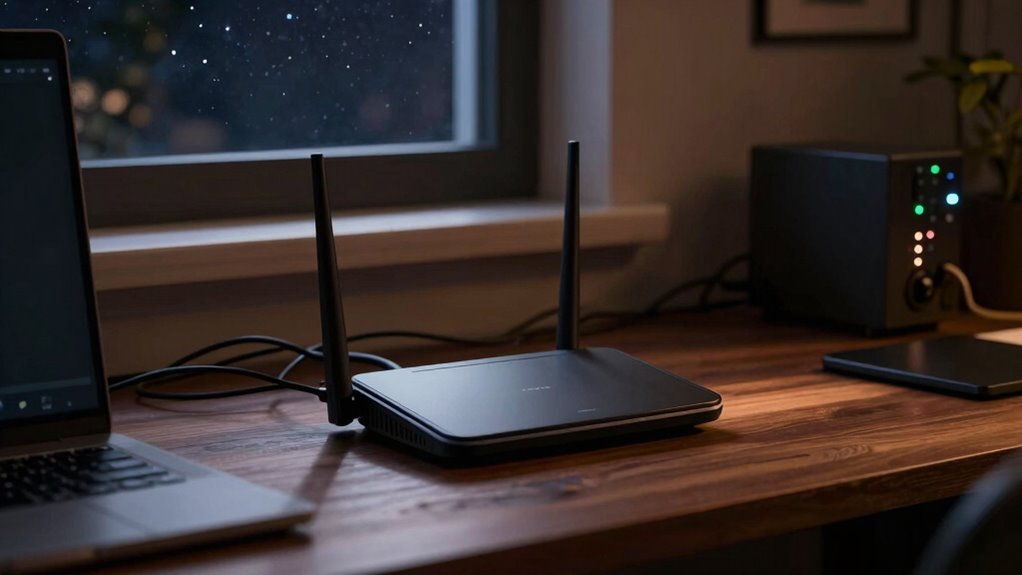
At night, your router feels slow because more devices in your home and neighborhood connect to the network, causing congestion. Household appliances like microwaves and cordless phones emit signals that interfere with Wi-Fi, while overlapping networks create further interference. This combination reduces speed and stability. If you want to understand how interference and congestion impact your connection—and how to improve it—there’s more to uncover behind the causes.

Get the little things that make your day delivered free with Prime
- Fast, free delivery on millions of items
- Prime Video, Amazon Music and more included
- Member-only deals all year
Key Takeaways
- Increased household device activity at night causes network congestion, reducing Wi-Fi speed.
- External interference from neighbors’ Wi-Fi networks overlaps frequencies, disrupting signal quality.
- Household appliances emit signals that interfere with Wi-Fi, especially during peak evening hours.
- Signal congestion and interference lead to diminished bandwidth and slower internet performance.
- Optimizing router settings and managing device usage can help improve nighttime Wi-Fi speeds.
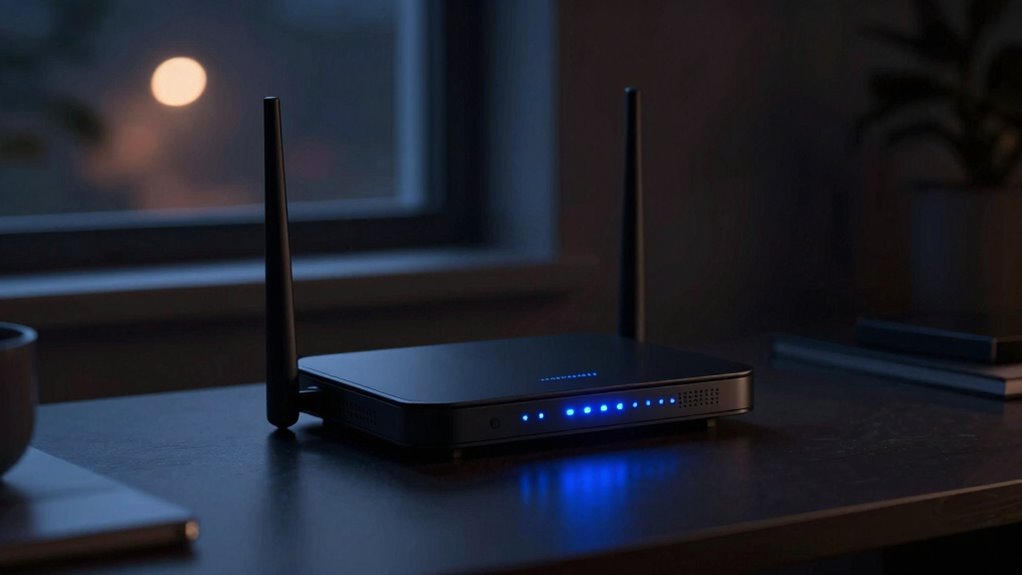
Have you ever noticed your internet slowing down just as night falls? It’s frustrating, especially when you’re trying to stream your favorite show or finish an important work project. What you might not realize is that this slowdown often comes down to interference sources and signal congestion. As more people settle in for the evening, the number of devices using your Wi-Fi network skyrockets, creating a crowded environment that hampers your connection’s speed and stability.
Interference sources are a big factor in reducing your Wi-Fi performance at night. Many household appliances, like cordless phones, microwave ovens, and baby monitors, operate on similar frequencies as your router. When these devices are active, they emit signals that can interfere with your Wi-Fi, causing disruptions or slower speeds. External interference is also common; neighbors’ Wi-Fi networks, especially if you’re in a densely populated area, can overlap with yours, creating a jumble of signals that compete for bandwidth. This interference makes it harder for your router to transmit data efficiently, leading to those dreaded slowdowns. Being aware of frequency overlap can help you identify potential sources of interference nearby. Additionally, understanding the impact of wireless spectrum overlap can help you better troubleshoot connection issues.
Signal congestion is another major contributor. During the day, fewer devices are connected to your network, but as evening approaches, everyone in your household, and often neighbors’ devices too, start streaming, gaming, or downloading content. This surge of activity results in signal congestion, where the available bandwidth is divided among so many devices. The more devices connected, the less bandwidth each device gets, and your internet feels sluggish. This congestion isn’t just limited to Wi-Fi; it’s also affected by the overall network traffic in your area, which tends to peak during evening hours when everyone is online. Understanding how network congestion impacts your internet can help you better manage your device usage. Additionally, optimizing your router’s settings and managing device activity can make a noticeable difference during these peak times. Recognizing the role of network traffic can help you plan your online activities more effectively.
Wi-Fi router interference blocker
As an affiliate, we earn on qualifying purchases.
As an affiliate, we earn on qualifying purchases.
Frequently Asked Questions
Can My Router’s Firmware Affect Its Nighttime Speed?
Yes, your router’s firmware can affect its nighttime speed. Firmware updates often improve performance, fix bugs, and enhance security settings, which can lead to faster internet during peak hours. Outdated firmware may cause slowdowns, especially when many devices are connected at night. Regularly updating your firmware guarantees your router runs efficiently, and adjusting security settings can prevent unnecessary traffic or restrictions that slow down your connection after dark.
Do Household Appliances Interfere With Wi-Fi Signals at Night?
Yes, household appliances can interfere with Wi-Fi signals at night. Smart home devices like microwaves, cordless phones, and baby monitors often operate on similar frequencies, causing signal interference. When these appliances turn on or run more frequently in the evening, they can weaken your Wi-Fi connection. To improve your signal, try relocating your router away from these devices or switching to a less crowded Wi-Fi channel.
How Does Internet Traffic Impact My Router’s Performance?
When many devices stream, browse, or game, your router faces network congestion, especially during peak usage hours. This surge in internet traffic slows down your connection as the network becomes busier, much like a busy highway at rush hour. You might notice slower speeds at night because more people are online simultaneously. To improve performance, consider limiting device use or upgrading your router to handle higher traffic loads.
Are There Specific Settings to Improve Nighttime Wi-Fi Speed?
Yes, you can improve your nighttime Wi-Fi speed by adjusting your router settings. Switch to a less congested frequency band, like 5GHz, to reduce frequency congestion and avoid signal interference. You can also enable QoS (Quality of Service) to prioritize bandwidth for essential devices. Additionally, changing your Wi-Fi channel can minimize interference from neighboring networks. These tweaks help your router perform better during peak usage times.
Does My ISP Throttle Bandwidth During Evening Hours?
Yes, your ISP might throttle bandwidth during evening hours. During peak usage, bandwidth congestion occurs as many users stream, game, or browse simultaneously, slowing everyone’s connection. ISPs often limit speeds to manage network traffic and prevent overloads. So, if your internet feels sluggish at night, it’s likely due to this throttling during high-demand times, especially when many people are online, creating a bottleneck in your connection.
As an affiliate, we earn on qualifying purchases.
Conclusion
So, next time your internet feels sluggish at night, remember it’s not just in your head. With more devices crowding the network and potential interference, it’s a classic case of too many cooks spoiling the broth. Don’t let the late-night slowdown get you down — stay proactive by optimizing your setup and managing your devices. After all, you don’t want to be caught with your pants down when you need your connection the most.
As an affiliate, we earn on qualifying purchases.
As an affiliate, we earn on qualifying purchases.
Fall Picks
fall essentials
As an affiliate, we earn on qualifying purchases.