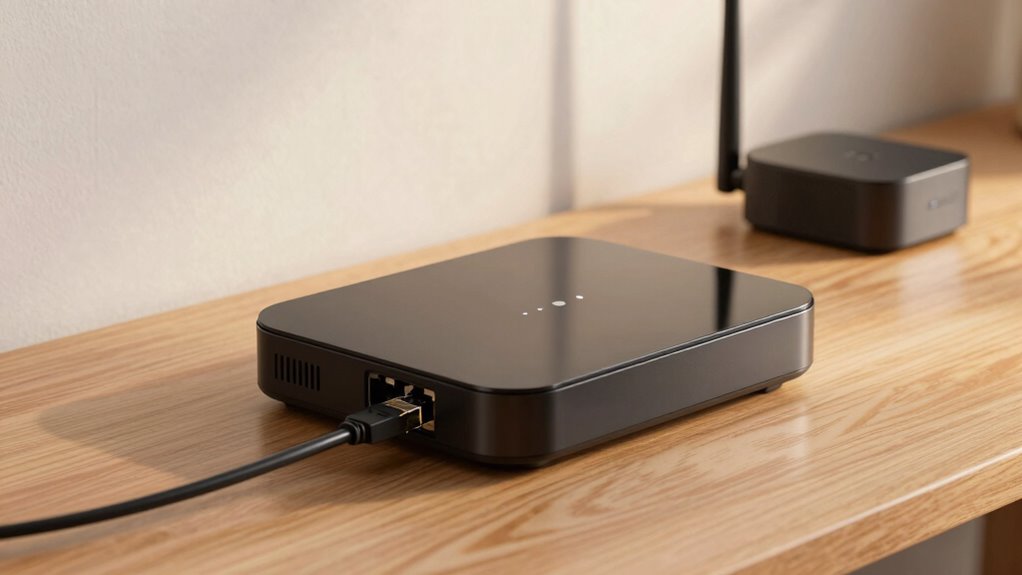
In router mode, your device acts as the main gateway to the internet, managing IP addresses, security, and network traffic. It creates a separate network with its own settings, including a firewall and DHCP server. In contrast, access point mode connects to your existing network, extending coverage without managing routing functions. If you want a clear understanding of how each setup impacts security, coverage, and performance, keep exploring the details.

Get the little things that make your day delivered free with Prime
- Fast, free delivery on millions of items
- Prime Video, Amazon Music and more included
- Member-only deals all year
Key Takeaways
- Router mode functions as the main gateway, managing routing, IP assignment, and security, while access point mode extends an existing network without routing.
- Router mode creates a separate network with its own security, whereas access point mode relies on the primary router’s security settings.
- Router mode may have limited coverage, requiring additional devices, while access points are used specifically to expand wireless coverage.
- Router mode involves complex network setup with routing and security features, while access point mode simplifies network extension.
- Performance depends on proper placement and configuration; router mode offers traffic management, while access points focus on coverage extension.
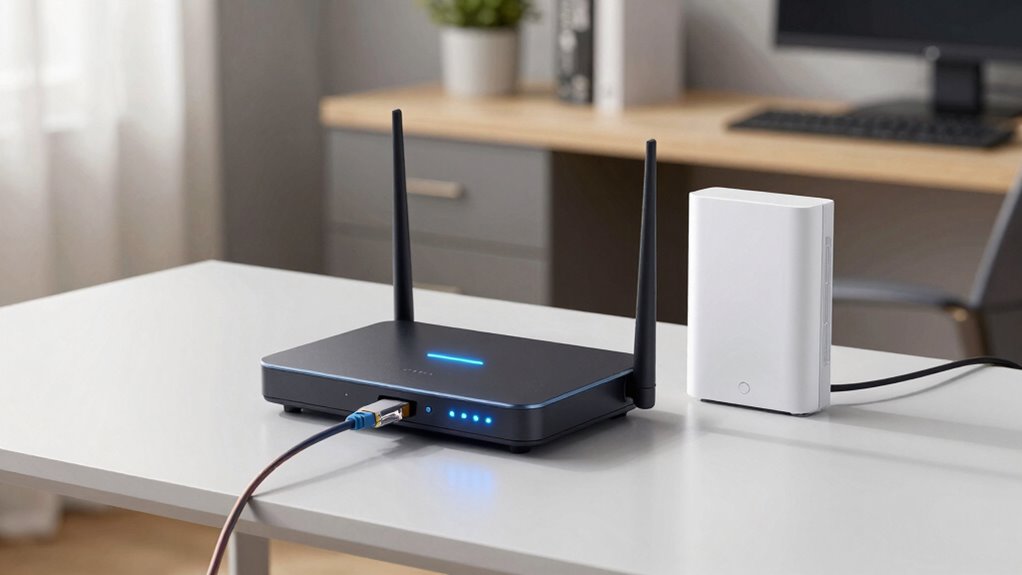
When setting up your network, understanding the difference between router mode and access point mode is essential for ideal performance. Your choice affects how your devices connect, how secure your wireless network is, and how well the signal covers your space. In router mode, your device acts as the main gateway to the internet, managing your local network and assigning IP addresses. It creates a separate network with its own security settings, firewall, and DHCP server. This setup is great if you want to control your network’s security and manage traffic efficiently. However, the signal range can be limited if you rely solely on your router, especially in larger spaces or multi-floor homes. You might need additional equipment to extend coverage, but that can sometimes complicate your network and affect wireless security if not configured properly. Properly configuring your network ensures optimal performance and security, making understanding the fundamental differences crucial. Being aware of network topology can help you design a more efficient and secure setup. Additionally, understanding wireless coverage and how it impacts your overall network can help you optimize placement and performance. It’s also important to consider how data management strategies can improve your network’s reliability and efficiency.
As an affiliate, we earn on qualifying purchases.
Frequently Asked Questions
Can I Switch Between Router Mode and Access Point Mode Easily?
Yes, you can switch between router mode and access point mode easily, but it might involve some firmware customization. Accessing your device’s settings, you’ll need to change the mode and possibly update firmware for maximum performance. Keep in mind, switching modes affects network segmentation—making certain your network stays secure during the changeover. Follow manufacturer instructions carefully to facilitate a smooth switch and maintain network stability.
Do All Routers Support Both Modes Equally?
Not all routers support both modes equally. Imagine a versatile tool—some routers come with firmware compatibility that easily adapts, while others are more limited. Supporting both modes might mean increased power consumption, affecting your device’s efficiency. You might find that higher-end models handle this switch smoothly, but budget options could struggle. Before choosing, check your router’s firmware capabilities and consider how switching modes impacts power use.
How Does Security Differ Between Router and Access Point Mode?
In router mode, security is typically more thorough because it manages your network’s wireless encryption and firewall settings directly. You’ll need to regularly update the firmware to patch vulnerabilities. In access point mode, security depends on the main router’s settings; it doesn’t handle encryption or firmware updates itself. So, whether in router or access point mode, keeping firmware up-to-date and enabling strong wireless encryption is essential for protecting your network.
Which Mode Offers Better Performance for Large Households?
Router mode generally offers better performance for large households because it manages your entire network, reducing wireless interference and maintaining stronger signal strength across multiple devices. You’ll experience fewer dead zones and better overall connectivity. Access point mode extends your existing network but can sometimes struggle with interference, especially in crowded environments. So, for large households, router mode guarantees more reliable, consistent performance, keeping everyone connected smoothly.
Is There a Cost Difference Between Setting up Each Mode?
Yes, there’s a cost difference between setting up each mode. Generally, router mode may cost more if you’re purchasing a dedicated router, whereas access points can be less expensive and often use existing hardware. Setup complexity also varies; router mode usually involves more configuration, while access points tend to be simpler to install. Your choice depends on your budget and how comfortable you are with network setup.
router mode vs access point mode
As an affiliate, we earn on qualifying purchases.
As an affiliate, we earn on qualifying purchases.
Conclusion
Understanding the subtle dance between router mode and access point mode helps you craft a seamless network, like a gentle stream flowing smoothly through a landscape. When you choose the right setting, you create a cozy, interconnected web that feels effortless and natural—much like a warm breeze guiding leaves along a quiet path. With this knowledge, you can confidently shape your network’s harmony, ensuring your digital world stays connected, comfortable, and beautifully in tune.
Wi-Fi extender with access point mode
As an affiliate, we earn on qualifying purchases.
As an affiliate, we earn on qualifying purchases.
dual band router with easy mode switch
As an affiliate, we earn on qualifying purchases.
As an affiliate, we earn on qualifying purchases.
Halloween Picks
halloween
As an affiliate, we earn on qualifying purchases.