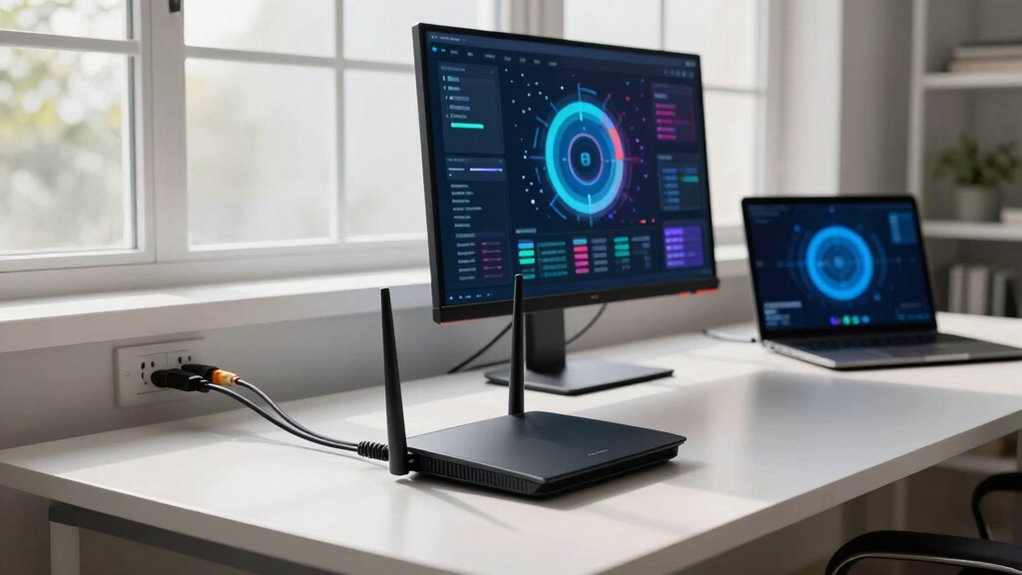

An Ethernet backhaul fixes your wireless network’s main issues by eliminating interference and reducing congestion, resulting in a more stable and faster connection. It provides a dedicated wired link between your router and other devices, preventing signal degradation caused by walls, furniture, or overlapping networks. This consistent data flow improves streaming, gaming, and general browsing. If you want to understand how this setup can greatly boost your network’s performance, keep exploring the details below.

Get the little things that make your day delivered free with Prime
- Fast, free delivery on millions of items
- Prime Video, Amazon Music and more included
- Member-only deals all year
Key Takeaways
- Eliminates wireless interference, ensuring stable and consistent data transfer between network nodes.
- Reduces network congestion by providing dedicated wired pathways, improving overall speed.
- Prevents signal degradation caused by walls, furniture, and interference sources.
- Enhances network reliability, minimizing outages and buffering during streaming.
- Improves security by avoiding vulnerabilities associated with wireless connections.
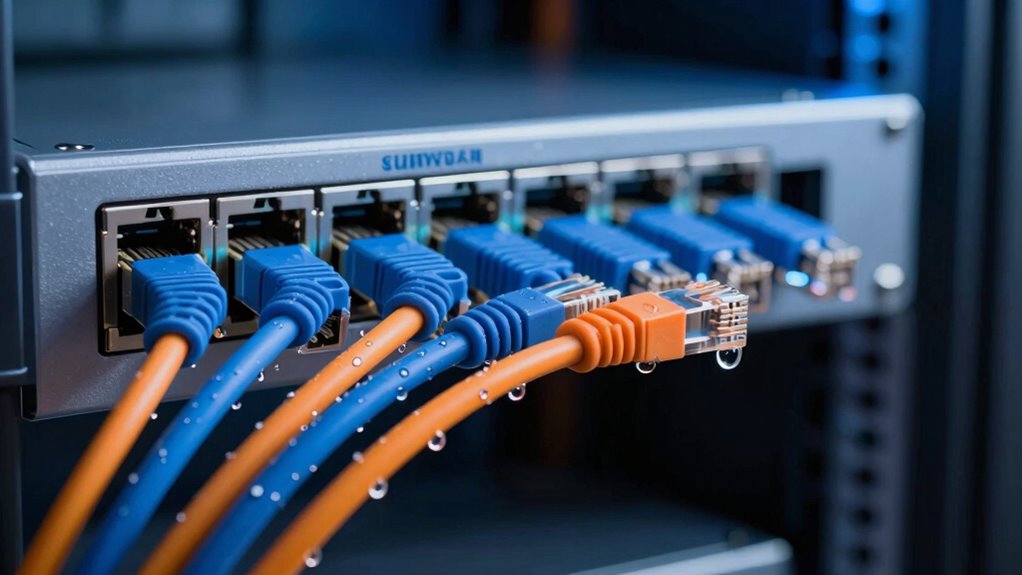
Ethernet backhaul issues can disrupt your network’s performance, causing slow speeds and unreliable connections. When your devices struggle to communicate effectively, it’s often due to the limitations of wireless backhaul, which relies on Wi-Fi signals to connect your router to other network nodes. These signals are vulnerable to wireless interference from household electronics, neighboring Wi-Fi networks, and physical obstructions like walls or furniture. This interference can weaken the signal strength and create inconsistent data transfer, resulting in buffering videos, dropped connections, or sluggish downloads. Additionally, wireless backhaul is susceptible to network congestion, especially in densely populated areas where multiple devices vie for the same frequency band. When too many gadgets use the network simultaneously, the bandwidth becomes divided, and your connection slows down further, impacting all your internet activities.
Switching to Ethernet backhaul addresses these issues directly. Ethernet cables provide a dedicated, wired pathway between your main router and other nodes or access points. This physical connection eliminates wireless interference because it’s not affected by overlapping signals or electronic noise from nearby devices. As a result, data flows smoothly and consistently, improving overall network stability and speed. You’ll notice less buffering during streaming, faster downloads, and a more responsive online experience. Ethernet backhaul also alleviates network congestion by providing a high-capacity, interference-free channel that can handle multiple devices without slowing down. With wired connections, each device or node receives dedicated bandwidth, reducing the competition for network resources and ensuring more dependable performance across your entire setup. Additionally, the security benefits of wired connections can help safeguard your network from unauthorized access or eavesdropping.
Implementing Ethernet backhaul doesn’t just fix speed issues; it also enhances your network’s reliability. Wired connections are less vulnerable to outages caused by Wi-Fi interference or signal degradation over distance. This stability is especially vital if you run smart home devices, online gaming, or work from home, where consistent connectivity matters most. Understanding network interference is crucial for optimizing your setup and maintaining reliable connectivity. Moreover, because Ethernet connections are immune to many types of wireless interference, they provide a more predictable and consistent network experience, especially in environments with many competing electronic signals. Properly installing Ethernet cables and managing your network layout can significantly reduce the likelihood of signal degradation, ensuring optimal performance. While setting up Ethernet cables might seem like a hassle initially, the long-term benefits—fewer disruptions, faster speeds, and a more dependable connection—often outweigh the inconvenience. Ultimately, Ethernet backhaul directly addresses the core problems caused by wireless interference and network congestion, ensuring your network remains fast, stable, and efficient.
Products Worth Considering

Arlo Essential Outdoor Pan-Tilt-Zoom Security Camera, 2K, Wired, 2-Camera System

Levoit Vital 100 Air Purifier for Home Bedroom

Bose Lifestyle Ultra Wireless Home Speaker
As an affiliate, we earn on qualifying purchases.
Frequently Asked Questions
Can Ethernet Backhaul Improve Wi-Fi Signal Strength?
Yes, Ethernet backhaul can improve your Wi-Fi signal strength. By using a wired connection between your router and access points, it reduces wireless interference, which often causes weak signals. This setup enhances signal stability, ensuring your devices maintain a strong, consistent connection. You’ll notice fewer drops and faster speeds, especially in larger homes or spaces with many obstacles, making your Wi-Fi experience smoother and more reliable.
Is Ethernet Backhaul Suitable for All Types of Routers?
Did you know about 70% of mesh networks perform best with wired connections? Ethernet backhaul isn’t suitable for all routers, especially older or basic models lacking Ethernet ports. For a mesh network, a wired connection via Ethernet backhaul considerably boosts stability and speed. Check your router’s specifications first—if it supports Ethernet, you’re good to go. Otherwise, consider upgrading or exploring alternative methods for improved network performance.
How Does Ethernet Backhaul Affect Internet Latency?
Ethernet backhaul reduces internet latency by providing a direct, wired connection between your routers, bypassing wireless interference that can cause delays. This setup guarantees a stable, fast network, which improves overall performance. Plus, it enhances network security by limiting exposure to wireless vulnerabilities. As a result, your devices experience quicker response times, smoother streaming, and more reliable connections, especially in busy or interference-prone environments.
Do I Need Professional Installation for Ethernet Backhaul?
Did you know that 60% of homeowners find installing mesh networks challenging? You don’t need professional help for Ethernet backhaul if you’re comfortable with basic wiring and network setup. It greatly decreases signal interference, boosting overall mesh network performance. However, if you lack experience or face complex wiring, hiring a professional can guarantee proper installation, peak performance, and peace of mind, especially for extensive or intricate setups.
Can Ethernet Backhaul Support Multiple Devices Simultaneously?
Yes, Ethernet backhaul can support multiple devices simultaneously. It offers high device compatibility, ensuring various gadgets like smart TVs, computers, and gaming consoles connect seamlessly. This setup enhances your network’s scalability, allowing you to add more devices without sacrificing speed or stability. With Ethernet backhaul, you get a reliable, fast connection that efficiently handles multiple devices at once, making your home network more robust and future-proof.
Conclusion
So, next time your Wi-Fi drops out just when you’re about to finish a binge-worthy show, remember Ethernet backhaul might be the hero you didn’t know you needed. It’s funny how plugging in a cable can fix all those pesky connection issues—who would’ve thought? Turns out, the fix is simple, reliable, and just a cable away. Irony? Your wireless network’s kryptonite might be a tiny Ethernet cable, waiting patiently to save the day.