
When your router claims wide coverage, it often overlooks how walls and floors block signals in real life. Thick walls, brick, concrete, or metal-reinforced floors absorb and reflect Wi-Fi, creating dead zones and reducing performance. Electronic gadgets and crowded spaces also cause interference and fluctuations. To get better coverage, you need to take into account the actual layout, materials, and placement. If you keep exploring, you’ll uncover the best ways to improve your Wi-Fi experience despite these obstacles.

Get the little things that make your day delivered free with Prime
- Fast, free delivery on millions of items
- Prime Video, Amazon Music and more included
- Member-only deals all year
Key Takeaways
- Manufacturer claims often overestimate coverage by ignoring obstacles like walls and floors.
- Walls made of drywall, brick, or concrete significantly reduce Wi-Fi signal strength.
- Thick or reinforced floors create dead zones and further diminish signal reach.
- Physical barriers cause signal reflection, absorption, and attenuation, leading to weaker real-world coverage.
- Proper router placement and additional extenders help mitigate obstacle-related coverage gaps.
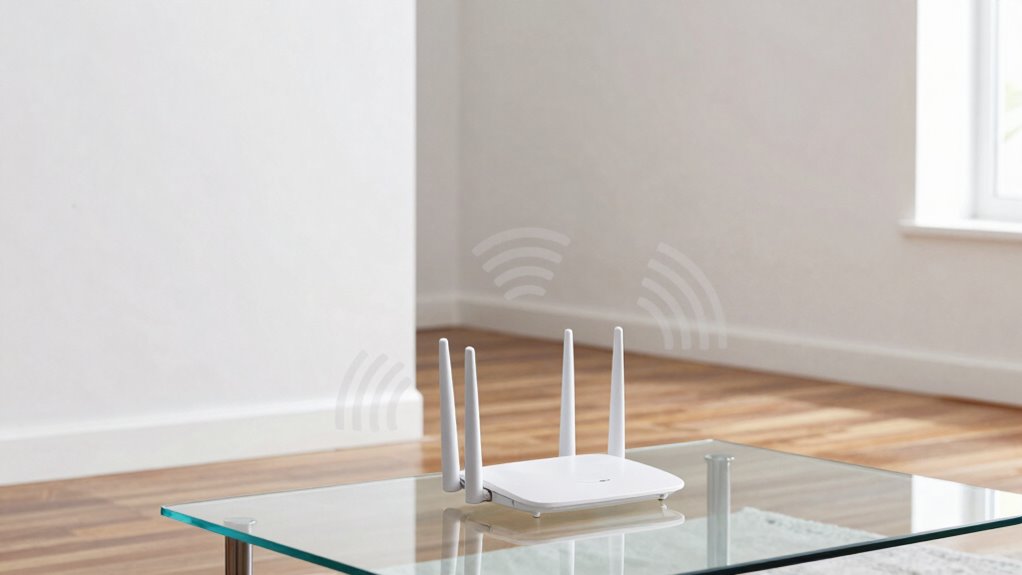
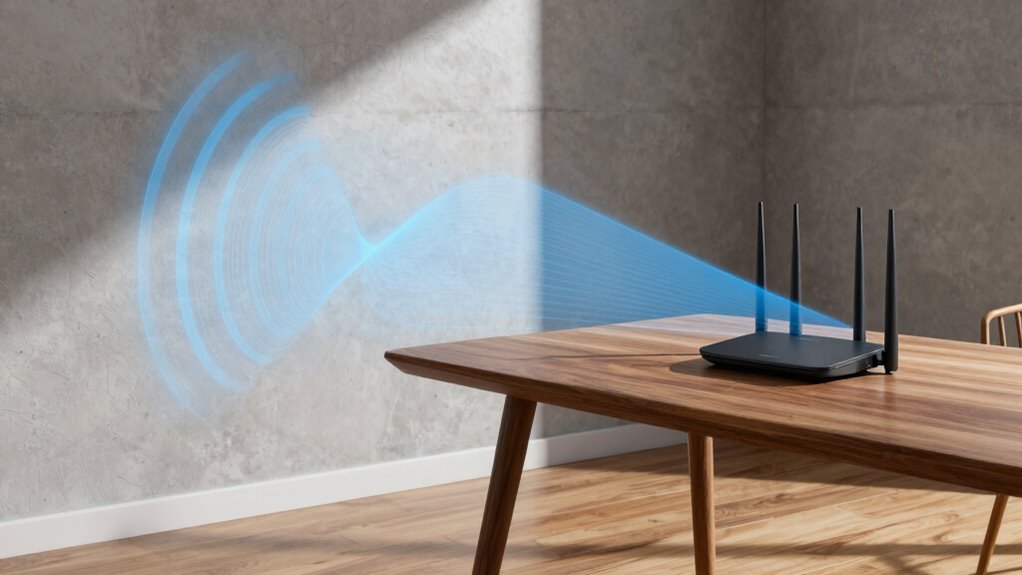
Many router manufacturers claim their devices can deliver strong, reliable coverage throughout your entire home, but in reality, walls and floors often block Wi-Fi signals more than you’d expect. This discrepancy happens because physical barriers cause Wi-Fi interference and signal attenuation, which weaken the signal before it reaches your device. Walls made of drywall, brick, or concrete absorb and reflect wireless signals, reducing their strength and creating dead zones. Floors, especially those with thick concrete or metal reinforcements, compound the problem by adding additional layers that hinder signal transmission.
Walls and floors often block Wi-Fi signals more than expected, creating dead zones and reducing coverage.
When you set up a new router, it might seem capable of covering every corner of your house based on the manufacturer’s specifications. But the truth is, those claims often overlook real-world obstacles. Wi-Fi interference from other electronic devices, such as microwaves or cordless phones, can further disrupt your signal, especially in crowded homes with multiple gadgets competing for the same frequency. These interferences can cause fluctuations in signal quality, resulting in slower speeds or dropped connections.
Signal attenuation is a critical factor here. It refers to the gradual loss of signal strength as wireless waves pass through obstacles. Every wall or floor the signal encounters causes attenuation, which diminishes the signal’s ability to reach your device with sufficient strength. The thicker or denser the material, the greater the attenuation. For example, a single drywall wall might only reduce signal strength by a few decibels, but a concrete or brick wall can cut the signal considerably more. Over multiple layers, the cumulative effect can make parts of your home virtually unreachable by Wi-Fi.
This is why your home’s layout and construction materials matter more than the router’s advertised range. Even a high-end router with powerful antennas can struggle if its signals are constantly battling through walls and floors. You might notice your Wi-Fi works well in some rooms but drops off sharply in others. To combat this, you may need to reposition your router or add Wi-Fi extenders and mesh systems to improve coverage. These solutions help bypass obstacles and reduce the impact of Wi-Fi interference and signal attenuation, ensuring a more consistent connection throughout your house. Recognizing the impact of physical barriers can help you better plan your network setup. Additionally, understanding the limitations of Wi-Fi can guide you in selecting appropriate solutions to improve your connectivity. Moreover, understanding how materials affect signals can assist in optimizing your network placement and equipment choices. Being aware of these signal loss factors can also help you troubleshoot connectivity issues more effectively.
In the end, understanding that real-world barriers are the biggest challenge to Wi-Fi coverage helps you set realistic expectations and take practical steps to improve your home network. Being aware of these factors is essential to optimizing your Wi-Fi for reliable performance across your entire home.
As an affiliate, we earn on qualifying purchases.
Frequently Asked Questions
How Do Materials Like Metal Affect Wi-Fi Signal Strength?
Metal interference can profoundly weaken your Wi-Fi signal because metal surfaces cause signal attenuation, blocking or reflecting wireless signals. When your router’s signals encounter metal walls, doors, or furniture, they don’t pass through easily, leading to reduced coverage and slower speeds. You might notice dead zones or spotty connections. To improve your Wi-Fi, try relocating your router away from metal objects or adding signal repeaters to bypass metal interference.
Can Position Changes Improve Router Coverage Through Walls?
Imagine your Wi-Fi signal as a gentle breeze, flowing more freely when you position your router thoughtfully. By adjusting your router placement, you can often navigate around walls and floors that act like subtle barriers, enhancing signal optimization. Moving your router to a more central spot or higher location can considerably improve coverage, especially through walls, ensuring your devices stay connected with a stronger, more consistent signal.
Do Smart Home Devices Interfere With Wi-Fi Signals?
Smart home devices can sometimes interfere with your Wi-Fi signals due to interference sources like other wireless gadgets or electronics. These devices may operate on similar frequencies, causing congestion. To improve your connection, you can use signal boosters or optimize device placement. Keep in mind that reducing interference sources and strategically placing your router helps maintain a strong, stable Wi-Fi signal throughout your home.
How Does Router Frequency (2.4ghz Vs 5GHZ) Impact Wall Penetration?
Ever wondered how your router’s frequency impacts wall penetration? The 2.4GHz band penetrates walls better because it’s less affected by frequency interference, resulting in less signal attenuation. Conversely, 5GHz offers faster speeds but struggles with walls, losing strength quickly. So, if you need better coverage through walls, 2.4GHz is your best bet. It’s all about balancing speed and signal strength based on your home’s layout.
Are There Specific Wall or Floor Types That Block Wi-Fi More?
Certain wall and floor types considerably block Wi-Fi signals. Building insulation, especially foam or thick materials, can weaken signals more than standard drywall. Thick walls and floors, like concrete or brick, also obstruct Wi-Fi, reducing coverage. You’ll notice that increased wall thickness and dense insulation make it harder for signals to pass through. To improve coverage, consider minimizing obstacles or using range extenders, especially in homes with layered insulation and thick walls.
As an affiliate, we earn on qualifying purchases.
Conclusion
Remember, router coverage claims often overestimate how far Wi-Fi signals can truly reach through walls and floors. In fact, thick concrete walls can cut signal strength by up to 60%, making your network much less reliable than advertised. So, don’t be fooled by glossy marketing promises. Instead, consider real-world obstacles and test your setup. After all, ensuring a strong connection in just one room can be a challenge, but it’s worth it for seamless browsing everywhere you need it.
As an affiliate, we earn on qualifying purchases.
As an affiliate, we earn on qualifying purchases.
Fall Picks
fall essentials
As an affiliate, we earn on qualifying purchases.