Mesh Wi‑Fi is ideal if you experience dead zones, slow speeds, or network congestion in your home. It uses interconnected nodes to create a seamless coverage area, easily expanding to cover large or obstructed spaces. Unlike traditional routers, mesh systems manage multiple devices efficiently and reduce interference for reliable performance. If your current setup struggles, investing in mesh Wi‑Fi could be a game-changer—continue to explore to find out if it’s the right fit for you.
Key Takeaways
- Mesh Wi-Fi systems provide seamless coverage by connecting multiple nodes, reducing dead zones and improving reliability across large or multi-floor homes.
- They are ideal when traditional routers struggle with coverage, device congestion, or frequent disconnects in certain areas.
- Mesh systems are scalable; adding more nodes enhances coverage and maintains performance as your home or device count grows.
- Features like automatic updates, security protocols, and device prioritization make mesh Wi-Fi suitable for high-demand environments.
- Upgrading to mesh is worth it when experiencing Wi-Fi drops, buffering, or network congestion with existing single-router setups.

TP-Link Deco X55 AX3000 WiFi 6 Mesh System – Covers up to 6500 Sq.Ft, Replaces Wireless Router and Extender, 3 Gigabit Ports per Unit, Supports Ethernet Backhaul, Deco X55(3-Pack)
Wi-Fi 6 Mesh Wi-Fi – Next-gen Wi-Fi 6 AX3000 whole home mesh system to eliminate weak Wi-Fi for…
As an affiliate, we earn on qualifying purchases.
As an affiliate, we earn on qualifying purchases.
Am I Experiencing Wi-Fi Dead Zones or Slow Speeds?
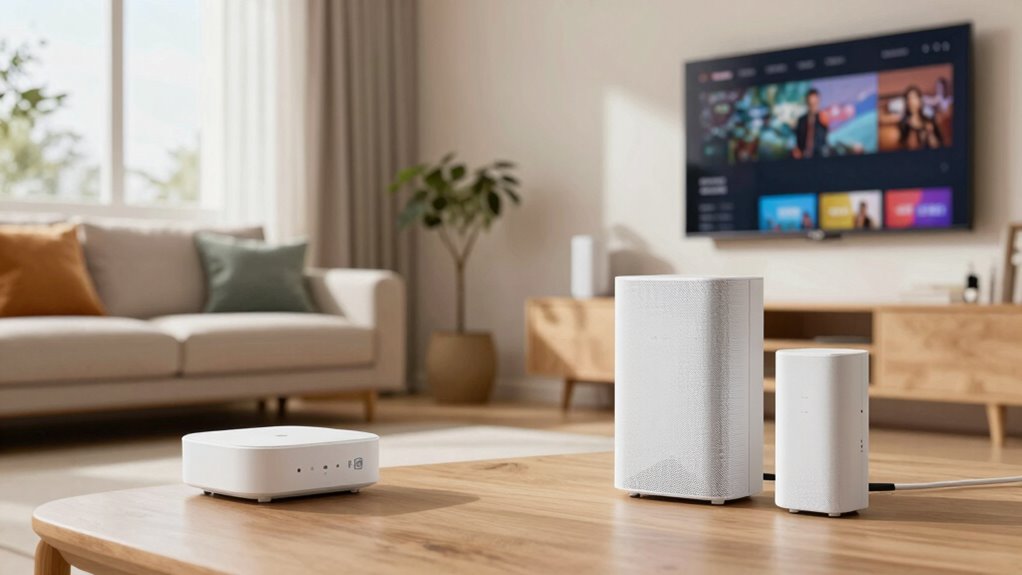
Are you noticing spots in your home where the Wi-Fi suddenly drops or your internet feels sluggish? These dead zones often stem from poor router placement or overwhelmed bandwidth. To fix this, position your router centrally and elevate it off the floor to improve coverage. Avoid hiding it behind furniture or inside cabinets, as obstructions weaken signals. Managing bandwidth can also help; prioritize essential devices and limit background usage during high-demand times. If your current setup struggles to reach every corner, a single router might not suffice. Recognizing these signs early lets you take steps to optimize your network. Proper router placement and bandwidth management are imperative in eliminating dead zones and ensuring faster, more reliable internet throughout your home. Additionally, implementing mesh Wi-Fi systems can significantly enhance coverage in larger or multi-story homes.
TP-Link Deco X55 AX3000 WiFi 6 Mesh System – Covers up to 6500 Sq.Ft, Replaces Wireless Router and Extender, 3 Gigabit Ports per Unit, Supports Ethernet Backhaul, Deco X55(3-Pack)
Wi-Fi 6 Mesh Wi-Fi – Next-gen Wi-Fi 6 AX3000 whole home mesh system to eliminate weak Wi-Fi for…
As an affiliate, we earn on qualifying purchases.
As an affiliate, we earn on qualifying purchases.
What Is a Mesh Wi-Fi System and Why Is It Better Than Traditional Routers?

A mesh Wi-Fi system provides better coverage and can expand easily as your needs grow, unlike traditional routers that often leave dead zones. It offers a seamless network experience, so your devices stay connected without interruptions as you move around your home. Plus, setting up and managing a mesh system is straightforward, making it simple to keep your network running smoothly. Additionally, high refresh rates in network devices can enhance your overall experience by reducing lag and buffering.
Coverage and Scalability
Unlike traditional routers, which often struggle to cover large or complex spaces effectively, a mesh Wi-Fi system seamlessly expands your network’s reach. As you add more nodes, coverage increases, reducing dead zones and ensuring a consistent signal throughout your home. This scalability helps you handle higher device density without sacrificing performance, as each node communicates efficiently, balancing load and minimizing interference issues. Unlike single-router setups that may slow down when many devices connect, a mesh system adapts dynamically, maintaining fast speeds across the entire network. Whether you have a sprawling house or multiple floors, mesh Wi-Fi scales to meet your needs, providing reliable coverage and eliminating frustrating weak spots or drops. Additionally, adaptive network management ensures your system responds intelligently to changing conditions, optimizing performance in real-time.
Seamless Network Experience
When you add more nodes to a mesh Wi-Fi system, they work together to create a unified, seamless network that covers your entire home. This means you won’t experience annoying dead zones or constant reconnects as you move around. Unlike traditional routers, mesh systems intelligently manage wireless interference, reducing signal drops. Plus, they often include device prioritization, giving your most important devices faster, more reliable connections. Here’s a quick comparison:
| Feature | Mesh Wi-Fi System | Traditional Router |
|---|---|---|
| Network Coverage | Seamless, multi-room coverage | Limited, often dead zones |
| Wireless Interference | Reduced through intelligent routing | More susceptible to interference |
| Device Prioritization | Yes, prioritizes bandwidth for devices | Often not available |
| Hand-off Between Nodes | Smooth, automatic transition | Manual, sometimes laggy |
| Overall Experience | Consistent, reliable, seamless | Can be inconsistent, frustrating |
Easy Setup and Management
Setting up a mesh Wi-Fi system is straightforward and often simpler than configuring traditional routers. You typically just connect the main unit to your modem, then place the satellite nodes throughout your home. The system automatically manages network settings, making updates and adjustments seamless. Managing your network is easy through a mobile app, allowing you to monitor connected devices, set parental controls, or prioritize bandwidth for specific activities. Many mesh systems also support smart home integration, enabling you to control compatible devices effortlessly. Unlike traditional routers, mesh systems simplify network management, giving you a centralized way to handle security and device access. This user-friendly setup and management make mesh Wi-Fi systems an ideal choice for busy households seeking reliable, easy-to-control Wi-Fi coverage.

TP-Link Deco S4 Mesh AC1900 WiFi System – Up to 5,500 Sq.ft. Coverage, Replaces WiFi Router and Extender, Gigabit Ports, Works with Alexa, Deco S4(3-Pack)
A New Way to WiFi: Deco Mesh technology gives you a better WiFi experience in all directions with…
As an affiliate, we earn on qualifying purchases.
As an affiliate, we earn on qualifying purchases.
How Do Mesh Wi-Fi Systems Cover Large or Obstructed Homes?

Mesh Wi-Fi systems are designed to effectively extend coverage throughout large or obstructed homes by using multiple interconnected nodes. These nodes communicate seamlessly, ensuring a strong signal even across multiple floors or through thick walls. To combat wireless interference from other devices, mesh systems often optimize channels and frequencies, maintaining stable connections. Device prioritization helps manage bandwidth, so high-demand devices like streaming boxes or gaming consoles get the necessary speed without interruption. As a result, your entire home stays connected with minimal dead zones or weak spots. This setup ensures that even complex layouts don’t hinder your network, providing consistent performance whether you’re in the basement, attic, or behind thick barriers. Mesh systems adapt intelligently to your home’s unique structure, maximizing coverage and reliability.

Amazon eero 6 mesh wifi add-on extender – Add up to 1,500 sq. ft. of Wi-Fi 6 coverage. Required eero mesh wifi system not included
EXTEND YOUR EERO WIFI COVERAGE – An eero 6 extender adds up to 1,500 sq. ft. of Wi-Fi…
As an affiliate, we earn on qualifying purchases.
As an affiliate, we earn on qualifying purchases.
What Features Should I Look for in a Mesh Wi-Fi System?

When choosing a mesh Wi-Fi system, you should consider its coverage area to guarantee it fits your home’s size. Compatibility with your devices is also essential for seamless connection, along with strong security features to protect your network. Paying attention to these key features helps you select a system that’s reliable, secure, and easy to use. Additionally, selecting a system with privacy and security features can help safeguard your smart home devices from potential threats.
Coverage Area Capabilities
To make certain your Wi-Fi reaches every corner of your home, it’s essential to look for a mesh system with strong coverage area capabilities. Seek systems that offer interference mitigation features, reducing signal clashes from other electronic devices and ensuring a stable connection across large or complex spaces. Additionally, device prioritization allows you to allocate bandwidth to important devices, like work laptops or streaming devices, enhancing performance where it matters most. Look for routers and nodes with expansive coverage ranges and the ability to seamlessly connect multiple units. These features help eliminate dead zones and maintain consistent speeds throughout your home. Furthermore, understanding cosmic connections and the influence of celestial bodies can be a fun way to explore how technology and personal traits might intertwine, even if science remains skeptical about astrology’s predictive power. Ultimately, the right coverage capabilities ensure reliable, high-quality Wi-Fi that supports your daily activities without interruption.
Device Compatibility Features
Are you wondering how to guarantee your mesh Wi-Fi system works seamlessly with all your devices? Focus on device compatibility and device features to assure smooth performance. Look for support for the latest Wi-Fi standards, like Wi-Fi 6 or Wi-Fi 6E, which improve device compatibility and speed. Check if the system supports multiple device types, such as smart home gadgets, gaming consoles, and laptops. Compatibility with various operating systems, like Android and iOS, is also key. Consider features like MU-MIMO and OFDMA that enhance device handling and reduce lag. Ensure the system can prioritize bandwidth for critical devices and has easy setup options to match your home’s device ecosystem. These features guarantee your mesh Wi-Fi works seamlessly across all your connected devices. Discovering the latest wall art trends can also inspire how you design your tech-friendly space to optimize connectivity and aesthetics.
Security and Privacy Options
Ensuring your mesh Wi-Fi system offers strong security and privacy features is essential to protect your home network. Look for systems that support robust network encryption, such as WPA3, which provides enhanced protection against eavesdropping and unauthorized access. Privacy settings are equally important; choose a system that allows you to customize access controls, guest networks, and device permissions. These features help keep your data secure and limit exposure to potential threats. Additionally, check if the system offers automatic firmware updates, which patch security vulnerabilities promptly. A good mesh Wi-Fi system should also have a clear privacy policy, detailing how your data is handled. Regularly inspecting and maintaining your network, including air quality considerations, can help prevent unauthorized access and ensure optimal performance. Prioritizing these security and privacy options guarantees your network remains safe from cyber threats and unauthorized monitoring.
How Do I Know It’s Time to Upgrade to Mesh Wi-Fi?

If your Wi-Fi keeps dropping in certain areas or slows down unexpectedly, it’s a clear sign you might need an upgrade. Network congestion and signal interference are common culprits, especially in busy households or apartments. You might notice:
- Streaming videos buffer frequently in specific rooms
- Multiple devices compete for bandwidth, causing slowdowns
- Devices lose connection or experience dead zones despite being close to your router
These issues suggest your current setup can’t handle the demands of your household’s devices. Upgrading to mesh Wi-Fi can help by providing a more consistent, seamless connection across your entire home. Additionally, understanding signal interference can help you identify potential sources of disruption and improve your network’s performance. If you’re tired of troubleshooting spotty signals, it’s probably time to contemplate a mesh system to eliminate dead zones and improve overall performance.
Is Mesh Wi-Fi Better Than Range Extenders or Powerline Adapters?

While range extenders and powerline adapters can boost your Wi-Fi coverage, mesh Wi-Fi systems often provide a more reliable and seamless connection throughout your home. Range extenders may struggle with wireless interference, causing dead zones or slow speeds, especially in larger spaces. Powerline adapters can be affected by electrical wiring issues, limiting their effectiveness. Mesh Wi-Fi offers a unified network, reducing dead spots and maintaining consistent performance. Additionally, mesh systems usually have better device compatibility, working smoothly with various smart home gadgets and gadgets. They’re designed to handle multiple connections simultaneously, making your Wi-Fi experience more stable. Overall, mesh Wi-Fi is a smarter choice if you want dependable coverage, fewer disruptions, and compatibility across your devices.
How to Set Up Your Mesh Wi-Fi Network Step by Step

Setting up your mesh Wi-Fi network is straightforward and can be completed in a few simple steps. First, choose a central location for your primary node, guaranteeing it’s near your modem. Connect it to your modem with an Ethernet cable and power it on. Then, follow the app instructions to add additional nodes, placing them strategically around your home for ideal coverage. During setup, guarantee your devices are compatible to avoid connection issues. Keep network security in mind by changing default passwords and enabling encryption. To visualize, consider these key points:
- Position nodes in open areas for better signal
- Use the app to test each node’s connection strength
- Confirm device compatibility before installation
- Stay informed about tax law updates that could impact your home network investments
This process ensures a seamless, secure, and reliable Wi-Fi experience.
Troubleshooting Common Mesh Wi-Fi Problems

Even after successfully setting up your mesh Wi-Fi network, you might encounter some common issues that can disrupt your connection. Network congestion is a frequent culprit, especially during peak usage times, causing slower speeds or dropped connections. To troubleshoot, try limiting the number of devices actively using the network or schedule high-bandwidth activities for off-peak hours. Device prioritization can also help improve performance; many mesh systems let you assign priority to essential devices like work laptops or streaming devices. If you’re experiencing persistent issues, consider repositioning nodes to ensure ideal coverage and reduce interference. Regularly updating firmware and resetting your system can also resolve minor glitches. Additionally, paying attention to pollution impact and how environmental factors affect wireless signals can help optimize your setup. Addressing these issues promptly keeps your mesh network running smoothly and efficiently.
How Much Do Mesh Wi-Fi Systems Cost, and Are They Worth the Investment?

Mesh Wi-Fi systems typically range from around $100 to over $500, depending on their features, coverage area, and brand. When doing a price comparison, you’ll notice budget-friendly options with basic coverage and premium systems offering advanced features and larger coverage. Your brand selection influences cost, as established brands often come with higher price tags but better reliability. Consider these factors:
- Budget models under $200 for small to medium homes
- Mid-range systems between $200–$350 with broader coverage
- Premium options over $400, ideal for large or complex setups
Deciding if it’s worth the investment depends on your home’s size, internet needs, and budget. Carefully compare prices and brands to find a system that offers the best value for your specific situation.
Is Mesh Wi-Fi the Right Choice for Your Home or Business?
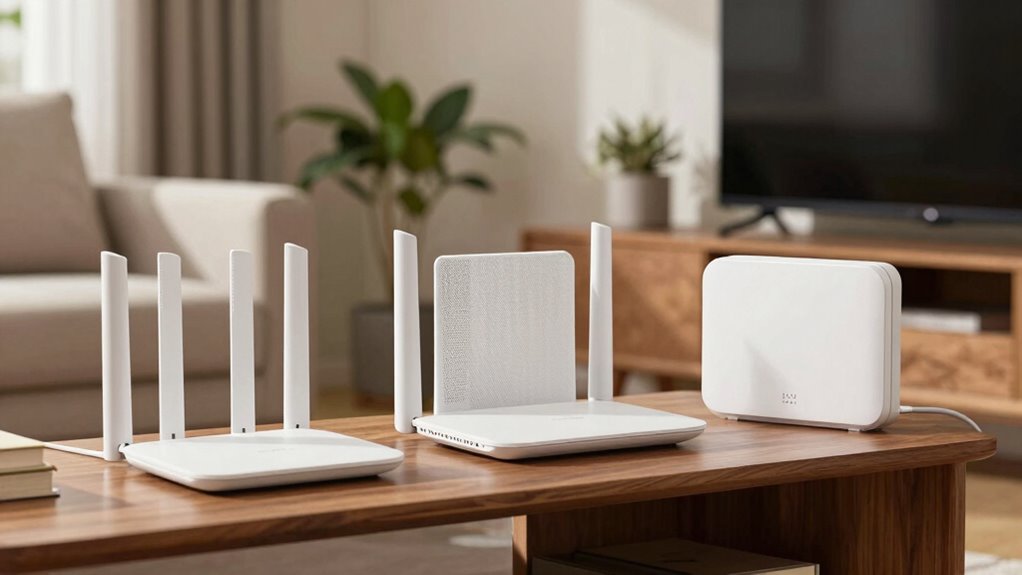
Are you wondering if mesh Wi-Fi is the right solution for your home or business? If you deal with wireless interference from thick walls or many connected devices, mesh systems can help by providing seamless coverage and reducing dead spots. They’re especially useful in larger spaces or multi-story buildings where traditional routers struggle. Additionally, many mesh systems offer device prioritization, allowing you to allocate bandwidth to important devices like work computers or streaming devices. However, if your environment has minimal interference and your network needs are simple, a standard router might suffice. Consider your space size, number of devices, and the importance of reliable connectivity when deciding if mesh Wi-Fi fits your needs.
Frequently Asked Questions
Can Mesh Wi-Fi Systems Prioritize Specific Devices or Applications?
Yes, mesh Wi-Fi systems often let you prioritize specific devices or applications through device management features. You can customize your network settings for better performance, ensuring your streaming or gaming devices get the bandwidth they need. By using network customization options, you control which devices or apps receive priority, helping you optimize your Wi-Fi experience and reduce lag or buffering during essential moments.
How Does Mesh Wi-Fi Handle Device Handoffs Between Nodes?
You experience device roaming seamlessly with mesh Wi-Fi because it automatically hands off devices between nodes. This process guarantees network seamlessness, so you don’t notice interruptions as you move around your space. The system constantly monitors signal strength and switches devices to the best node without your intervention, maintaining a stable connection. This smart handoff keeps your devices connected smoothly, providing uninterrupted internet access across your entire home or office.
Are Mesh Wi-Fi Systems More Secure Than Traditional Routers?
Yes, mesh Wi-Fi systems are generally more secure than traditional routers. They often include advanced network encryption to protect your data and receive regular firmware updates that fix vulnerabilities. These updates help keep your network safe from threats and hacking attempts. Plus, mesh systems usually have better built-in security features, making it harder for intruders to access your network compared to standard routers.
Do Mesh Systems Require a Modem or Just a Router?
Imagine you’re upgrading your home network, and you wonder if a mesh system needs a modem or just a router. Usually, mesh systems require a modem to connect to the internet, then act as a router within your network. During setup, you’ll connect the mesh router to your existing modem, ensuring network compatibility. The process is straightforward, making your Wi-Fi coverage seamless without complicating your existing setup.
What Is the Typical Lifespan of a Mesh Wi-Fi System?
A typical mesh Wi-Fi system lasts about 3 to 5 years, depending on usage and environment. During this time, firmware updates help keep your network secure and improve performance. However, compatibility issues can arise with new devices or routers, so staying updated is essential. Regularly checking for firmware updates guarantees your system remains reliable and extends its lifespan, making it a worthwhile investment for seamless connectivity.
Conclusion
If you’re tired of dead zones or sluggish speeds, a mesh Wi-Fi system might be just what you need. It’s an investment that can turn your connected home into a seamless sanctuary. Don’t let your Wi-Fi woes hold you back—sometimes, you’ve got to bite the bullet and upgrade. With the right setup, you’ll be up and running smoothly in no time. After all, a stitch in time saves nine.