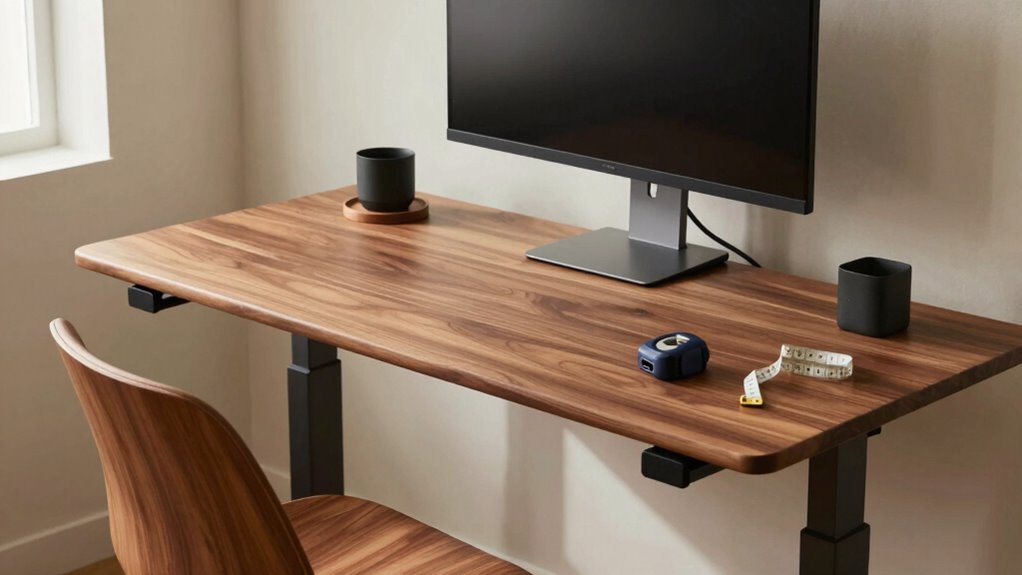

To create an ergonomic desk setup, you need to take into account a few simple measurements. Adjust your chair so your feet rest flat on the floor, with knees at a 90-degree angle. Set your desk height so your elbows are also at 90 degrees. Your monitor should be at or slightly below eye level and about 20 to 30 inches away. With these adjustments, you’ll enhance your comfort and productivity. There are more tips that can help refine your setup further.
Key Takeaways
- Adjust chair height so feet rest flat on the floor and knees are at a 90-degree angle for optimal comfort.
- Set desk height to allow elbows to remain at a 90-degree angle when typing to promote proper posture.
- Position the monitor at or slightly below eye level, about 20 to 30 inches away, to reduce neck strain.
- Keep the keyboard flat or slightly tilted, ensuring forearms are parallel to the floor for natural wrist positioning.
- Regularly assess and adjust your setup to maintain ergonomic effectiveness and comfort over time.

Fizzin Ergonomic Office Chair, 400 LBS Computer Chairs with Adjustable Lumbar Support, Breathable Mesh Desk Chair Ergonomic with Thickened Cushion, Comfy Home Office Desk Chair (Black)
Ergonomic Office Chair: Our ergonomic office chair provides total comfort and support for your head, back, hips and…
As an affiliate, we earn on qualifying purchases.
As an affiliate, we earn on qualifying purchases.
Why You Need an Ergonomic Workspace
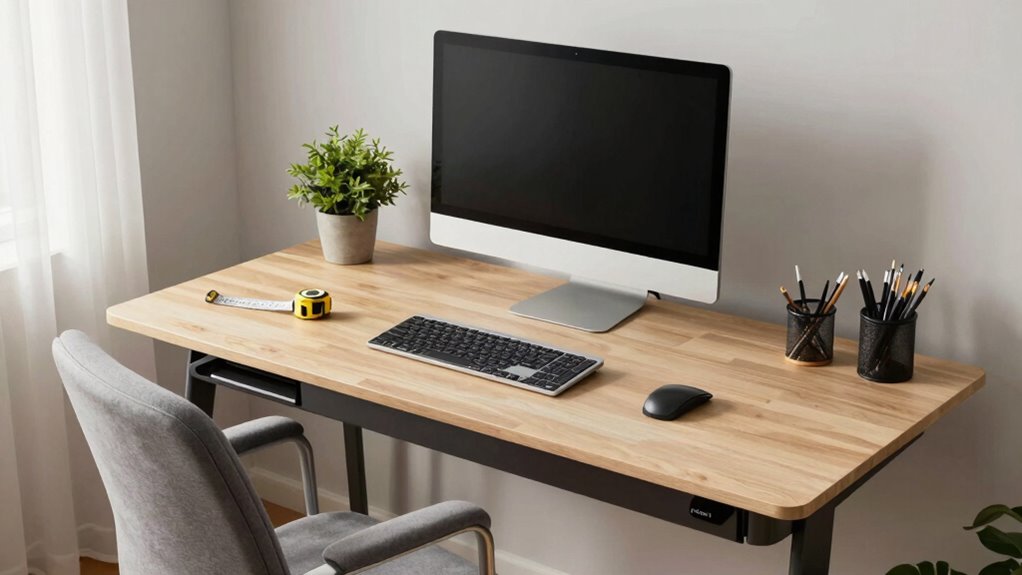
Creating an ergonomic workspace is essential not just for comfort but also for your overall productivity and health. When you set up your workspace correctly, you’ll notice a significant boost in your workspace productivity. You’ll find it easier to focus, and you won’t tire as quickly. An ergonomic setup helps reduce strain on your body, which means fewer aches and pains, allowing you to work longer and more efficiently. The health benefits of an ergonomic workspace include improved posture, reduced risk of injuries, and enhanced mental well-being. By investing time and effort into creating an ergonomic environment, you’re prioritizing both your comfort and effectiveness, which ultimately leads to better performance and greater satisfaction in your work life. Additionally, understanding the fundamentals of layout and ergonomics can help you make smarter decisions and customize your workspace to suit your needs.

WALI Computer Monitor Stand for Desk, Adjustable Laptop Riser, Desk Monitor Stand Underneath Storage for Office, Home, School Supplies (STT003), 1 Pack, Black
Design: The monitor stand for the desk has a large 14.6 x 9.3 inches metal shelf that fits…
As an affiliate, we earn on qualifying purchases.
As an affiliate, we earn on qualifying purchases.
Key Measurements for Your Ergonomic Desk
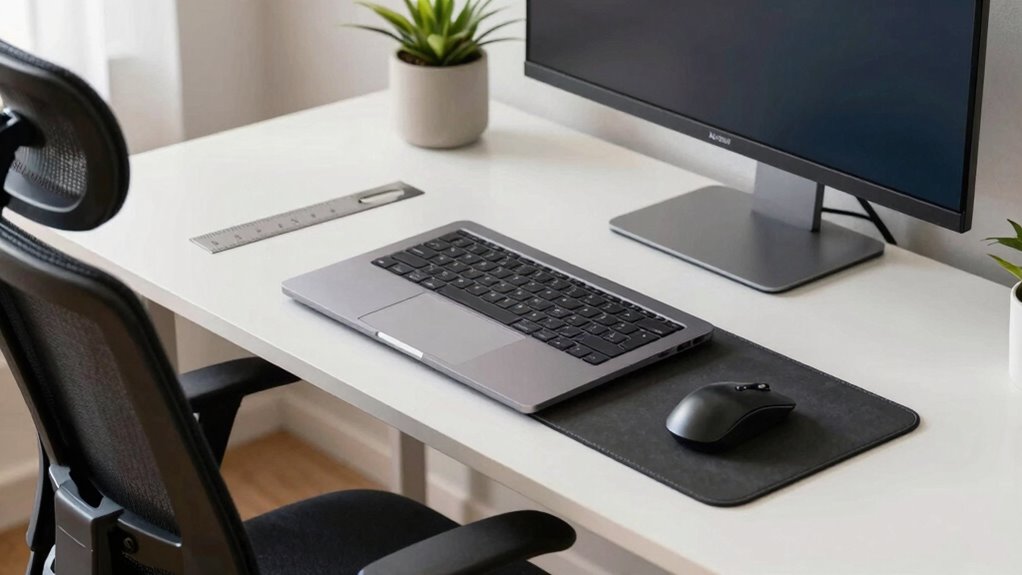
To create an ergonomic desk setup, you’ll need to focus on key measurements like your chair height and monitor positioning. Your chair should allow your feet to rest flat on the floor, while the monitor should be at eye level to reduce strain. Let’s explore how these adjustments can enhance your comfort and productivity. Incorporating proper ergonomics principles can further support your overall well-being during work.
Ideal Chair Height
Finding the ideal chair height is essential for ensuring your comfort and productivity at your desk. To achieve this, start by adjusting your chair so that your feet rest flat on the ground, with your knees at a 90-degree angle. If your chair doesn’t allow for that, consider using a seat cushion to elevate your position. The goal is to maintain a relaxed posture where your thighs are parallel to the floor. Don’t forget to make necessary chair adjustments to cater to your height and desk setup. A properly adjusted chair not only enhances your comfort but also reduces strain on your back and legs, helping you stay focused on your tasks throughout the day.
Monitor Positioning Guidelines
When it comes to monitor positioning, ensuring the screen is at the right height and distance can greatly impact your comfort and productivity. Position your monitor so that the top of the screen is at or slightly below eye level, about 20 to 30 inches away from your face. This helps reduce strain on your neck and eyes. Adjust the monitor brightness to minimize eye fatigue, and make sure it’s not too dim or bright compared to your ambient lighting. Also, pay attention to screen glare; position your monitor away from windows or use an anti-glare screen cover to enhance visibility. Proper filtration and suction from your workspace environment can further improve overall comfort. Following these guidelines will create a more ergonomic workspace, allowing you to work efficiently and comfortably.

Wireless Keyboard and Mouse Combo, 2.4G Full Size Wave Keys Ergonomic Keyboard with Wrist Rest and 3-Level DPI Adjustable Wireless Ergonomic Mouse for Windows, Mac OS Desktop/Laptop/PC(Black)
【Wave Ergonomic Wireless Keyboard and Mouse Combo】The wireless keyboard features a wave key and wrist rest design that…
As an affiliate, we earn on qualifying purchases.
As an affiliate, we earn on qualifying purchases.
Position Your Chair for Maximum Comfort

Positioning your chair correctly is essential for achieving maximum comfort during long hours at your desk. Start by making necessary chair adjustments to guarantee your feet rest flat on the floor, with knees at a 90-degree angle. Your thighs should be parallel to the ground, promoting proper seating posture. If your chair has armrests, adjust them so that your arms rest comfortably at your sides, avoiding any strain on your shoulders. Lean back slightly in your chair, allowing your lower back to be supported. This position not only enhances comfort but also improves your overall focus and productivity. Remember, small adjustments can make a big difference in how you feel throughout the day. Prioritize your comfort for better work performance. Proper ergonomic alignment can help prevent discomfort and long-term strain.

Standing Desk Adjustable Height, Mobile Stand Up Desks with Wheels Small Computer Desk Rolling Desk, Portable Laptop Desk Black Standing Table Sit Stand Home Office Desks 16"x31.5" Height 27"-43.5"
【Adjustable Height Standing Desk】Adjustable height 27"-43.5", you can keep your favorite height. You can sit or stand, 31.5"…
As an affiliate, we earn on qualifying purchases.
As an affiliate, we earn on qualifying purchases.
Step-by-Step to Find Your Desk Height
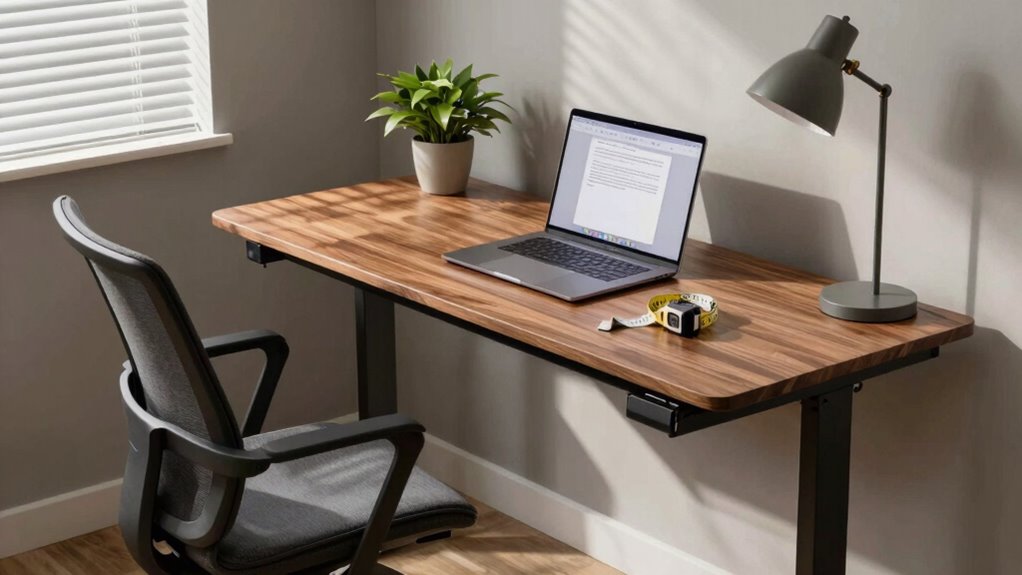
To guarantee your desk height suits your needs, start by sitting comfortably in your chair with your feet flat on the floor. Your elbows should form a 90-degree angle when resting on the desk. Use desk measurement techniques to determine the ideal height, ensuring your wrists remain straight and your hands float comfortably above the keyboard. For optimal comfort, consider ergonomic principles when adjusting your workspace setup. If your desk feels too high or low, make ergonomic adjustments by raising or lowering your chair, or using a desk riser if necessary. Remember, your forearms should be parallel to the ground. Check your posture regularly to maintain comfort throughout the day. Following these steps will help you create a workspace that supports your health and productivity.
How to Position Your Monitor for Optimal Eye Health?
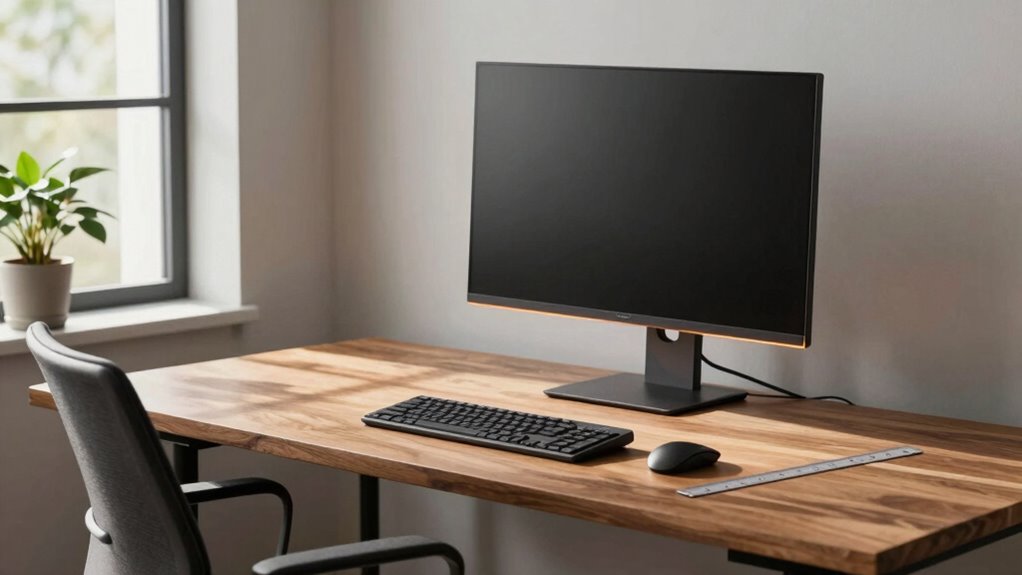
To keep your eyes healthy, it’s essential to position your monitor correctly. Aim for the top of the screen to be at or just below eye level and sit about an arm’s length away. This setup helps reduce strain and promotes better posture while you work.
Ideal Monitor Height
How can the height of your monitor impact your eye health? Positioning your monitor at the right height is essential to reduce strain and improve comfort. Ideally, the top of the screen should be at or just below eye level. This helps you maintain a neutral neck position, minimizing fatigue. If your monitor’s too high or low, you might end up squinting or tilting your head, leading to discomfort. Consider the screen brightness as well; a brighter screen can increase monitor glare, making it harder to focus. Adjusting the monitor height to reduce glare and customize brightness settings can considerably enhance your viewing experience, keeping your eyes healthy and comfortable throughout the day. Proper monitor positioning also plays a crucial role in reducing overall visual strain and preventing long-term eye issues.
Proper Distance Guidelines
Maintaining the right distance from your monitor is essential for ideal eye health, and a good rule of thumb is to position it about an arm’s length away—roughly 20 to 30 inches. This proper distance helps reduce screen glare and prevents eye strain, allowing you to work comfortably for longer periods. Ensuring your monitor is at the correct distance can also support better ergonomic posture, reducing the risk of discomfort or injury.
Best Practices for Keyboard and Mouse Positioning
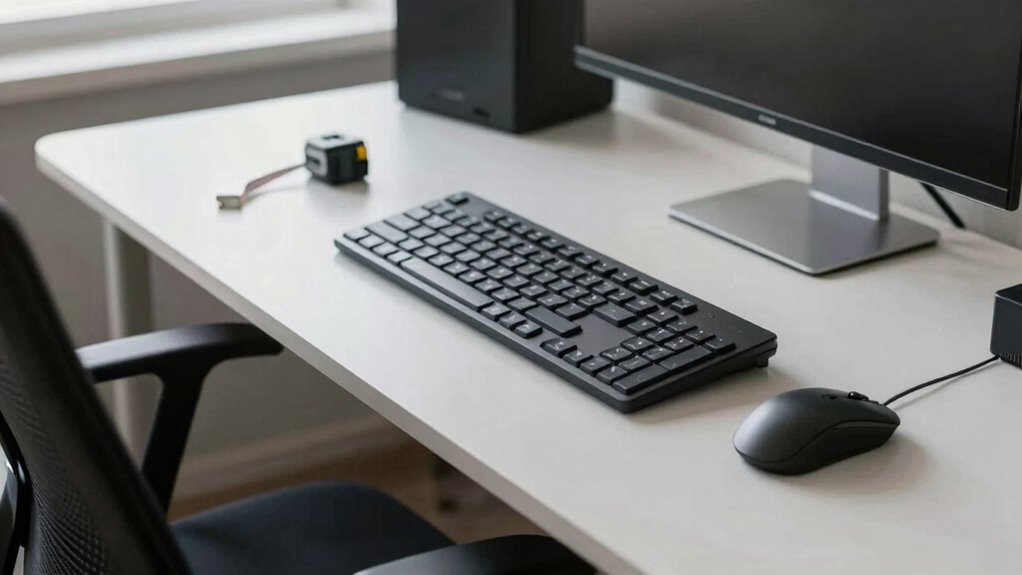
While you might not realize it, the position of your keyboard and mouse can noticeably impact your comfort and productivity. To start, keep your keyboard flat or at a slight keyboard tilt to maintain a natural wrist position. Avoid angling it too steeply, as this can strain your wrists over time. Place your mouse close enough so you don’t have to stretch your arm; ideally, it should be level with your keyboard. For a proper mouse grip, use a relaxed hold that lets your fingers glide effortlessly, minimizing fatigue. Confirm your forearms are parallel to the floor or slightly angled down. By following these best practices, you’ll create a more ergonomic workspace that supports your well-being.
Tips for Maintaining Your Ergonomic Setup Over Time

After optimizing your keyboard and mouse positioning, it’s important to keep that ergonomic setup effective over time. Make regular adjustments based on how you feel during work. Set reminders to check your posture and equipment every few weeks. This proactive approach helps in preventing discomfort and guaranteeing that your workspace remains supportive. Incorporating simple strategies from trusted guides can make maintaining your ergonomic setup easier and more effective.
Frequently Asked Questions
How Often Should I Adjust My Ergonomic Setup?
You should adjust your ergonomic setup every few weeks or whenever you notice discomfort. Frequent adjustments help guarantee your workspace meets your needs, promoting better posture and reducing strain. It’s essential to maintain an ergonomic environment, so listen to your body and make changes as needed. Consistent ergonomic maintenance not only enhances comfort but also boosts productivity. Remember, a small adjustment can make a big difference in your overall well-being.
Can I Use a Standing Desk for an Ergonomic Setup?
Yes, you can use a standing desk for an ergonomic setup! Standing desks offer benefits like improved posture and increased energy levels. However, they also come with drawbacks, such as potential fatigue and discomfort if used for long periods. To maximize the advantages, alternate between sitting and standing, ensuring your desk height is right for your body. This balance helps you stay comfortable and productive throughout your workday.
What Are the Signs of Poor Ergonomic Posture?
You might notice signs of poor ergonomic posture if you’re experiencing back pain or neck strain. Slouching in your chair or craning your neck forward can lead to discomfort. If your shoulders feel tight or you frequently catch yourself adjusting your position, those are red flags too. Pay attention to how your body feels throughout the day; it’s essential to make adjustments to avoid long-term issues and improve your overall comfort.
Are There Specific Ergonomic Accessories You Recommend?
Yes, there are several ergonomic accessories you should consider. An ergonomic chair is essential for supporting your back and promoting good posture. Pair it with a keyboard tray, which allows your arms to rest comfortably while typing, reducing strain on your wrists. Additionally, a monitor stand can help position your screen at eye level, preventing neck strain. Investing in these accessories can greatly enhance your comfort and productivity at your desk.
How Can I Ensure My Setup Is Child-Friendly?
To create a child-friendly setup, think of it like crafting a cozy treehouse. Start by choosing adjustable desks that grow with your child, ensuring they can comfortably engage with their work. Pair these with child-friendly chairs that support their posture and encourage movement. Add colorful accessories and keep supplies within reach to spark creativity. Regularly check that everything fits their changing needs—just like a treehouse needs updates as it ages!
Conclusion
Creating an ergonomic desk setup is like tuning a musical instrument—you need the right adjustments for everything to harmonize. By following the simple measurement methods outlined above, you can transform your workspace into a haven of comfort and productivity. Remember, your comfort directly impacts your work efficiency and overall well-being. So, take a moment to fine-tune your setup, and enjoy the benefits of a healthier, more enjoyable work environment!