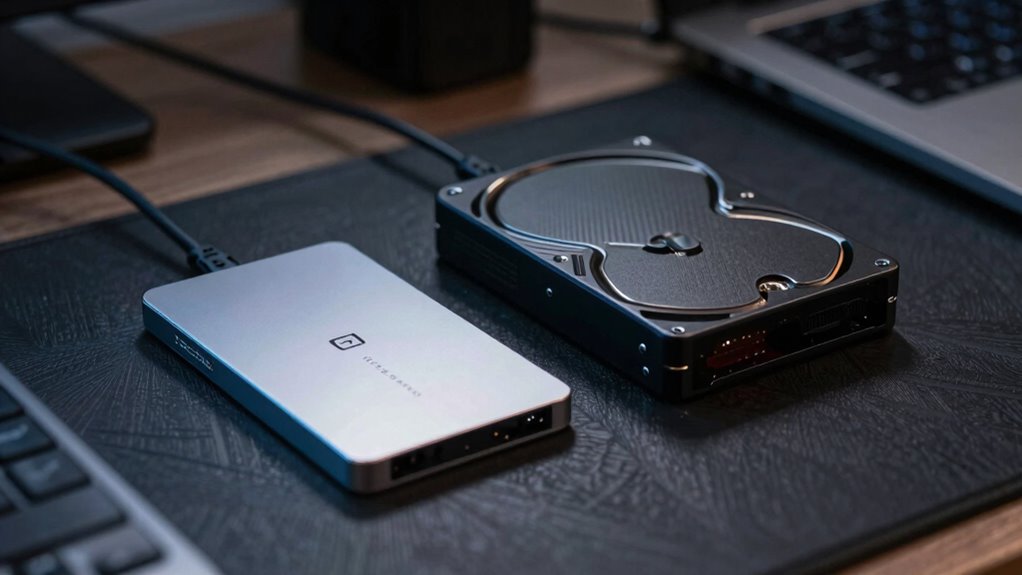

When choosing between SSDs and HDDs for external storage, consider your needs. SSDs are faster, more durable, and consume less power, making them great for portability and intensive tasks like gaming or video editing. On the other hand, HDDs offer larger capacities at lower costs, which is ideal for storing bulk data. Think about your storage requirements, budget, and usage scenarios to make the right choice. Discover more tips to help finalize your decision.

Get the little things that make your day delivered free with Prime
- Fast, free delivery on millions of items
- Prime Video, Amazon Music and more included
- Member-only deals all year
Key Takeaways
- Determine your storage needs based on data types, such as documents versus high-resolution videos, to choose the right capacity.
- Consider SSDs for faster boot times and application launches, while HDDs offer larger capacities at lower costs.
- Evaluate your budget, as SSDs are pricier per GB but may save time and increase productivity.
- Assess durability requirements; SSDs are more shock-resistant, making them ideal for portable use, while HDDs are more prone to mechanical failure.
- Think about future growth and backup strategies to ensure your chosen storage can accommodate evolving data needs.
As an affiliate, we earn on qualifying purchases.
Understanding SSDs and HDDs: The Basics
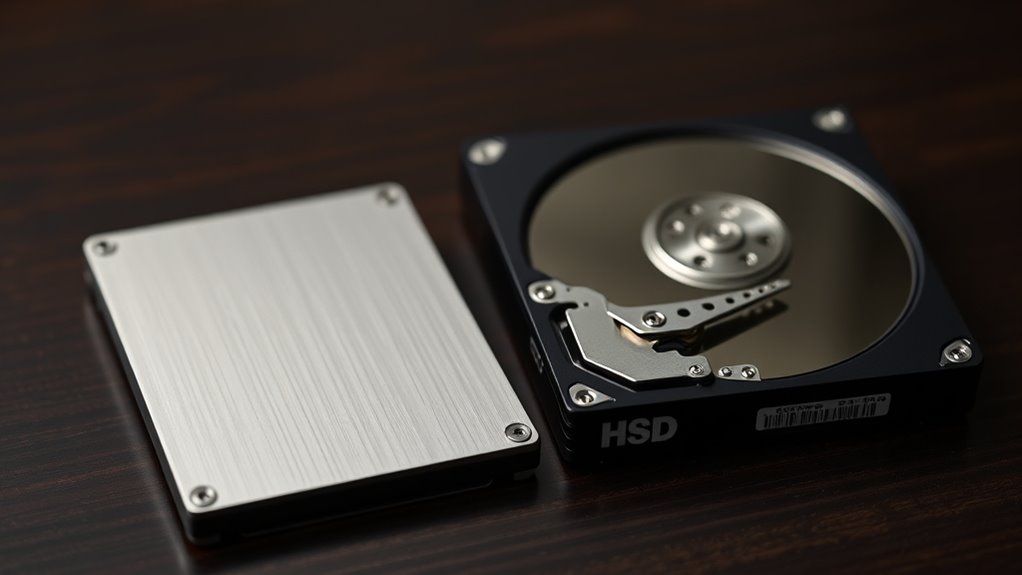
When you’re considering external storage options, it’s essential to understand the key differences between SSDs (solid-state drives) and HDDs (hard disk drives). SSD technology uses flash memory, which means there’s no moving parts. This results in increased durability and lower power consumption, making SSDs ideal for portable use. On the other hand, HDD performance relies on spinning disks and read/write heads. While they typically offer higher storage capacities at lower prices, they’re more prone to mechanical failure and can be bulkier. Your choice will ultimately depend on your storage needs, budget, and how you plan to use the device. Understanding these fundamentals will help you make an informed decision that suits your requirements.
As an affiliate, we earn on qualifying purchases.
Speed Comparison: SSDs vs HDDs
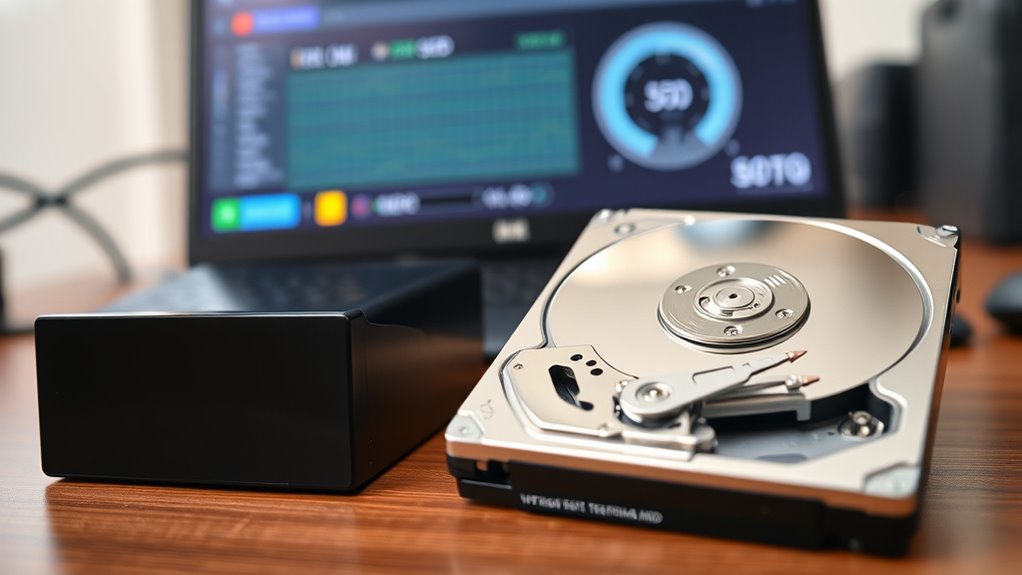
While both SSDs and HDDs serve the same purpose of storing data, their speeds differ considerably, affecting your overall experience. When considering performance metrics, SSDs generally outperform HDDs in several key areas:
- Boot Times: SSDs can boot your system in seconds, while HDDs might take minutes.
- File Transfers: Expect faster data transfer rates with SSDs, often exceeding 500 MB/s compared to HDDs’ 100-200 MB/s.
- Loading Applications: Programs launch almost instantly on SSDs, whereas HDDs can lag.
- Durability: SSDs are more resilient to physical shocks, enhancing performance longevity.
Ultimately, if speed’s a priority for you, SSDs are the clear winner. You’ll notice the difference in everyday tasks, making your experience smoother and more efficient.
external solid state drive for gaming
As an affiliate, we earn on qualifying purchases.
As an affiliate, we earn on qualifying purchases.
How Much Storage Do You Actually Need?
How do you determine the right amount of storage for your needs? Start by evaluating your personal storage needs based on your data usage patterns. If you mainly store documents and photos, a few hundred gigabytes might suffice. However, if you work with high-resolution videos or large software applications, you’ll likely need several terabytes. Consider how often you back up your data and whether you prefer to keep everything on hand or archive older files. Think about future growth too; if you anticipate increasing your data storage requirements, it’s wise to opt for a larger capacity now. By analyzing these factors, you can find the perfect balance between your current needs and future demands.
large capacity external hard drive
As an affiliate, we earn on qualifying purchases.
As an affiliate, we earn on qualifying purchases.
Comparing Costs: Are SSDs Worth the Investment?
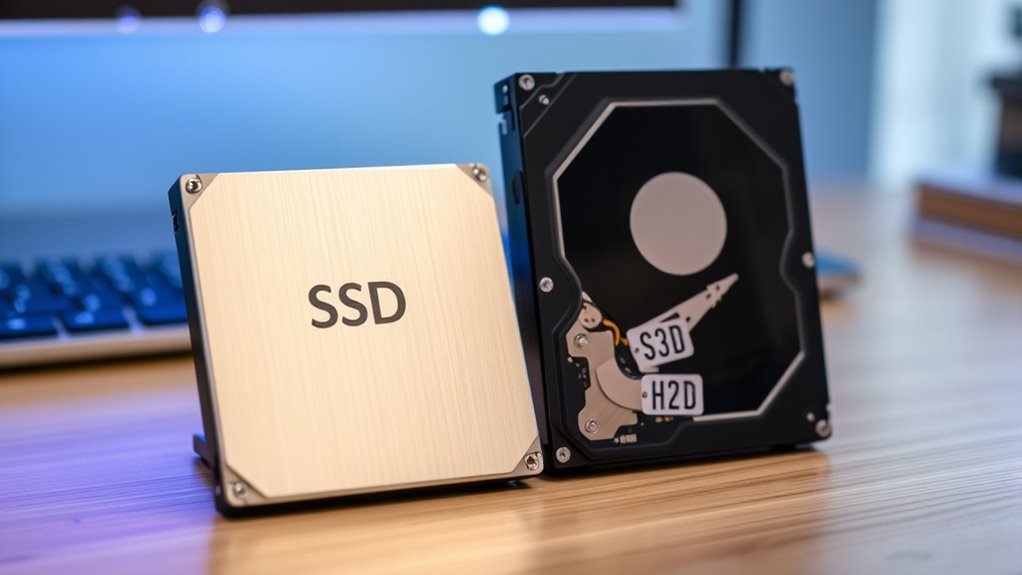
After determining how much storage you need, the next step is to contemplate the costs associated with different storage options. Conducting a cost analysis can help you decide if SSDs are worth the investment. Here are some factors to evaluate:
Evaluate the costs of storage options to determine if investing in SSDs aligns with your budget and needs.
- Price per GB: SSDs typically cost more than HDDs, so assess your budget.
- Speed Advantage: SSDs provide faster data access, which can save you time and increase productivity.
- Lifespan: While SSDs are pricier, they often outlast HDDs, offering long-term investment benefits.
- Energy Efficiency: SSDs consume less power, leading to lower energy costs over time.
Durability and Reliability: Which Lasts Longer?
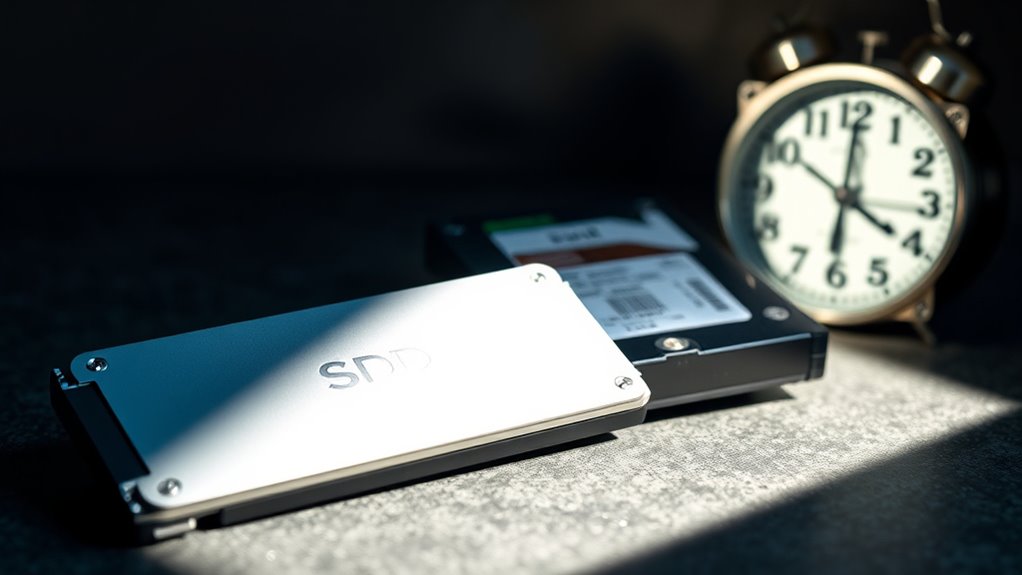
When it comes to durability, SSDs generally outperform HDDs thanks to their lack of moving parts. This makes SSDs more resistant to physical shock and wear over time. On the other hand, HDDs can be more vulnerable to damage, especially in mobile environments.
SSD Durability Advantages
While both SSDs and HDDs serve as reliable storage options, SSDs often take the lead in durability. When considering SSD durability advantages, you’ll find several compelling reasons to choose them:
- Shock Resistance: SSDs have no moving parts, making them less susceptible to physical damage.
- Temperature Resistance: They can withstand a wider range of temperatures compared to HDDs, ensuring consistent performance longevity in various environments.
- Faster Data Access: With quicker read/write speeds, SSDs reduce wear and tear, enhancing their lifespan.
- Lower Power Consumption: This efficiency not only saves energy but also minimizes heat production, contributing to longer device longevity.
- Advanced Technology: SSDs utilize flash memory, which further enhances their durability and data retention capabilities.
Choosing an SSD means investing in a storage solution that’s built to last, ensuring you won’t face unexpected failures.
HDD Vulnerabilities Explained
Though SSDs excel in durability, HDDs come with their own set of vulnerabilities that can impact their reliability. One of the main concerns with HDDs is mechanical failure. Since they rely on moving parts, like spinning disks and read/write heads, any physical shock or wear and tear can lead to malfunctions. If you accidentally drop your external HDD or expose it to extreme temperatures, you could face serious data loss. Additionally, the lifespan of an HDD can be shorter than that of an SSD, especially with frequent use. Regular backups are essential to protect your data from potential failures. Understanding these vulnerabilities can help you make an informed decision when choosing the right storage for your needs. Proper storage management and regular maintenance can also extend the lifespan of HDDs and reduce the risk of data loss.
Best Use Cases for SSDs vs HDDs
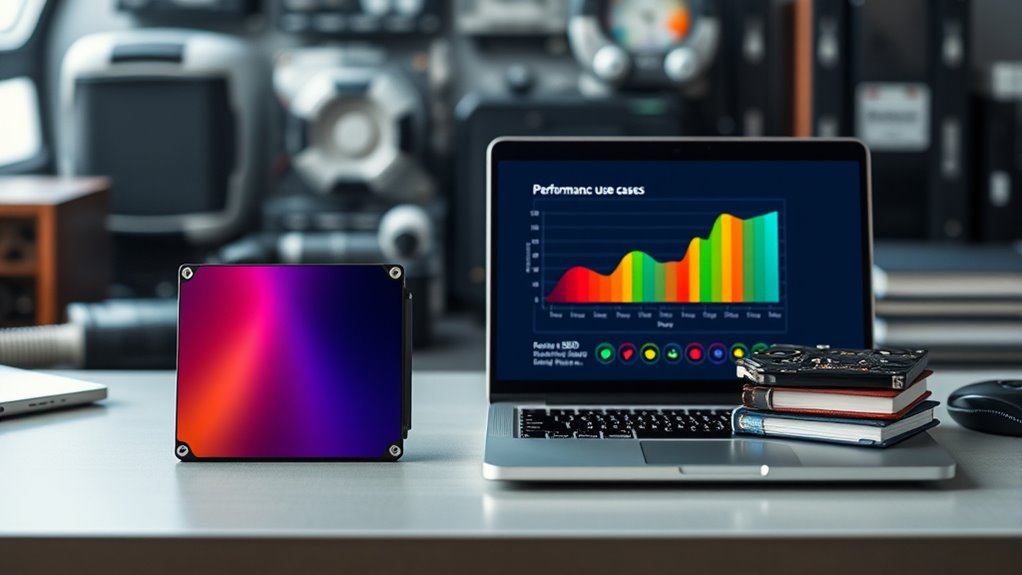
If you need speed and performance, SSDs are often the best choice for tasks like gaming, video editing, and running demanding applications. On the other hand, HDDs excel in scenarios where large storage capacity is more important than speed. Here are some best use cases for both: 1. Gaming Performance: SSDs load games faster, enhancing your overall experience. 2. video editing: SSDs provide quicker access to files, streamlining your workflow. 3. Data Backup: HDDs are cost-effective for storing large amounts of data, making them ideal for backups. 4. General Storage: Use HDDs for documents and media files that don’t require rapid access. Additionally, understanding connection standards can help optimize data transfer speeds between your storage device and your system. Choosing the right option depends on your specific needs, balancing speed and storage capacity.
Key Factors to Consider When Choosing
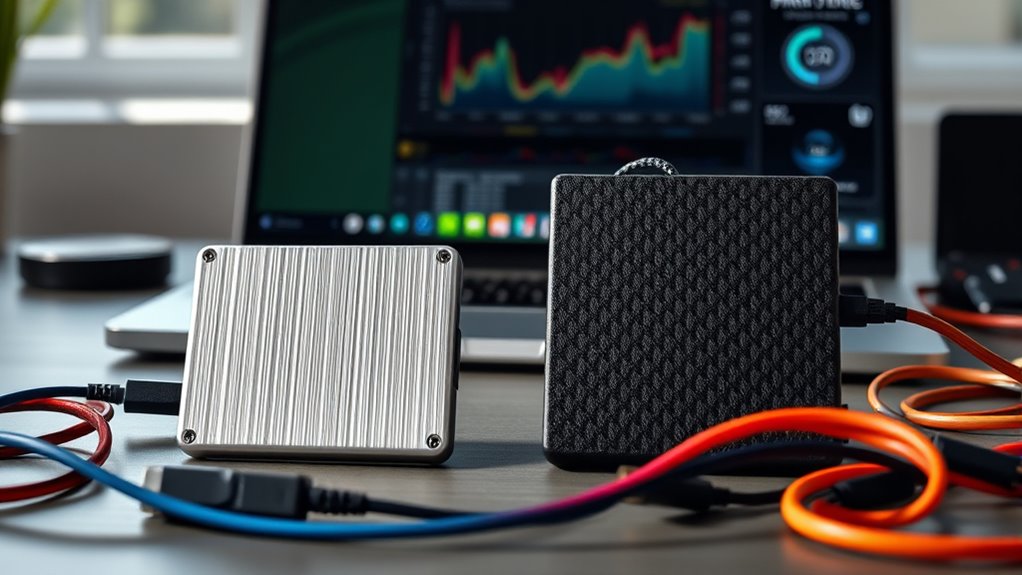
When choosing between SSDs and HDDs, it’s essential to evaluate several key factors that can impact your decision. First, consider your performance requirements. If you need fast data access for gaming or video editing, an SSD is your best bet. On the other hand, if you’re storing large files and don’t mind slower speeds, an HDD could save you money. Next, think about portability options. SSDs are typically lighter and more compact, making them easier to carry around. If you travel frequently or need to access files on the go, an SSD might be more suitable. Ultimately, balancing performance and portability will help you make the right choice for your storage needs.
Frequently Asked Questions
Can I Use Both SSD and HDD Together in My System?
Yes, you can use both SSD and HDD together in your system. This combination offers great performance benefits, as the SSD can handle your operating system and frequently used applications, while the HDD provides ample storage for larger files. Just be mindful of compatibility concerns, ensuring your motherboard supports both types of drives. By integrating them, you’ll optimize speed and capacity, making your overall system more efficient and responsive.
How Do I Transfer Data From HDD to SSD?
To transfer data from your HDD to SSD, you can use several data migration methods. First, connect both drives to your system. You can either drag and drop files manually or use cloning software for a complete transfer. Cloning tools often streamline the process, ensuring everything moves over correctly. Once the transfer’s complete, check that your files are intact on the SSD before wiping the HDD, if needed.
What Is the Lifespan of an SSD Compared to an HDD?
Imagine a race between two runners: the SSD, swift and agile, can endure a grueling sprint, while the HDD, steady and reliable, keeps a consistent pace. When it comes to lifespan, SSDs generally last around 5-10 years, showcasing impressive endurance, while HDDs can last 3-6 years, highlighting their reliability. You’ll find that while SSDs excel in speed, HDDs offer a dependable journey for your data storage needs. Choose wisely!
Are There Any Specific Brands of SSDS or HDDS to Avoid?
You should avoid certain brands known for SSD reliability concerns and HDD performance issues. Brands like Kingston and Transcend have faced criticism for their quality and customer service. Instead, focus on reputable brands like Samsung and Western Digital, which generally have better reviews. Always check recent user feedback and reliability ratings before making a purchase. Doing so guarantees you get a reliable drive that meets your storage needs without unexpected problems.
Can SSDS Be Repaired if They Fail?
SSDs can be tricky when they fail, and repair options are often limited. Unlike HDDs, which can sometimes be fixed through mechanical repairs, data recovery from SSDs usually involves specialized services. If your SSD fails, you might consider professional data recovery, but it’s not guaranteed. Regular backups can save you from the hassle, so stay proactive to protect your data. Remember, prevention is key when it comes to storage reliability.
Conclusion
In the end, choosing between an SSD and an HDD is like picking the right tool for a job. If you crave speed and performance, an SSD is your trusty sidekick. However, if you’re after spacious storage without breaking the bank, an HDD might be your best friend. Remember, it’s all about finding the perfect balance for your needs. So, embrace the journey, and let your storage solution reflect your unique style and requirements!
NFL season / tailgating Picks
team gear
As an affiliate, we earn on qualifying purchases.