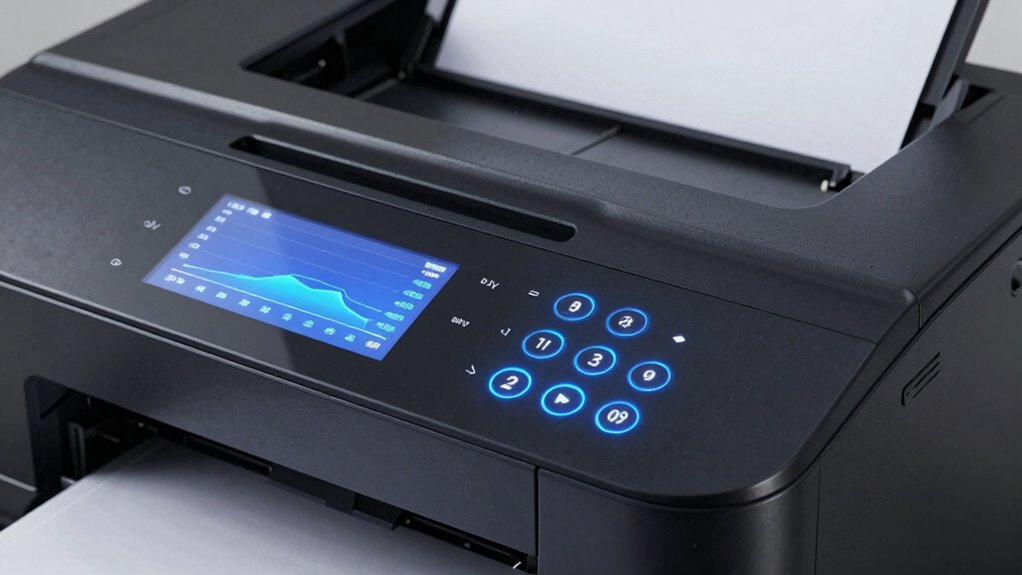

A laser printer’s duty cycle shows how many pages you can print in a month without causing damage or wear. It’s not meant to be a target but a limit to prevent overloading the device. Exceeding it can speed up component wear and cause print issues. Choosing a model suited to your printing volume helps keep your printer running smoothly and lasts longer. Stay within the duty cycle, and you’ll guarantee reliable, high-quality prints—there’s more to discover ahead.

Get the little things that make your day delivered free with Prime
- Fast, free delivery on millions of items
- Prime Video, Amazon Music and more included
- Member-only deals all year
Key Takeaways
- Duty cycle indicates the maximum number of pages a laser printer can produce monthly without damage.
- It is a recommended maximum, not a target; exceeding it accelerates wear and reduces lifespan.
- Properly matching printer duty cycle to your printing volume prevents component damage and maintains quality.
- Consistently printing near or above the duty cycle can cause malfunctions, jams, and increased maintenance costs.
- Respecting the duty cycle ensures reliable performance, longer device life, and cost-effective operation.
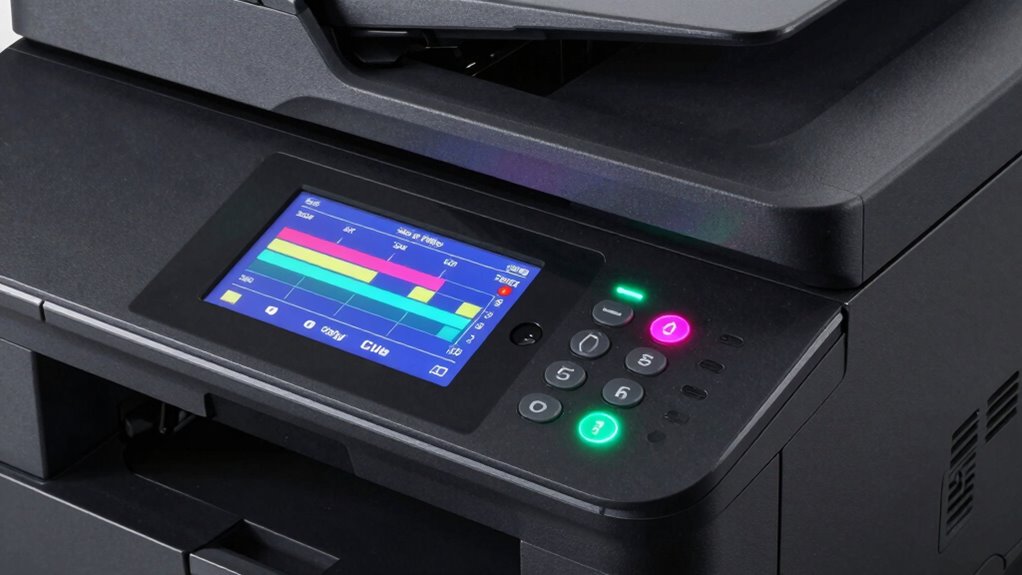
Have you ever wondered how often your laser printer can handle printing tasks without risking damage or downtime? Understanding the concept of duty cycles is essential here. The duty cycle refers to the maximum number of pages your printer is designed to produce within a specific period, usually a month. Knowing this helps you prevent overworking your device, which could lead to breakdowns or a decline in print quality. It’s not just about avoiding damage; it’s also about maintaining consistent performance over time. When you stay within your printer’s duty cycle, you help guarantee the toner cartridge lifespan is maximized. This means your toner lasts longer because the printer isn’t pushing it beyond its designed capacity, reducing unnecessary replacements and saving costs. Additionally, adhering to the duty cycle supports print quality consistency, as overloading the printer can cause smudges, streaks, or other print defects that compromise clarity and professionalism. Recognizing the importance of component wear can also alert you to when maintenance might be necessary before issues develop. Most modern laser printers come with a specified duty cycle listed in their technical specifications. This number might seem high—sometimes hundreds of thousands of pages per month—but it’s important not to interpret it as a target quota. Instead, think of it as a ceiling you shouldn’t regularly approach. Consistently printing close to or above that limit can accelerate wear on internal components like rollers and the fuser. Over time, this wear can lead to misalignments or malfunctions that affect your print quality. For example, uneven toner application or paper jams may become more frequent, disrupting your workflow and increasing maintenance costs. Staying well below the maximum duty cycle allows your printer to operate smoothly and prolongs its lifespan, ensuring that your toner cartridge remains effective and delivers peak print quality. Knowing your printer’s duty cycle also helps you choose the right model for your needs. If you frequently print large volumes, selecting a device with a high duty cycle ensures you won’t be constantly worried about overloading it. Conversely, for occasional printing, a less robust model will suffice and will help you avoid unnecessary wear. It’s also helpful to understand the impact of duty cycle on long-term device reliability, as ignoring it can lead to costly repairs. Ultimately, respecting the duty cycle isn’t just about avoiding damage; it’s about getting the most out of your machine. It keeps your toner cartridge working efficiently for longer periods and guarantees consistent, high-quality prints. When you understand and respect your laser printer’s duty cycle, you keep your workflow smooth, your costs down, and your printed documents looking sharp.
As an affiliate, we earn on qualifying purchases.
Frequently Asked Questions
How Do Duty Cycles Affect Printer Lifespan?
Your printer’s duty cycle directly affects its lifespan by indicating how much it’s designed to handle over time. If you ignore maintenance routines and push toner usage beyond recommended levels, you risk damaging internal components, leading to breakdowns. Sticking to manufacturer guidelines helps maintain ideal duty cycles, ensuring your printer lasts longer. Regular maintenance routines and mindful toner usage prevent premature wear, maximizing your printer’s performance and extending its lifespan.
Can Printing Beyond Duty Cycle Damage the Printer?
Imagine pushing a machine past its limits, ink spilling over, parts straining. Printing beyond the duty cycle can indeed damage your printer, causing wear and tear on internal components. Regular printer maintenance and timely toner replacement keep it running smoothly. Overloading it risks overheating and mechanical failure, which shortens its lifespan. Stick within the recommended duty cycle to guarantee your printer stays reliable, efficient, and ready for your next print job.
How Often Should I Check My Printer’s Duty Cycle?
You should check your printer’s duty cycle regularly, ideally during your maintenance schedules, to guarantee it’s operating within safe limits. Doing so helps prevent damage from overuse and extends ink cartridge longevity. By monitoring usage, you can identify when your printer approaches its recommended duty cycle, allowing you to perform necessary maintenance or adjustments. This practice keeps your printer running smoothly and optimizes its lifespan and printing quality.
Do Different Brands Have Different Duty Cycle Standards?
You might think duty cycles are the same across brands, but they often vary due to standard differences. Brand comparison shows some manufacturers set higher duty cycle standards, meaning their printers handle more pages monthly without issues. Don’t assume all printers are equal—check the specifications for each brand. Recognizing these standard variations helps you choose a printer that fits your printing needs and *guarantees* longevity and reliable performance.
What’s the Best Way to Optimize Printer Performance Within Duty Limits?
To guarantee your printer’s performance within duty limits, establish regular maintenance routines like cleaning and inspecting components. Manage toner levels carefully to prevent overuse, which can cause jams or damage. Avoid printing at maximum duty cycle constantly; instead, distribute large print jobs evenly throughout the week. Keeping your printer well-maintained and toner-managed ensures longevity, reduces downtime, and maintains ideal print quality within specified duty cycles.
As an affiliate, we earn on qualifying purchases.
Conclusion
So, next time your laser printer hits its duty cycle limit, don’t be surprised—it’s just doing its job, right? Ironically, pushing it beyond that isn’t the secret to faster printing, but a one-way ticket to breakdowns. You might think your printer’s endless productivity is a given, but respecting its duty cycle keeps it running smoothly. After all, sometimes the best way to boost performance is simply knowing when to hold back.
As an affiliate, we earn on qualifying purchases.
printer toner cartridge high yield
As an affiliate, we earn on qualifying purchases.
As an affiliate, we earn on qualifying purchases.
NFL season / tailgating Picks
team gear
As an affiliate, we earn on qualifying purchases.