To set up your standing desk correctly, adjust the height so your elbows form a 90-degree angle while typing, keeping your wrists straight. Position your monitor an arm’s length away, aligning the top of the screen with your eye level to reduce neck strain. Avoid glare by angling the screen away from reflections and guarantee it’s comfortable to view. With these tweaks, you’ll enhance your comfort and productivity. There’s more to optimize your workspace effectively.
Key Takeaways
- Set desk height to allow elbows at a 90-degree angle while keeping wrists straight during typing.
- Position the monitor an arm’s length away with the top aligned at eye level to maintain neck neutrality.
- Avoid glare by positioning the monitor away from reflective surfaces and adjust brightness for visibility.
- Ensure the keyboard allows elbows to rest at 90 degrees, with the mouse placed close to minimize reaching.
- Regularly reassess your setup and incorporate anti-fatigue mats for improved comfort and productivity.

ErGear Height Adjustable Electric Standing Desk, 48 x 24 Inches Sit Stand up Desk, Memory Computer Home Office Desk, Black
Electric Height Adjustable Standing Desk for Comfortable Work – Switch effortlessly between sitting and standing with this electric…
As an affiliate, we earn on qualifying purchases.
As an affiliate, we earn on qualifying purchases.
Finding the Right Height for Your Standing Desk Setup

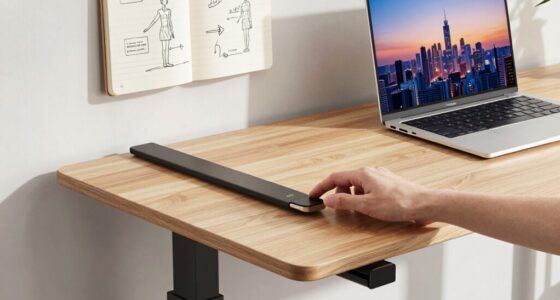
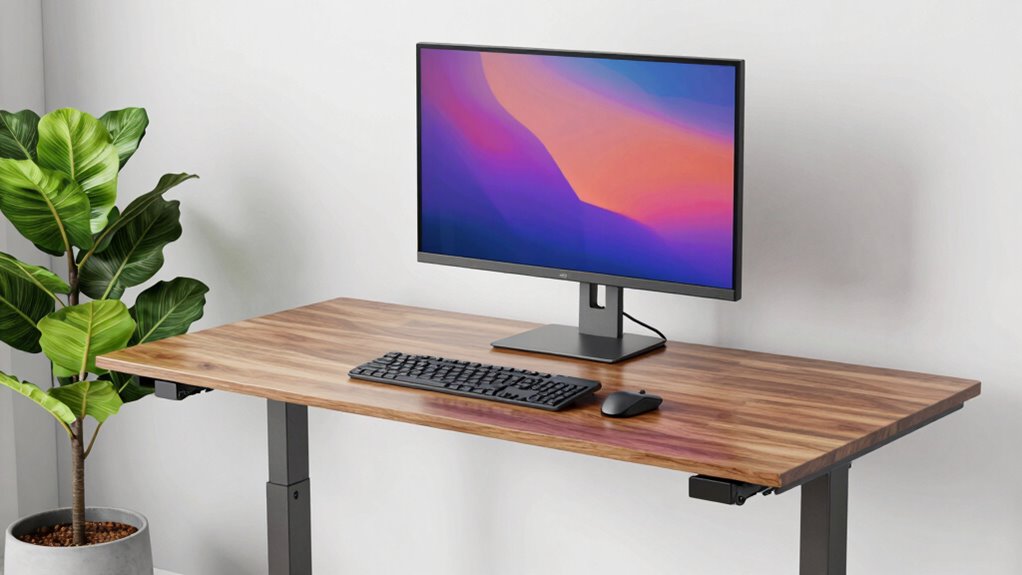
How do you know if your standing desk is the right height? Start by checking your desk height in relation to your elbows. When you stand with your arms relaxed at your sides, your elbows should form a 90-degree angle when resting on the desk. This guarantees proper posture alignment and reduces strain on your shoulders and wrists. Incorporate ergonomic principles into your setup to further optimize comfort and health. Next, make sure your wrists are straight while typing, which helps prevent discomfort. You should also stand tall, with your feet flat on the ground and weight evenly distributed. Adjust the desk accordingly, and don’t forget to evaluate your comfort throughout the day. Anti-fatigue mats can also help improve comfort and reduce fatigue during long standing periods. Additionally, paying attention to posture awareness can help you maintain proper alignment and prevent discomfort over time. Regularly monitor your posture to ensure ongoing ergonomic benefits. Finding the right height is key to enjoying the benefits of your standing desk setup without sacrificing your health.

HUANUO FlowLift™ Single Monitor Mount, 13 to 32 Inch Monitor Arm, Adjustable Monitor Stand, Vesa Mount with Clamp and Grommet Base – Fits 4.4 to 19.8lbs LCD Computer Monitors
Great Adaptability: This HUANUO single monitor arm fits 13-32 inch monitors, holds 4.4-19.8 lbs, suitable for VESA patterns…
As an affiliate, we earn on qualifying purchases.
As an affiliate, we earn on qualifying purchases.
Positioning Your Monitor for Optimal Comfort

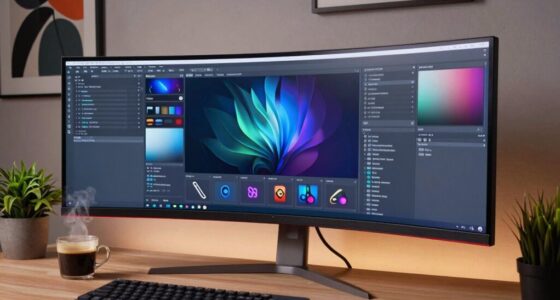
Once you’ve set your desk at the right height, it’s time to focus on your monitor’s position. Ideally, your monitor should be about an arm’s length away—this is your ideal monitor distance. This distance helps reduce eye strain and keeps your neck in a neutral position. Next, align the top of the screen with your eye level; this way, you won’t have to tilt your head up or down. Be mindful of screen glare; position your monitor to avoid reflections from windows or overhead lights. If necessary, adjust the brightness and contrast settings to enhance visibility. By taking these steps, you’ll create a comfortable workspace that promotes productivity and reduces fatigue.

FEATOL Anti Fatigue Mat for Standing, 9/10 Extra Thick Ergonomic Standing Desk Mat, Comfort Memory Foam Standing Mat at Home,Office All Day (20" x 32", Black, 1PC)
[Anti Fatigue Standing Desk Mat] – This anti fatigue mat standing desk office is effective in reducing stress…
As an affiliate, we earn on qualifying purchases.
As an affiliate, we earn on qualifying purchases.
Setting Up Your Keyboard and Mouse for Best Ergonomics

To guarantee ideal ergonomics, your keyboard and mouse should be positioned correctly in relation to your desk and body. Start by confirming your keyboard placement allows your elbows to rest comfortably at a 90-degree angle. Position it so your wrists stay straight while typing, avoiding any strain. Your mouse alignment is equally important; keep it close to the keyboard to minimize reaching. When using your mouse, your wrist should remain straight and relaxed, ideally at the same height as your keyboard. Consider a wrist rest to support your hands. Finally, verify both devices are on a flat surface to promote stability and prevent unnecessary movements that could lead to discomfort over time.

Wireless Keyboard and Mouse Combo, 2.4G Full Size Wave Keys Ergonomic Keyboard with Wrist Rest and 3-Level DPI Adjustable Wireless Ergonomic Mouse for Windows, Mac OS Desktop/Laptop/PC(Black)
【Wave Ergonomic Wireless Keyboard and Mouse Combo】The wireless keyboard features a wave key and wrist rest design that…
As an affiliate, we earn on qualifying purchases.
As an affiliate, we earn on qualifying purchases.
How to Get Moving and Take Breaks While You Work
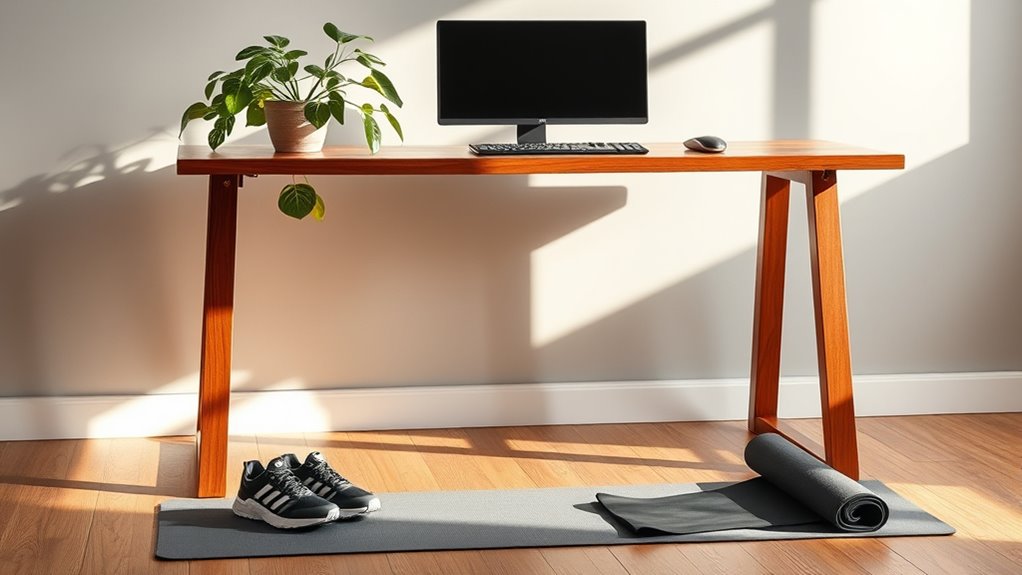
While you might be focused on your tasks, incorporating movement and regular breaks into your work routine is essential for maintaining both physical and mental well-being. Here are three simple ways to get moving throughout your day:
Incorporating movement into your workday is vital for your physical and mental health.
- Stretch Breaks: Every hour, take a few minutes to stretch your arms, neck, and legs to relieve tension and boost circulation.
- Walking Meetings: Whenever possible, suggest walking meetings instead of sitting in a conference room. This not only keeps you active but also encourages creativity.
- Set Reminders: Use a timer or app to remind you to stand up and move around regularly. Short, frequent breaks can keep you focused and energized. Incorporating local automation features such as smart reminders or routines can make this process seamless and more effective. Additionally, integrating activity tracking into your workspace can help you monitor your movement patterns and motivate you to stay active.
Incorporating NEAT activities like standing or light movement during your workday can significantly improve overall health and help manage weight and blood sugar levels. Additionally, utilizing ergonomic equipment such as sit-stand desks can facilitate easier transitions between sitting and standing, promoting more consistent movement. Implementing smart controls on your workstation can help optimize movement and break schedules, making it easier to stay on track with your activity goals.
Refining Your Setup for Ongoing Comfort and Productivity
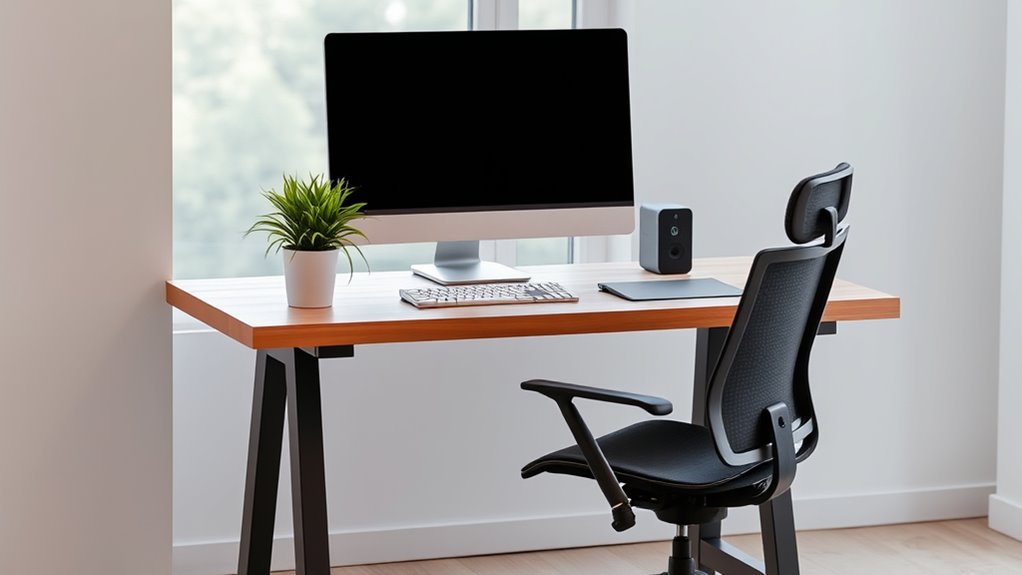
As you settle into your standing desk routine, refining your setup is crucial for ongoing comfort and productivity. Start by investing in ergonomic accessories like a supportive anti-fatigue mat, which can reduce strain on your feet and legs. Adjust your monitor height to eye level, minimizing neck strain. Keep your keyboard and mouse within easy reach to maintain a natural wrist position. Additionally, paying attention to ergonomic principles can help you create a workspace that promotes better posture and reduces discomfort. Incorporating appropriate audio equipment such as quality speakers or headphones can also enhance your focus and reduce background noise distractions. Furthermore, prioritize workspace organization. Use cable management tools to reduce clutter and create a clean environment. Incorporating storage solutions can help keep essential items close at hand, allowing you to focus on your tasks without distraction. Regularly reassess your setup to verify it meets your evolving needs, making adjustments as necessary for ideal comfort and efficiency. Also, practicing posture awareness throughout the day can prevent long-term discomfort and support your overall ergonomic health. Being mindful of workspace ergonomics ensures sustained comfort and enhances your overall productivity over time.
Frequently Asked Questions
What Type of Standing Desk Is Best for Small Spaces?
For small spaces, you’ll want a standing desk with compact designs that maximize your area while still offering functionality. Look for models that feature adjustable heights, allowing you to switch between sitting and standing easily. A wall-mounted option or a foldable desk can save even more space when not in use. Make sure it fits your style and needs, ensuring you can work comfortably without cluttering your environment.
Are There Specific Shoes Recommended for Standing Desk Use?
Yes, specific shoes can greatly enhance your comfort while using a standing desk. Look for shoes with good arch support and cushioning to provide the necessary foot support. Features like a wide toe box and shock-absorbing soles help reduce fatigue. Brands like Dansko and New Balance offer excellent options designed for prolonged standing. Investing in the right footwear not only keeps your feet happy but can also improve your overall productivity throughout the day.
How Can I Prevent Fatigue While Using a Standing Desk?
To prevent fatigue while using a standing desk, you’ve gotta be proactive! Imagine feeling like you’ve run a marathon after just an hour—exhausting, right? Focus on your standing posture; keep your feet flat, shoulders back, and knees slightly bent. Shift your weight frequently and take regular breaks to walk around. Consider using an anti-fatigue mat to cushion your feet. These simple tweaks can lead to major fatigue reduction, keeping you energized and productive!
What Accessories Enhance a Standing Desk Setup?
To enhance your standing desk setup, consider using monitor risers and anti-fatigue mats. Monitor risers elevate your screen to eye level, reducing neck strain while promoting better posture. Anti-fatigue mats provide cushioning underfoot, helping to alleviate discomfort during long standing periods. Pairing these accessories with your desk can greatly improve your comfort and productivity, allowing you to focus on your tasks without the distraction of fatigue or poor ergonomics.
Can I Use a Standing Desk if I Have Back Problems?
Yes, you can use a standing desk if you have back problems. In fact, standing desks offer several benefits, like reducing back pain and improving posture. By making ergonomic adjustments, you can customize your setup to support your back better. Consider alternating between sitting and standing to avoid strain, and guarantee your desk height is comfortable. With the right approach, a standing desk can be a great addition to your workspace.
Conclusion
Incorporating the right height for your standing desk and monitor can transform your workspace into a productivity powerhouse. Just like a well-tuned instrument, a few adjustments can harmonize your comfort and efficiency. Remember, it’s not just about standing tall—it’s about standing smart. As you move and take breaks, let your workspace breathe with you, ensuring you stay energized and focused. With the right setup, you’ll be dancing through your tasks with ease and grace.