
Understanding screen resolution terms helps you choose the right display for your needs. Resolution like 1920×1080 indicates the number of pixels across and vertically, affecting image clarity. Aspect ratio shows the proportional relationship between width and height—common for TVs and monitors. Pixel density impacts how sharp images appear, while calibration guarantees colors and contrast are accurate. Balancing resolution, technology, and workspace is key; explore more to master these essential concepts.

Get the little things that make your day delivered free with Prime
- Fast, free delivery on millions of items
- Prime Video, Amazon Music and more included
- Member-only deals all year
Key Takeaways
- Screen resolution indicates pixel dimensions, like 1920×1080, affecting image clarity and hardware demands.
- Aspect ratio describes the proportional relationship between width and height, influencing display suitability.
- Monitor calibration ensures accurate colors and contrast, vital for professional visual work.
- Pixel density determines image sharpness, impacting visual clarity at given resolutions and sizes.
- Higher resolutions increase workspace but require better hardware and can affect display comfort.
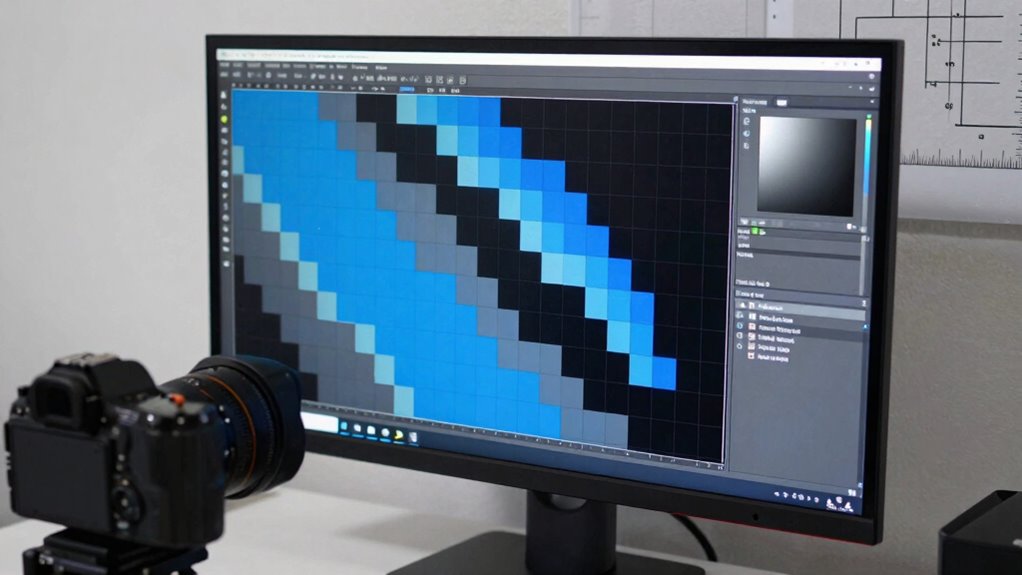
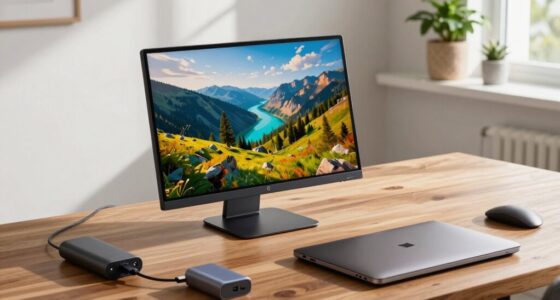
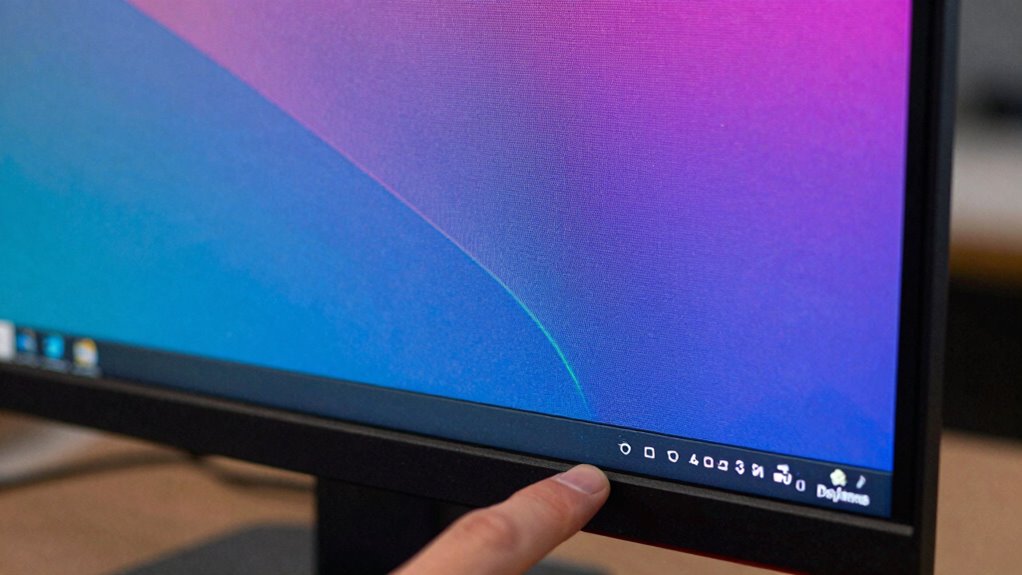
Have you ever wondered what those numbers like 1920×1080 or 1280×720 really mean when you see screen resolutions? These numbers aren’t just random; they tell you the width and height of your display in pixels. The first number indicates how many pixels are across the screen, and the second shows how many pixels are stacked vertically. For example, 1920×1080 means the display has 1920 pixels in width and 1080 pixels in height. Knowing this helps you understand how sharp and detailed your screen images will be. Higher resolution numbers generally mean clearer pictures, but they also demand more from your graphics hardware. Understanding display aspect ratio is equally important. This ratio describes the proportional relationship between the width and height of your screen. For instance, a common aspect ratio of 16:9 means your display is 16 units wide for every 9 units tall. This aspect ratio is standard for most modern TVs and monitors because it offers a good balance for watching videos and gaming. When choosing a monitor, you should consider the display aspect ratio to match what you’ll use it for. If you’re doing graphic design or editing photos, a different aspect ratio might be more suitable. Monitor calibration is a key step in guaranteeing your display shows accurate colors and contrast. When your monitor isn’t properly calibrated, the colors may look dull or overly vivid, and the brightness could be off. Calibration involves adjusting your monitor’s settings so that what you see on screen closely matches real-world colors and tones. If you’re working on professional projects, proper monitor calibration becomes even more critical. It ensures consistency across devices and helps prevent misjudging colors. Additionally, understanding pixel density can help you determine how sharp images will appear at a given resolution and screen size. A proper understanding of resolution and how it interacts with display technology can significantly enhance your overall viewing experience. Recognizing the importance of Monitor calibration can greatly improve color accuracy and prevent eye strain during long viewing sessions. Conversely, lower resolutions make things easier to see but reduce the amount of workspace available.
Products Worth Considering

Philips Hue Secure Starter Kit with Contact Sensors, Motion Sensor, Bridge, and Color Smart Bulbs

Philips Hue White and Color Ambiance Smart Light Starter Kit, 2 A19 Bulbs with Hub

Bose SoundLink Flex Bluetooth Speaker (2nd Gen), Waterproof, Dustproof, USB‑C, Up to 12 hr Battery, Black
As an affiliate, we earn on qualifying purchases.
Frequently Asked Questions
How Does Screen Resolution Affect Gaming Performance?
Screen resolution impacts your gaming performance by affecting image clarity and smoothness. A higher resolution offers sharper visuals but demands more from your graphics card, potentially reducing frame rates. The refresh rate ensures your gameplay feels fluid, while the aspect ratio influences how immersive the game appears. Balancing resolution with a good refresh rate and appropriate aspect ratio helps you achieve peak performance and visual experience in gaming.
Can I Change My Screen Resolution Without Reinstalling Drivers?
Yes, you can change your screen resolution without reinstalling drivers. Simply access your display settings through your operating system, where you can adjust resolution, refresh rate, and color depth. Increasing or decreasing the resolution updates the display quality, while modifying the refresh rate affects smoothness. Changing these settings is straightforward and doesn’t require driver reinstallation, making it easy to optimize your viewing experience quickly.
What Is the Best Resolution for Eye Comfort?
For eye comfort, a resolution around 1080p (Full HD) is ideal for most screen sizes, reducing eye strain and providing sharp visuals. Studies show that 75% of users prefer screens with good color accuracy for prolonged use. Choose a resolution that balances screen size and clarity, making text easy to read and images vibrant without causing fatigue. Adjust your display settings to find the most comfortable setup for your eyes.
How Do Resolution Differences Impact Multi-Monitor Setups?
Resolution differences in multi-monitor setups can affect your experience by causing inconsistent color accuracy and visible bezel sizes. When monitors have varying resolutions, it’s harder to achieve seamless visuals, and color accuracy might differ across screens. Bezel size also impacts immersion; larger bezels break the visual flow, distracting you. To optimize, choose monitors with matching resolutions, similar bezel sizes, and consistent color profiles for a smooth, cohesive workspace.
Is Higher Resolution Always Better for Video Editing?
Higher resolution isn’t always better for video editing. While 4K screens offer 8.3 million pixels, only 30% of professional editors prioritize resolution over color accuracy. You should consider hardware compatibility, as higher resolutions demand more powerful GPUs and accurate color reproduction. If your system supports it and you need detailed visuals, higher resolution can be beneficial. Otherwise, focus on color accuracy and smooth performance for better editing results.
Conclusion
Now that you’re armed with the basics of screen resolution terms, maneuvering your tech world feels a bit more like having a trusty pocket watch rather than a sundial. Remember, understanding these specs helps you choose the right display for your needs, whether you’re gaming or working. Don’t let confusion turn into a digital mystery—it’s as simple as knowing your pixels. Stay savvy, and don’t be a digital damsel in distress in this modern age!