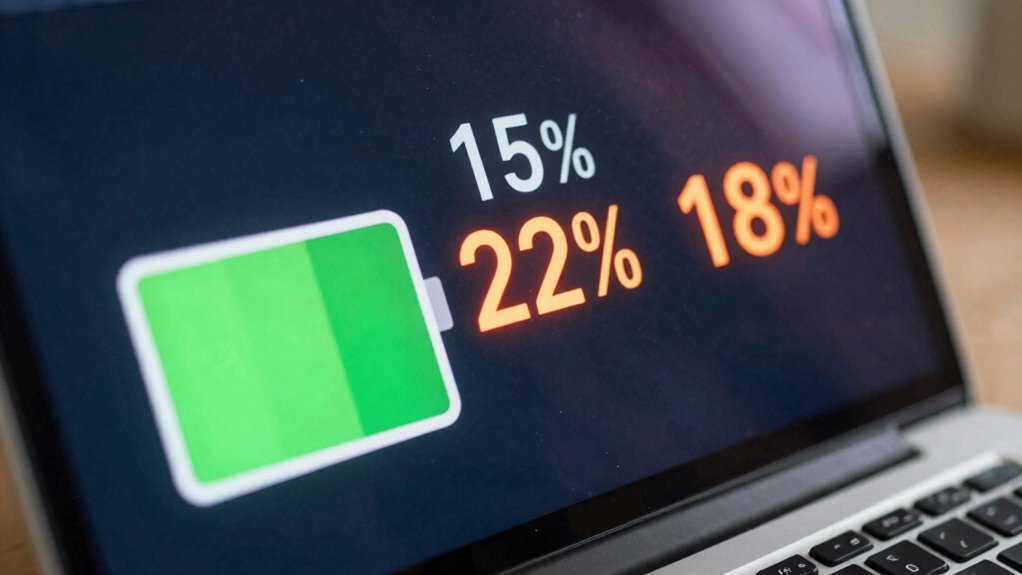

If your laptop battery percentage jumps around, it could be due to calibration issues or aging hardware that misreports charge levels. Power management settings, like battery-saving modes, can also cause fluctuations. Background processes or software updates may temporarily affect the readings, while a worn-out battery might give unpredictable results. Regular calibration, adjusting settings, and monitoring battery health can help stabilize the percentage. Keep going to find out more tips for fixing this common issue.

Get the little things that make your day delivered free with Prime
- Fast, free delivery on millions of items
- Prime Video, Amazon Music and more included
- Member-only deals all year
Key Takeaways
- Battery miscalibration causes inaccurate percentage readings, leading to sudden jumps or drops.
- Power-saving modes and settings like brightness reduction can affect battery percentage stability.
- Aging or damaged batteries may produce unpredictable fluctuations in charge display.
- Background applications and resource-heavy processes can cause abrupt percentage changes.
- Regular calibration and system updates help maintain accurate and consistent battery percentage readings.
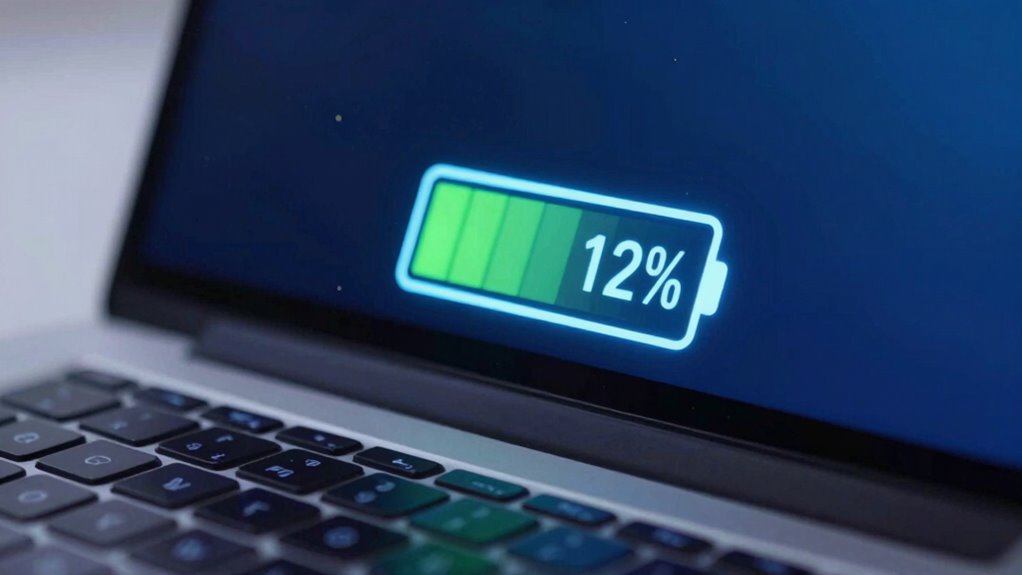
If you’ve noticed your laptop’s battery percentage suddenly fluctuating, you’re not alone. This common issue can be frustrating, but understanding the underlying causes helps you fix it. One primary reason for these jumps is that your laptop’s battery meter isn’t accurately calibrated. Over time, as you use your device, the battery’s capacity and the software’s ability to measure it can become misaligned. This miscalibration leads to the battery percentage displaying incorrectly, causing it to jump around unexpectedly. To address this, you should perform a battery calibration. This process involves fully discharging your battery and then charging it to 100% without interruption, allowing the system to recalibrate and provide a more accurate reading.
Power management settings also play a significant role in fluctuating battery percentages. Many laptops have built-in power management features designed to conserve energy, especially when you’re running on battery power. These settings can sometimes interfere with how the operating system reports battery life, leading to inconsistent percentage updates. For example, some power-saving modes might prematurely reduce the display brightness or throttle background processes, which can cause the battery indicator to jump as the system adjusts to these changes. Adjusting these settings to a balanced or high-performance mode can help stabilize the readings. Furthermore, keeping your operating system and drivers updated ensures that power management functions work correctly, reducing the chances of inaccurate battery reporting. Additionally, battery health can significantly impact how accurately your battery percentage reflects its remaining capacity, especially if it’s aged or damaged. If your battery is aging or damaged, it may not hold a charge properly, which can cause the percentage to fluctuate unpredictably. In such cases, replacing the battery might be necessary to restore accurate readings. Additionally, background processes, such as software updates or resource-intensive applications, can temporarily cause the battery percentage to jump or drop suddenly. Monitoring your task manager can help identify these processes and reduce their impact, especially if background activity is high. Regularly checking your system’s battery calibration status can also help maintain more consistent readings. Proper maintenance and understanding of power management settings are key to preventing these fluctuations over time.
As an affiliate, we earn on qualifying purchases.
Frequently Asked Questions
Can Software Updates Fix Battery Percentage Fluctuations?
Yes, software updates can fix battery percentage fluctuations. They often improve power management, helping your laptop monitor the battery more accurately and extend its lifespan. Updates may also address bugs that cause false readings or erratic jumps in battery percentage. By keeping your system current, you guarantee better battery performance, providing more reliable power management and helping you get the most out of your laptop’s battery lifespan.
Do Certain Apps Cause Inaccurate Battery Readings?
Yes, certain apps can cause inaccurate battery readings by running background processes that drain power unexpectedly. These processes can interfere with your battery’s hardware calibration, leading to fluctuating percentages. To fix this, close unnecessary apps and restart your device. Regularly calibrating your hardware helps guarantee the battery sensor reports accurate readings, reducing the chances of misleading percentage displays caused by app activity or calibration issues.
How Does Temperature Affect Battery Percentage Accuracy?
Ever wondered how temperature impacts your battery’s accuracy? Extreme heat or cold affects battery chemistry, leading to inaccurate percentage readings. When your device heats up, thermal management systems kick in, but this can still cause fluctuations in displayed charge. Cold temperatures can slow chemical reactions, making your battery seem drained even when it’s not. So, keeping your laptop within ideal temperature ranges helps maintain accurate battery percentage readings.
Is It Normal for Battery Percentage to Jump During Charging?
Yes, it’s normal for your battery percentage to jump during charging, especially if your power management settings aren’t optimized. This fluctuation can occur as the system recalibrates the battery’s capacity, affecting its perceived lifespan. Frequent jumps don’t necessarily harm your battery, but to extend its overall lifespan, make sure you’re using proper charging habits and adjusting power management settings. This helps keep your battery healthier longer.
Can Battery Calibration Improve Percentage Stability?
Think of calibration techniques as your laptop’s personal trainer, helping it maintain peak battery health. Yes, calibration can improve percentage stability by aligning the software reading with the actual battery capacity. Regular calibration resets the battery indicator, reducing erratic jumps. This process guarantees your device accurately reports its charge, extending battery lifespan and providing more reliable battery percentage readings, much like tuning a fine instrument for perfect harmony.
As an affiliate, we earn on qualifying purchases.
Conclusion
So, next time your laptop battery percentage jumps around, remember—it’s not just a glitch but a sign to check your battery’s health and settings. Think of your battery as a delicate dance partner, where every move counts. Ignoring these fluctuations is like ignoring the rhythm—eventually, the music stops. Stay vigilant, keep your battery calibrated, and dance gracefully through your digital day, knowing you’re in control of your device’s performance.
battery calibration software for laptops
As an affiliate, we earn on qualifying purchases.
As an affiliate, we earn on qualifying purchases.
laptop power management settings
As an affiliate, we earn on qualifying purchases.
As an affiliate, we earn on qualifying purchases.
Halloween Picks
halloween
As an affiliate, we earn on qualifying purchases.