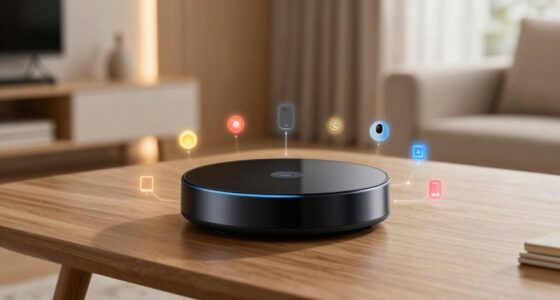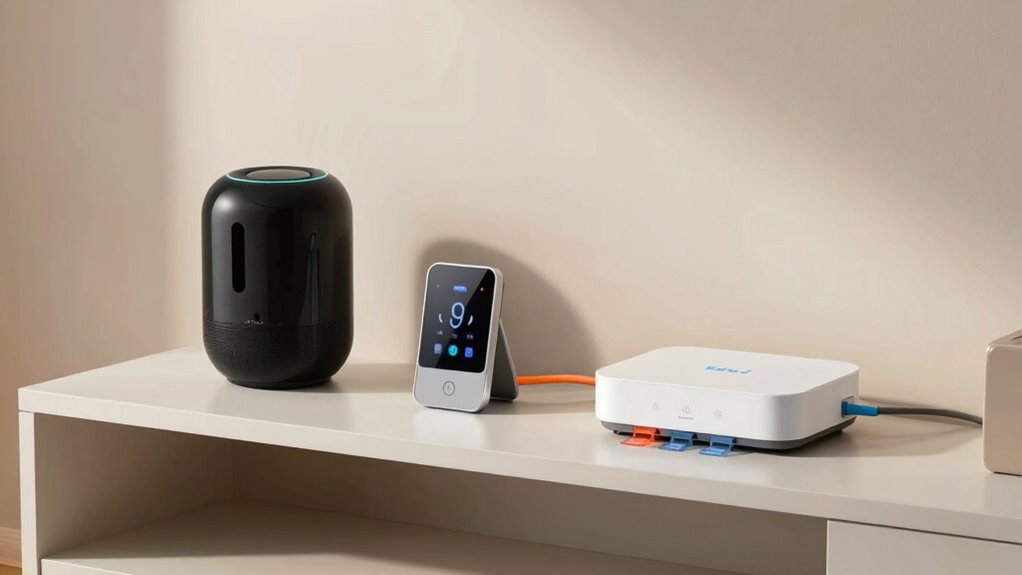

To organize your smart devices effectively, give them clear, natural-sounding names based on their location or function. Group related devices into logical clusters like “Kitchen” or “Living Room” for simpler control. Use intuitive labels, avoid technical jargon, and update names as needed to stay current. Combining thoughtful naming with strategic grouping creates a seamless, personalized experience. Keep refining your setup to maximize efficiency, and you’ll discover even more ways to optimize your smart home environment.

Get the little things that make your day delivered free with Prime
- Fast, free delivery on millions of items
- Prime Video, Amazon Music and more included
- Member-only deals all year
Key Takeaways
- Use clear, natural language labels that are easy to remember and pronounce for voice commands.
- Group related devices by room or function to simplify control and management.
- Assign logical, descriptive names during setup and refine them periodically for ongoing clarity.
- Avoid complex or technical names; prioritize simplicity and user-friendliness.
- Combine organized groupings with personalized voice commands for efficient and seamless control.
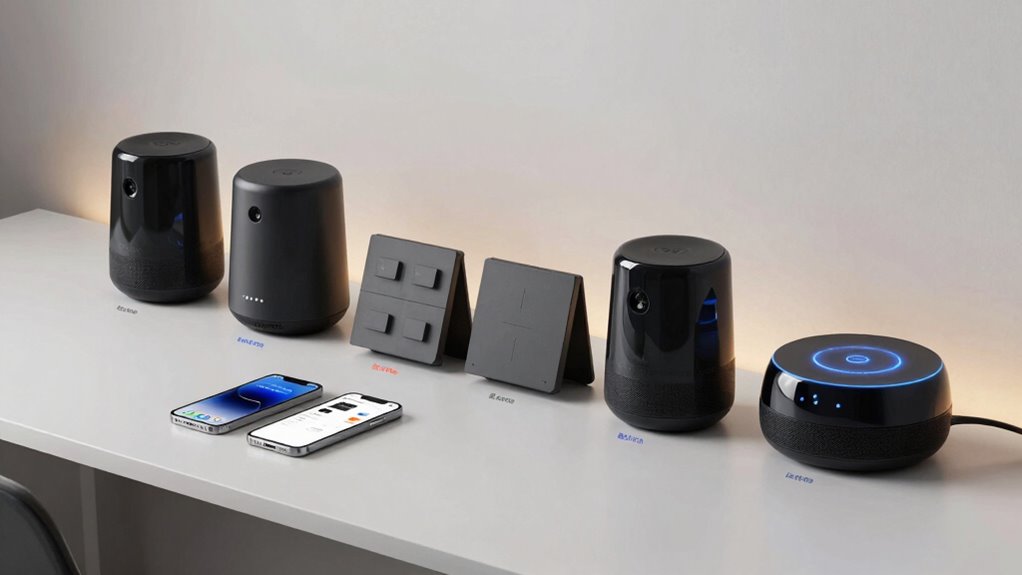
Keeping your smart devices organized can simplify your daily routines and prevent clutter from taking over your space. When you set up your devices thoughtfully, it’s easier to navigate your smart home and quickly access what you need. One of the most effective ways to do this is through voice command customization. Instead of using generic or complicated names, give each device a clear, intuitive label that feels natural when you speak it. For example, instead of “Living Room Light 1,” consider “Main Living Light” or simply “Living Room Light.” This makes voice commands more seamless and reduces the chances of miscommunication. When you customize voice commands, you’re training your smart system to recognize your speech patterns, so it responds accurately and efficiently. This personalization creates a smoother experience, especially when you’re multitasking or in a hurry.
Alongside voice command customization, implementing device grouping strategies can greatly enhance organization. Grouping related devices simplifies control and management. For instance, you can cluster all your kitchen gadgets into a “Kitchen” group or combine your bedroom lamps and speakers into a “Bedroom” group. Many smart home platforms allow you to control entire groups with a single command, which saves time and effort. When you set up device groups, be consistent with naming conventions so that each group’s purpose is immediately clear. This way, you don’t have to remember which device is in which room or what each one does. Instead, you can simply say, “Turn on the Kitchen,” and all relevant devices activate simultaneously. Understanding the importance of device organization can help you design a system that’s both intuitive and scalable as your smart home grows. Regularly reviewing your setup can also help maintain this organization as your device collection expands. Additionally, utilizing device categorization can improve the overall efficiency by allowing you to customize routines and automations based on device types or functions.
To maximize efficiency, assign logical and memorable names during setup. Avoid overly technical or long names that complicate voice commands. Instead, opt for simple, descriptive labels that resonate with how you naturally speak. As you refine your system, revisit your device names and groupings periodically to ensure they still make sense and serve your needs. This ongoing tweaking helps keep your smart home intuitive and responsive. When you combine thoughtful voice command customization with strategic device grouping, you create a smart setup that’s not only organized but also effortless to control. It transforms your space into a truly intelligent environment, where everything responds promptly and accurately, making daily routines smoother and more enjoyable.
As an affiliate, we earn on qualifying purchases.
Frequently Asked Questions
How Often Should I Review and Update Device Names?
You should review and update your device names at least every six months to guarantee they stay organized and relevant. Use device naming strategies that reflect their function, location, or user. Implement update schedule tips like setting reminders or integrating changes into your routine. Regularly revisiting your device names helps prevent confusion, keeps your system tidy, and makes managing your smart devices more efficient and intuitive over time.
What’s the Best Way to Handle Multiple Devices of the Same Type?
You should use device grouping and naming consistency to manage multiple devices of the same type effectively. Group similar devices into categories like “Living Room Lights” or “Kitchen Sensors,” and keep naming conventions uniform. This approach simplifies control and troubleshooting, confirming that organized, consistent naming minimizes confusion. Investigating how grouping improves efficiency reveals it’s a smart way to streamline your smart home setup and enhance overall device management.
Can Voice Assistants Help Manage Device Organization?
Yes, voice assistants can help manage device organization effectively. You can customize voice commands to control groups of devices, making it easier to operate multiple gadgets at once. Using device grouping strategies, you can assign devices to specific rooms or functions, then activate them with a simple voice command. This streamlines your smart home management, saving you time and making your devices more intuitive to control.
How Do I Ensure Privacy With Organized Smart Devices?
To guarantee privacy with organized smart devices, you should prioritize device encryption and user access control. Encrypt your device data to safeguard against breaches and restrict access through strong, unique passwords. Regularly update firmware to patch vulnerabilities, and set clear permissions for each user. By taking these steps, you create a secure environment where your devices remain private, giving you peace of mind and better control over your smart home.
Are There Recommended Naming Conventions for Shared Households?
For shared households, use clear device naming strategies like including room names, device types, and user initials to prevent confusion. Establish a household device hierarchy by prioritizing essential devices and grouping related ones. This approach helps everyone identify devices quickly, maintains organization, and guarantees smooth usage. Consistently update names if devices move or change functions, making management straightforward for all household members.
As an affiliate, we earn on qualifying purchases.
Conclusion
Organizing your smart devices with clear names and logical setups can boost your home’s efficiency and reduce frustration. Did you know that 60% of smart home users report better device management and fewer issues after organizing their devices? By taking a few moments to name and categorize your gadgets thoughtfully, you’ll enjoy a smoother, more seamless smart home experience. Start today, and see how simple organization can make your smart life smarter and more enjoyable!
voice control smart home devices
As an affiliate, we earn on qualifying purchases.
As an affiliate, we earn on qualifying purchases.
smart home organization accessories
As an affiliate, we earn on qualifying purchases.
As an affiliate, we earn on qualifying purchases.
Halloween Picks
halloween
As an affiliate, we earn on qualifying purchases.